Stage 01 · Write · Researched comparison
Best JavaScript Toast Notification Libraries in 2026
Sonner is the first pick for most React and Vue teams that want a modern, accessible toast component with minimal setup. React Hot Toast is a good alternative when you want a small, promise-aware API and simple styling. Toastify JS suits plain JavaScript and jQuery projects that need dependency-free toasts without a framework. All three are open source and free to use.

By Shihab Mia
Published 27 Nov 2026 · 6 tools compared
We run no ads and no affiliate links at launch. The order of a list follows our published method. See how we score.
Prices are the starting prices vendors list publicly. Plans change, so confirm the current price on the vendor page before you buy.
Key takeaways
- Sonner, React Hot Toast, React Toastify, Toastify JS, Vue Sonner and Notistack are all free and open source.
- Sonner and React Hot Toast target React first; Vue Sonner targets Vue; Toastify JS works without a framework.
- Toast libraries render in the browser, so no notification content is sent to a third-party service.
- Each library has its own styling and accessibility defaults; check keyboard focus and screen reader behavior before shipping.
Who each pick is for
- React and Vue apps that want accessible, styled toastsSonner
- React apps that want a small, promise-aware toast APIReact Hot Toast
- React apps that need many toast types and positionsReact Toastify
- Vanilla JavaScript and jQuery pages that need simple toastsToastify JS
- Vue 3 apps that want Sonner-style accessible toastsVue Sonner
- React apps built on Material UI that need stacked snackbarsNotistack
Comparison
| Tool | Best for | Standout feature | Listed starting price | Free plan or trial |
|---|---|---|---|---|
| 1Sonner | React and Vue apps that want accessible, styled toasts | Accessible defaults and keyboard support | Free (open source) | Free plan |
| 2React Hot Toast | React apps that want a small, promise-aware toast API | Small API with promise and loading states | Free (open source) | Free plan |
| 3React Toastify | React apps that need many toast types and positions | Wide set of toast types and positions | Free (open source) | Free plan |
| 4Toastify JS | Vanilla JavaScript and jQuery pages that need simple toasts | No dependencies and works with plain script tags | Free (open source) | Free plan |
| 5Vue Sonner | Vue 3 apps that want Sonner-style accessible toasts | Ports the Sonner API to Vue 3 | Free (open source) | Free plan |
| 6Notistack | React apps built on Material UI that need stacked snackbars | Integrates with Material UI theming | Free (open source) | Free plan |
How we picked
We picked libraries that are actively maintained, documented and available under an open-source license. Criteria included framework support, API shape, styling options, accessibility defaults, bundle size considerations and the main limits documented by each project. Sources are vendor documentation, project repositories and public package pages. Prices and maintenance status can change, so confirm details on the vendor site before you commit.
The tools, one by one
Sonner
Best for react and Vue apps that want accessible, styled toasts
What it is and where it fits
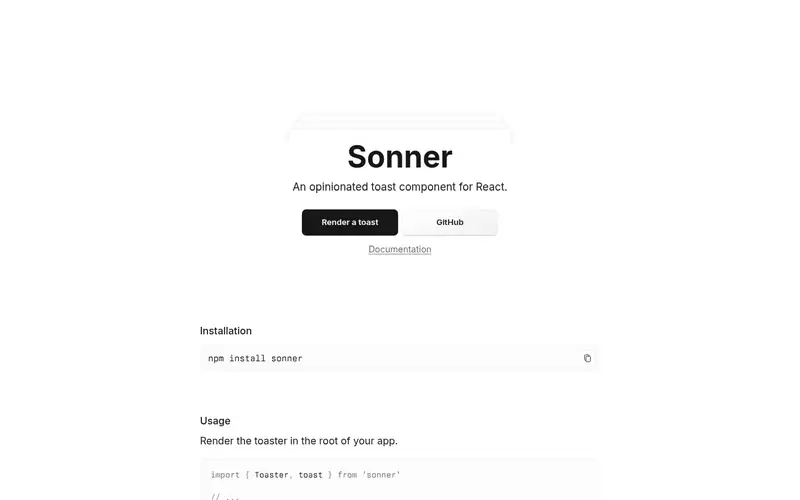
Sonner is a toast component built for React, with an official Vue port. It ships with sensible defaults for stacking, swipe-to-dismiss, promise toasts and keyboard focus. The component handles ARIA roles and screen reader announcements out of the box, which reduces the work needed to meet accessibility expectations.
You install it from npm and mount a single Toaster component near your app root, then call the toast function anywhere in your code. Styling is handled through CSS variables, so you can adjust colors, spacing and fonts without rewriting components. It runs in any modern browser and adds a small bundle cost.
Sonner is a good fit for new React or Vue projects. Teams with older class components or unusual design systems may need more styling work, and projects that must support very old browsers should test first.
Standout: Accessible defaults and keyboard support
Free (open source), as listed by the vendor (Sonner website). Confirm the current plan price before you buy.
Free plan. Plans change, so confirm on the vendor's pricing page before you buy.
Benefits
- Accessible defaults and keyboard support
- Works with React and Vue
Drawbacks
- Styling is opinionated
- Fewer legacy integration guides
Skip it if this limit matters to you: styling is opinionated.
Verdict. A sensible pick for react and Vue apps that want accessible, styled toasts.
Alternatives in this guide: React Hot Toast, React Toastify, Toastify JS
React Hot Toast
Best for react apps that want a small, promise-aware toast API
What it is and where it fits
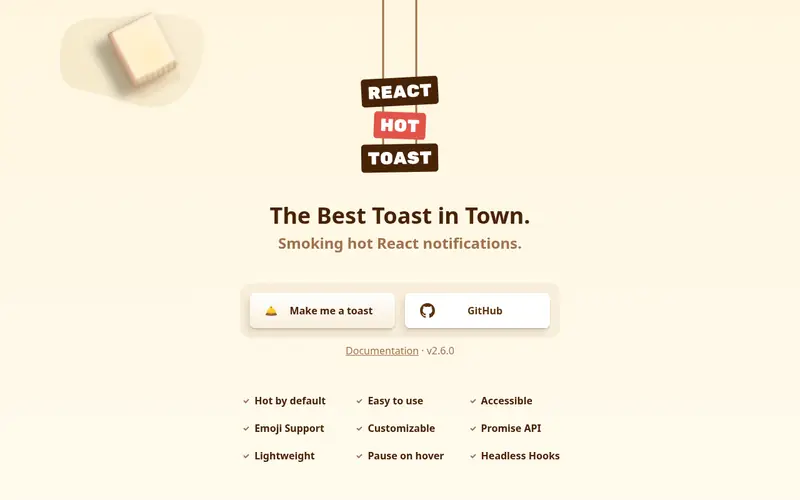
React Hot Toast is a lightweight toast library for React. The API centers on a toast function that supports success, error, loading and promise variants. Passing a promise to toast.promise updates the same toast from loading to success or error, which removes manual state handling for common async flows.
You render a Toaster component once and call toast from any component. Custom toasts accept JSX, so you can include buttons, links or progress indicators. Styling uses inline defaults plus CSS overrides, and the library supports dark mode through a theme option.
It is React only, so Vue, Svelte and plain JavaScript projects need a different tool. The default look is plain, and teams that want a polished design out of the box often spend time on custom styles. Bundle size is small, which helps on performance-sensitive pages.
Standout: Small API with promise and loading states
Free (open source), as listed by the vendor (React Hot Toast website). Confirm the current plan price before you buy.
Free plan. Plans change, so confirm on the vendor's pricing page before you buy.
Benefits
- Small API with promise and loading states
- Easy custom rendering
Drawbacks
- React only
- Default styling needs customization
Skip it if this limit matters to you: react only.
Verdict. A sensible pick for react apps that want a small, promise-aware toast API.
Alternatives in this guide: Sonner, React Toastify, Toastify JS
React Toastify
Best for react apps that need many toast types and positions
What it is and where it fits
React Toastify is one of the older and more widely used React toast libraries. It offers toast types such as success, error, info, warning and default, plus control over position, auto-close timing, pause on hover and progress bars. You can render custom components inside a toast and update a toast after it appears.
Setup requires importing its CSS and mounting a ToastContainer. The library documents transitions, RTL support and draggable dismissal. Because it has been maintained for years, you can find community examples for many edge cases.
The tradeoff is a larger API and more configuration than minimal libraries. It is React only. New projects that want fewer options and stronger accessibility defaults may prefer Sonner, while teams already using React Toastify can keep it without migration pressure.
Standout: Wide set of toast types and positions
Free (open source), as listed by the vendor (React Toastify website). Confirm the current plan price before you buy.
Free plan. Plans change, so confirm on the vendor's pricing page before you buy.
Benefits
- Wide set of toast types and positions
- Long-running project with broad docs
Drawbacks
- Larger API surface to learn
- React only
Skip it if this limit matters to you: larger API surface to learn.
Verdict. A sensible pick for react apps that need many toast types and positions.
Alternatives in this guide: Sonner, React Hot Toast, Toastify JS
Toastify JS
Best for vanilla JavaScript and jQuery pages that need simple toasts
What it is and where it fits
Toastify JS is a dependency-free toast library for plain JavaScript. You include it with a script tag or import it as a module, then call Toastify with options for text, duration, gravity, position, background color and close button. It also supports callbacks on click and on close.
It fits legacy pages, CMS themes and small sites where adding a framework is not practical. Because it is not tied to React or Vue, you can drop it into any page. The library is small and the documentation covers the main options.
Its accessibility support is basic compared with Sonner, so test screen reader output if that matters. It also lacks built-in promise handling and rich component rendering. For simple status messages on non-framework pages, it is a reasonable choice.
Standout: No dependencies and works with plain script tags
Free (open source), as listed by the vendor (Toastify JS website). Confirm the current plan price before you buy.
Free plan. Plans change, so confirm on the vendor's pricing page before you buy.
Benefits
- No dependencies and works with plain script tags
- Configurable position, duration and styling
Drawbacks
- No framework components
- Accessibility features are basic
Skip it if this limit matters to you: no framework components.
Verdict. A sensible pick for vanilla JavaScript and jQuery pages that need simple toasts.
Alternatives in this guide: Sonner, React Hot Toast, React Toastify
Vue Sonner
Best for vue 3 apps that want Sonner-style accessible toasts
What it is and where it fits
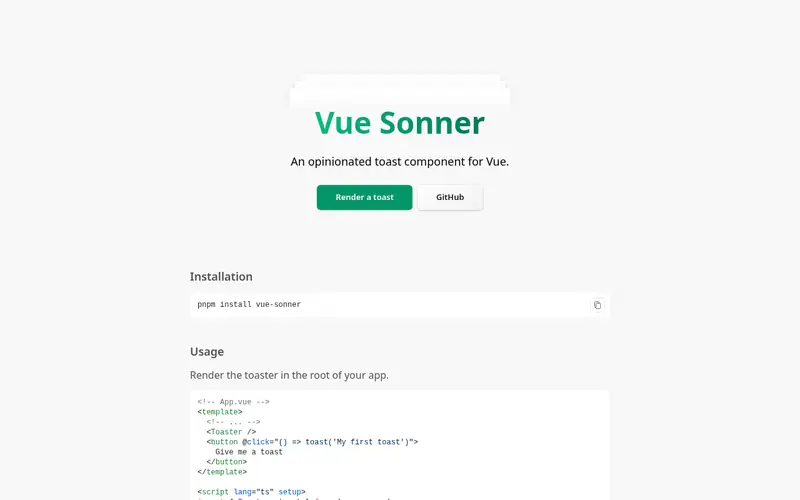
Vue Sonner brings the Sonner toast API to Vue 3. It provides a Toaster component and a toast function with success, error, loading and promise variants. The component handles stacking, swipe dismissal and ARIA announcements in the same style as the React version.
You install it from npm, mount the Toaster in your root component and call toast from any component. Styling uses CSS variables, so you can match an existing design system. It works with Vite, Nuxt and other Vue 3 build setups.
It does not support Vue 2, so older codebases need a manual solution. The project is newer than the React version, so fewer community examples exist. Teams already on Vue 3 that want accessible toasts with little setup should evaluate it first.
Standout: Ports the Sonner API to Vue 3
Free (open source), as listed by the vendor (Vue Sonner website). Confirm the current plan price before you buy.
Free plan. Plans change, so confirm on the vendor's pricing page before you buy.
Benefits
- Ports the Sonner API to Vue 3
- Accessible defaults and promise toasts
Drawbacks
- Vue 3 only
- Smaller community than React options
Skip it if this limit matters to you: vue 3 only.
Verdict. A sensible pick for vue 3 apps that want Sonner-style accessible toasts.
Alternatives in this guide: Sonner, React Hot Toast, React Toastify
Notistack
Best for react apps built on Material UI that need stacked snackbars
What it is and where it fits
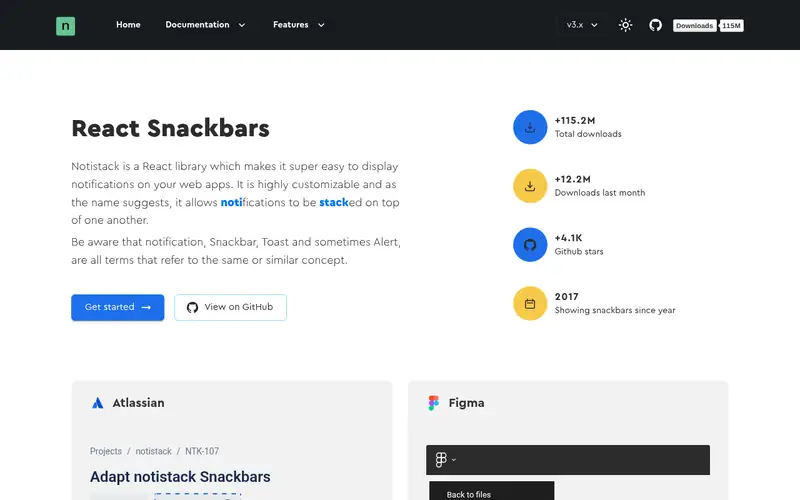
Notistack is a snackbar library for React that builds on Material UI. It manages stacking, queueing and limiting the number of visible snackbars, which is useful when many notifications fire at once. You wrap your app in a SnackbarProvider and call enqueueSnackbar from components.
Because it uses Material UI components, it inherits theme colors, typography and spacing. That makes it a natural fit for apps already using Material UI. It supports custom content, actions and variants such as success, error, warning and info.
The dependency on Material UI is the main limit. Projects not using Material UI pay a larger bundle cost and may prefer Sonner or React Hot Toast. It is React only and does not target Vue or plain JavaScript.
Standout: Integrates with Material UI theming
Free (open source), as listed by the vendor (Notistack website). Confirm the current plan price before you buy.
Free plan. Plans change, so confirm on the vendor's pricing page before you buy.
Benefits
- Integrates with Material UI theming
- Handles stacking and queueing well
Drawbacks
- Tied to Material UI
- Heavier dependency footprint
Skip it if this limit matters to you: tied to Material UI.
Verdict. A sensible pick for react apps built on Material UI that need stacked snackbars.
Alternatives in this guide: Sonner, React Hot Toast, React Toastify
Who should use what
React teams starting fresh should look at Sonner for accessible defaults or React Hot Toast for a small promise-aware API. React apps already on Material UI should evaluate Notistack for themed snackbars. Vue 3 projects should start with Vue Sonner. Plain JavaScript, jQuery and CMS-based sites should use Toastify JS, depending on how much styling control they need.
Questions to settle before you buy
What to check before you buy
- Confirm the library supports your framework version, including Vue 3 and React version.
- Check accessibility behavior: ARIA roles, keyboard focus and screen reader announcements.
- Review bundle size and whether the library pulls in a UI framework as a dependency.
- Test stacking, queue limits and auto-dismiss timing under rapid notifications.
- Verify the license and recent commit activity in the project repository.
FAQ
Are these toast libraries free?
Yes. Sonner, React Hot Toast, React Toastify, Toastify JS, Vue Sonner and Notistack are all open source and free to use under their respective licenses. Check each repository for the exact license terms before distributing.
Do toast libraries send data to a third party?
No. These libraries render notifications in the browser and do not send toast content to an external service. Your notification text stays in the page. Still avoid placing secrets or tokens in toast messages that could be logged or seen on screen.
Which library works without React or Vue?
Toastify JS works in plain JavaScript and does not require a framework. It can be loaded with a script tag or as a module. It is a good fit for static sites, CMS themes and legacy pages.
What is the difference between Sonner and React Hot Toast?
Both are React toast libraries. Sonner focuses on accessible defaults, styling through CSS variables and an official Vue port. React Hot Toast focuses on a small API with promise and loading states. Either works for most React apps; choose based on styling needs and accessibility requirements.
Can I use these libraries with server-side rendering?
Most of them can run with server-side rendering frameworks, but you usually mount the toast container on the client only. Check each project's documentation for guidance on Next.js, Nuxt or similar setups, since behavior varies by library.
Sources we checked
Method: how we score · editorial policy.
Change log. First published 27 Nov 2026.