Stage 01 · Write · Researched comparison
Best JavaScript Template Engines in 2026
EJS is the first pick for most teams that want plain HTML with embedded JavaScript and a small learning curve. Pug suits developers who prefer indentation-based syntax and shorter markup. Handlebars is the safer choice when you need logic-less templates that non-developers can edit. All three are open source and run on Node.js, so the decision usually comes down to syntax and how much logic you want inside templates.

By Shihab Mia
Published 27 Nov 2026 · 6 tools compared
We run no ads and no affiliate links at launch. The order of a list follows our published method. See how we score.
Prices are the starting prices vendors list publicly. Plans change, so confirm the current price on the vendor page before you buy.
Key takeaways
- EJS, Pug and Handlebars are free and open source, and all three run on Node.js.
- Pug uses indentation instead of closing tags, which shortens markup but changes how you read a file.
- Handlebars limits logic in templates, which helps when templates are edited by people outside the dev team.
- Template engines render data you pass in, so keep secrets out of template output and avoid rendering untrusted input without escaping.
Who each pick is for
- Teams that want plain HTML with embedded JavaScriptEJS
- Developers who prefer terse, indentation-based markupPug
- Logic-less templates edited by mixed teamsHandlebars
- Node.js projects that want Jinja-style templatesNunjucks
- Minimal logic-less templates across many languagesMustache
- JavaScript projects that need Shopify Liquid compatibilityLiquidJS
Comparison
| Tool | Best for | Standout feature | Listed starting price | Free plan or trial |
|---|---|---|---|---|
| 1EJS | Teams that want plain HTML with embedded JavaScript | Familiar HTML syntax with `<% %>` tags | Free (open source) | Free plan |
| 2Pug | Developers who prefer terse, indentation-based markup | Short syntax with no closing tags | Free (open source) | Free plan |
| 3Handlebars | Logic-less templates edited by mixed teams | Logic-less syntax that limits code in templates | Free (open source) | Free plan |
| 4Nunjucks | Node.js projects that want Jinja-style templates | Jinja2-style syntax with inheritance and macros | Free (open source) | Free plan |
| 5Mustache | Minimal logic-less templates across many languages | Very small spec with implementations in many languages | Free (open source) | Free plan |
| 6LiquidJS | JavaScript projects that need Shopify Liquid compatibility | Implements the Liquid template language in JavaScript | Free (open source) | Free plan |
How we picked
We compared engines on fit for common rendering jobs, whether they run on Node.js, in the browser or both, licence and price, escaping and autoescaping behavior, and the main limits each project documents. Sources are vendor pages, official documentation and project repositories. We did not run benchmarks. Prices and licences can change, so confirm details on the vendor or repository page before you commit.
The tools, one by one
EJS
Best for teams that want plain HTML with embedded JavaScript
What it is and where it fits
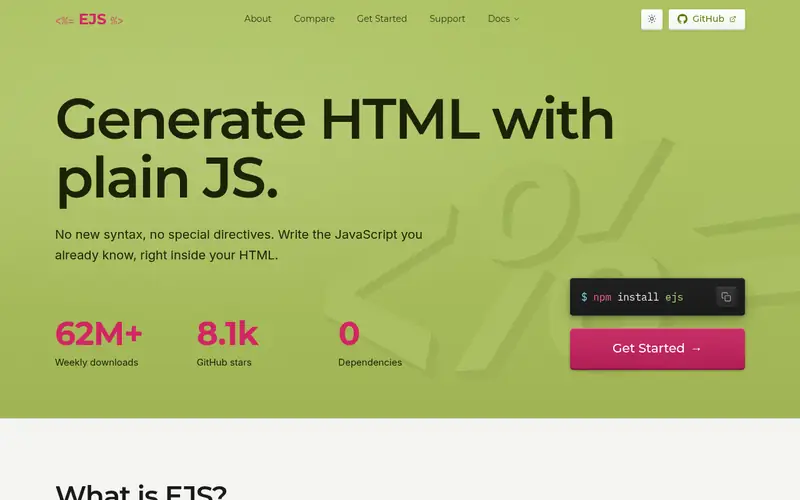
EJS embeds JavaScript in HTML using `<% %>` tags for logic and `<%= %>` for escaped output. It runs on Node.js and can be compiled for browser use. The project is open source under the Apache 2.0 licence and is maintained on GitHub. It has no built-in layout or block system, so includes and partials are handled by the host framework or by hand. Escaping is opt-in through `<%= %>`, and `<%- %>` outputs raw HTML, so review templates that render user data. Teams that want strict separation between markup and logic should look at Handlebars instead.
Standout: Familiar HTML syntax with `<% %>` tags
Free (open source), as listed by the vendor (EJS website). Confirm the current plan price before you buy.
Free plan. Plans change, so confirm on the vendor's pricing page before you buy.
Benefits
- Familiar HTML syntax with `<% %>` tags
- works on Node.js and in the browser
Drawbacks
- Logic can pile up inside templates
- no built-in layout system
Skip it if this limit matters to you: logic can pile up inside templates.
Verdict. A sensible pick for teams that want plain HTML with embedded JavaScript.
Alternatives in this guide: Pug, Handlebars, Nunjucks
Pug
Best for developers who prefer terse, indentation-based markup
What it is and where it fits
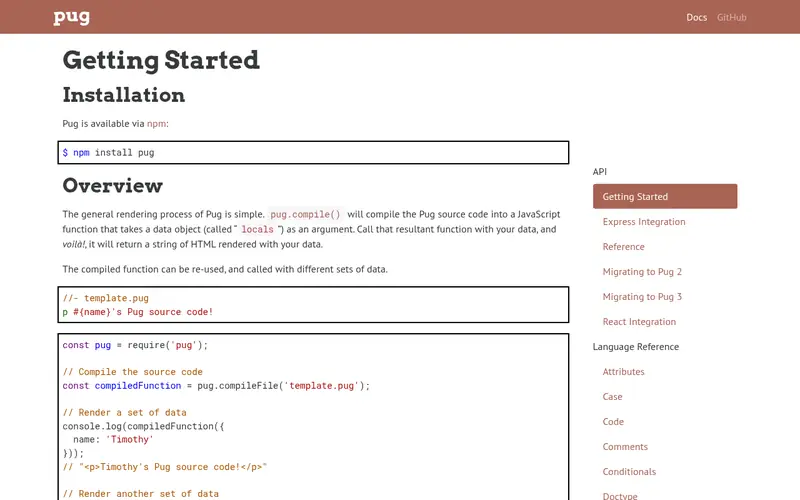
Pug compiles templates written with indentation instead of angle brackets into HTML functions. It runs on Node.js and in the browser through its client-side build. The project is open source under the MIT licence. Pug supports mixins, includes, template inheritance and inline JavaScript. Because structure depends on indentation, a stray space can change the output, and the compiled result can be harder to debug than plain HTML. It fits teams that write a lot of markup and want less repetition. Developers who need to hand templates to designers unfamiliar with Pug should weigh EJS first.
Standout: Short syntax with no closing tags
Free (open source), as listed by the vendor (Pug website). Confirm the current plan price before you buy.
Free plan. Plans change, so confirm on the vendor's pricing page before you buy.
Benefits
- Short syntax with no closing tags
- supports mixins, includes and inheritance
Drawbacks
- Indentation errors are easy to make
- whitespace-sensitive output can surprise newcomers
Skip it if this limit matters to you: indentation errors are easy to make.
Verdict. A sensible pick for developers who prefer terse, indentation-based markup.
Alternatives in this guide: EJS, Handlebars, Nunjucks
Handlebars
Best for logic-less templates edited by mixed teams
What it is and where it fits
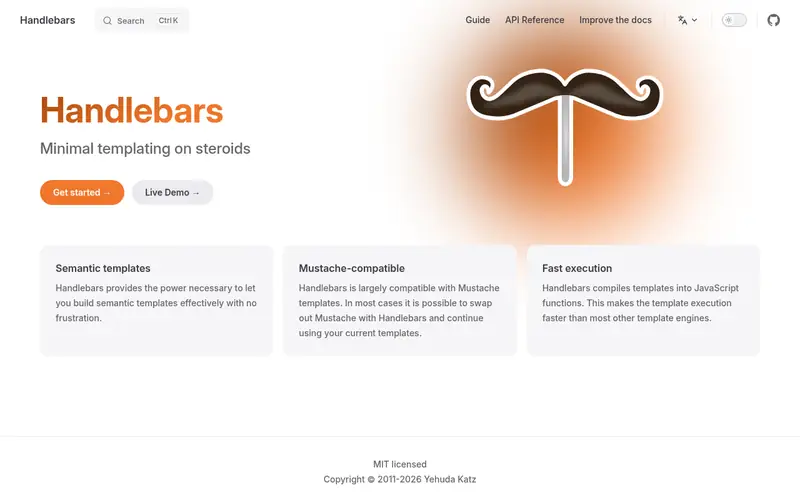
Handlebars uses `{{ }}` expressions and is deliberately logic-less, so templates contain placeholders and helpers rather than arbitrary JavaScript. It runs on Node.js and in the browser, and templates can be precompiled ahead of time. The project is open source under the MIT licence. Helpers cover conditionals and loops, but anything custom needs a registered helper. That constraint is the point: templates stay readable and safe to hand to people who do not write JavaScript. Teams that want full JavaScript inside templates will find it limiting.
Standout: Logic-less syntax that limits code in templates
Free (open source), as listed by the vendor (Handlebars website). Confirm the current plan price before you buy.
Free plan. Plans change, so confirm on the vendor's pricing page before you buy.
Benefits
- Logic-less syntax that limits code in templates
- precompilation for faster rendering
Drawbacks
- Custom helpers add setup work
- fewer inline expressions than EJS or Pug
Skip it if this limit matters to you: custom helpers add setup work.
Verdict. A sensible pick for logic-less templates edited by mixed teams.
Nunjucks
Best for node.js projects that want Jinja-style templates
What it is and where it fits
Nunjucks is a templating engine for JavaScript modeled on Jinja2, maintained by Mozilla. It supports template inheritance, macros, filters, autoescaping and precompilation, and runs on Node.js and in the browser. The project is open source under the BSD 2-Clause licence. Autoescaping is on by default, which reduces the risk of unescaped output. Async filters and extensions add power but also complexity, and the syntax is not interchangeable with EJS or Handlebars templates. It suits teams already comfortable with Jinja-style templates or migrating from Python.
Standout: Jinja2-style syntax with inheritance and macros
Free (open source), as listed by the vendor (Nunjucks website). Confirm the current plan price before you buy.
Free plan. Plans change, so confirm on the vendor's pricing page before you buy.
Benefits
- Jinja2-style syntax with inheritance and macros
- precompilation and browser support
Drawbacks
- Syntax differs from EJS and Handlebars
- async filters need care
Skip it if this limit matters to you: syntax differs from EJS and Handlebars.
Verdict. A sensible pick for node.js projects that want Jinja-style templates.
Alternatives in this guide: EJS, Pug, Handlebars
Mustache
Best for minimal logic-less templates across many languages
What it is and where it fits
Mustache is a logic-less template spec with implementations in JavaScript and many other languages. The JavaScript implementation runs on Node.js and in the browser. It is open source under the MIT licence. Templates use `{{ }}` tags with sections and inverted sections, and there are no built-in helpers beyond that. The upside is portability: the same template style works across languages and stacks. The downside is that complex pages need data prepared before rendering. It fits projects that want the smallest possible template layer.
Standout: Very small spec with implementations in many languages
Free (open source), as listed by the vendor (Mustache website). Confirm the current plan price before you buy.
Free plan. Plans change, so confirm on the vendor's pricing page before you buy.
Benefits
- Very small spec with implementations in many languages
- logic-less by design
Drawbacks
- No built-in helpers beyond sections
- limited features for complex pages
Skip it if this limit matters to you: no built-in helpers beyond sections.
Verdict. A sensible pick for minimal logic-less templates across many languages.
Alternatives in this guide: EJS, Pug, Handlebars
LiquidJS
Best for javaScript projects that need Shopify Liquid compatibility
What it is and where it fits
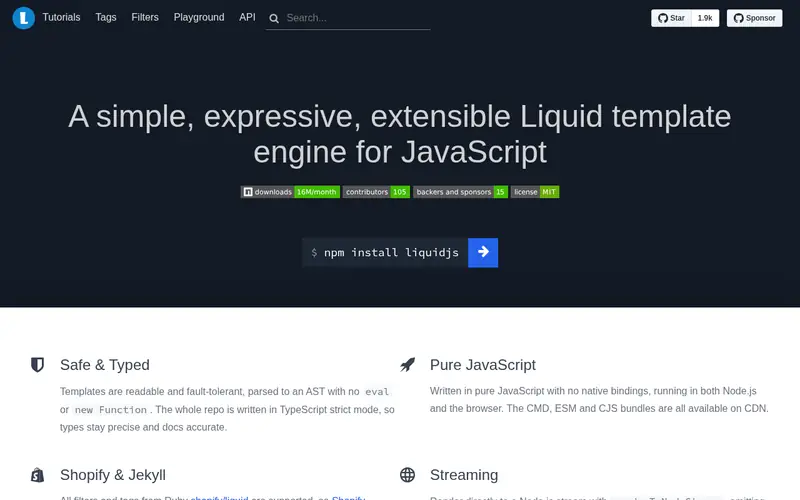
LiquidJS is a JavaScript implementation of the Liquid template language, which is used by Shopify and other platforms. It runs on Node.js and in the browser and is open source under the MIT licence. It supports tags, filters, includes and layouts, and aims for compatibility with Liquid templates. If your templates already target Liquid, this lets you render them in a JavaScript stack. Teams with no Liquid background may find the syntax and filter set less familiar than EJS. Check tag coverage against your templates before committing.
Standout: Implements the Liquid template language in JavaScript
Free (open source), as listed by the vendor (LiquidJS website). Confirm the current plan price before you buy.
Free plan. Plans change, so confirm on the vendor's pricing page before you buy.
Benefits
- Implements the Liquid template language in JavaScript
- runs on Node.js and in the browser
Drawbacks
- Liquid syntax is opinionated
- some Shopify-specific tags need extensions
Skip it if this limit matters to you: liquid syntax is opinionated.
Verdict. A sensible pick for javaScript projects that need Shopify Liquid compatibility.
Alternatives in this guide: EJS, Pug, Handlebars
Who should use what
If your team writes mostly plain HTML and wants JavaScript inline, start with EJS. If you write a lot of markup and want shorter files, Pug is the fit. If templates are edited by designers or content people, Handlebars keeps logic out. If you are migrating from Python or already use Jinja-style templates, Nunjucks is the closest match. For Shopify Liquid templates rendered in JavaScript, use LiquidJS. For the smallest possible layer, Mustache works.
Questions to settle before you buy
What to check before you buy
- Confirm the engine runs where you need it: Node.js, the browser or both.
- Check how escaping works and whether autoescaping is on by default.
- Review the licence and whether it fits your project.
- Test your most complex template, including partials and inheritance, before adopting.
- Check maintenance activity on the repository and the documentation coverage.
FAQ
Do I need a template engine if I use React or Vue?
Not always. Component frameworks handle rendering themselves. Template engines are common for server-rendered HTML, emails, static site generators and cases where templates are edited outside a component build. Pick one when plain templates are simpler than a full framework.
Which engine is fastest?
We did not benchmark them, so we cannot rank speed. Each project documents its own approach, such as precompilation or caching. Measure with your own templates and data if performance is critical.
Are these engines safe for user input?
Escaping depends on the engine and how you write templates. EJS escapes with `<%= %>` but not `<%- %>`. Nunjucks autoescapes by default. Always review templates that render user data and avoid passing secrets into template context.
Can I use these in the browser?
EJS, Pug, Handlebars, Nunjucks, Mustache and LiquidJS all offer browser builds or client-side rendering. Check the current documentation for the build you need.
Are they free?
Yes. All six projects listed are open source and free to use under their respective licences.
Sources we checked
Method: how we score · editorial policy.
Change log. First published 27 Nov 2026.