Stage 01 · Write · Researched comparison
Best JavaScript Spreadsheet Libraries in 2026
SheetJS (the xlsx package) is the first pick for most developers who need to read and write spreadsheet files in JavaScript, because it handles many formats and runs in browsers and Node.js. ExcelJS suits teams that need styled .xlsx output with a permissive licence. Handsontable fits products that need a full editable grid UI and can pay for a commercial licence.

By Shihab Mia
Published 27 Nov 2026 · 5 tools compared
We run no ads and no affiliate links at launch. The order of a list follows our published method. See how we score.
Prices are the starting prices vendors list publicly. Plans change, so confirm the current price on the vendor page before you buy.
Key takeaways
- SheetJS is free and open source, but get it from the SheetJS CDN rather than the stale npm package.
- ExcelJS is MIT licensed and good for styled .xlsx files, but its maintenance pace is slower than some alternatives.
- Handsontable is a commercial grid with a free trial; check the licence terms before shipping.
- Univer and jspreadsheet CE are open-source options for embedding an editable spreadsheet UI in a web app.
Who each pick is for
- Reading and writing spreadsheet files in browsers and Node.jsSheetJS
- Writing styled .xlsx files with a permissive licenceExcelJS
- Products that need a full editable data gridHandsontable
- Embedding a full spreadsheet UI in a web appUniver
- Lightweight editable grids with a free community editionjspreadsheet CE
Comparison
| Tool | Best for | Standout feature | Listed starting price | Free plan or trial |
|---|---|---|---|---|
| 1SheetJS | Reading and writing spreadsheet files in browsers and Node.js | Broad format support | Free (open source) | Free plan |
| 2ExcelJS | Writing styled .xlsx files with a permissive licence | MIT licence | Free (open source) | Free plan |
| 3Handsontable | Products that need a full editable data grid | Rich editing, formulas and validation | See vendor pricing page | Free trial (30 days) |
| 4Univer | Embedding a full spreadsheet UI in a web app | Spreadsheet, document and presentation surfaces | Free (open source) | Free plan |
| 5jspreadsheet CE | Lightweight editable grids with a free community edition | Small footprint | Free (open source) | Free plan |
How we picked
We compared libraries on fit for the job (file conversion versus editable UI), platforms and runtimes, licence and price, and the main limits each project documents. We also weighed how each project handles data, since spreadsheet files often contain sensitive information. Sources are vendor pages, official documentation and project repositories. Prices and licence terms change, so confirm the current details on the vendor site before you commit.
The tools, one by one
SheetJS
Best for reading and writing spreadsheet files in browsers and Node.js
What it is and where it fits
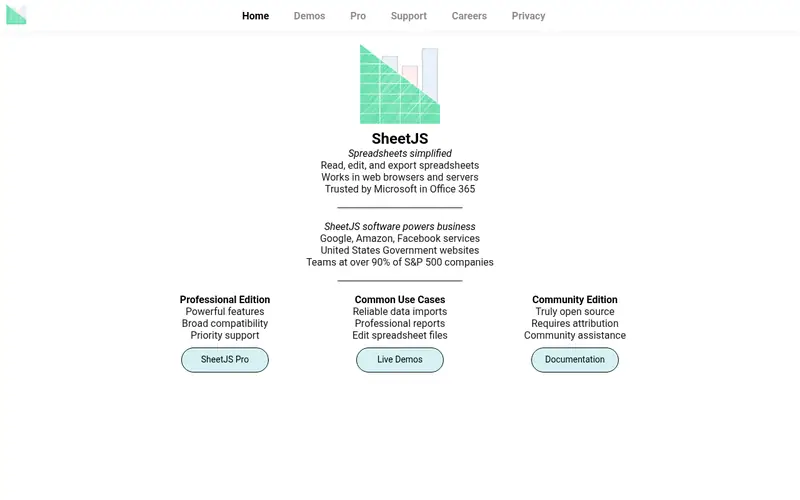
SheetJS is a JavaScript library for parsing and writing spreadsheet files. It reads and writes .xlsx, .xls, .csv, .ods and other formats. It runs in the browser, in Node.js and in other JavaScript runtimes, so the same code can handle uploads on the client and batch jobs on the server. The community edition is open source and free.
The main catch is distribution. The package published on npm is not the current release, and the project directs users to its own CDN for up-to-date builds. Teams that pin the npm package may ship old code. Some advanced features, such as certain formatting and formula handling, are part of a paid offering.
Choose SheetJS when file conversion is the job. Skip it if you need a full editable grid UI out of the box.
Standout: Broad format support
Free (open source), as listed by the vendor (SheetJS website). Confirm the current plan price before you buy.
Free plan. Plans change, so confirm on the vendor's pricing page before you buy.
Benefits
- Broad format support
- runs in the browser and on the server
Drawbacks
- The npm package is outdated, so use the SheetJS CDN
- advanced features sit behind a paid licence
Skip it if this limit matters to you: the npm package is outdated, so use the SheetJS CDN.
Verdict. A sensible pick for reading and writing spreadsheet files in browsers and Node.js.
Alternatives in this guide: ExcelJS, Handsontable, Univer
ExcelJS
Best for writing styled .xlsx files with a permissive licence
What it is and where it fits
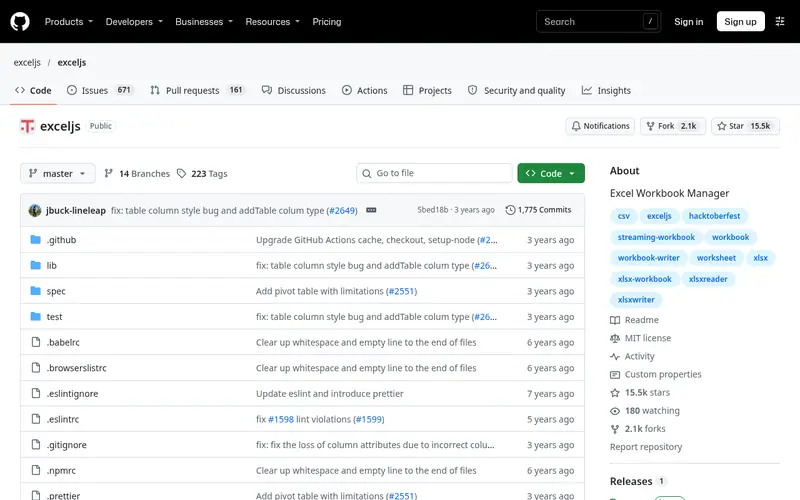
ExcelJS reads and writes .xlsx and .csv files. It focuses on the .xlsx format and supports cell styles, number formats, merged cells, images, defined names and worksheets. It runs in Node.js and in browsers when bundled. The licence is MIT, which suits commercial products that want few restrictions.
The project's release cadence is slower than some alternatives, so check open issues for the features you need. Browser use requires a bundler and some polyfills for streams. It does not aim to be a UI grid, so you pair it with your own table component.
Choose ExcelJS when you generate reports or exports with formatting and want a permissive licence. Skip it if you need frequent releases or broad legacy format support.
Standout: MIT licence
Free (open source), as listed by the vendor (ExcelJS website). Confirm the current plan price before you buy.
Free plan. Plans change, so confirm on the vendor's pricing page before you buy.
Benefits
- MIT licence
- good support for styles, images and merged cells
Drawbacks
- Slower release cadence
- browser support needs a bundler and polyfills
Skip it if this limit matters to you: slower release cadence.
Verdict. A sensible pick for writing styled .xlsx files with a permissive licence.
Alternatives in this guide: SheetJS, Handsontable, Univer
Handsontable
Best for products that need a full editable data grid
What it is and where it fits
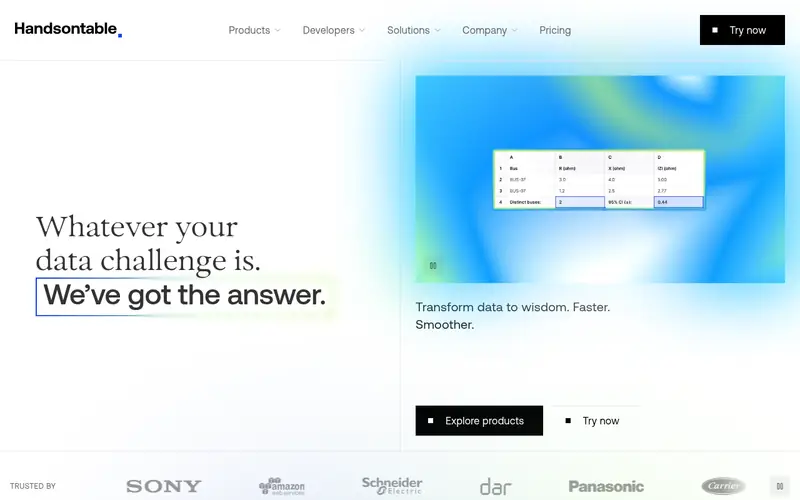
Handsontable is a JavaScript data grid with spreadsheet-like editing. It supports cell types, validation, formulas, sorting, filtering and copy-paste from spreadsheets. It integrates with React, Angular and Vue, and runs in modern browsers. The free trial is 30 days.
Most production use requires a commercial licence. The vendor publishes pricing on its site, and terms vary by deployment and support level, so confirm the current numbers there. The library is heavier than a basic table, which matters for performance-sensitive pages.
Choose Handsontable when the editable grid is a core part of the product and you can budget for a licence. Skip it for simple read-only tables or projects with no licence budget.
Standout: Rich editing, formulas and validation
See vendor pricing page, as listed by the vendor (Handsontable website). Confirm the current plan price before you buy.
Free trial (30 days). Plans change, so confirm on the vendor's pricing page before you buy.
Benefits
- Rich editing, formulas and validation
- works with common frameworks
Drawbacks
- Commercial licence required for most use
- larger bundle than simple grids
Skip it if this limit matters to you: commercial licence required for most use.
Verdict. A sensible pick for products that need a full editable data grid.
Univer
Best for embedding a full spreadsheet UI in a web app
What it is and where it fits
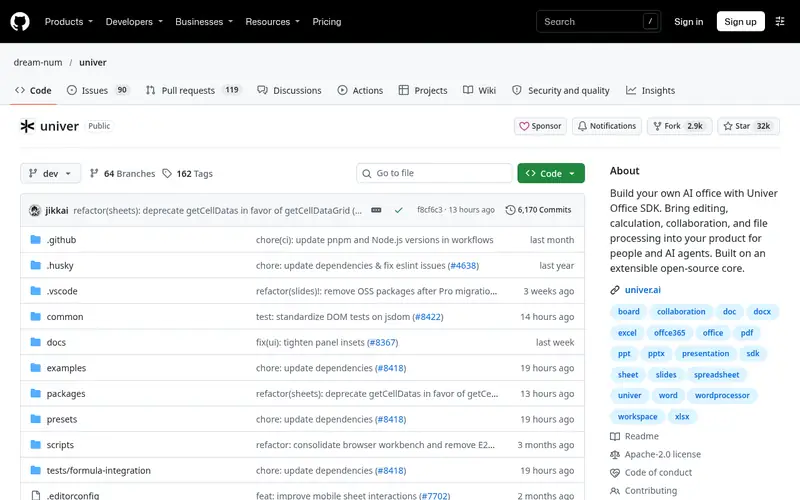
Univer is an open-source project for building spreadsheet and document interfaces in the browser. It provides a canvas-based grid with formulas, formatting and collaboration-oriented architecture. The core is open source, and the project also offers commercial services. It runs in modern browsers and integrates with common front-end frameworks.
The project is younger than established grids, so APIs and packages can change between releases. Setup is heavier than dropping in a table component, and you should read the documentation before committing. Some enterprise features sit outside the open-source core.
Choose Univer when you want an embeddable spreadsheet experience rather than a plain data grid. Skip it if you need a stable API with a long track record.
Standout: Spreadsheet, document and presentation surfaces
Free (open source), as listed by the vendor (Univer website). Confirm the current plan price before you buy.
Free plan. Plans change, so confirm on the vendor's pricing page before you buy.
Benefits
- Spreadsheet, document and presentation surfaces
- open-source core
Drawbacks
- Younger project with a changing API
- heavier setup than a data grid
Skip it if this limit matters to you: younger project with a changing API.
Verdict. A sensible pick for embedding a full spreadsheet UI in a web app.
Alternatives in this guide: SheetJS, ExcelJS, Handsontable
jspreadsheet CE
Best for lightweight editable grids with a free community edition
What it is and where it fits
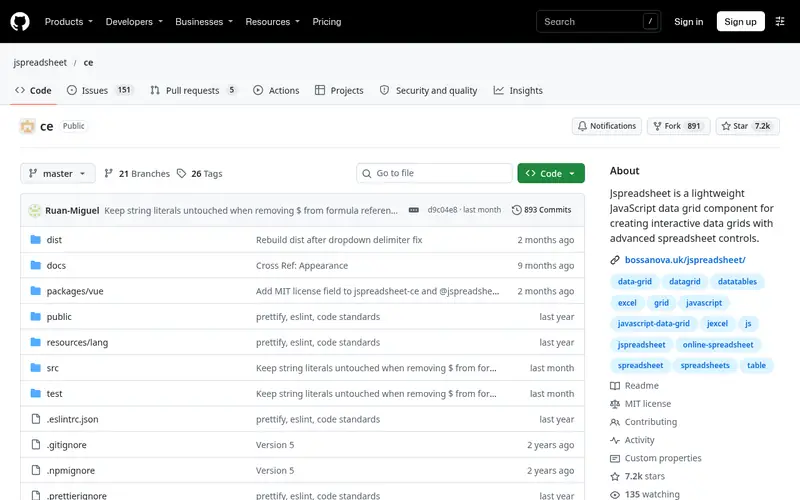
jspreadsheet CE is the community edition of the jspreadsheet grid. It provides an editable table with keyboard navigation, copy-paste, sorting and basic formulas. It runs in the browser and works with plain JavaScript or frameworks. The community edition is free and open source.
The project sells Pro and other editions with more features, so check which capabilities are in the free version before you build on it. Documentation is split between editions, which can slow down research. The community edition is a good fit for simple internal tools.
Choose jspreadsheet CE for a small editable grid with no licence cost. Skip it if you need advanced features that only the paid editions provide.
Standout: Small footprint
Free (open source), as listed by the vendor (jspreadsheet CE website). Confirm the current plan price before you buy.
Free plan. Plans change, so confirm on the vendor's pricing page before you buy.
Benefits
- Small footprint
- familiar spreadsheet-style editing
Drawbacks
- Advanced features are in paid editions
- documentation splits between editions
Skip it if this limit matters to you: advanced features are in paid editions.
Verdict. A sensible pick for lightweight editable grids with a free community edition.
Alternatives in this guide: SheetJS, ExcelJS, Handsontable
Who should use what
If you need to import or export spreadsheet files on a server or in the browser, start with SheetJS and check the CDN build. If you generate styled .xlsx reports and want an MIT licence, ExcelJS is the fit. If the editable grid is central to your product and you can pay, Handsontable offers the most complete UI. If you want an open-source spreadsheet surface to embed, look at Univer, and for small internal tools jspreadsheet CE may be enough.
Questions to settle before you buy
What to check before you buy
- Confirm the licence covers your deployment model, especially for commercial grids.
- Check that the library reads and writes the exact formats your users upload.
- Verify browser and Node.js support for your target runtimes.
- Test performance with realistic row and column counts, not toy data.
- Check the release cadence and open issues before depending on a smaller project.
FAQ
Is SheetJS free to use?
The community edition is free and open source. Some advanced features are part of a paid offering. Get current builds from the SheetJS CDN, because the npm package is not the current release.
Can I use these libraries without a server?
Yes. SheetJS, ExcelJS and the grid libraries run in the browser. File parsing and generation can happen client-side, which keeps data on the user's machine. Check bundle size and browser support first.
Which library is best for reading .xlsx files?
SheetJS has the broadest format support and runs in browsers and Node.js. ExcelJS also reads .xlsx and is a good choice when you mainly write styled files. Test with your own sample files.
Do these libraries support formulas?
Support varies. Handsontable and Univer offer formula features in their spreadsheet UI. SheetJS and ExcelJS handle formula values in files to different degrees. Check the documentation for the specific formula behavior you need.
Is it safe to process sensitive spreadsheets in the browser?
Processing in the browser keeps files off third-party servers, which helps with privacy. Review the library's code and dependencies, and avoid pasting secrets or production data into unrelated online tools.
Sources we checked
Method: how we score · editorial policy.
Change log. First published 27 Nov 2026.