Stage 01 · Write · Researched comparison
Best JavaScript Search Libraries in 2026
Fuse.js is the first pick for most teams that need fuzzy search over a small or medium dataset in the browser or in Node.js, because it is simple to configure and has no dependencies. FlexSearch suits projects that need fast full-text indexing at larger scale. MiniSearch is a good middle ground when you want a small bundle and sensible defaults. All three are open source and free.

By Shihab Mia
Published 27 Nov 2026 · 7 tools compared
We run no ads and no affiliate links at launch. The order of a list follows our published method. See how we score.
Prices are the starting prices vendors list publicly. Plans change, so confirm the current price on the vendor page before you buy.
Key takeaways
- Fuse.js, FlexSearch, MiniSearch, Lunr.js, Orama, Pagefind and uFuzzy are all free and open source, so cost is not the deciding factor.
- Fuse.js favors easy fuzzy matching; FlexSearch and MiniSearch favor speed and index size on larger document sets.
- Pagefind is built for static sites and builds its index at build time, while the others run in the browser or in Node.js.
- Lunr.js still works but sees slower maintenance, so check recent commit activity before adopting it for new work.
Who each pick is for
- Fuzzy search over small to medium client-side datasetsFuse.js
- Fast full-text indexing with a small memory footprintFlexSearch
- Small-bundle full-text search with sensible defaultsMiniSearch
- Existing projects already built on LunrLunr.js
- Full-text and vector search in one libraryOrama
- Static sites that need search with no serverPagefind
- Tiny fuzzy matching for autocomplete and filteringuFuzzy
Comparison
| Tool | Best for | Standout feature | Listed starting price | Free plan or trial |
|---|---|---|---|---|
| 1Fuse.js | Fuzzy search over small to medium client-side datasets | Simple API and good fuzzy matching | Free (open source) | Free plan |
| 2FlexSearch | Fast full-text indexing with a small memory footprint | Fast indexing and query performance | Free (open source) | Free plan |
| 3MiniSearch | Small-bundle full-text search with sensible defaults | Compact bundle with a clear API | Free (open source) | Free plan |
| 4Lunr.js | Existing projects already built on Lunr | Mature and widely used in static site tooling | Free (open source) | Free plan |
| 5Orama | Full-text and vector search in one library | Combines full-text, vector and hybrid search | See vendor pricing page | Free plan |
| 6Pagefind | Static sites that need search with no server | Builds the index at build time from static HTML | Free (open source) | Free plan |
| 7uFuzzy | Tiny fuzzy matching for autocomplete and filtering | Very small footprint | Free (open source) | Free plan |
How we picked
We picked libraries that run client-side or in Node.js and do the job named in the title: full-text or fuzzy search over data you control. Criteria were fit for common search tasks, supported platforms, licence and price, bundle and index size, and maintenance activity in the project repository. Sources are vendor pages, official documentation and project repositories. Prices and plan limits change, so confirm them on the vendor site before you commit.
The tools, one by one
Fuse.js
Best for fuzzy search over small to medium client-side datasets
What it is and where it fits
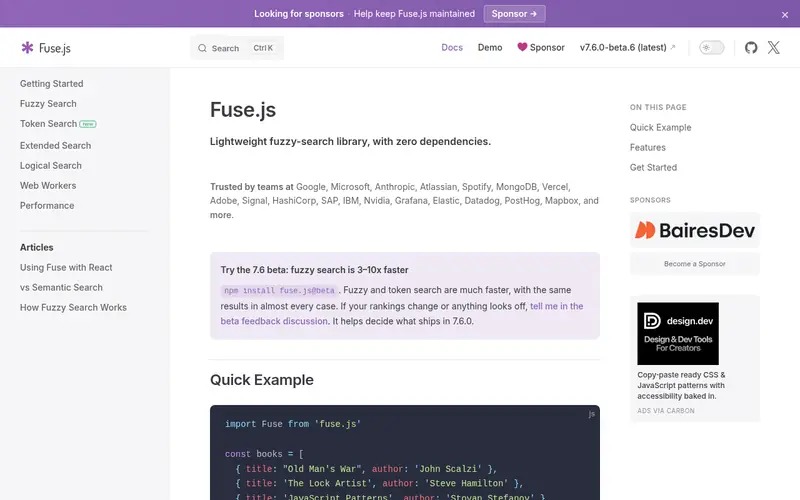
Fuse.js does fuzzy matching over an in-memory list of items. You pass an array of objects and a list of keys to search, and it returns scored matches. It runs in the browser and in Node.js and has no runtime dependencies. The API is small, which makes it quick to add to a search box or a command palette.
The main limit is scale. Fuse.js scans the data on each query rather than using a prebuilt inverted index, so it works best on hundreds to a few thousand records. For large document sets, a library with a real index is a better fit. It is a good choice when you want fuzzy tolerance and simple setup more than raw speed.
Standout: Simple API and good fuzzy matching
Free (open source), as listed by the vendor (Fuse.js website). Confirm the current plan price before you buy.
Free plan. Plans change, so confirm on the vendor's pricing page before you buy.
Benefits
- Simple API and good fuzzy matching
- No dependencies and works in browser and Node.js
Drawbacks
- Brute-force search scales poorly on large indexes
- Fewer advanced query features than full-text engines
Skip it if this limit matters to you: brute-force search scales poorly on large indexes.
Verdict. A sensible pick for fuzzy search over small to medium client-side datasets.
Alternatives in this guide: FlexSearch, MiniSearch, Lunr.js
FlexSearch
Best for fast full-text indexing with a small memory footprint
What it is and where it fits
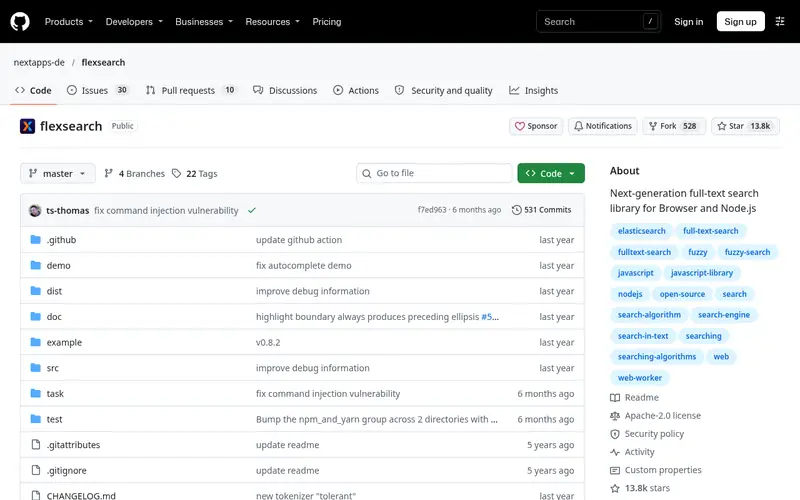
FlexSearch is a full-text search library built for speed. It builds an index in memory and supports configurable tokenization, so you can tune how words are split and matched. It runs in the browser and in Node.js and is often used for instant search over larger lists than Fuse.js handles well.
The tradeoff is configuration. Getting good results means choosing tokenizer and index settings, and the API has shifted between major versions, so check the docs for your version. It is a strong pick when query speed and index size matter, and a weaker pick when you want the simplest possible setup.
Standout: Fast indexing and query performance
Free (open source), as listed by the vendor (FlexSearch website). Confirm the current plan price before you buy.
Free plan. Plans change, so confirm on the vendor's pricing page before you buy.
Benefits
- Fast indexing and query performance
- Configurable tokenizers and index options
Drawbacks
- Configuration is more involved than Fuse.js
- API has changed across major versions
Skip it if this limit matters to you: configuration is more involved than Fuse.js.
Verdict. A sensible pick for fast full-text indexing with a small memory footprint.
Alternatives in this guide: Fuse.js, MiniSearch, Lunr.js
MiniSearch
Best for small-bundle full-text search with sensible defaults
What it is and where it fits
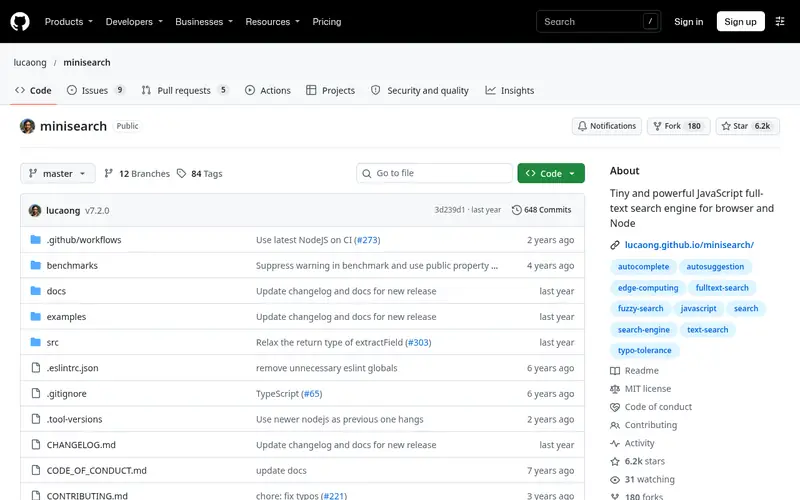
MiniSearch is a full-text search engine for the browser and Node.js. It builds an inverted index, supports prefix and fuzzy matching, and lets you boost fields so titles rank above body text. The API is documented and the bundle is small, which suits client-side search where download size matters.
It keeps the index in memory, so you either rebuild it on load or serialize it and ship it with your app. That works well for docs sites, help centers and app-level search over moderate datasets. For very large corpora or persistent server-side indexes, a dedicated search server is a better fit.
Standout: Compact bundle with a clear API
Free (open source), as listed by the vendor (MiniSearch website). Confirm the current plan price before you buy.
Free plan. Plans change, so confirm on the vendor's pricing page before you buy.
Benefits
- Compact bundle with a clear API
- Supports prefix, fuzzy and field-boosted queries
Drawbacks
- In-memory index only, no persistence layer
- Less suited to very large corpora
Skip it if this limit matters to you: in-memory index only, no persistence layer.
Verdict. A sensible pick for small-bundle full-text search with sensible defaults.
Alternatives in this guide: Fuse.js, FlexSearch, Lunr.js
Lunr.js
Best for existing projects already built on Lunr

What it is and where it fits
Lunr.js is a full-text search library that builds an index you can serialize and load in the browser. It has been used for years in static site generators and documentation sites, and it supports field boosts and basic query syntax.
The main concern is maintenance. The project has seen slower activity in recent years, so check the repository before starting new work on it. If you already have a Lunr index in a site or tool, it still does the job. For new projects, compare it against MiniSearch and Pagefind, which are more actively developed.
Standout: Mature and widely used in static site tooling
Free (open source), as listed by the vendor (Lunr.js website). Confirm the current plan price before you buy.
Free plan. Plans change, so confirm on the vendor's pricing page before you buy.
Benefits
- Mature and widely used in static site tooling
- Prebuilt index files can be shipped to the client
Drawbacks
- Slower maintenance activity in recent years
- Less fuzzy matching than Fuse.js out of the box
Skip it if this limit matters to you: slower maintenance activity in recent years.
Verdict. A sensible pick for existing projects already built on Lunr.
Alternatives in this guide: Fuse.js, FlexSearch, MiniSearch
Orama
Best for full-text and vector search in one library
What it is and where it fits
Orama is a search library that supports full-text, vector and hybrid search. It runs in the browser and in server runtimes and can persist its index. That makes it useful when you want one library for keyword search and embedding-based search rather than stitching two tools together.
The open-source library is free. The company also offers a hosted search product with its own pricing, so check the vendor page for current plans and limits. The library has more moving parts than Fuse.js or MiniSearch, so it suits teams that need vector search or a persistent index and are willing to spend more setup time.
Standout: Combines full-text, vector and hybrid search
See vendor pricing page, as listed by the vendor (Orama website). Confirm the current plan price before you buy.
Free plan. Plans change, so confirm on the vendor's pricing page before you buy.
Benefits
- Combines full-text, vector and hybrid search
- Works in browser and server runtimes
Drawbacks
- Larger surface area than a single-purpose library
- Hosted offering has separate pricing
Skip it if this limit matters to you: larger surface area than a single-purpose library.
Verdict. A sensible pick for full-text and vector search in one library.
Alternatives in this guide: Fuse.js, FlexSearch, MiniSearch
Pagefind
Best for static sites that need search with no server
What it is and where it fits
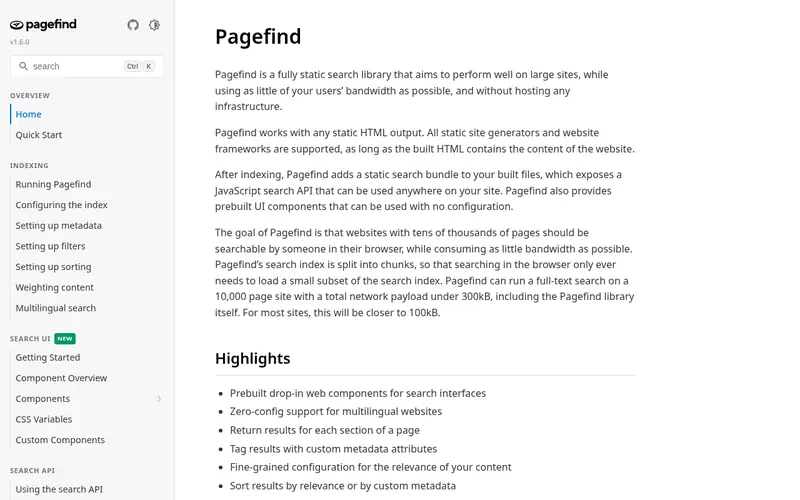
Pagefind indexes static HTML at build time and writes chunked index files. The browser loads only the chunks it needs for a query, which keeps initial download small on large sites. It works with most static site generators and needs no search server.
The scope is static sites. It indexes rendered pages, not arbitrary JSON or database rows, so it is not a general-purpose search library for app data. If your docs or blog is statically generated and you want search without a backend, Pagefind is a strong fit. For in-app search over objects, use Fuse.js, MiniSearch or FlexSearch.
Standout: Builds the index at build time from static HTML
Free (open source), as listed by the vendor (Pagefind website). Confirm the current plan price before you buy.
Free plan. Plans change, so confirm on the vendor's pricing page before you buy.
Benefits
- Builds the index at build time from static HTML
- Ships small per-page index chunks loaded on demand
Drawbacks
- Aimed at static sites, not app data
- Requires a build step in your pipeline
Skip it if this limit matters to you: aimed at static sites, not app data.
Verdict. A sensible pick for static sites that need search with no server.
Alternatives in this guide: Fuse.js, FlexSearch, MiniSearch
uFuzzy
Best for tiny fuzzy matching for autocomplete and filtering
What it is and where it fits
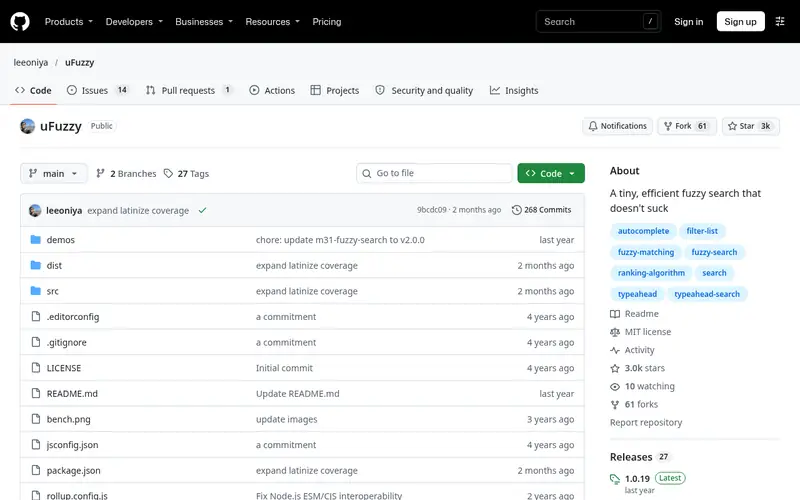
uFuzzy is a small fuzzy-matching library aimed at autocomplete and list filtering. It matches short strings with typo tolerance and returns match ranges you can highlight. The footprint is tiny, which suits widgets where bundle size is tight.
It is not a full-text search engine. There is no inverted index and no document ranking, so it fits filtering a known list rather than searching a corpus. Use it for comboboxes, tag pickers and quick filters. For document search with relevance ranking, pick MiniSearch, FlexSearch or Fuse.js instead.
Standout: Very small footprint
Free (open source), as listed by the vendor (uFuzzy website). Confirm the current plan price before you buy.
Free plan. Plans change, so confirm on the vendor's pricing page before you buy.
Benefits
- Very small footprint
- Fast fuzzy matching for short strings
Drawbacks
- Not a full-text index, so no ranking over documents
- Narrower feature set than the other libraries
Skip it if this limit matters to you: not a full-text index, so no ranking over documents.
Verdict. A sensible pick for tiny fuzzy matching for autocomplete and filtering.
Alternatives in this guide: Fuse.js, FlexSearch, MiniSearch
Who should use what
If you need fuzzy search over a few hundred records in a React or Vue app, start with Fuse.js. If you have a larger list and query speed matters, try FlexSearch or MiniSearch and compare index build time and bundle size. If you run a statically generated docs site and want no backend, use Pagefind. If you need vector or hybrid search alongside keyword search, look at Orama. If you only need typo-tolerant filtering for an autocomplete widget, uFuzzy keeps the bundle small.
Questions to settle before you buy
What to check before you buy
- Measure your real dataset size; brute-force libraries like Fuse.js slow down as record counts grow.
- Check bundle size and whether the index is built at load, at build time, or shipped as a file.
- Confirm the library is actively maintained by checking recent commits and releases.
- Test fuzzy and prefix behavior against your actual queries, not just sample data.
- Verify the licence fits your project and check whether any hosted tier has separate terms.
FAQ
Do I need a search server for client-side search?
No, for small and medium datasets. Fuse.js, MiniSearch, FlexSearch and Pagefind all run without a backend. A server-side engine becomes worth it when you need persistence, access control, or corpora too large to ship to the browser.
Which library handles the largest datasets?
FlexSearch and MiniSearch build inverted indexes and scale better than brute-force matchers like Fuse.js. For static sites, Pagefind chunks its index so the browser loads only what a query needs. Test with your own data, since limits depend on record size and query patterns.
Is Lunr.js still a good choice?
It still works and is common in older static site setups. Maintenance has slowed in recent years, so for new projects compare it with MiniSearch and Pagefind, which are more active. Check the repository before adopting it.
Can these libraries search inside a database?
Not directly. They index data you load into memory or ship as a file. If your data lives in a database and changes often, either export a snapshot to index at build time or use a server-side search engine that reads from the database.
Are these libraries free for commercial use?
The libraries listed here are open source and free to use, but licences differ, so read the licence file in each repository. Orama also sells a hosted product with separate pricing; the open-source library itself is free.
Sources we checked
Method: how we score · editorial policy.
Change log. First published 27 Nov 2026.