Stage 01 · Write · Researched comparison
Best JavaScript QR Code Libraries in 2026
node-qrcode is the first pick for most developers who need to generate QR codes in Node.js or the browser, because it is free, open source and widely used. For styled, logo-ready codes, qr-code-styling is the better fit. For scanning with a camera in the browser, html5-qrcode or qr-scanner cover most needs. All of these are libraries you install and run yourself, not hosted QR generator services.

By Shihab Mia
Published 27 Nov 2026 · 7 tools compared
We run no ads and no affiliate links at launch. The order of a list follows our published method. See how we score.
Prices are the starting prices vendors list publicly. Plans change, so confirm the current price on the vendor page before you buy.
Key takeaways
- Generation and scanning are separate jobs; most projects need one library for each.
- node-qrcode, qr-code-styling, qrcode.react, html5-qrcode, jsQR and qr-scanner are free and open source.
- Libraries that run locally keep your data in your own app, unlike third-party web QR pages.
- QRCode.js (davidshimjs) is old and unmaintained; prefer a maintained alternative for new work.
Who each pick is for
- General QR generation in Node.js and the browsernode-qrcode
- Branded QR codes with logos and custom colorsqr-code-styling
- React apps that render QR codes as componentsqrcode.react
- Camera-based QR scanning in web appshtml5-qrcode
- Decoding QR codes from raw image datajsQR
- Fast browser scanning with a small footprintqr-scanner
- Multi-format barcode reading beyond QRzxing-js
Comparison
| Tool | Best for | Standout feature | Listed starting price | Free plan or trial |
|---|---|---|---|---|
| 1node-qrcode | General QR generation in Node.js and the browser | Works in Node.js and browsers | Free (open source) | Free plan |
| 2qr-code-styling | Branded QR codes with logos and custom colors | Supports logos, dot styles and gradients | Free (open source) | Free plan |
| 3qrcode.react | React apps that render QR codes as components | Simple React component API | Free (open source) | Free plan |
| 4html5-qrcode | Camera-based QR scanning in web apps | Supports camera scan and file upload | Free (open source) | Free plan |
| 5jsQR | Decoding QR codes from raw image data | Pure JavaScript with no dependencies | Free (open source) | Free plan |
| 6qr-scanner | Fast browser scanning with a small footprint | Small bundle with a simple API | Free (open source) | Free plan |
| 7zxing-js | Multi-format barcode reading beyond QR | Reads many barcode formats, not just QR | Free (open source) | Free plan |
How we picked
We picked libraries that are standalone, currently maintained and genuinely do QR generation or scanning in JavaScript. Criteria were fit for the job, where the code runs (browser, Node.js, React), licence and price, whether data stays in your own app, and the main limits such as missing scanning, camera permission needs or styling trade-offs. Sources are vendor pages, documentation and project repositories. Prices and maintenance status change, so confirm on the project page before you commit.
The tools, one by one
node-qrcode
Best for general QR generation in Node.js and the browser
What it is and where it fits
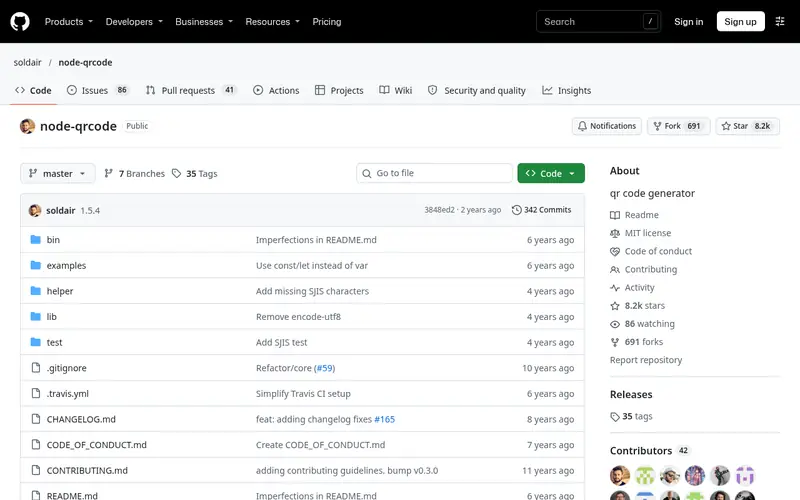
node-qrcode generates QR codes as data URLs, image files, SVG strings or terminal output. It runs in Node.js and in the browser, and it is one of the most widely used QR generation libraries in the JavaScript ecosystem. You pass text or a URL and get a code back, with control over error correction level, margin and size.
It is a generation-only library. If you need logos, gradients or custom shapes, you have to build that yourself or use a styling library. There is no camera scanning. For plain, reliable code generation in a build script, server route or simple web page, it is a solid default. Skip it if you need styled codes or a scanner.
Standout: Works in Node.js and browsers
Free (open source), as listed by the vendor (node-qrcode website). Confirm the current plan price before you buy.
Free plan. Plans change, so confirm on the vendor's pricing page before you buy.
Benefits
- Works in Node.js and browsers
- supports SVG, PNG and terminal output
Drawbacks
- No built-in styling or logo support
- no scanning
Skip it if this limit matters to you: no built-in styling or logo support.
Verdict. A sensible pick for general QR generation in Node.js and the browser.
Alternatives in this guide: qr-code-styling, qrcode.react, html5-qrcode
qr-code-styling
Best for branded QR codes with logos and custom colors
What it is and where it fits
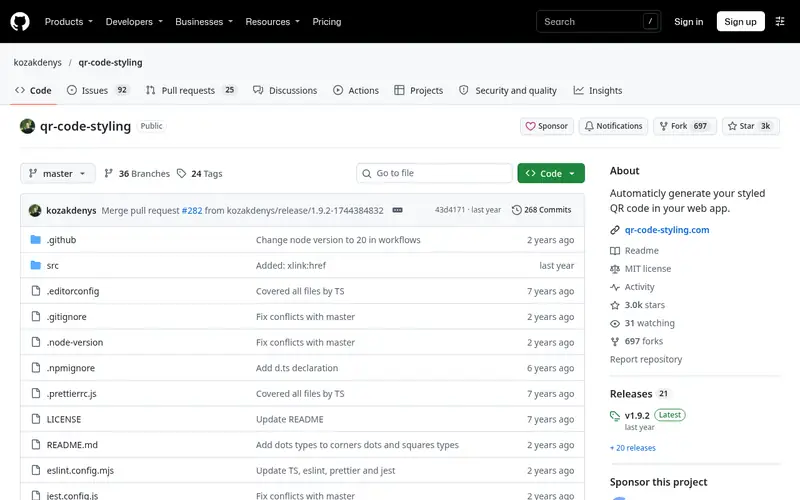
qr-code-styling generates QR codes with visual customization: rounded dots, custom corner shapes, gradients, background images and a centered logo. It runs in the browser and in Node.js, and it can export to canvas, SVG or raw data. This makes it a fit for marketing pages and printed material where the code needs to match a brand.
Heavy styling can hurt scan reliability, so test codes on real phones before shipping. Keep error correction high when adding a logo. The library is generation-only and does not scan. Choose it over node-qrcode when appearance matters; choose node-qrcode when you want the smallest, simplest output.
Standout: Supports logos, dot styles and gradients
Free (open source), as listed by the vendor (qr-code-styling website). Confirm the current plan price before you buy.
Free plan. Plans change, so confirm on the vendor's pricing page before you buy.
Benefits
- Supports logos, dot styles and gradients
- exports to image and SVG
Drawbacks
- Styling can reduce scan reliability if overdone
- larger bundle than plain generators
Skip it if this limit matters to you: styling can reduce scan reliability if overdone.
Verdict. A sensible pick for branded QR codes with logos and custom colors.
Alternatives in this guide: node-qrcode, qrcode.react, html5-qrcode
qrcode.react
Best for react apps that render QR codes as components
What it is and where it fits
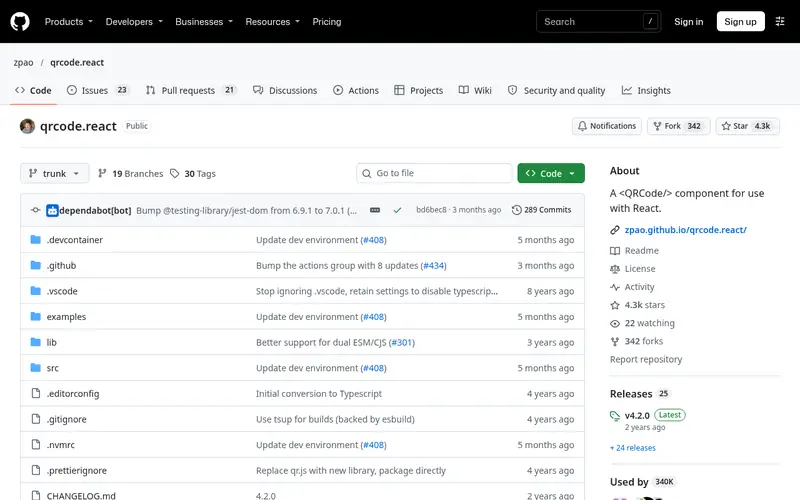
qrcode.react is a React component that renders a QR code from a value prop. It outputs SVG or canvas and accepts props for size, margin, error correction level and colors. If your app is built in React, this avoids wiring a general-purpose library into component state by hand.
It is React-specific, so it is not useful in Vue, Svelte or plain JavaScript projects. It does generation only and has no scanner. Styling is limited to colors and basic options, so for logos or custom shapes use qr-code-styling instead. It suits dashboards, admin tools and internal apps where a code just needs to render cleanly.
Standout: Simple React component API
Free (open source), as listed by the vendor (qrcode.react website). Confirm the current plan price before you buy.
Free plan. Plans change, so confirm on the vendor's pricing page before you buy.
Benefits
- Simple React component API
- renders SVG or canvas
Drawbacks
- React-only
- no scanning and limited styling
Skip it if this limit matters to you: react-only.
Verdict. A sensible pick for react apps that render QR codes as components.
Alternatives in this guide: node-qrcode, qr-code-styling, html5-qrcode
html5-qrcode
Best for camera-based QR scanning in web apps
What it is and where it fits
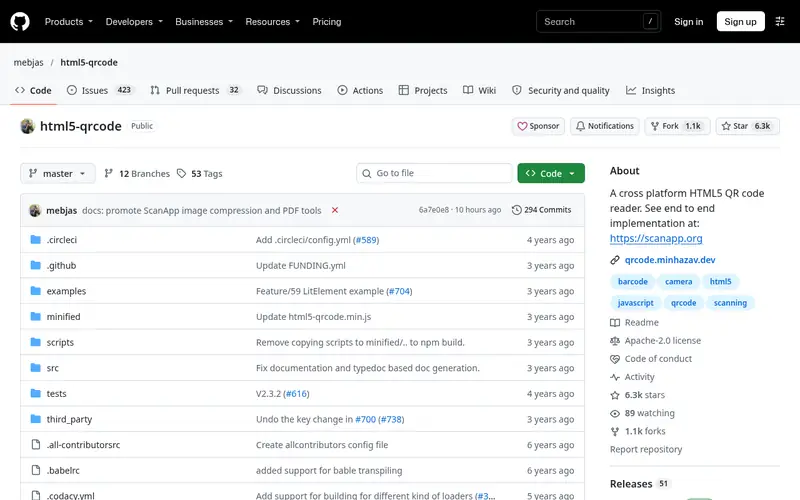
html5-qrcode scans QR codes using the device camera or an uploaded image. It provides a UI layer with a viewfinder and supports scanning in web pages without native code. It handles multiple camera sources and lets you start and stop scanning programmatically.
Camera access requires a secure context (HTTPS) and explicit user permission, and scan speed depends on the device and lighting. It is a scanning library, so pair it with a generator if you also need to create codes. It suits web apps that need to read codes, such as check-in tools or inventory pages, and is a reasonable choice when you want a ready-made scanning UI.
Standout: Supports camera scan and file upload
Free (open source), as listed by the vendor (html5-qrcode website). Confirm the current plan price before you buy.
Free plan. Plans change, so confirm on the vendor's pricing page before you buy.
Benefits
- Supports camera scan and file upload
- works across modern browsers
Drawbacks
- Camera access needs HTTPS and user permission
- performance varies by device
Skip it if this limit matters to you: camera access needs HTTPS and user permission.
Verdict. A sensible pick for camera-based QR scanning in web apps.
Alternatives in this guide: node-qrcode, qr-code-styling, qrcode.react
jsQR
Best for decoding QR codes from raw image data
What it is and where it fits
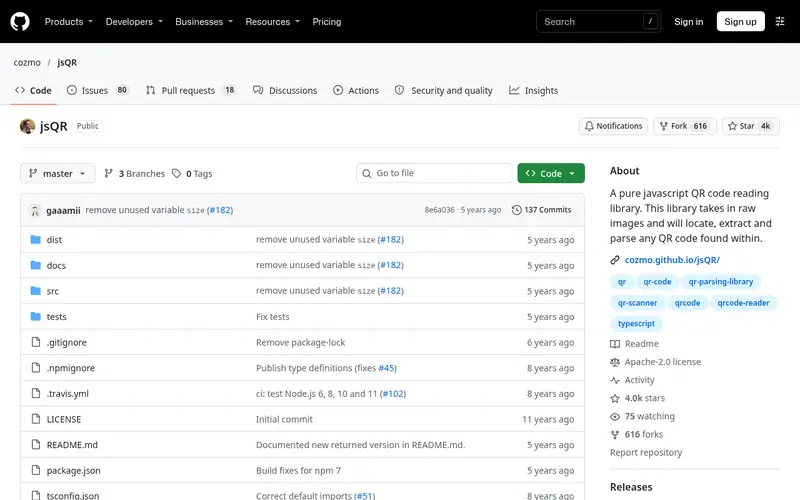
jsQR is a pure JavaScript QR decoder. You give it image data (for example, a frame from a canvas), and it returns the decoded content. It has no dependencies and no UI, which makes it flexible for custom scanning pipelines where you already control the camera and rendering.
Because it does no camera handling, you need to capture frames yourself, typically with getUserMedia and a canvas. That is more work than html5-qrcode but gives full control over the interface. It is generation-free, so use it only for reading. It fits projects that want a small decoder embedded in an existing capture flow.
Standout: Pure JavaScript with no dependencies
Free (open source), as listed by the vendor (jsQR website). Confirm the current plan price before you buy.
Free plan. Plans change, so confirm on the vendor's pricing page before you buy.
Benefits
- Pure JavaScript with no dependencies
- works on image pixel data
Drawbacks
- No camera or UI layer
- you supply the frame data
Skip it if this limit matters to you: no camera or UI layer.
Verdict. A sensible pick for decoding QR codes from raw image data.
Alternatives in this guide: node-qrcode, qr-code-styling, qrcode.react
qr-scanner
Best for fast browser scanning with a small footprint
What it is and where it fits
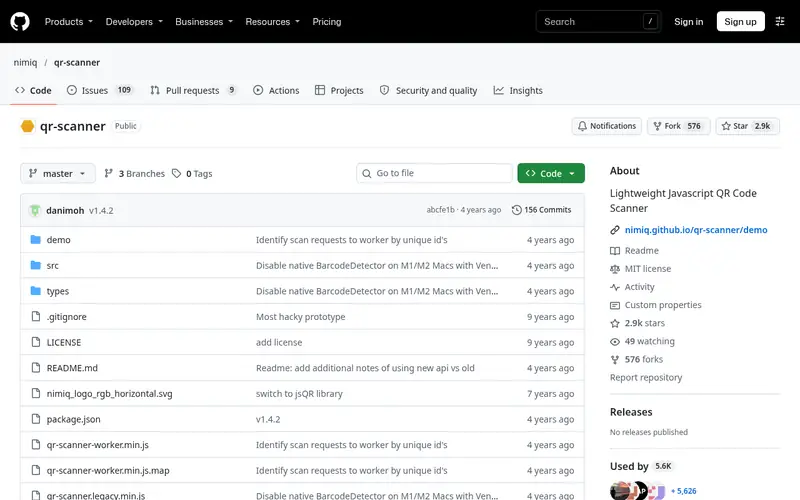
qr-scanner is a lightweight scanner that uses the browser's native BarcodeDetector API when present and falls back to a JavaScript worker otherwise. It offers a small API for starting a camera scan and returning the decoded value, and it keeps the bundle size low.
Speed and accuracy depend on browser support for BarcodeDetector, which varies. Where it is missing, the fallback worker handles decoding but may be slower on low-end devices. It does not generate codes. It suits web apps that want a compact scanner without a full UI framework, and it is a good alternative to html5-qrcode when bundle size matters.
Standout: Small bundle with a simple API
Free (open source), as listed by the vendor (qr-scanner website). Confirm the current plan price before you buy.
Free plan. Plans change, so confirm on the vendor's pricing page before you buy.
Benefits
- Small bundle with a simple API
- uses the browser's native barcode detector where available
Drawbacks
- Relies on BarcodeDetector support for best speed
- no generation
Skip it if this limit matters to you: relies on BarcodeDetector support for best speed.
Verdict. A sensible pick for fast browser scanning with a small footprint.
Alternatives in this guide: node-qrcode, qr-code-styling, qrcode.react
zxing-js
Best for multi-format barcode reading beyond QR
What it is and where it fits
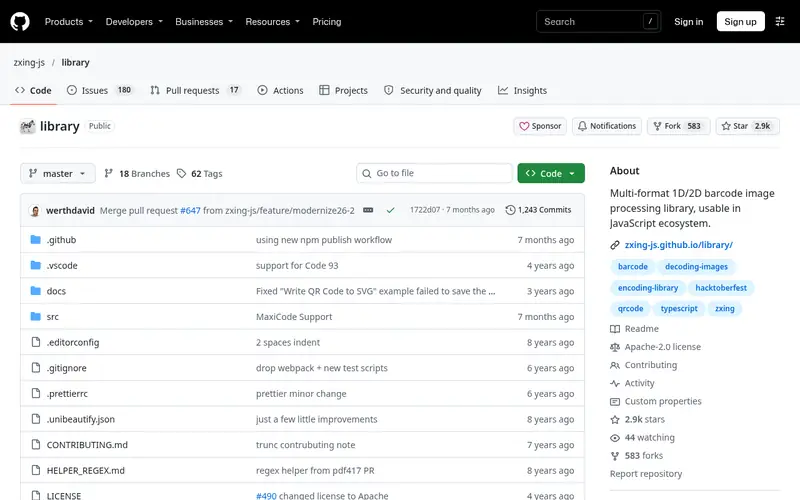
zxing-js is a TypeScript port of the ZXing barcode library. It decodes QR codes and many other formats such as EAN, Code 128 and Data Matrix, from image data. If your app must read several barcode types, one library covering them all can be simpler than stacking QR-only tools.
It is heavier and more involved to set up than a QR-only decoder, and it does not provide a camera UI, so you handle capture yourself. Check the repository for current maintenance activity before adopting it. It fits projects with mixed barcode needs, such as retail or logistics tools, where QR is only one of several formats.
Standout: Reads many barcode formats, not just QR
Free (open source), as listed by the vendor (zxing-js website). Confirm the current plan price before you buy.
Free plan. Plans change, so confirm on the vendor's pricing page before you buy.
Benefits
- Reads many barcode formats, not just QR
- port of the ZXing project
Drawbacks
- Larger and more complex than QR-only libraries
- API takes more setup
Skip it if this limit matters to you: larger and more complex than QR-only libraries.
Verdict. A sensible pick for multi-format barcode reading beyond QR.
Alternatives in this guide: node-qrcode, qr-code-styling, qrcode.react
Who should use what
If you need plain QR generation in Node.js or a simple web page, start with node-qrcode. If the codes must carry a logo or brand colors, use qr-code-styling and test scan reliability on real phones. If you are building a React app, qrcode.react keeps rendering inside your components. For reading codes with a camera, choose html5-qrcode when you want a ready-made UI, qr-scanner when bundle size matters, and jsQR or zxing-js when you control the capture pipeline or need extra barcode formats.
Questions to settle before you buy
What to check before you buy
- Confirm the library does the job you need: generation, scanning, or both.
- Check the licence and whether it fits commercial use.
- Verify browser or Node.js support for your target environments.
- For scanning, plan for HTTPS and camera permission handling.
- Check the repository for recent commits before adopting an older library.
FAQ
Do I need separate libraries for generating and scanning QR codes?
Usually yes. Most libraries do one job well. node-qrcode, qr-code-styling and qrcode.react generate codes, while html5-qrcode, jsQR, qr-scanner and zxing-js read them. Pair a generator with a scanner if your app needs both.
Are these libraries free to use?
The libraries listed here are free and open source. Each has its own licence, so check the repository to confirm the terms fit your project, especially for commercial products.
Is QRCode.js (davidshimjs) still a good choice?
It is old and not actively maintained. It can still generate codes, but for new projects a maintained library such as node-qrcode or qr-code-styling is the safer choice for bug fixes and browser support.
Can I scan QR codes without sending data to a server?
Yes. Libraries like html5-qrcode, jsQR and qr-scanner decode in the browser, so the image data stays on the device. Avoid pasting secrets or production data into third-party web QR pages; prefer local libraries in your own app.
Why do camera scanners need HTTPS?
Browsers only allow camera access (getUserMedia) in a secure context. That means HTTPS or localhost during development. Without it, the scanner cannot open the camera, even if the library is loaded correctly.
Sources we checked
Method: how we score · editorial policy.
Change log. First published 27 Nov 2026.