Stage 01 · Write · Researched comparison
Best JavaScript Markdown Parsers in 2026
markdown-it is the first pick for most projects that need a fast, CommonMark-compliant parser with plugin support and a small core. It suits developers rendering Markdown in browsers or Node.js who want predictable output and control over HTML. remark (unified) is the better choice when you need an AST pipeline for linting or transforming content. marked is a lighter option for simple, synchronous rendering.

By Shihab Mia
Published 27 Nov 2026 · 6 tools compared
We run no ads and no affiliate links at launch. The order of a list follows our published method. See how we score.
Prices are the starting prices vendors list publicly. Plans change, so confirm the current price on the vendor page before you buy.
Key takeaways
- markdown-it, remark, marked and micromark are all free and open source, so cost is not a deciding factor between them.
- remark and its unified ecosystem give you an AST you can walk and change, which matters for custom transforms.
- marked is small and fast to wire up but has a narrower plugin ecosystem than markdown-it.
- Parsers that run in the browser keep content local; server-side rendering sends Markdown to your own backend, not a third party.
Who each pick is for
- General-purpose Markdown to HTML with pluginsmarkdown-it
- AST-based processing, linting and content transformsremark (unified)
- Fast, lightweight Markdown to HTML renderingmarked
- CommonMark-compliant parsing with extensionsmicromark
- Browser-side Markdown conversion with a simple APIshowdown
- Reference CommonMark parsing and renderingcommonmark.js
Comparison
| Tool | Best for | Standout feature | Listed starting price | Free plan or trial |
|---|---|---|---|---|
| 1markdown-it | General-purpose Markdown to HTML with plugins | CommonMark-compliant with a large plugin ecosystem | Free (open source) | Free plan |
| 2remark (unified) | AST-based processing, linting and content transforms | Produces a syntax tree you can inspect and modify | Free (open source) | Free plan |
| 3marked | Fast, lightweight Markdown to HTML rendering | Small footprint and simple API | Free (open source) | Free plan |
| 4micromark | CommonMark-compliant parsing with extensions | Small, spec-focused core with official extensions | Free (open source) | Free plan |
| 5showdown | Browser-side Markdown conversion with a simple API | Runs directly in the browser | Free (open source) | Free plan |
| 6commonmark.js | Reference CommonMark parsing and rendering | Tracks the CommonMark spec closely | Free (open source) | Free plan |
How we picked
We picked parsers that are actively maintained, genuinely parse Markdown in JavaScript or a closely related runtime, and have clear documentation. We weighed fit for common jobs (HTML rendering, AST transforms, browser use), platform support, license and price, and how each handles raw HTML, since that affects safety. We checked vendor pages, documentation and project repositories. Prices and licenses can change, so confirm on the project site before you commit.
The tools, one by one
markdown-it
Best for general-purpose Markdown to HTML with plugins
What it is and where it fits
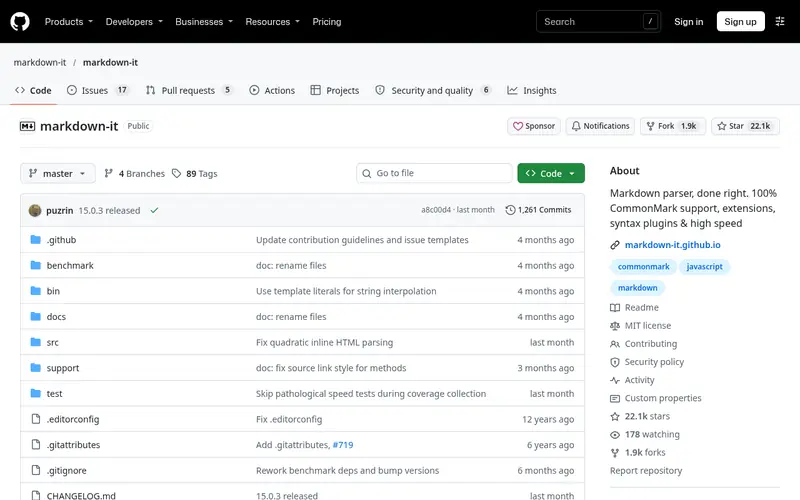
markdown-it parses Markdown to HTML and follows the CommonMark spec with configurable options. It runs in Node.js and in the browser, so you can render content on the server or client side. The core is small, and features such as tables, footnotes and syntax highlighting come through plugins.
The project is MIT licensed and free to use. It supports synchronous parsing, which fits build steps and request handlers. Because plugins are third-party, review each one and pin versions to avoid surprises.
By default markdown-it can pass raw HTML through, so sanitize output if the Markdown comes from users. Choose it when you want a stable, widely used parser with room to extend. Skip it if you need a full AST transform pipeline, where remark fits better.
Standout: CommonMark-compliant with a large plugin ecosystem
Free (open source), as listed by the vendor (markdown-it website). Confirm the current plan price before you buy.
Free plan. Plans change, so confirm on the vendor's pricing page before you buy.
Benefits
- CommonMark-compliant with a large plugin ecosystem
- runs in Node.js and the browser
Drawbacks
- Plugin behavior can vary between versions
- HTML output needs sanitizing for untrusted input
Skip it if this limit matters to you: plugin behavior can vary between versions.
Verdict. A sensible pick for general-purpose Markdown to HTML with plugins.
Alternatives in this guide: remark (unified), marked, micromark
remark (unified)
Best for aST-based processing, linting and content transforms
What it is and where it fits
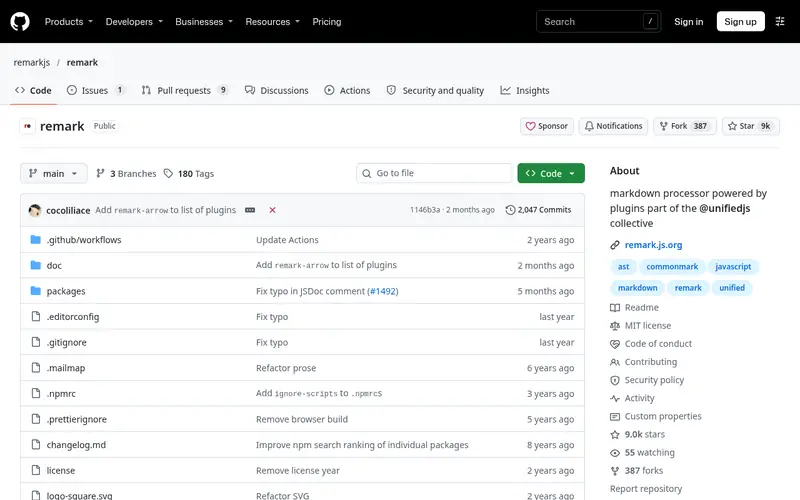
remark is part of the unified collective. It parses Markdown into an mdast syntax tree, lets plugins transform that tree, and then serializes back to Markdown or compiles to HTML. This makes it a fit for documentation pipelines, static site generators and linting.
It is MIT licensed and free. remark runs in Node.js and can be bundled for the browser. Because it works on a tree rather than a string, you can add, remove or rewrite nodes before output. Related packages such as remark-rehype handle the conversion to HTML.
The trade-off is complexity. A simple render needs several packages wired together. Choose remark when you need to inspect or change the document structure, not just render it. Skip it for a one-line Markdown-to-HTML call.
Standout: Produces a syntax tree you can inspect and modify
Free (open source), as listed by the vendor (remark (unified) website). Confirm the current plan price before you buy.
Free plan. Plans change, so confirm on the vendor's pricing page before you buy.
Benefits
- Produces a syntax tree you can inspect and modify
- large unified plugin ecosystem
Drawbacks
- More setup than a single-call parser
- the unified pipeline has a learning curve
Skip it if this limit matters to you: more setup than a single-call parser.
Verdict. A sensible pick for AST-based processing, linting and content transforms.
Alternatives in this guide: markdown-it, marked, micromark
marked
Best for fast, lightweight Markdown to HTML rendering
What it is and where it fits
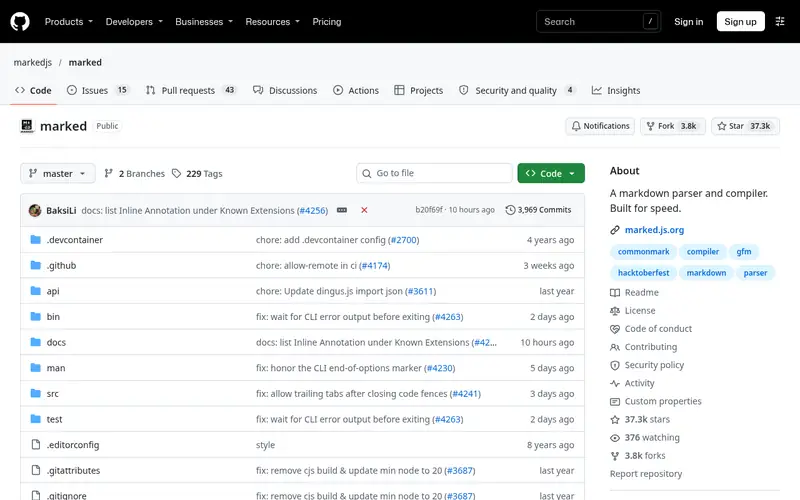
marked is a Markdown parser and compiler that turns Markdown into HTML. It aims for speed and a small API. You call one function and get HTML back, which suits simple rendering tasks, previews and build scripts.
The project is MIT licensed and free. It runs in Node.js and the browser. It supports extensions for custom tokenizers and renderers, though the ecosystem is smaller than markdown-it's. It does not produce a full AST for arbitrary transforms.
Like other HTML-output parsers, marked can emit raw HTML from the source. Sanitize the result when the input is untrusted. Choose marked when you want minimal setup. Skip it if you need deep plugin coverage or tree-based transforms.
Standout: Small footprint and simple API
Free (open source), as listed by the vendor (marked website). Confirm the current plan price before you buy.
Free plan. Plans change, so confirm on the vendor's pricing page before you buy.
Benefits
- Small footprint and simple API
- works in Node.js and the browser
Drawbacks
- Smaller plugin ecosystem than markdown-it
- output needs sanitizing for untrusted input
Skip it if this limit matters to you: smaller plugin ecosystem than markdown-it.
Verdict. A sensible pick for fast, lightweight Markdown to HTML rendering.
Alternatives in this guide: markdown-it, remark (unified), micromark
micromark
Best for commonMark-compliant parsing with extensions
What it is and where it fits
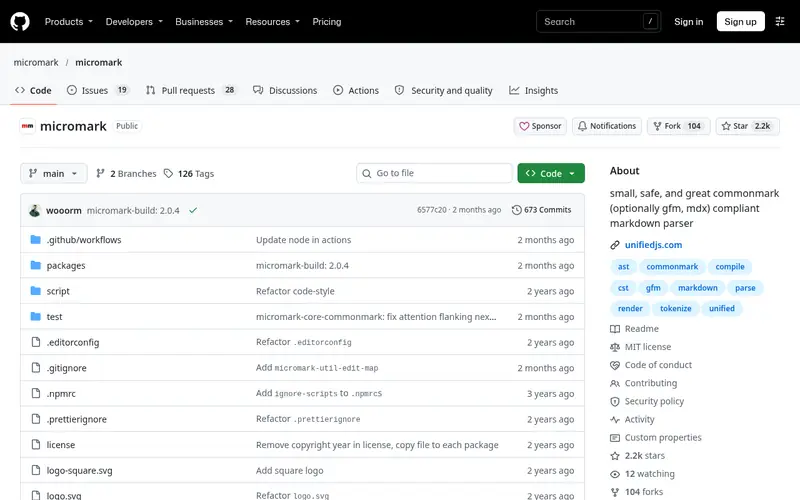
micromark is a CommonMark-compliant Markdown parser. It focuses on correctness and a small core, with official extensions for GitHub Flavored Markdown features such as tables and task lists. It is the parsing engine behind parts of the unified ecosystem.
It is MIT licensed and free. micromark runs in Node.js and the browser. The API is lower level than markdown-it or marked: you enable extensions and handle the output yourself. That control is useful when you need exact spec behavior or custom syntax.
Choose micromark when spec compliance and a lean core matter and you are willing to wire extensions. Skip it if you want a batteries-included renderer with a large plugin catalog.
Standout: Small, spec-focused core with official extensions
Free (open source), as listed by the vendor (micromark website). Confirm the current plan price before you buy.
Free plan. Plans change, so confirm on the vendor's pricing page before you buy.
Benefits
- Small, spec-focused core with official extensions
- good fit for custom syntax
Drawbacks
- Lower-level API than all-in-one parsers
- you assemble extensions yourself
Skip it if this limit matters to you: lower-level API than all-in-one parsers.
Verdict. A sensible pick for commonMark-compliant parsing with extensions.
Alternatives in this guide: markdown-it, remark (unified), marked
showdown
Best for browser-side Markdown conversion with a simple API
What it is and where it fits
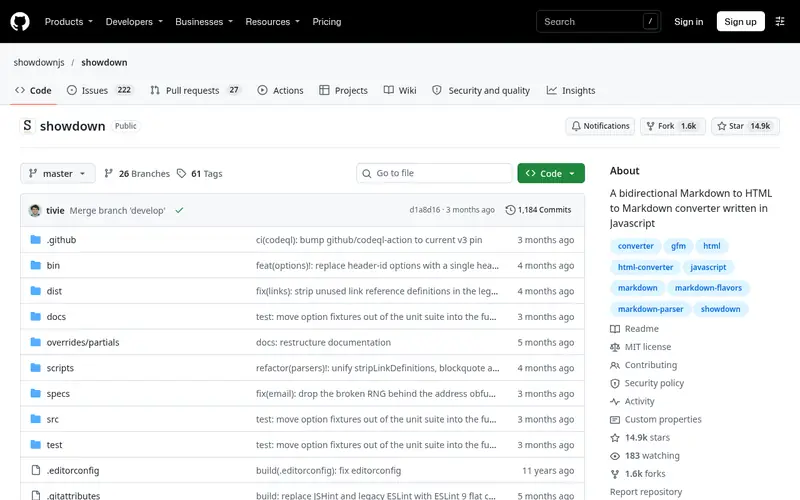
showdown is a JavaScript Markdown to HTML converter that runs in the browser and in Node.js. It offers a converter object with options for flavor and extensions. It has been used for client-side previews and simple editors.
The project is MIT licensed and free. Its API is simple: create a converter and call makeHtml. It supports some GitHub-style extensions and table options. The project is older and moves more slowly than markdown-it or micromark, so check recent activity before adopting it for new work.
Choose showdown for small browser-side conversions where its API fits. Skip it for new projects that need active extension development or strict CommonMark compliance.
Standout: Runs directly in the browser
Free (open source), as listed by the vendor (showdown website). Confirm the current plan price before you buy.
Free plan. Plans change, so confirm on the vendor's pricing page before you buy.
Benefits
- Runs directly in the browser
- straightforward converter API
Drawbacks
- Development is slower than newer parsers
- fewer modern extensions
Skip it if this limit matters to you: development is slower than newer parsers.
Verdict. A sensible pick for browser-side Markdown conversion with a simple API.
Alternatives in this guide: markdown-it, remark (unified), marked
commonmark.js
Best for reference CommonMark parsing and rendering
What it is and where it fits
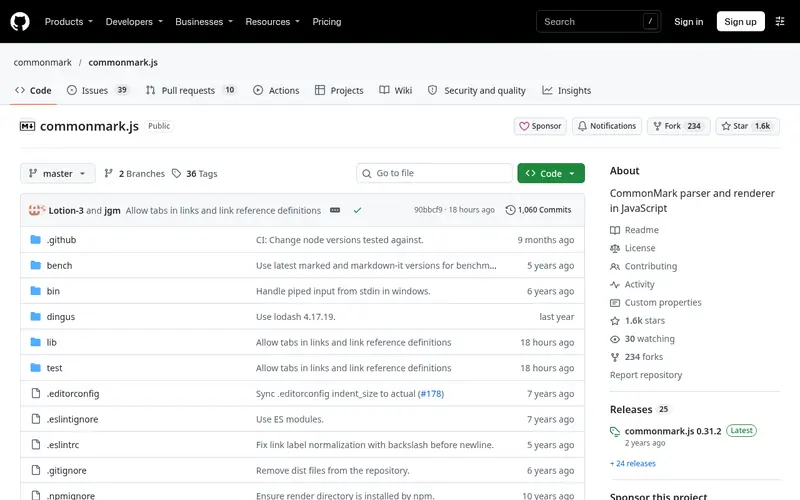
commonmark.js is the JavaScript reference implementation of CommonMark. It parses Markdown to an AST and renders it to HTML. Because it follows the spec, it is useful when you want predictable, standards-based output.
It is BSD-2-Clause licensed and free. It runs in Node.js and the browser. The API exposes a parser and an HTML renderer, and you can walk the AST. It does not bundle GitHub Flavored Markdown features such as tables by default.
Choose commonmark.js when spec fidelity is the priority and you can add the extras you need. Skip it if you want a large plugin ecosystem or GFM support without extra work.
Standout: Tracks the CommonMark spec closely
Free (open source), as listed by the vendor (commonmark.js website). Confirm the current plan price before you buy.
Free plan. Plans change, so confirm on the vendor's pricing page before you buy.
Benefits
- Tracks the CommonMark spec closely
- includes a reference renderer
Drawbacks
- Fewer convenience plugins
- not aimed at GFM extras out of the box
Skip it if this limit matters to you: fewer convenience plugins.
Verdict. A sensible pick for reference CommonMark parsing and rendering.
Alternatives in this guide: markdown-it, remark (unified), marked
Who should use what
If you need a dependable Markdown-to-HTML renderer with plugins, start with markdown-it. If you are building a docs pipeline that lints or rewrites content, use remark. If you want a minimal one-call renderer for previews, marked is enough. If spec compliance is the priority, use micromark or commonmark.js.
Questions to settle before you buy
What to check before you buy
- Confirm the parser supports the Markdown features you need, such as tables, footnotes and task lists.
- Check how raw HTML in the source is handled and sanitize output for untrusted input.
- Verify it runs where you need it: Node.js, the browser, a worker or an edge runtime.
- Review the license and whether the project is actively maintained.
- Test your own documents, including edge cases, before replacing an existing parser.
FAQ
Do I need a parser or a renderer?
Most libraries do both: they parse Markdown and render HTML. Some, like remark, expose the syntax tree so you can transform it first. Pick based on whether you need to change the document structure or only produce HTML.
Are these parsers safe for user-submitted Markdown?
Not by default. Many parsers can pass raw HTML through to the output. Sanitize the rendered HTML with a library such as DOMPurify, or configure the parser to escape HTML, before showing user content.
Can I use these in the browser?
Yes. markdown-it, marked, micromark, showdown and commonmark.js can run in the browser. Running the parser client-side keeps the Markdown on the user's machine, which is useful for previews of sensitive content.
Which parser is closest to CommonMark?
commonmark.js is the JavaScript reference implementation, and micromark is built around CommonMark compliance. markdown-it also follows CommonMark with configurable options. Check the spec version each project targets.
Is remark the same as markdown-it?
No. remark is part of the unified ecosystem and works on a syntax tree. markdown-it parses and renders in one flow with plugins. remark suits transforms and linting; markdown-it suits straightforward rendering.
Sources we checked
Method: how we score · editorial policy.
Change log. First published 27 Nov 2026.