Stage 01 · Write · Researched comparison
Best JavaScript Icon Libraries in 2026
Lucide is the first pick for most teams that want a large, consistent open-source set with framework packages for React, Vue, Svelte and plain JavaScript. Heroicons suits projects already built on Tailwind CSS and a smaller, curated set. Font Awesome suits teams that need brand logos and a very wide catalogue and are willing to pay for Pro. All three ship as npm packages you install and import in your build.

By Shihab Mia
Published 27 Nov 2026 · 8 tools compared
We run no ads and no affiliate links at launch. The order of a list follows our published method. See how we score.
Prices are the starting prices vendors list publicly. Plans change, so confirm the current price on the vendor page before you buy.
Key takeaways
- Lucide, Heroicons, Tabler Icons, Phosphor Icons, Bootstrap Icons and Remix Icon are free and open source under permissive licences.
- Iconify is a framework that pulls icons from many sets on demand, so you are not locked to one library.
- Font Awesome has a free set plus paid Pro plans; check the vendor pricing page for current tiers.
- Most libraries ship SVG components you import locally, which keeps icon rendering in your own build rather than a third-party page.
Who each pick is for
- Teams wanting one large, consistent open-source set across frameworksLucide
- Tailwind CSS projects that want a small curated setHeroicons
- Teams needing brand logos and a very wide catalogueFont Awesome
- Projects wanting a very large free outline set with filled variantsTabler Icons
- Designers and developers who want multiple weights of the same iconPhosphor Icons
- Teams that want to mix many icon sets through one APIIconify
- Apps following Google Material Design guidelinesMaterial Symbols
- Bootstrap projects that want a matching free icon setBootstrap Icons
Comparison
| Tool | Best for | Standout feature | Listed starting price | Free plan or trial |
|---|---|---|---|---|
| 1Lucide | Teams wanting one large, consistent open-source set across frameworks | Large consistent set with a uniform stroke style | Free (open source) | Free plan |
| 2Heroicons | Tailwind CSS projects that want a small curated set | Outline, solid and mini variants of each icon | Free (open source) | Free plan |
| 3Font Awesome | Teams needing brand logos and a very wide catalogue | Very large catalogue including brand logos | See vendor pricing page | Free plan |
| 4Tabler Icons | Projects wanting a very large free outline set with filled variants | Thousands of icons with outline and filled versions | Free (open source) | Free plan |
| 5Phosphor Icons | Designers and developers who want multiple weights of the same icon | Six weights including thin, light, bold, fill and duotone | Free (open source) | Free plan |
| 6Iconify | Teams that want to mix many icon sets through one API | Access to many icon sets through one interface | Free (open source) | Free plan |
| 7Material Symbols | Apps following Google Material Design guidelines | Official Google set with variable font support | Free | Free plan |
| 8Bootstrap Icons | Bootstrap projects that want a matching free icon set | Designed to match Bootstrap components | Free (open source) | Free plan |
How we picked
We picked libraries that are actively maintained, ship as installable JavaScript packages or web components, and have clear licences. We checked framework support, icon count and style range, licence terms and whether a paid tier is required. For each, we read the vendor site, documentation and project repository. We did not run benchmarks or collect user reviews. Prices and plan details change, so confirm current terms on the vendor site before you commit.
The tools, one by one
Lucide
Best for teams wanting one large, consistent open-source set across frameworks
What it is and where it fits
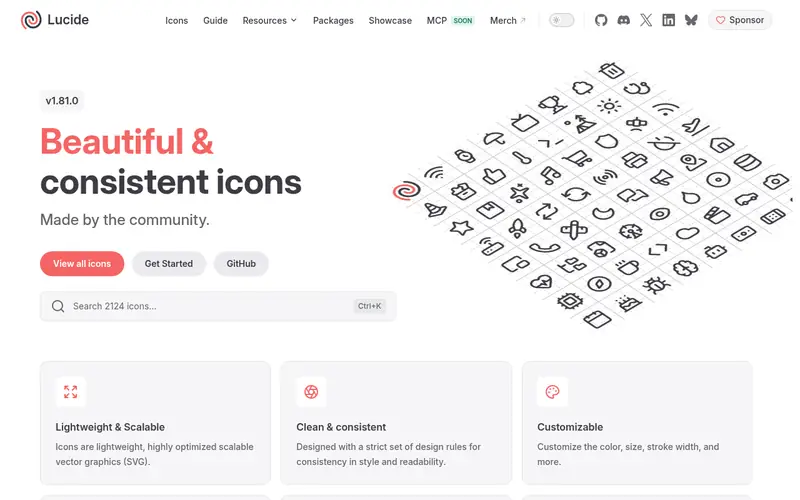
Lucide is a community-maintained fork of the Feather icon set and has grown into one of the larger open-source libraries. Icons are drawn as SVGs with a consistent 24px grid and stroke style. You install the package for your framework, such as lucide-react or lucide-vue-next, and import individual icons so your bundler can tree-shake unused ones. You can also copy raw SVG or use the web viewer to search by name.
The licence is ISC, which is permissive for commercial use. There is no paid tier and no account. The main limit is style: the set is outline-only, so projects that need filled or duotone icons must look elsewhere or combine sets. It runs anywhere a JavaScript build runs, including React Native through the shared SVG output. Teams that want a single, predictable set and do not need brand logos are a good fit. Teams that need filled variants or logos should skip it.
Standout: Large consistent set with a uniform stroke style
Free (open source), as listed by the vendor (Lucide website). Confirm the current plan price before you buy.
Free plan. Plans change, so confirm on the vendor's pricing page before you buy.
Benefits
- Large consistent set with a uniform stroke style
- official packages for React, Vue, Svelte, Solid and plain SVG
Drawbacks
- Stroke-based design only, so no filled variants
- icon names change occasionally between releases
Skip it if this limit matters to you: stroke-based design only, so no filled variants.
Verdict. A sensible pick for teams wanting one large, consistent open-source set across frameworks.
Alternatives in this guide: Heroicons, Font Awesome, Tabler Icons
Heroicons
Best for tailwind CSS projects that want a small curated set
What it is and where it fits
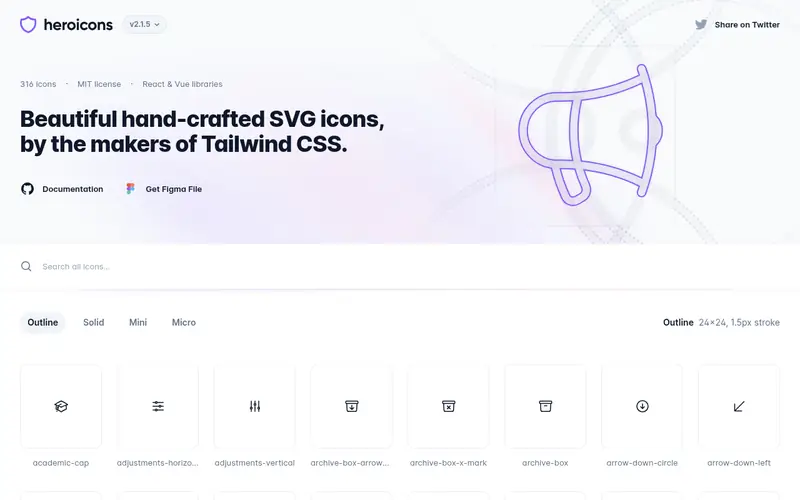
Heroicons is maintained by the Tailwind Labs team and ships icons in outline, solid, mini and micro sizes. Each icon is a plain SVG, and the site lets you copy the markup or the JSX. Official React and Vue packages exist, and you can also import the raw SVG files directly. The set is intentionally smaller than general-purpose libraries, which keeps naming consistent and reduces decision fatigue.
The licence is MIT. There is no paid tier. Because the icons are simple SVGs, they work in any framework, but the convenience packages target React and Vue. The main limit is coverage: you will not find brand logos or niche domain icons here. It suits Tailwind-based apps and design systems that want a tight, well-drawn set. Projects that need hundreds of domain-specific icons should combine it with a larger library or an aggregator.
Standout: Outline, solid and mini variants of each icon
Free (open source), as listed by the vendor (Heroicons website). Confirm the current plan price before you buy.
Free plan. Plans change, so confirm on the vendor's pricing page before you buy.
Benefits
- Outline, solid and mini variants of each icon
- designed to pair with Tailwind CSS
Drawbacks
- Smaller catalogue than general sets
- no official packages for frameworks other than React and Vue
Skip it if this limit matters to you: smaller catalogue than general sets.
Verdict. A sensible pick for tailwind CSS projects that want a small curated set.
Alternatives in this guide: Lucide, Font Awesome, Tabler Icons
Font Awesome
Best for teams needing brand logos and a very wide catalogue
What it is and where it fits
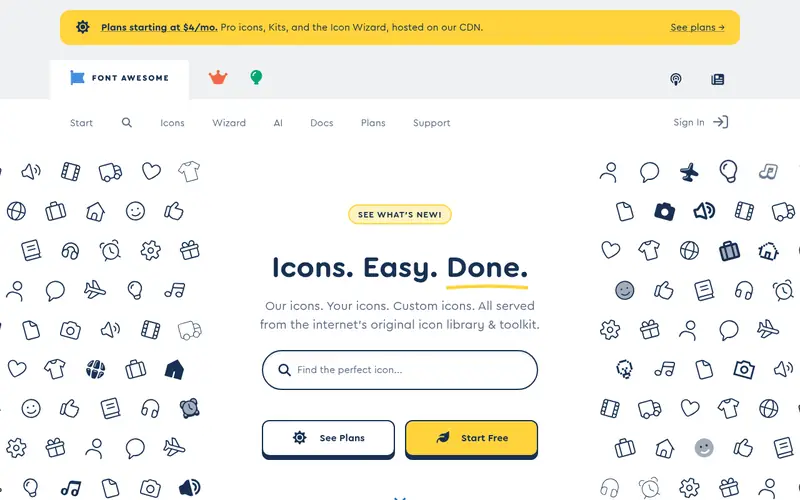
Font Awesome is one of the oldest and widest icon libraries. The free set covers common interface icons plus many brand logos. Pro plans add more icons, additional styles and kits for hosted delivery. You can use it as SVG, as a web font, or through official React and Vue components. The free packages are on npm and the licence for free icons is CC BY 4.0 for icons with MIT for code, so attribution rules apply.
Pricing changes, so confirm current tiers on the vendor pricing page. The main limits are that some icons and styles are Pro-only, and loading the full web font adds weight, so subsetting or SVG imports are better for performance. It suits marketing sites, dashboards and projects that need brand marks in one place. Teams that want a purely free, outline-only set can use Lucide or Heroicons instead.
Standout: Very large catalogue including brand logos
See vendor pricing page, as listed by the vendor (Font Awesome website). Confirm the current plan price before you buy.
Free plan. Plans change, so confirm on the vendor's pricing page before you buy.
Benefits
- Very large catalogue including brand logos
- works as SVG, web font or React/Vue components
Drawbacks
- Best icons and some styles require a paid Pro plan
- larger payload if you load the full font
Skip it if this limit matters to you: best icons and some styles require a paid Pro plan.
Verdict. A sensible pick for teams needing brand logos and a very wide catalogue.
Alternatives in this guide: Lucide, Heroicons, Tabler Icons
Tabler Icons
Best for projects wanting a very large free outline set with filled variants
What it is and where it fits
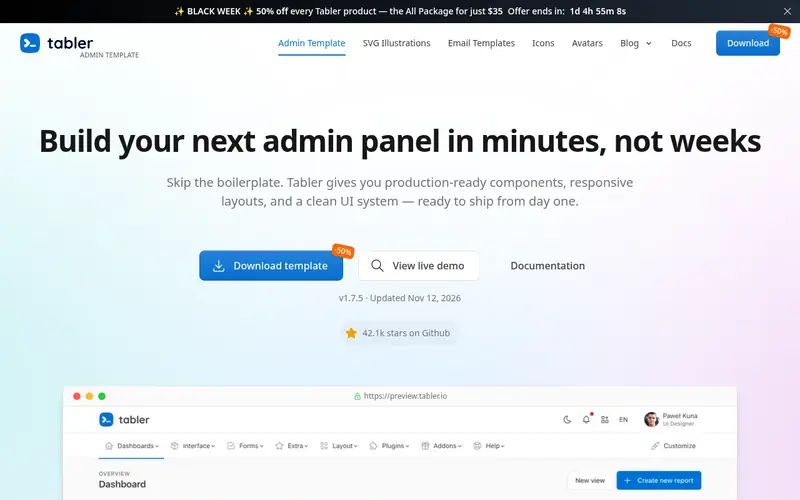
Tabler Icons is an open-source set with a large catalogue of outline icons plus filled variants. It ships framework packages for React, Vue, Svelte, Preact and Solid, and you can also copy raw SVG. The icons use a 24px grid and a 2px stroke by default, with options to adjust size and stroke in the components. The project also has a web viewer with search and category filters.
The licence is MIT. There is no paid tier. Because the set is large, some names are long and a few icons are visually inconsistent with the rest. Import individual icons rather than the whole package to keep bundles small. It suits admin dashboards and apps that need broad coverage without paying. Teams that want a smaller, more curated set may prefer Heroicons or Phosphor.
Standout: Thousands of icons with outline and filled versions
Free (open source), as listed by the vendor (Tabler Icons website). Confirm the current plan price before you buy.
Free plan. Plans change, so confirm on the vendor's pricing page before you buy.
Benefits
- Thousands of icons with outline and filled versions
- official React, Vue, Svelte and Preact packages
Drawbacks
- Very large set means naming can be inconsistent
- stroke style differs slightly from other sets
Skip it if this limit matters to you: very large set means naming can be inconsistent.
Verdict. A sensible pick for projects wanting a very large free outline set with filled variants.
Alternatives in this guide: Lucide, Heroicons, Font Awesome
Phosphor Icons
Best for designers and developers who want multiple weights of the same icon
What it is and where it fits
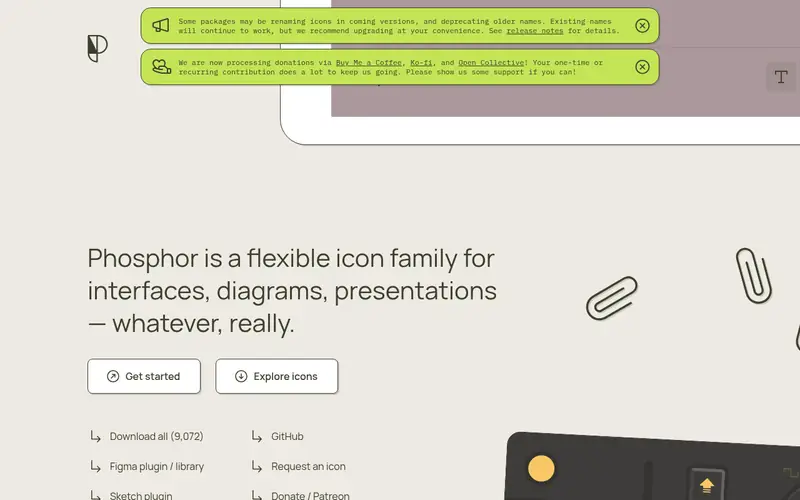
Phosphor Icons offers the same icon in several weights, which helps when a design needs a lighter or heavier look without switching libraries. It ships as React and Vue components, a web font and raw SVG. The duotone style uses two colors and requires the provided CSS or component setup. Icons are drawn on a 24px grid and scale cleanly.
The licence is MIT. There is no paid tier. The main limits are that the duotone style needs extra configuration and the catalogue is smaller than the largest sets. It suits product teams that want visual flexibility from one consistent family. Teams that only need a single stroke style can use Lucide or Tabler and skip the extra weight options.
Standout: Six weights including thin, light, bold, fill and duotone
Free (open source), as listed by the vendor (Phosphor Icons website). Confirm the current plan price before you buy.
Free plan. Plans change, so confirm on the vendor's pricing page before you buy.
Benefits
- Six weights including thin, light, bold, fill and duotone
- React, Vue and web font packages
Drawbacks
- Duotone and some weights need extra setup
- catalogue smaller than Tabler
Skip it if this limit matters to you: duotone and some weights need extra setup.
Verdict. A sensible pick for designers and developers who want multiple weights of the same icon.
Alternatives in this guide: Lucide, Heroicons, Font Awesome
Iconify
Best for teams that want to mix many icon sets through one API
What it is and where it fits
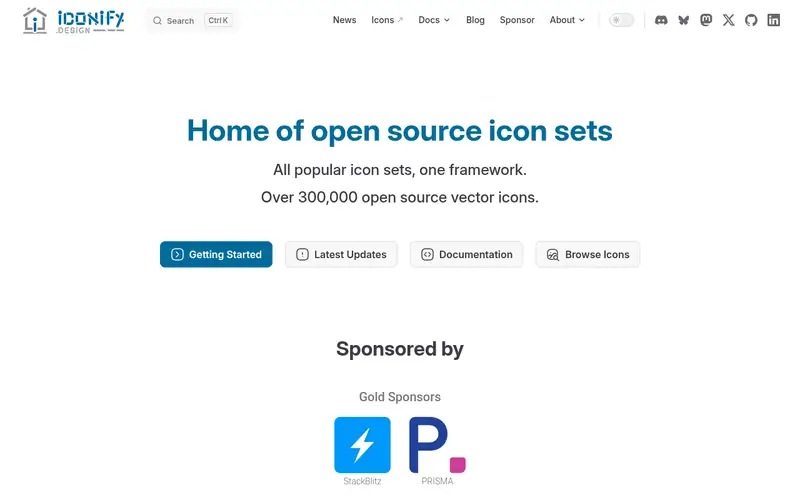
Iconify is not a single icon set but a framework that unifies many sets behind one API. You can use it as a web component, as framework components, or through the Iconify API, which serves icons on demand. That means you can mix Lucide, Material, Tabler and others in one project without installing each package. Offline bundles are available if you do not want runtime requests.
The tooling is open source under MIT, but each icon set keeps its own licence, so check the set you use. The main limits are licence mixing and the need to bundle icons for offline or privacy-sensitive apps. It suits projects that want flexibility and a single import path. Teams that want one predictable licence and no runtime dependency should pick a single set instead.
Standout: Access to many icon sets through one interface
Free (open source), as listed by the vendor (Iconify website). Confirm the current plan price before you buy.
Free plan. Plans change, so confirm on the vendor's pricing page before you buy.
Benefits
- Access to many icon sets through one interface
- on-demand loading keeps bundles small
Drawbacks
- Icons come from third-party sets with different licences
- runtime API calls need a fallback for offline use
Skip it if this limit matters to you: icons come from third-party sets with different licences.
Verdict. A sensible pick for teams that want to mix many icon sets through one API.
Alternatives in this guide: Lucide, Heroicons, Font Awesome
Material Symbols
Best for apps following Google Material Design guidelines
What it is and where it fits
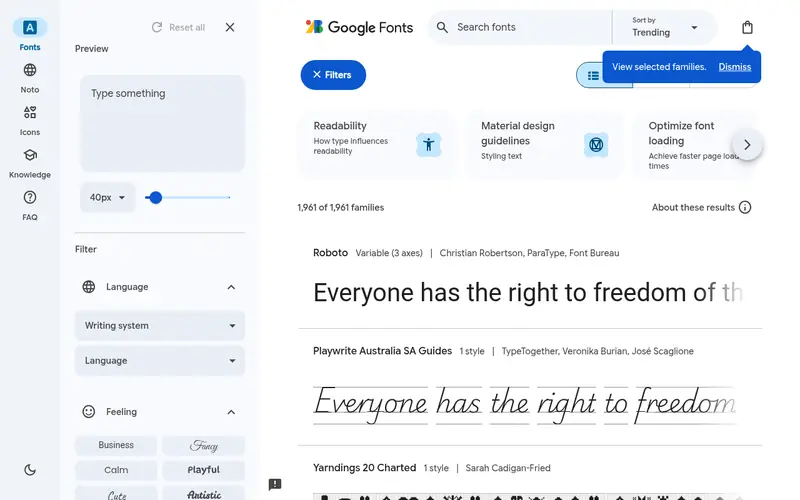
Material Symbols is Google's current icon set, replacing Material Icons. It ships as a variable font with adjustable weight, fill, grade and optical size, and as individual SVGs. You can load it from Google Fonts or self-host the font files. The set is large and covers most interface needs, and it aligns with Material Design components.
The icons are free to use under the Apache 2.0 licence. There is no paid tier. The main limits are style and setup: the look is clearly Material, and the variable font requires CSS configuration to control axes. Self-hosting avoids third-party font requests. It suits Android-style apps, Material-based dashboards and Google Cloud consoles. Teams using a different design language may prefer a neutral set like Lucide.
Standout: Official Google set with variable font support
Free, as listed by the vendor (Material Symbols website). Confirm the current plan price before you buy.
Free plan. Plans change, so confirm on the vendor's pricing page before you buy.
Benefits
- Official Google set with variable font support
- large catalogue aligned with Material Design
Drawbacks
- Visual style is tied to Material Design
- variable font setup is more involved than plain SVG
Skip it if this limit matters to you: visual style is tied to Material Design.
Verdict. A sensible pick for apps following Google Material Design guidelines.
Alternatives in this guide: Lucide, Heroicons, Font Awesome
Bootstrap Icons
Best for bootstrap projects that want a matching free icon set
What it is and where it fits
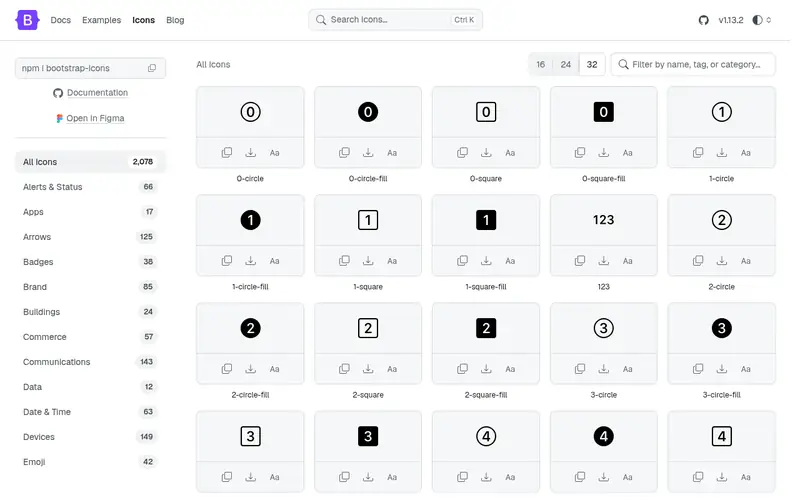
Bootstrap Icons is the official icon set for Bootstrap. It ships as SVGs, a web font and an npm package, and the icons match the sizing and spacing conventions of Bootstrap components. You can copy SVG markup or use the font with CSS classes. The set covers common interface and some brand icons.
The licence is MIT. There is no paid tier. The main limits are catalogue size and style: it is smaller than Tabler or Font Awesome and looks best inside Bootstrap layouts. It suits Bootstrap-based sites and admin templates that want visual consistency without extra dependencies. Projects not using Bootstrap can still use it, but a neutral set may fit better.
Standout: Designed to match Bootstrap components
Free (open source), as listed by the vendor (Bootstrap Icons website). Confirm the current plan price before you buy.
Free plan. Plans change, so confirm on the vendor's pricing page before you buy.
Benefits
- Designed to match Bootstrap components
- available as SVG, web font and npm package
Drawbacks
- Catalogue is smaller than general sets
- style is tied to Bootstrap conventions
Skip it if this limit matters to you: catalogue is smaller than general sets.
Verdict. A sensible pick for bootstrap projects that want a matching free icon set.
Alternatives in this guide: Lucide, Heroicons, Font Awesome
Who should use what
If you want one large free outline set with React, Vue and Svelte packages, start with Lucide. If your app is built on Tailwind CSS and you want a small curated set, use Heroicons. If you need brand logos and a very wide catalogue and can pay, look at Font Awesome. If you want to mix sets through one API, use Iconify and check each set's licence. If you follow Material Design, use Material Symbols. Bootstrap projects should use Bootstrap Icons for consistency.
Questions to settle before you buy
What to check before you buy
- Check the licence of the exact set you import, including any brand logos, which often have separate terms.
- Confirm the package supports your framework and version, and that it tree-shakes unused icons.
- Decide whether icons must work offline or without third-party requests, and bundle them if so.
- Review icon naming and style consistency against your design system before adopting a large set.
- Check the maintenance activity of the repository and how often breaking name changes ship.
FAQ
Are these icon libraries free to use in commercial projects?
Most listed sets are open source under MIT, ISC or Apache 2.0, which allow commercial use. Font Awesome has a free set with attribution terms and paid Pro plans. Always read the licence for the specific set and any brand icons you use.
Can I use these icons in React, Vue and Svelte?
Lucide, Tabler Icons, Phosphor Icons and Heroicons ship official packages for common frameworks. Font Awesome and Iconify also provide framework components. Material Symbols and Bootstrap Icons work through SVG or web fonts in any framework.
What is the difference between an icon library and Iconify?
An icon library is a single set with its own style and licence. Iconify is a framework that serves icons from many sets through one API. Iconify gives flexibility but each set keeps its own licence, so you must check them individually.
Do icon libraries affect bundle size?
Yes. Importing individual icons lets your bundler drop unused ones. Loading a full web font or importing an entire package adds weight. Prefer per-icon imports or SVG sprites, and self-host fonts when you can.
Should I paste production data into icon search sites?
No. Icon search sites are for finding and copying icons. Do not paste secrets, tokens or production data into any third-party web page. Prefer copying SVG locally or installing the npm package in your own project.
Sources we checked
Method: how we score · editorial policy.
Change log. First published 27 Nov 2026.