Stage 01 · Write · Researched comparison
Best JavaScript Game Engines in 2026
Phaser is the first pick for most teams building 2D browser games. It has a large API, a long release history and works with plain JavaScript or TypeScript. PixiJS is the better choice when you want a fast renderer and plan to build your own game logic. Babylon.js suits 3D projects that need physics, materials and tooling in one package.

By Shihab Mia
Published 27 Nov 2026 · 7 tools compared
We run no ads and no affiliate links at launch. The order of a list follows our published method. See how we score.
Prices are the starting prices vendors list publicly. Plans change, so confirm the current price on the vendor page before you buy.
Key takeaways
- Phaser, PixiJS, Babylon.js, Excalibur.js, KAPLAY and melonJS are free and open source; PlayCanvas has a free tier and paid plans.
- PixiJS is a renderer, not a full engine, so you write more of the game loop and scene logic yourself.
- Babylon.js and PlayCanvas target 3D; Phaser, Excalibur.js, KAPLAY and melonJS focus on 2D.
- Check the licence and the browser targets before you commit, and confirm current pricing on the vendor page.
Who each pick is for
- 2D browser games with a full engine and toolingPhaser
- Fast 2D rendering when you supply your own game logicPixiJS
- 3D browser games and experiences with built-in toolingBabylon.js
- 3D browser games built with a visual editor and cloud hostingPlayCanvas
- TypeScript-first 2D games with a small, clear APIExcalibur.js
- Small 2D games and game jams with a compact APIKAPLAY
- 2D sprite-based games with a lightweight enginemelonJS
Comparison
| Tool | Best for | Standout feature | Listed starting price | Free plan or trial |
|---|---|---|---|---|
| 1Phaser | 2D browser games with a full engine and tooling | Large API for sprites, physics, input and audio | Free (open source) | Free plan |
| 2PixiJS | Fast 2D rendering when you supply your own game logic | Fast WebGL and WebGPU rendering | Free (open source) | Free plan |
| 3Babylon.js | 3D browser games and experiences with built-in tooling | Full 3D feature set including physics and materials | Free (open source) | Free plan |
| 4PlayCanvas | 3D browser games built with a visual editor and cloud hosting | Browser-based editor with real-time collaboration | See vendor pricing page | Free plan |
| 5Excalibur.js | TypeScript-first 2D games with a small, clear API | TypeScript-first design with clear types | Free (open source) | Free plan |
| 6KAPLAY | Small 2D games and game jams with a compact API | Very small API that is quick to learn | Free (open source) | Free plan |
| 7melonJS | 2D sprite-based games with a lightweight engine | Lightweight and focused on 2D sprites and tilemaps | Free (open source) | Free plan |
How we picked
We compared engines on fit for browser game work, supported platforms and renderers, licence and price, and the main limits each project documents. We also checked whether each project is a full engine or a renderer, since that changes how much code you write. Sources are vendor pages, official documentation and project repositories. Prices and plan limits change, so confirm them on the vendor site before you commit.
The tools, one by one
Phaser
Best for 2D browser games with a full engine and tooling
What it is and where it fits
Phaser is a 2D engine for desktop and mobile browsers. It covers sprites, tilemaps, arcade and matter physics, input, audio and scene management. You can write games in plain JavaScript or TypeScript and bundle them with your own build tool. It runs on the canvas and WebGL renderers.
The project is open source under the MIT licence. There is no paid tier for the engine itself. Documentation and examples are on the official site, and the source lives on GitHub. The main limit is scope: it is a 2D engine, so 3D work belongs elsewhere. Teams that want a batteries-included 2D engine and do not mind learning a large API should start here.
Standout: Large API for sprites, physics, input and audio
Free (open source), as listed by the vendor (Phaser website). Confirm the current plan price before you buy.
Free plan. Plans change, so confirm on the vendor's pricing page before you buy.
Benefits
- Large API for sprites, physics, input and audio
- works with JavaScript and TypeScript
Drawbacks
- Large surface area to learn
- 3D is not its focus
Skip it if this limit matters to you: large surface area to learn.
Verdict. A sensible pick for 2D browser games with a full engine and tooling.
Alternatives in this guide: PixiJS, Babylon.js, PlayCanvas
PixiJS
Best for fast 2D rendering when you supply your own game logic

What it is and where it fits
PixiJS is a 2D rendering library. It draws sprites, text, meshes and filters quickly using WebGL, with WebGPU support in recent versions. It does not ship a physics engine, scene graph for game logic or asset pipeline in the way a full engine does, so you add those parts yourself or with plugins.
It is open source under the MIT licence and free to use. The API is smaller than a full engine, which makes it a good fit for teams that already have game logic or want tight control over rendering. Skip it if you want physics, input handling and scene management out of the box.
Standout: Fast WebGL and WebGPU rendering
Free (open source), as listed by the vendor (PixiJS website). Confirm the current plan price before you buy.
Free plan. Plans change, so confirm on the vendor's pricing page before you buy.
Benefits
- Fast WebGL and WebGPU rendering
- strong sprite and texture support
Drawbacks
- Not a full engine, so you build game loop and scenes
- fewer built-in game systems
Skip it if this limit matters to you: not a full engine, so you build game loop and scenes.
Verdict. A sensible pick for fast 2D rendering when you supply your own game logic.
Alternatives in this guide: Phaser, Babylon.js, PlayCanvas
Babylon.js
Best for 3D browser games and experiences with built-in tooling
What it is and where it fits
Babylon.js is a 3D engine for the browser. It covers meshes, materials, lighting, animations, physics and audio, and ships with an inspector for debugging scenes. It runs on WebGL and WebGPU and works with JavaScript and TypeScript.
The engine is open source under the Apache 2.0 licence. It is free to use, and the project provides documentation, playground examples and a node-based editor. The trade-off is size and complexity: a 3D engine carries more concepts than a 2D one. Teams building 3D games, product configurators or visualisations should consider it.
Standout: Full 3D feature set including physics and materials
Free (open source), as listed by the vendor (Babylon.js website). Confirm the current plan price before you buy.
Free plan. Plans change, so confirm on the vendor's pricing page before you buy.
Benefits
- Full 3D feature set including physics and materials
- strong editor and debugging tools
Drawbacks
- Heavier learning curve
- large bundle if you use many features
Skip it if this limit matters to you: heavier learning curve.
Verdict. A sensible pick for 3D browser games and experiences with built-in tooling.
Alternatives in this guide: Phaser, PixiJS, PlayCanvas
PlayCanvas
Best for 3D browser games built with a visual editor and cloud hosting
What it is and where it fits
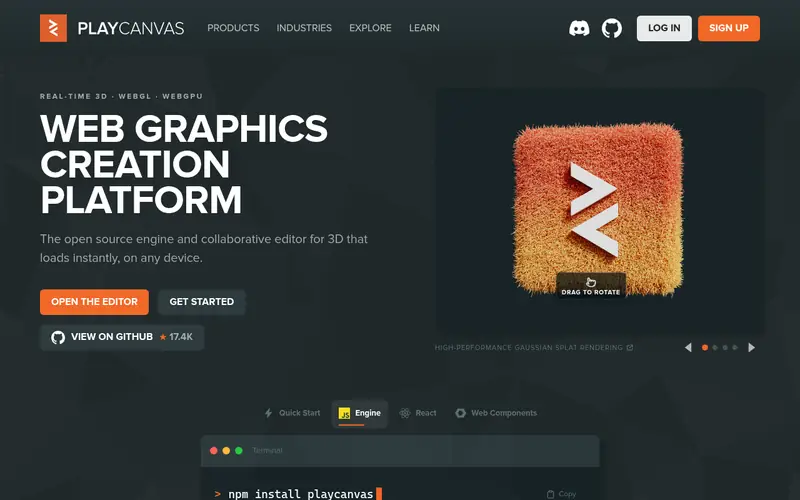
PlayCanvas is a 3D engine with a browser-based editor. You build scenes visually, attach scripts in JavaScript, and publish to the web. The runtime is open source, and the hosted editor and publishing service have a free tier plus paid plans.
The free tier covers personal projects, and paid plans add storage, private projects and team features. Because the editor and hosting are part of the product, check the current plan limits on the vendor pricing page before you commit. It suits teams that want a visual workflow and do not mind depending on a hosted platform.
Standout: Browser-based editor with real-time collaboration
See vendor pricing page, as listed by the vendor (PlayCanvas website). Confirm the current plan price before you buy.
Free plan. Plans change, so confirm on the vendor's pricing page before you buy.
Benefits
- Browser-based editor with real-time collaboration
- strong 3D rendering
Drawbacks
- Editor and hosting tie you to the platform
- paid tiers for team and storage needs
Skip it if this limit matters to you: editor and hosting tie you to the platform.
Verdict. A sensible pick for 3D browser games built with a visual editor and cloud hosting.
Alternatives in this guide: Phaser, PixiJS, Babylon.js
Excalibur.js
Best for typeScript-first 2D games with a small, clear API
What it is and where it fits
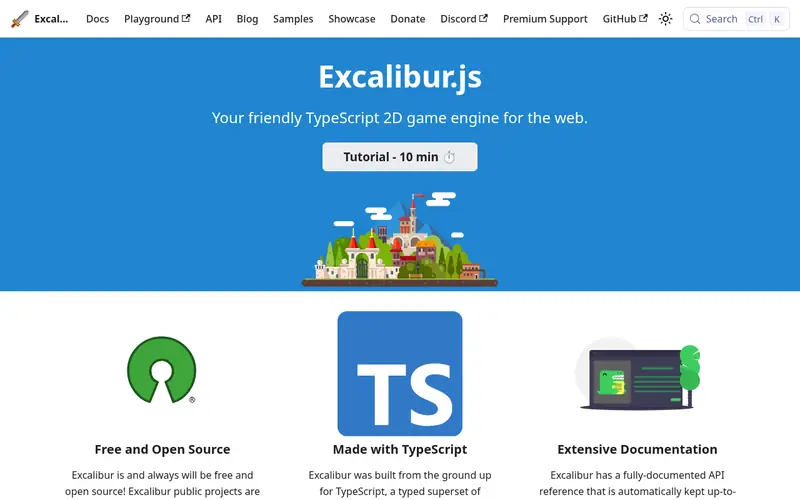
Excalibur.js is a 2D engine written in TypeScript. It provides actors, scenes, collision detection, input, audio and a resource loader. The API is smaller and more focused than Phaser's, which makes it easier to learn for developers who already know TypeScript.
It is open source under the BSD 2-Clause licence and free to use. The community and plugin ecosystem are smaller than Phaser's, so you may write more supporting code yourself. It fits small to medium 2D games and teams that value typed APIs over a large feature list.
Standout: TypeScript-first design with clear types
Free (open source), as listed by the vendor (Excalibur.js website). Confirm the current plan price before you buy.
Free plan. Plans change, so confirm on the vendor's pricing page before you buy.
Benefits
- TypeScript-first design with clear types
- simple scene and actor model
Drawbacks
- Smaller ecosystem than Phaser
- fewer third-party plugins
Skip it if this limit matters to you: smaller ecosystem than Phaser.
Verdict. A sensible pick for typeScript-first 2D games with a small, clear API.
Alternatives in this guide: Phaser, PixiJS, Babylon.js
KAPLAY
Best for small 2D games and game jams with a compact API
What it is and where it fits
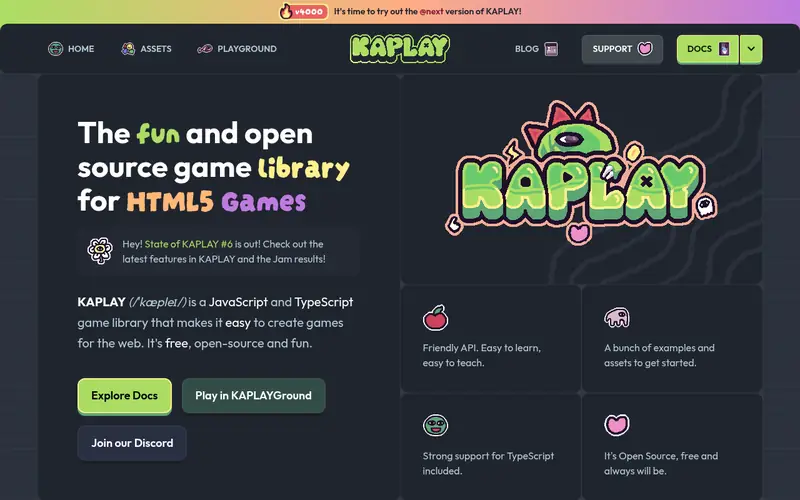
KAPLAY is a 2D game library that continues the Kaboom.js project. It focuses on a small API: you define scenes, add game objects and write update code in a few lines. It runs in the browser and works with JavaScript and TypeScript.
It is open source and free to use. The feature set is deliberately compact, so complex games may need extra libraries for physics or asset pipelines. It suits game jams, prototypes and small 2D games where fast setup matters more than a large feature list.
Standout: Very small API that is quick to learn
Free (open source), as listed by the vendor (KAPLAY website). Confirm the current plan price before you buy.
Free plan. Plans change, so confirm on the vendor's pricing page before you buy.
Benefits
- Very small API that is quick to learn
- good for prototypes and jams
Drawbacks
- Fewer advanced features
- smaller community than older engines
Skip it if this limit matters to you: fewer advanced features.
Verdict. A sensible pick for small 2D games and game jams with a compact API.
Alternatives in this guide: Phaser, PixiJS, Babylon.js
melonJS
Best for 2D sprite-based games with a lightweight engine
What it is and where it fits
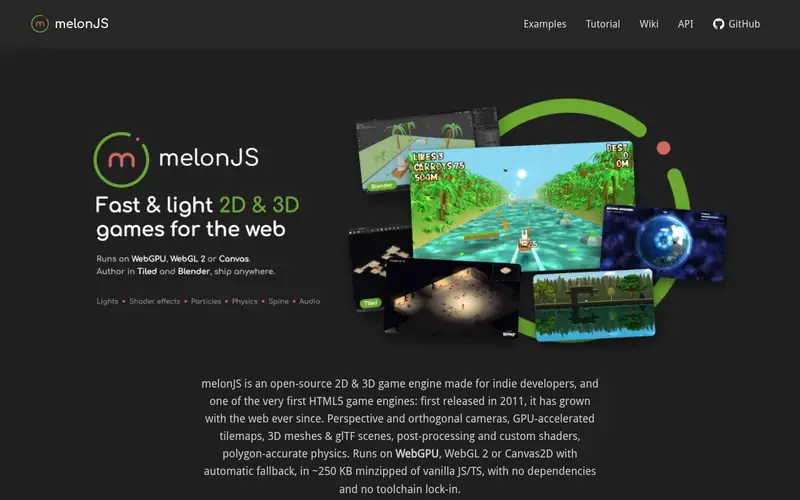
melonJS is a 2D engine for browser games. It handles sprites, tilemaps, collision, input and audio, and works with JavaScript. It is designed to stay lightweight, which keeps the API small and the bundle size down.
The project is open source under the MIT licence and free to use. Documentation and examples are on the official site. The community is smaller than Phaser's, so expect fewer tutorials and third-party plugins. It fits developers who want a lean 2D engine and are comfortable reading source and docs.
Standout: Lightweight and focused on 2D sprites and tilemaps
Free (open source), as listed by the vendor (melonJS website). Confirm the current plan price before you buy.
Free plan. Plans change, so confirm on the vendor's pricing page before you buy.
Benefits
- Lightweight and focused on 2D sprites and tilemaps
- long-running open-source project
Drawbacks
- Smaller community and fewer tutorials
- less tooling than larger engines
Skip it if this limit matters to you: smaller community and fewer tutorials.
Verdict. A sensible pick for 2D sprite-based games with a lightweight engine.
Alternatives in this guide: Phaser, PixiJS, Babylon.js
Who should use what
If you want a full 2D engine with physics and a large API, start with Phaser. If you already have game logic and need fast rendering, use PixiJS. For 3D games with built-in tooling, pick Babylon.js, or PlayCanvas if you prefer a visual editor and hosted publishing. For small prototypes, game jams or TypeScript-first projects, look at KAPLAY, Excalibur.js or melonJS.
Questions to settle before you buy
What to check before you buy
- Confirm the engine is 2D or 3D and matches your project, since renderers and full engines differ.
- Check the licence and whether commercial use is allowed without extra terms.
- Verify the browsers and devices you need are supported by the renderer.
- Review the size of the API and the docs, then build a small prototype before committing.
- Confirm current pricing and plan limits on the vendor page for hosted products like PlayCanvas.
FAQ
Is Phaser free to use?
Yes. Phaser is open source under the MIT licence, so you can use it in commercial games without paying for the engine. Check the licence file in the repository for the exact terms.
What is the difference between PixiJS and a full game engine?
PixiJS is a renderer. It draws sprites and graphics quickly but does not include physics, scene management or input handling as a full engine does. You add those parts yourself or with plugins.
Can I build 3D games in JavaScript?
Yes. Babylon.js and PlayCanvas are 3D engines that run in the browser. They support WebGL and, in recent versions, WebGPU, along with physics, materials and scene tooling.
Which engine is best for game jams?
KAPLAY and Excalibur.js have small APIs that are quick to learn, which helps in short events. Phaser also works well if you already know it, since its examples cover common 2D game patterns.
Do these engines work on mobile browsers?
Most do. Phaser, PixiJS, Babylon.js, Excalibur.js, KAPLAY and melonJS run in modern mobile browsers. Test touch input and performance on real devices, since results vary by engine and scene complexity.
Sources we checked
Method: how we score · editorial policy.
Change log. First published 27 Nov 2026.