Stage 01 · Write · Researched comparison
Best JavaScript Diff Libraries in 2026
jsdiff (the npm `diff` package) is the first pick for most teams that need character, word, line or JSON text diffs, because it runs in Node and the browser and ships under a permissive open-source licence. For structured JSON state, jsondiffpatch is the better fit. For small, fast object comparisons in modern runtimes, microdiff is a lighter option.

By Shihab Mia
Published 27 Nov 2026 · 6 tools compared
We run no ads and no affiliate links at launch. The order of a list follows our published method. See how we score.
Prices are the starting prices vendors list publicly. Plans change, so confirm the current price on the vendor page before you buy.
Key takeaways
- jsdiff, jsondiffpatch, microdiff, deep-object-diff, fast-json-patch and diff2html are all free and open source.
- jsdiff handles text diffs; jsondiffpatch and microdiff handle object diffs; fast-json-patch applies JSON Patch documents.
- diff2html only renders diffs and does not compute them, so pair it with a diff library.
- These libraries run locally in Node or the browser, so data stays on your machine.
Who each pick is for
- Text, word, line and JSON string diffsjsdiff
- Diffing and patching JSON object statejsondiffpatch
- Fast, tiny object and array diffsmicrodiff
- Finding changed, added and deleted keys in nested objectsdeep-object-diff
- Applying and generating RFC 6902 JSON Patchfast-json-patch
- Rendering unified diffs as HTMLdiff2html
Comparison
| Tool | Best for | Standout feature | Listed starting price | Free plan or trial |
|---|---|---|---|---|
| 1jsdiff | Text, word, line and JSON string diffs | Works in Node and the browser | Free (open source) | Free plan |
| 2jsondiffpatch | Diffing and patching JSON object state | Produces compact deltas and can reverse and apply them | Free (open source) | Free plan |
| 3microdiff | Fast, tiny object and array diffs | Very small bundle with no dependencies | Free (open source) | Free plan |
| 4deep-object-diff | Finding changed, added and deleted keys in nested objects | Clear functions for diff, added, deleted and updated | Free (open source) | Free plan |
| 5fast-json-patch | Applying and generating RFC 6902 JSON Patch | Implements the JSON Patch standard | Free (open source) | Free plan |
| 6diff2html | Rendering unified diffs as HTML | Turns unified diff text into side-by-side or line-by-line HTML | Free (open source) | Free plan |
How we picked
We picked libraries that are maintained, published on npm and documented in their own repositories. Criteria were fit for text versus object diffs, runtime support in Node and the browser, licence and price, whether diffs are computed locally so data stays on the machine, and the main limits of each API. Sources are vendor pages, README documentation and project repositories. Prices and licences can change, so confirm on the project page before you commit.
The tools, one by one
jsdiff
Best for text, word, line and JSON string diffs
What it is and where it fits
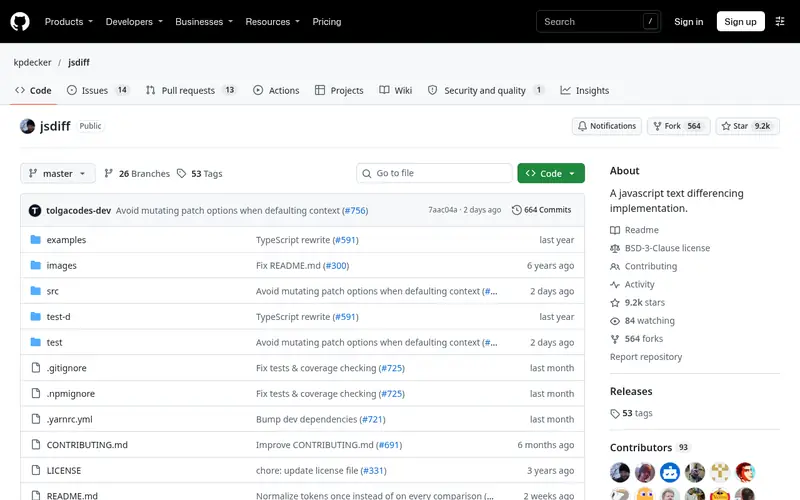
jsdiff is the most widely used JavaScript text diff library. It compares strings at the character, word, line, sentence, CSS and JSON token level, and returns structured change objects you can render or store. It runs in Node and in browsers, and the package is published on npm as `diff`. The licence is permissive open source, so it fits commercial projects.
The main limit is scope. jsdiff works on strings, so for deep object trees you either serialize to JSON first or choose a dedicated object diff library. It also returns data, not HTML, so you handle rendering yourself or pair it with diff2html. Teams that only need line diffs for text files will find it sufficient. Teams comparing live application state should look at jsondiffpatch or microdiff instead.
Standout: Works in Node and the browser
Free (open source), as listed by the vendor (jsdiff website). Confirm the current plan price before you buy.
Free plan. Plans change, so confirm on the vendor's pricing page before you buy.
Benefits
- Works in Node and the browser
- covers chars, words, lines, sentences and JSON
Drawbacks
- Text-oriented, not built for deep object state
- output needs formatting for display
Skip it if this limit matters to you: text-oriented, not built for deep object state.
Verdict. A sensible pick for text, word, line and JSON string diffs.
Alternatives in this guide: jsondiffpatch, microdiff, deep-object-diff
jsondiffpatch
Best for diffing and patching JSON object state
What it is and where it fits
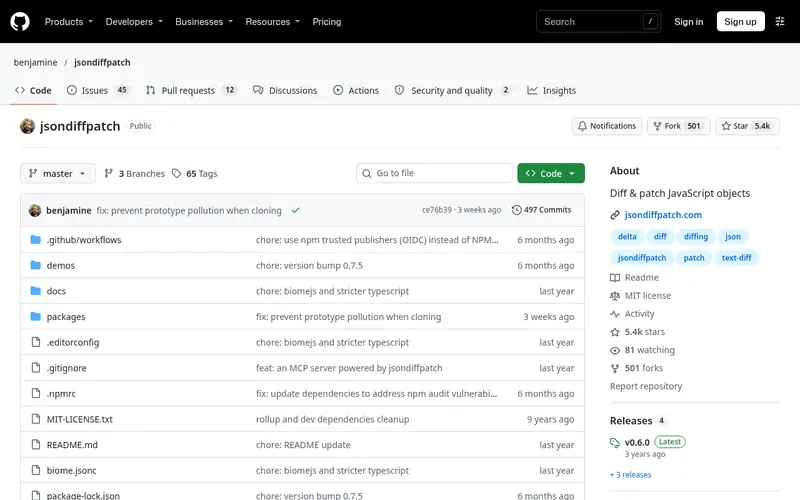
jsondiffpatch compares two JavaScript objects and returns a delta that records only what changed. You can apply the delta to move forward, reverse it to undo, and render it with the built-in HTML formatter or console formatter. It works in Node and the browser and is MIT licensed.
It suits apps that need to track state changes, sync edits or show a visual object diff. The delta format is specific to this library, so it is not interchangeable with RFC 6902 JSON Patch. If you need standard patch documents, use fast-json-patch. The API has several options for arrays and object matching, which takes some reading. Small projects with simple objects may prefer microdiff for a smaller footprint.
Standout: Produces compact deltas and can reverse and apply them
Free (open source), as listed by the vendor (jsondiffpatch website). Confirm the current plan price before you buy.
Free plan. Plans change, so confirm on the vendor's pricing page before you buy.
Benefits
- Produces compact deltas and can reverse and apply them
- includes an HTML formatter
Drawbacks
- Delta format is its own, not standard JSON Patch
- larger API surface to learn
Skip it if this limit matters to you: delta format is its own, not standard JSON Patch.
Verdict. A sensible pick for diffing and patching JSON object state.
Alternatives in this guide: jsdiff, microdiff, deep-object-diff
microdiff
Best for fast, tiny object and array diffs
What it is and where it fits
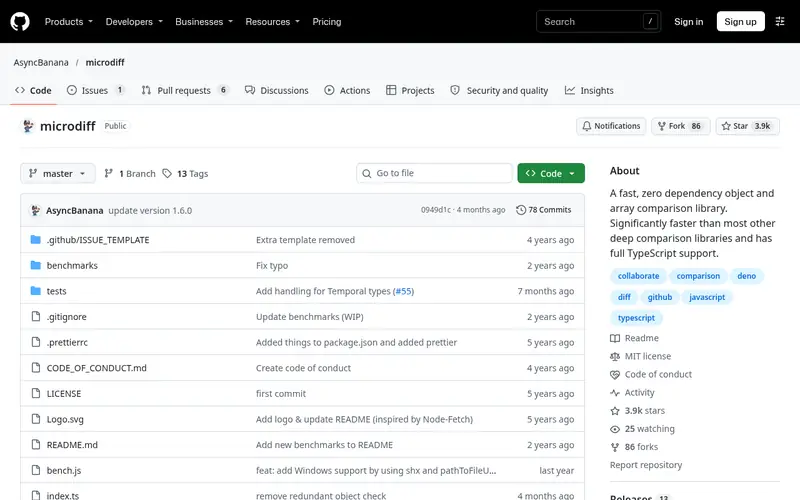
microdiff is a small object and array diff library with no dependencies. It returns a flat list of changes with a type, a path and the old and new values, which is easy to loop over in UI code. It runs in Node and modern browsers and is MIT licensed.
The trade-off is features. microdiff does not apply patches, reverse diffs or render HTML, so you write that logic yourself. It is a good fit for React or similar apps that need to detect what changed in state and update a small part of the screen. It is not the right choice if you need a reversible delta or a visual diff out of the box. Check that your target browsers support the syntax it ships.
Standout: Very small bundle with no dependencies
Free (open source), as listed by the vendor (microdiff website). Confirm the current plan price before you buy.
Free plan. Plans change, so confirm on the vendor's pricing page before you buy.
Benefits
- Very small bundle with no dependencies
- simple output format
Drawbacks
- Fewer options than jsondiffpatch
- no built-in patch or render step
Skip it if this limit matters to you: fewer options than jsondiffpatch.
Verdict. A sensible pick for fast, tiny object and array diffs.
Alternatives in this guide: jsdiff, jsondiffpatch, deep-object-diff
deep-object-diff
Best for finding changed, added and deleted keys in nested objects
What it is and where it fits
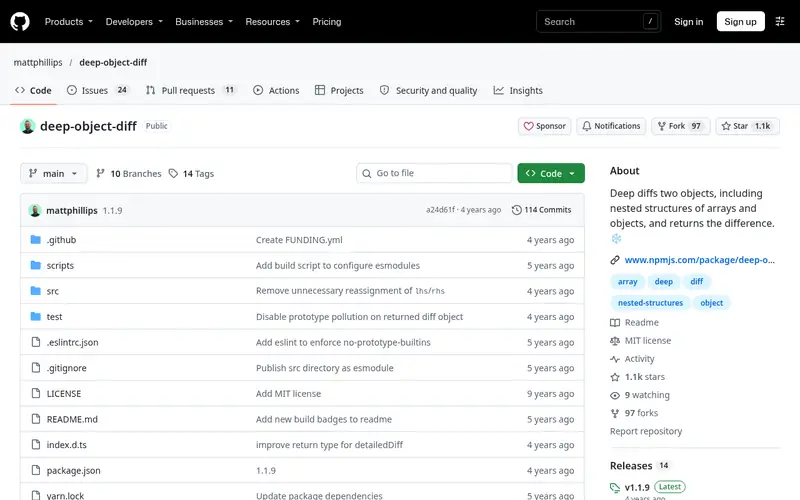
deep-object-diff provides functions to compare two objects and return the changed, added, deleted or updated parts. It handles nested objects and is published on npm under a permissive open-source licence. It runs in Node and the browser.
It is a focused tool. You get the differences as plain objects, which is handy for logging, tests or building a change summary. It does not apply patches, reverse changes or render output, and array handling is basic. If you need to move state forward and back, jsondiffpatch covers more ground. If you only need to know which keys changed, this library keeps the code short. Confirm the version you install matches the API in the current README.
Standout: Clear functions for diff, added, deleted and updated
Free (open source), as listed by the vendor (deep-object-diff website). Confirm the current plan price before you buy.
Free plan. Plans change, so confirm on the vendor's pricing page before you buy.
Benefits
- Clear functions for diff, added, deleted and updated
- works with nested objects
Drawbacks
- No patch or reverse support
- not designed for large arrays
Skip it if this limit matters to you: no patch or reverse support.
Verdict. A sensible pick for finding changed, added and deleted keys in nested objects.
Alternatives in this guide: jsdiff, jsondiffpatch, microdiff
fast-json-patch
Best for applying and generating RFC 6902 JSON Patch
What it is and where it fits
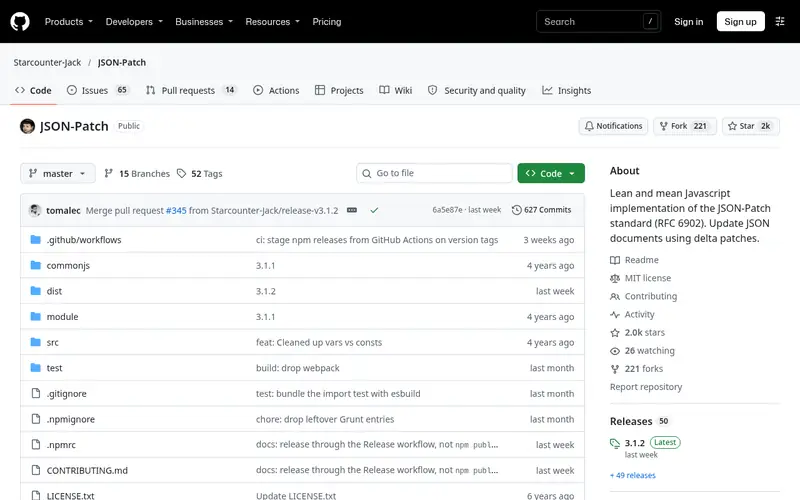
fast-json-patch implements JSON Patch (RFC 6902) and JSON Merge Patch (RFC 7386) for JavaScript. It applies patches, generates patches between two documents, and can observe an object to record changes. It runs in Node and the browser and is MIT licensed.
Choose it when you need a standard patch format that other systems can read, such as an API that accepts JSON Patch requests. The format lists each operation, which can be verbose compared with jsondiffpatch deltas. It does not diff text or render output. If your only need is a compact internal delta, jsondiffpatch is lighter to read. If interoperability matters, the standard format is the reason to pick this library.
Standout: Implements the JSON Patch standard
Free (open source), as listed by the vendor (fast-json-patch website). Confirm the current plan price before you buy.
Free plan. Plans change, so confirm on the vendor's pricing page before you buy.
Benefits
- Implements the JSON Patch standard
- can observe objects and generate patches
Drawbacks
- Patch format is verbose for large changes
- not a text diff tool
Skip it if this limit matters to you: patch format is verbose for large changes.
Verdict. A sensible pick for applying and generating RFC 6902 JSON Patch.
Alternatives in this guide: jsdiff, jsondiffpatch, microdiff
diff2html
Best for rendering unified diffs as HTML
What it is and where it fits
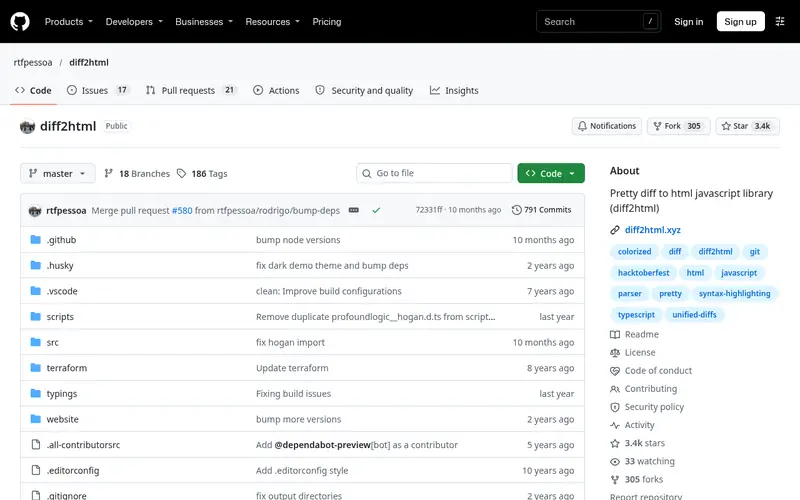
diff2html takes unified diff text, the format produced by git and by many diff tools, and renders it as HTML. It supports side-by-side and line-by-line views, syntax highlighting and a CLI for generating static pages. It runs in Node and the browser and is MIT licensed.
It is a renderer, not a diff engine. You still need something to produce the unified diff, such as jsdiff or git output. That makes it a good companion library for review screens, changelogs and documentation. It will not help if your input is two JavaScript objects rather than diff text. Check the theming options if you need the output to match an existing design system.
Standout: Turns unified diff text into side-by-side or line-by-line HTML
Free (open source), as listed by the vendor (diff2html website). Confirm the current plan price before you buy.
Free plan. Plans change, so confirm on the vendor's pricing page before you buy.
Benefits
- Turns unified diff text into side-by-side or line-by-line HTML
- works in Node and the browser
Drawbacks
- Does not compute diffs
- expects unified diff input
Skip it if this limit matters to you: does not compute diffs.
Verdict. A sensible pick for rendering unified diffs as HTML.
Alternatives in this guide: jsdiff, jsondiffpatch, microdiff
Who should use what
Teams diffing text files, logs or strings should start with jsdiff and add diff2html if they need a visual view. Apps that track JSON state changes and need undo should use jsondiffpatch. Front-end code that only needs to know which keys changed in a small object can use microdiff or deep-object-diff. Services that exchange patches with other systems should use fast-json-patch for the RFC 6902 format. In every case, run the diff locally rather than sending production data to a third-party web page.
Questions to settle before you buy
What to check before you buy
- Confirm the library handles your data type: strings, objects, arrays or unified diff text.
- Check Node and browser support against the runtimes you target.
- Read the licence and confirm it fits your distribution model.
- Test output size on your largest real inputs, since deltas and patches can grow.
- Verify the patch or delta format is one you can store and replay safely.
FAQ
Do I need more than one diff library?
Often yes. A common pair is jsdiff to compute text diffs and diff2html to render them. Object state apps may use jsondiffpatch for deltas and fast-json-patch when they must emit standard JSON Patch. Each library does one job well.
Are these libraries free?
All six listed here are free and open source under permissive licences such as MIT. There is no paid tier. You pay only in maintenance time and in reviewing the licence terms for your product.
Can I diff large files in the browser?
It depends on input size and the algorithm. Text diffs on very large files can be slow and memory heavy. Test with your real data, and consider running the diff in a worker so the page stays responsive.
Is it safe to diff production data?
The libraries here run locally in your process, so data is not sent to a third party. Avoid pasting secrets or production data into online diff web pages. Prefer local or offline tools for anything sensitive.
What about google diff-match-patch?
That project is archived. For new work, use a maintained library such as jsdiff for text diffs. Check that any replacement covers the features you relied on, such as fuzzy matching or patch application.
Sources we checked
Method: how we score · editorial policy.
Change log. First published 27 Nov 2026.