Stage 01 · Write · Researched comparison
Best JavaScript Date Picker Libraries in 2026
flatpickr is the first pick for most projects that need a small, dependency-free date picker that works with plain JavaScript or a framework wrapper. It suits teams that want a lightweight input without a UI framework. For React apps, react-day-picker is a strong alternative built for React. For Material Design interfaces, MUI X Date Pickers fits teams already using MUI components.

By Shihab Mia
Published 27 Nov 2026 · 6 tools compared
We run no ads and no affiliate links at launch. The order of a list follows our published method. See how we score.
Prices are the starting prices vendors list publicly. Plans change, so confirm the current price on the vendor page before you buy.
Key takeaways
- flatpickr is free and open source under the MIT license, ships with no dependencies, and covers date, time and range selection.
- react-day-picker is free and open source, built for React, and gives you the calendar logic while you control the styling.
- MUI X Date Pickers is free under MIT for the core components, with paid Pro and Premium plans for advanced features; confirm current prices on the vendor page.
- All options here are client-side libraries, so they run in the browser and do not send selected dates to a third-party service.
Who each pick is for
- Lightweight date and time input for any frameworkflatpickr
- React apps that need flexible calendar logicreact-day-picker
- Framework-agnostic calendar with rich built-in featuresVanilla Calendar Pro
- Plain JavaScript projects that want a feature-rich pickerAir Datepicker
- React apps already using Material UIMUI X Date Pickers
- Vue 3 apps that need a full-featured date and time pickerVueDatePicker
Comparison
| Tool | Best for | Standout feature | Listed starting price | Free plan or trial |
|---|---|---|---|---|
| 1flatpickr | Lightweight date and time input for any framework | No dependencies and small footprint | Free (open source) | Free plan |
| 2react-day-picker | React apps that need flexible calendar logic | Built for React with full control over rendering | Free (open source) | Free plan |
| 3Vanilla Calendar Pro | Framework-agnostic calendar with rich built-in features | No dependencies and works with any framework | Free (open source) | Free plan |
| 4Air Datepicker | Plain JavaScript projects that want a feature-rich picker | No dependencies and many built-in features | Free (open source) | Free plan |
| 5MUI X Date Pickers | React apps already using Material UI | Native Material Design components | See vendor pricing page | Free plan |
| 6VueDatePicker | Vue 3 apps that need a full-featured date and time picker | Built for Vue 3 with time, range and multiple-date modes | Free (open source) | Free plan |
How we picked
We picked libraries that are actively maintained, genuinely solve date selection, and are standalone projects rather than sub-features of another listed tool. We compared fit for the job, framework support, license and price, and whether the picker runs client-side. Sources are vendor pages, official documentation and project repositories. Prices and plan limits change, so confirm them on the vendor site before you commit.
The tools, one by one
flatpickr
Best for lightweight date and time input for any framework
What it is and where it fits
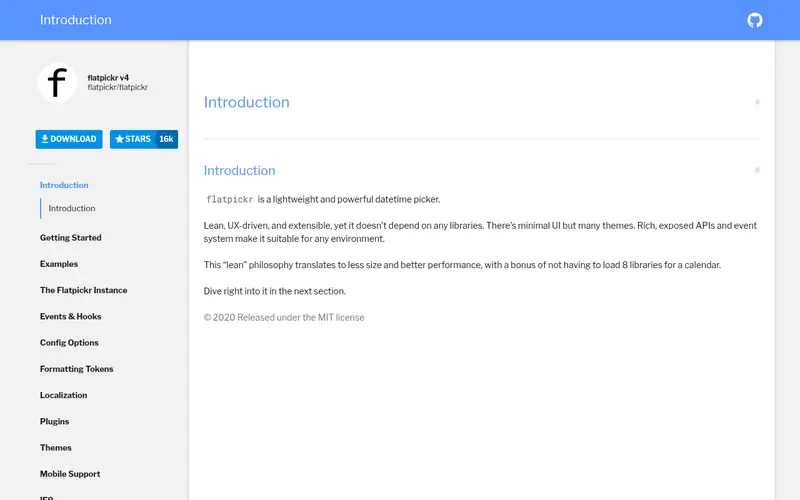
flatpickr is a dependency-free date and time picker that attaches to a text input. It handles single dates, date ranges, multiple dates and time selection. It ships with themes and locale files, and it works in plain JavaScript or through wrappers for React, Vue, Angular and other frameworks. The project is MIT licensed and free to use.
The default calendar is functional rather than ornate, so teams that want a fully custom look will write their own CSS. Some features, such as month and year selection or confirm buttons, come as plugins. It targets modern browsers and does not need a build step if you load it from a CDN. Skip it if you need a full design-system calendar with built-in accessibility patterns and heavy customization out of the box.
Standout: No dependencies and small footprint
Free (open source), as listed by the vendor (flatpickr website). Confirm the current plan price before you buy.
Free plan. Plans change, so confirm on the vendor's pricing page before you buy.
Benefits
- No dependencies and small footprint
- works with plain JS plus React, Vue and Angular wrappers
Drawbacks
- Styling is basic by default
- advanced features need plugins
Skip it if this limit matters to you: styling is basic by default.
Verdict. A sensible pick for lightweight date and time input for any framework.
Alternatives in this guide: react-day-picker, Vanilla Calendar Pro, Air Datepicker
react-day-picker
Best for react apps that need flexible calendar logic
What it is and where it fits
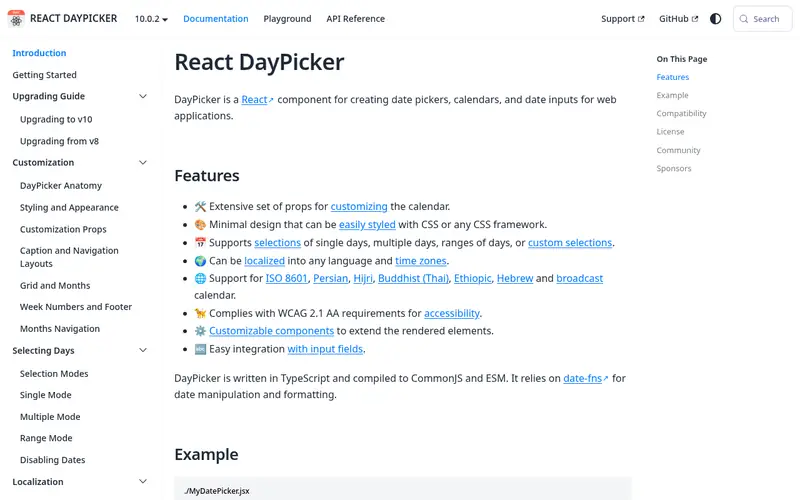
react-day-picker is a date picker component for React. It provides the calendar logic and rendering hooks, and you control the markup and CSS. It supports single-date, multiple-date and range selection, plus multiple months, disabled days and custom day content. It is MIT licensed and free.
Because it is React-only, it does not help plain JavaScript or Vue projects. The trade-off for flexibility is that you style it yourself, so expect to write CSS or use a preset theme. It works with React 18 and later. Teams that want a ready-made Material or Bootstrap look should pair it with a component library or choose a picker that ships styled components.
Standout: Built for React with full control over rendering
Free (open source), as listed by the vendor (react-day-picker website). Confirm the current plan price before you buy.
Free plan. Plans change, so confirm on the vendor's pricing page before you buy.
Benefits
- Built for React with full control over rendering
- supports ranges, multiple months and custom day content
Drawbacks
- React-only
- you supply most of the styling
Skip it if this limit matters to you: react-only.
Verdict. A sensible pick for react apps that need flexible calendar logic.
Alternatives in this guide: flatpickr, Vanilla Calendar Pro, Air Datepicker
Vanilla Calendar Pro
Best for framework-agnostic calendar with rich built-in features
What it is and where it fits
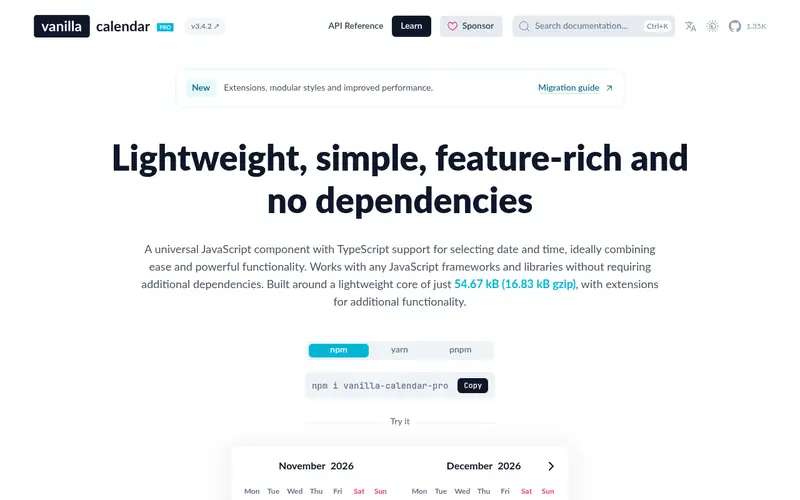
Vanilla Calendar Pro is a dependency-free JavaScript calendar and date picker. It works with plain JavaScript and through wrappers for React, Vue, Angular and Svelte. It supports date, range, multiple-date and time selection, plus disabled dates and custom day rendering. The project is MIT licensed and free.
It aims to cover more built-in features than flatpickr without plugins, including time selection and range modes in the core. The API and options are documented on the project site. Because the community is smaller, fewer third-party tutorials and Stack Overflow answers exist. It suits teams that want a modern, framework-agnostic calendar and are comfortable reading the official docs.
Standout: No dependencies and works with any framework
Free (open source), as listed by the vendor (Vanilla Calendar Pro website). Confirm the current plan price before you buy.
Free plan. Plans change, so confirm on the vendor's pricing page before you buy.
Benefits
- No dependencies and works with any framework
- includes range, time and multiple-date modes
Drawbacks
- Documentation is thinner than older libraries
- smaller community than flatpickr
Skip it if this limit matters to you: documentation is thinner than older libraries.
Verdict. A sensible pick for framework-agnostic calendar with rich built-in features.
Alternatives in this guide: flatpickr, react-day-picker, Air Datepicker
Air Datepicker
Best for plain JavaScript projects that want a feature-rich picker
What it is and where it fits
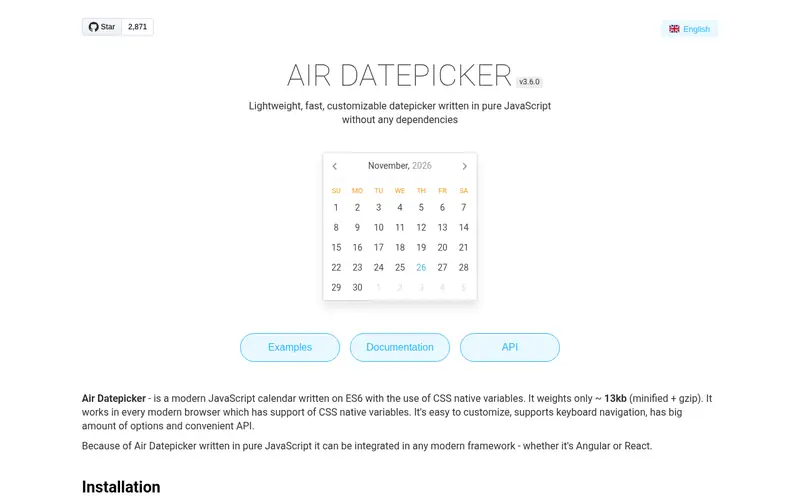
Air Datepicker is a dependency-free date picker for plain JavaScript. It supports single dates, ranges, multiple dates, time selection and showing several months at once. It also handles disabled dates and custom cell content. The project is MIT licensed and free.
It is a good fit for projects that want many features without a framework or a build step. The default look is plainer than newer libraries, so most teams restyle it. It works in modern browsers and can be loaded from a CDN. The community is smaller than flatpickr's, so fewer examples exist online. Skip it if you need a React- or Vue-native component with framework idioms.
Standout: No dependencies and many built-in features
Free (open source), as listed by the vendor (Air Datepicker website). Confirm the current plan price before you buy.
Free plan. Plans change, so confirm on the vendor's pricing page before you buy.
Benefits
- No dependencies and many built-in features
- supports ranges, time and multiple calendars
Drawbacks
- Styling is dated compared with newer libraries
- smaller ecosystem
Skip it if this limit matters to you: styling is dated compared with newer libraries.
Verdict. A sensible pick for plain JavaScript projects that want a feature-rich picker.
Alternatives in this guide: flatpickr, react-day-picker, Vanilla Calendar Pro
MUI X Date Pickers
Best for react apps already using Material UI
What it is and where it fits
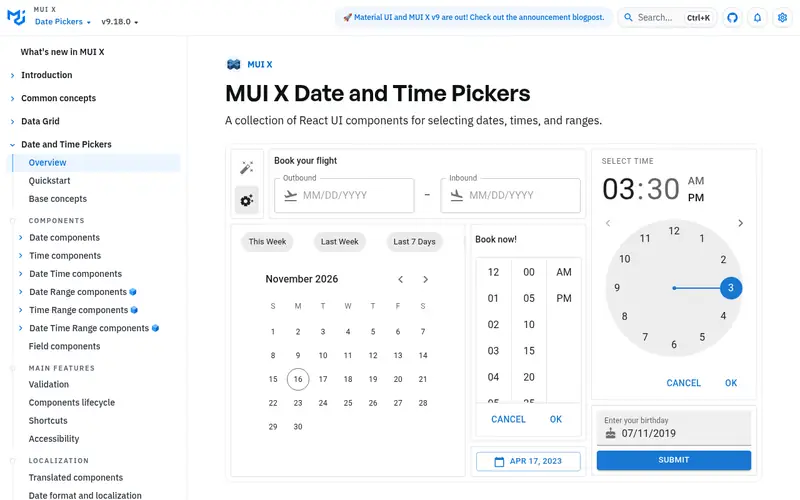
MUI X Date Pickers provides date, time and date-time pickers for React, styled to Material Design and built on MUI components. The core pickers are free under the MIT license. Advanced features, such as the date range picker and some Pro and Premium components, require a paid MUI X plan. Check the vendor pricing page for current tiers, since prices change.
It fits teams already using MUI, because theming, localization and form integration come for free. If you are not using MUI, the component pulls in MUI dependencies and may be heavier than you need. The free tier covers common single-date and time inputs. Confirm which components sit behind a paid plan before you design around them.
Standout: Native Material Design components
See vendor pricing page, as listed by the vendor (MUI X Date Pickers website). Confirm the current plan price before you buy.
Free plan. Plans change, so confirm on the vendor's pricing page before you buy.
Benefits
- Native Material Design components
- integrates with MUI theming and forms
Drawbacks
- Best value only inside the MUI ecosystem
- advanced features need paid plans
Skip it if this limit matters to you: best value only inside the MUI ecosystem.
Verdict. A sensible pick for react apps already using Material UI.
Alternatives in this guide: flatpickr, react-day-picker, Vanilla Calendar Pro
VueDatePicker
Best for vue 3 apps that need a full-featured date and time picker
What it is and where it fits
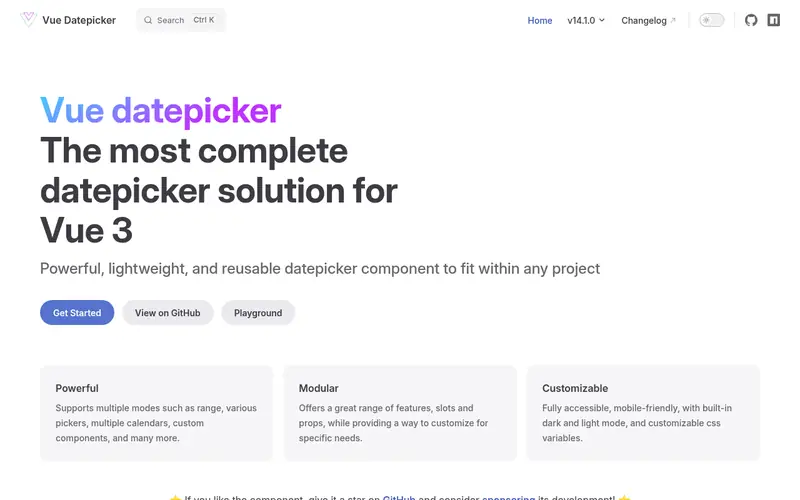
VueDatePicker is a date and time picker for Vue 3. It supports single dates, ranges, multiple dates and time selection, plus dark mode, localization and custom slots. It is MIT licensed and free.
It is the natural choice for Vue 3 projects that want a ready-made picker with many modes. Because it targets Vue 3, projects still on Vue 2 need a different component. The component is actively maintained and documented on its site. Teams that want minimal dependencies or a plain-JavaScript picker should look at flatpickr or Vanilla Calendar Pro instead.
Standout: Built for Vue 3 with time, range and multiple-date modes
Free (open source), as listed by the vendor (VueDatePicker website). Confirm the current plan price before you buy.
Free plan. Plans change, so confirm on the vendor's pricing page before you buy.
Benefits
- Built for Vue 3 with time, range and multiple-date modes
- supports dark mode and localization
Drawbacks
- Vue-only
- the API differs from Vue 2 pickers
Skip it if this limit matters to you: vue-only.
Verdict. A sensible pick for vue 3 apps that need a full-featured date and time picker.
Alternatives in this guide: flatpickr, react-day-picker, Vanilla Calendar Pro
Who should use what
If you need a small picker for plain JavaScript or a mix of frameworks, start with flatpickr. If you build React apps and want full control over rendering, use react-day-picker. If your React project already uses Material UI, MUI X Date Pickers keeps the look consistent. For Vue 3, VueDatePicker covers date, time and range modes. Teams that want many built-in features without plugins can try Vanilla Calendar Pro or Air Datepicker, and accept a smaller community and less polished default styling.
Questions to settle before you buy
What to check before you buy
- Confirm the library supports your framework and version, or works with plain JavaScript.
- Check the license and whether any components you need sit behind a paid plan.
- Verify the picker handles the modes you need: single date, range, multiple dates and time.
- Test keyboard navigation and screen reader behavior for your users.
- Check localization and date-format support for your target locales.
FAQ
Are these date picker libraries free?
flatpickr, react-day-picker, Vanilla Calendar Pro, Air Datepicker and VueDatePicker are free and open source. MUI X Date Pickers has free MIT components plus paid Pro and Premium plans. Check the vendor pricing page for current MUI X prices.
Do these libraries send my data anywhere?
They are client-side libraries that run in the browser and do not send selected dates to a third-party service. Still, avoid pasting secrets or production data into any third-party demo page, and prefer local or offline use where it is available.
Which picker works without a framework?
flatpickr, Vanilla Calendar Pro and Air Datepicker work with plain JavaScript and need no framework. flatpickr also has wrappers for React, Vue and Angular.
Can I use these pickers for time selection?
flatpickr, Vanilla Calendar Pro, Air Datepicker, MUI X Date Pickers and VueDatePicker support time selection. react-day-picker focuses on dates; check its docs for time-related options.
How do I choose between flatpickr and react-day-picker?
Choose flatpickr for plain JavaScript or mixed-framework projects that want a small, ready-made input. Choose react-day-picker for React apps where you want to control rendering and styling. Both are free and open source.
Sources we checked
Method: how we score · editorial policy.
Change log. First published 27 Nov 2026.