Stage 01 · Write · Researched comparison
Best JavaScript Date Libraries in 2026
date-fns is the first pick for most teams that want small, tree-shakeable functions and plain JavaScript Date objects. It suits projects that prefer importing only what they use. Day.js is a good alternative for a Moment-like chainable API with a small core, and Luxon fits teams that need first-class time zone and interval handling built on the Intl API.

By Shihab Mia
Published 27 Nov 2026 · 7 tools compared
We run no ads and no affiliate links at launch. The order of a list follows our published method. See how we score.
Prices are the starting prices vendors list publicly. Plans change, so confirm the current price on the vendor page before you buy.
Key takeaways
- date-fns, Day.js, Luxon, js-joda, Spacetime and Tempo are free and open source under permissive licences.
- Moment.js is in maintenance mode and is not recommended for new projects; this guide leaves it out.
- Native Intl and Temporal are built into the platform, so check them before adding a dependency.
- These are code libraries, not web pages, so no date data leaves your machine when you use them.
Who each pick is for
- Teams that want small, tree-shakeable functions on native Datedate-fns
- Projects that want a small Moment-like chainable APIDay.js
- Apps that need time zones, intervals and Intl-based formattingLuxon
- Teams that want immutable, domain-driven date-time typesjs-joda
- Lightweight time zone and calendar math in the browserSpacetime
- Apps that need locale-aware formatting with a small bundleTempo
- Projects that want zero dependencies and platform formattingNative Intl and Temporal
Comparison
| Tool | Best for | Standout feature | Listed starting price | Free plan or trial |
|---|---|---|---|---|
| 1date-fns | Teams that want small, tree-shakeable functions on native Date | Imports only the functions you use | Free (open source) | Free plan |
| 2Day.js | Projects that want a small Moment-like chainable API | Familiar chainable API | Free (open source) | Free plan |
| 3Luxon | Apps that need time zones, intervals and Intl-based formatting | Strong time zone and interval support | Free (open source) | Free plan |
| 4js-joda | Teams that want immutable, domain-driven date-time types | Immutable value types modeled on java.time | Free (open source) | Free plan |
| 5Spacetime | Lightweight time zone and calendar math in the browser | Small footprint with built-in time zone handling | Free (open source) | Free plan |
| 6Tempo | Apps that need locale-aware formatting with a small bundle | Uses the Intl API for locale-aware output | Free (open source) | Free plan |
| 7Native Intl and Temporal | Projects that want zero dependencies and platform formatting | Built into the runtime with no install | Free | Free plan |
How we picked
We compared libraries on fit for common date tasks (parsing, formatting, arithmetic, time zones, relative time), platforms supported, licence, bundle approach, and documented limits. We also noted whether each project is actively maintained. Sources are official project sites, documentation and repositories. Prices and licences can change, so confirm details on the vendor or project page before you commit.
The tools, one by one
date-fns
Best for teams that want small, tree-shakeable functions on native Date
What it is and where it fits
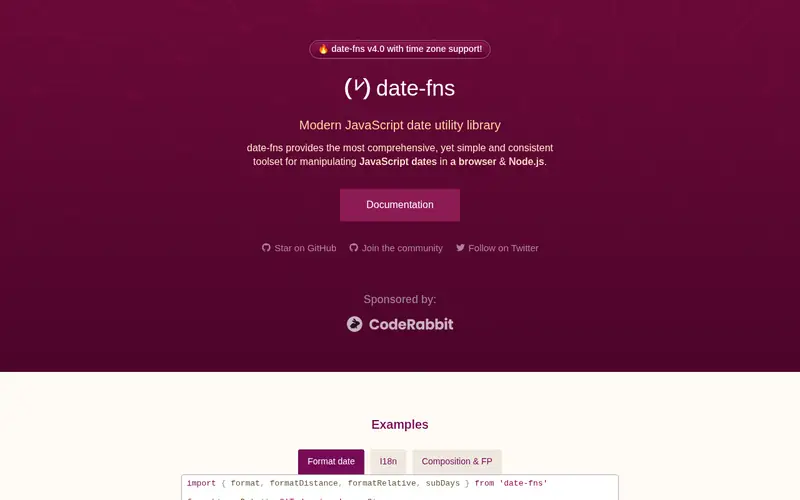
date-fns is a collection of small functions for formatting, parsing, comparing and manipulating dates. It works on native JavaScript Date objects, so values stay portable across your code. Because each function is a separate module, bundlers can drop the parts you do not import. It runs in browsers and Node.js and ships TypeScript definitions. The project is open source under the MIT licence. Time zone conversion is handled by a separate package, date-fns-tz, which you add when you need it. Teams that want a chainable API or built-in zone objects should look at Day.js or Luxon instead.
Standout: Imports only the functions you use
Free (open source), as listed by the vendor (date-fns website). Confirm the current plan price before you buy.
Free plan. Plans change, so confirm on the vendor's pricing page before you buy.
Benefits
- Imports only the functions you use
- works with plain Date objects and has good TypeScript types
Drawbacks
- Function-based API differs from chainable styles
- time zone support needs a companion package
Skip it if this limit matters to you: function-based API differs from chainable styles.
Verdict. A sensible pick for teams that want small, tree-shakeable functions on native Date.
Day.js
Best for projects that want a small Moment-like chainable API
What it is and where it fits
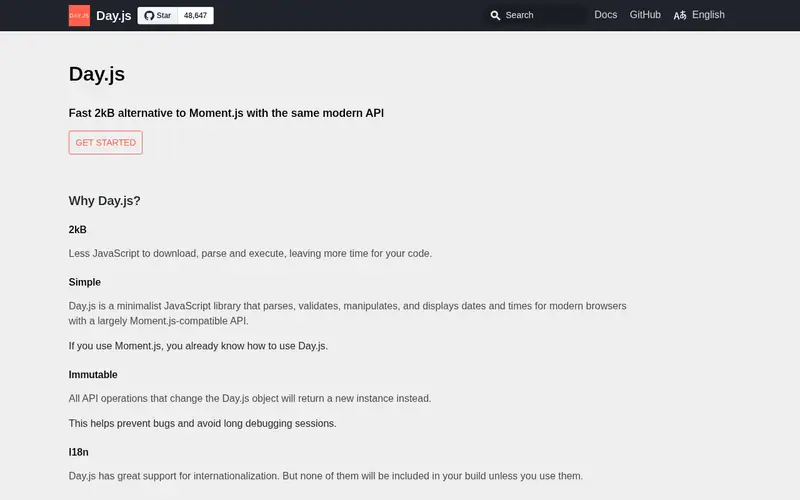
Day.js offers a chainable, immutable API that reads like Moment.js, which helps when migrating older code. The core is small, and extra behavior such as time zones, relative time and custom parsing comes from plugins you import explicitly. It runs in browsers and Node.js and is published under the MIT licence. Locale data is loaded separately. The plugin model keeps bundles small but adds setup steps. Check the plugin list against your needs before committing, and test parsing of non-standard strings, since behavior can differ from the native Date parser.
Standout: Familiar chainable API
Free (open source), as listed by the vendor (Day.js website). Confirm the current plan price before you buy.
Free plan. Plans change, so confirm on the vendor's pricing page before you buy.
Benefits
- Familiar chainable API
- small core with optional plugins
Drawbacks
- Many features live in plugins you must load
- some edge cases differ from native Date
Skip it if this limit matters to you: many features live in plugins you must load.
Verdict. A sensible pick for projects that want a small Moment-like chainable API.
Luxon
Best for apps that need time zones, intervals and Intl-based formatting
What it is and where it fits
Luxon provides DateTime, Duration, Interval and Zone classes with first-class time zone handling. It relies on the Intl API for formatting and zone data, so it does not bundle its own time zone database. It runs in modern browsers and Node.js and is open source under the MIT licence. The immutable objects make reasoning about changes easier but require a different mental model than mutable Date code. If you only need to format a few dates, a smaller function library may be a better fit. For scheduling, durations and cross-zone display, Luxon covers more ground out of the box.
Standout: Strong time zone and interval support
Free (open source), as listed by the vendor (Luxon website). Confirm the current plan price before you buy.
Free plan. Plans change, so confirm on the vendor's pricing page before you buy.
Benefits
- Strong time zone and interval support
- formatting built on the Intl API
Drawbacks
- Larger than date-fns when you only need basic formatting
- immutable API has a learning curve
Skip it if this limit matters to you: larger than date-fns when you only need basic formatting.
Verdict. A sensible pick for apps that need time zones, intervals and Intl-based formatting.
js-joda
Best for teams that want immutable, domain-driven date-time types
What it is and where it fits
js-joda is a port of the java.time API to JavaScript. It offers immutable types such as LocalDate, LocalTime, ZonedDateTime and Duration, with explicit conversions between them. This structure suits code where mixing up a date and an instant causes bugs. It runs in browsers and Node.js and is open source under the BSD-3-Clause licence. Time zone rules come from a separate package, @js-joda/timezone. The API is more verbose than chainable libraries, so simple formatting tasks take more code. Teams that value strict types and immutability over brevity tend to prefer it.
Standout: Immutable value types modeled on java.time
Free (open source), as listed by the vendor (js-joda website). Confirm the current plan price before you buy.
Free plan. Plans change, so confirm on the vendor's pricing page before you buy.
Benefits
- Immutable value types modeled on java.time
- clear separation of date, time and zone
Drawbacks
- Verbose API for simple tasks
- time zone data needs an extra package
Skip it if this limit matters to you: verbose API for simple tasks.
Verdict. A sensible pick for teams that want immutable, domain-driven date-time types.
Spacetime
Best for lightweight time zone and calendar math in the browser
What it is and where it fits
Spacetime is a lightweight library for dates with time zone support. It handles converting between zones, daylight saving changes and simple calendar math such as adding days or finding the start of a week. It runs in browsers and Node.js and is open source under the Apache-2.0 licence. The API is compact, which keeps the learning curve short. Formatting options are narrower than in larger libraries, so check that the output tokens you need are supported. It suits projects that mostly need zone-aware display and light arithmetic rather than heavy parsing or locale work.
Standout: Small footprint with built-in time zone handling
Free (open source), as listed by the vendor (Spacetime website). Confirm the current plan price before you buy.
Free plan. Plans change, so confirm on the vendor's pricing page before you buy.
Benefits
- Small footprint with built-in time zone handling
- simple API for moving between zones
Drawbacks
- Smaller ecosystem than date-fns or Luxon
- fewer formatting tokens than some rivals
Skip it if this limit matters to you: smaller ecosystem than date-fns or Luxon.
Verdict. A sensible pick for lightweight time zone and calendar math in the browser.
Tempo
Best for apps that need locale-aware formatting with a small bundle
What it is and where it fits
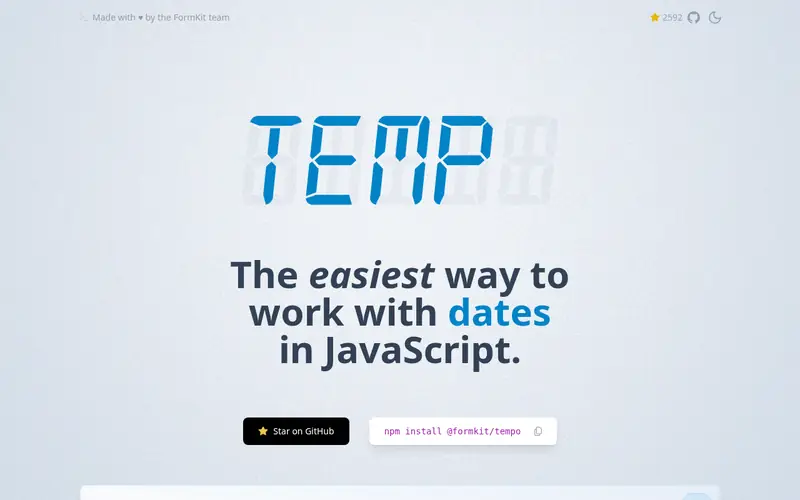
Tempo is a date library built around the Intl API. It formats dates, times and ranges using the browser or runtime locale data, which keeps its own bundle small. It offers functions for parsing, formatting and comparing dates, plus helpers for relative time. It runs in modern browsers and Node.js and is open source under the MIT licence. Because it depends on Intl, output can vary with the runtime's locale data. It suits teams that want localized output without shipping large locale files. Teams needing extensive time zone math should compare it with Luxon or Spacetime.
Standout: Uses the Intl API for locale-aware output
Free (open source), as listed by the vendor (Tempo website). Confirm the current plan price before you buy.
Free plan. Plans change, so confirm on the vendor's pricing page before you buy.
Benefits
- Uses the Intl API for locale-aware output
- small and tree-shakeable
Drawbacks
- Relies on Intl support in the runtime
- smaller community than older libraries
Skip it if this limit matters to you: relies on Intl support in the runtime.
Verdict. A sensible pick for apps that need locale-aware formatting with a small bundle.
Native Intl and Temporal
Best for projects that want zero dependencies and platform formatting
What it is and where it fits
The platform itself covers much of what date libraries do. Intl.DateTimeFormat handles locale-aware formatting, and Intl.RelativeTimeFormat covers phrases like "2 days ago". Temporal is a newer built-in API for immutable date and time types with time zone support; check current browser and Node.js support before relying on it in production. There is nothing to install and no licence to review. The trade-off is consistency: behavior depends on the runtime and its locale data. For simple formatting and modern targets, the platform may be enough. Reach for a library when you need a stable API across older environments or richer helpers.
Standout: Built into the runtime with no install
Free, as listed by the vendor (Native Intl and Temporal website). Confirm the current plan price before you buy.
Free plan. Plans change, so confirm on the vendor's pricing page before you buy.
Benefits
- Built into the runtime with no install
- Intl handles locale-aware formatting
Drawbacks
- Temporal support varies by runtime
- older Date API has known pitfalls
Skip it if this limit matters to you: temporal support varies by runtime.
Verdict. A sensible pick for projects that want zero dependencies and platform formatting.
Who should use what
If you want small imports and plain Date objects, start with date-fns. If you are migrating Moment-style code and want a familiar chainable API, Day.js is the closer match. If time zones, intervals and scheduling logic are central, Luxon or js-joda fit better. If you mostly need zone-aware display and light math, Spacetime or Tempo keep the bundle small. And if your targets are modern and your needs are simple, try native Intl and Temporal before adding any dependency at all.
Questions to settle before you buy
What to check before you buy
- Confirm the library is actively maintained and check the date of its latest release.
- Check the licence against your organization's policy.
- Measure the bundle size after tree-shaking for the functions you actually import.
- Test parsing of the real date strings your app receives, including non-ISO formats.
- Verify time zone and daylight saving behavior for the zones your users are in.
FAQ
Is Moment.js still a good choice?
Moment.js is in maintenance mode, and its own documentation recommends other options for new projects. It still works in existing code, but new work is better served by date-fns, Day.js, Luxon or the platform APIs. Plan migrations rather than starting fresh with it.
Do these libraries send my data anywhere?
No. They are code libraries that run in your browser or Node.js process. Date values stay in memory on your machine. The privacy caution about pasting secrets applies to third-party web tools, not to installed libraries.
Which library is smallest?
Size depends on what you import. date-fns and Tempo are built for tree-shaking, and Day.js keeps a small core with optional plugins. Measure the bundled size for your actual imports rather than comparing whole-package figures.
Can I avoid a date library entirely?
Often yes. Intl.DateTimeFormat and Intl.RelativeTimeFormat cover locale-aware output, and Temporal adds immutable types with time zones where supported. Check runtime support for your targets. If you need a stable API across older environments, a library still helps.
Which library handles time zones best?
Luxon, js-joda and Spacetime all treat time zones as a core feature. Luxon uses the Intl API for zone data, js-joda loads zone rules from a separate package, and Spacetime builds zone handling in. Test daylight saving transitions for your zones before choosing.
Sources we checked
Method: how we score · editorial policy.
Change log. First published 27 Nov 2026.