Stage 01 · Write · Researched comparison
Best JavaScript Data Grid Libraries in 2026
AG Grid is the first pick for teams that need a full-featured grid with sorting, filtering, grouping and editing out of the box, and it suits large commercial apps. TanStack Table is the better fit when you want a headless, MIT-licensed core and full control of markup. MUI X Data Grid is a strong alternative for React projects already using Material UI.

By Shihab Mia
Published 27 Nov 2026 · 7 tools compared
We run no ads and no affiliate links at launch. The order of a list follows our published method. See how we score.
Prices are the starting prices vendors list publicly. Plans change, so confirm the current price on the vendor page before you buy.
Key takeaways
- AG Grid ships a broad feature set and a free Community edition under MIT, with paid Enterprise tiers for advanced features.
- TanStack Table is headless and MIT-licensed, so you build the table markup and styling yourself.
- Handsontable and MUI X Data Grid mix free and commercial tiers, so check the licence for the features you need.
- Glide Data Grid, Tabulator and RevoGrid are open-source options, but each has limits on framework support or feature depth.
Who each pick is for
- Feature-heavy commercial apps that need grouping, filtering and editingAG Grid
- Teams that want a headless, MIT-licensed core and full controlTanStack Table
- Spreadsheet-style editing with data validation and formulasHandsontable
- React apps already using Material UI componentsMUI X Data Grid
- High-performance rendering of large datasets in ReactGlide Data Grid
- Framework-agnostic grids with a wide feature set and no build stepTabulator
- Fast virtualized grids in plain JavaScript and major frameworksRevoGrid
Comparison
| Tool | Best for | Standout feature | Listed starting price | Free plan or trial |
|---|---|---|---|---|
| 1AG Grid | Feature-heavy commercial apps that need grouping, filtering and editing | Broad built-in feature set | Free (open source) | Free plan |
| 2TanStack Table | Teams that want a headless, MIT-licensed core and full control | Headless design lets you own the markup and styling | Free (open source) | Free plan |
| 3Handsontable | Spreadsheet-style editing with data validation and formulas | Spreadsheet-like editing with validation and formulas | See vendor pricing page | Free trial (N days) |
| 4MUI X Data Grid | React apps already using Material UI components | Fits naturally into Material UI projects | See vendor pricing page | Free plan |
| 5Glide Data Grid | High-performance rendering of large datasets in React | Fast canvas-based rendering for large row counts | Free (open source) | Free plan |
| 6Tabulator | Framework-agnostic grids with a wide feature set and no build step | Works with plain JavaScript and major frameworks | Free (open source) | Free plan |
| 7RevoGrid | Fast virtualized grids in plain JavaScript and major frameworks | Virtualized rendering for large datasets | Free (open source) | Free plan |
How we picked
We picked libraries that are actively maintained and genuinely serve as data grids for web apps. Criteria included fit for common grid tasks such as sorting, filtering, editing and large datasets, framework support, price and licence terms, and the main limits of each option. Sources are vendor pages, official documentation and project repositories. Prices and licence terms change, so confirm them on the vendor site before you commit.
The tools, one by one
AG Grid
Best for feature-heavy commercial apps that need grouping, filtering and editing
What it is and where it fits
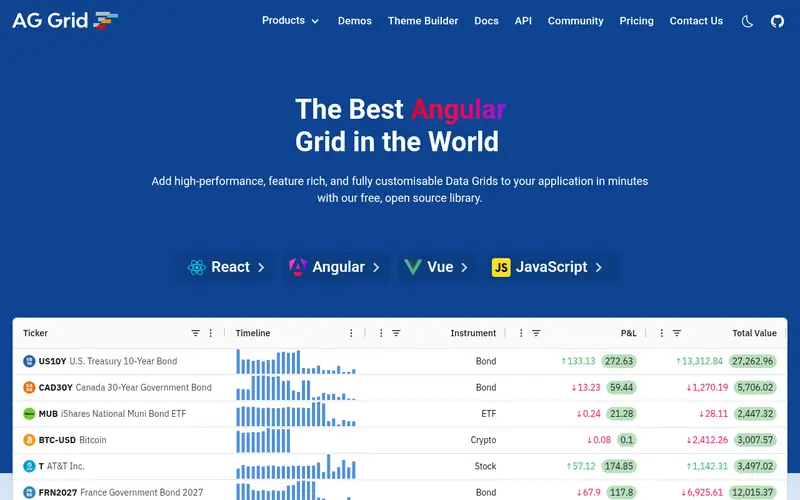
AG Grid is a full-featured data grid for web apps. It covers sorting, filtering, grouping, aggregation, row selection, cell editing and pinned columns without extra plugins. It runs in React, Angular, Vue and plain JavaScript projects, and the Community edition is MIT-licensed.
The paid Enterprise tier adds features such as row grouping with aggregation, pivoting, Excel export and server-side row models. Licensing is per developer, and you should confirm current terms on the vendor pricing page. The grid is heavier than a headless library, so bundle size matters if you only need a simple table. Teams that need a wide feature set and can accept a commercial licence for advanced features are the best fit. Small projects with basic needs may find a lighter option easier.
Standout: Broad built-in feature set
Free (open source), as listed by the vendor (AG Grid website). Confirm the current plan price before you buy.
Free plan. Plans change, so confirm on the vendor's pricing page before you buy.
Benefits
- Broad built-in feature set
- works with React, Angular, Vue and plain JavaScript
Drawbacks
- Advanced features require a paid Enterprise licence
- larger bundle than headless options
Skip it if this limit matters to you: advanced features require a paid Enterprise licence.
Verdict. A sensible pick for feature-heavy commercial apps that need grouping, filtering and editing.
Alternatives in this guide: TanStack Table, Handsontable, MUI X Data Grid
TanStack Table
Best for teams that want a headless, MIT-licensed core and full control
What it is and where it fits
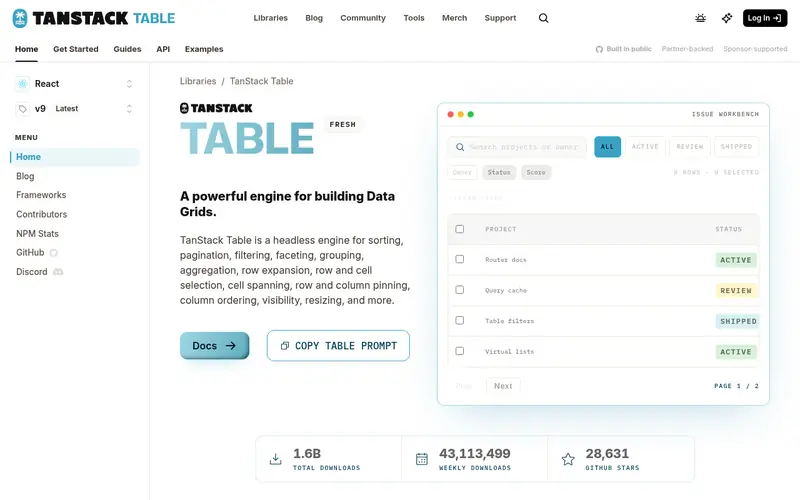
TanStack Table is a headless table and grid library. It handles state and logic for sorting, filtering, grouping, pagination and column sizing, but leaves rendering and styling to you. It ships adapters for React, Vue, Svelte, Solid and Angular, and the core is MIT-licensed.
Because it is headless, you control the DOM, accessibility and design system. That flexibility is useful when a design system already defines table styles, but it means more code for features like virtual scrolling and editing. There is no paid tier for the core library. Teams that want full control and can invest in building the UI layer get the most from it. Teams that want a ready-made grid with batteries included should look at AG Grid or Handsontable instead.
Standout: Headless design lets you own the markup and styling
Free (open source), as listed by the vendor (TanStack Table website). Confirm the current plan price before you buy.
Free plan. Plans change, so confirm on the vendor's pricing page before you buy.
Benefits
- Headless design lets you own the markup and styling
- MIT licence with adapters for React, Vue, Svelte and more
Drawbacks
- No built-in UI, so you build rendering and styles
- advanced features need extra work
Skip it if this limit matters to you: no built-in UI, so you build rendering and styles.
Verdict. A sensible pick for teams that want a headless, MIT-licensed core and full control.
Alternatives in this guide: AG Grid, Handsontable, MUI X Data Grid
Handsontable
Best for spreadsheet-style editing with data validation and formulas
What it is and where it fits
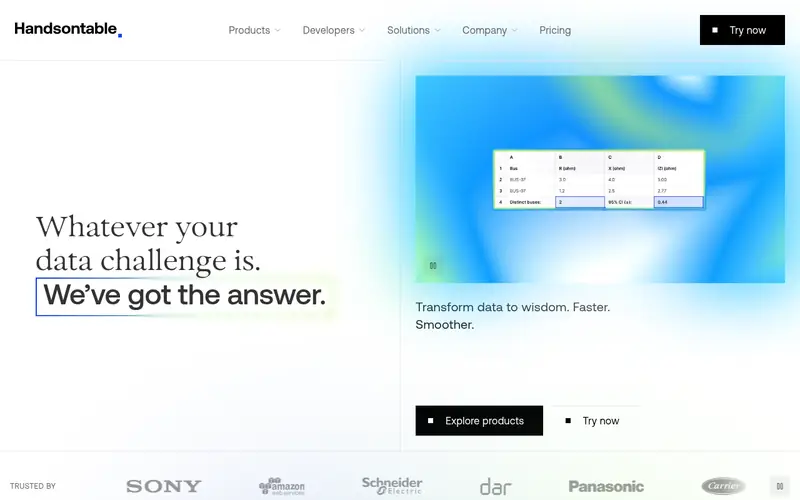
Handsontable is a JavaScript data grid built around spreadsheet-style interaction. It supports cell editing, data validation, formulas, context menus, copy and paste, and frozen columns. It runs in plain JavaScript and has wrappers for React, Angular and Vue.
The licence is not simply open source for all uses. Handsontable offers a free trial and commercial licences, and some non-commercial use is covered under a separate licence. Check the vendor pricing page for current terms and limits before shipping. The grid is a good fit for apps that behave like a spreadsheet, such as data entry or planning tools. Teams that need a purely MIT-licensed grid should compare TanStack Table or Glide Data Grid.
Standout: Spreadsheet-like editing with validation and formulas
See vendor pricing page, as listed by the vendor (Handsontable website). Confirm the current plan price before you buy.
Free trial (N days). Plans change, so confirm on the vendor's pricing page before you buy.
Benefits
- Spreadsheet-like editing with validation and formulas
- works with React, Angular and Vue
Drawbacks
- Commercial licence required for many uses
- not free for all production scenarios
Skip it if this limit matters to you: commercial licence required for many uses.
Verdict. A sensible pick for spreadsheet-style editing with data validation and formulas.
Alternatives in this guide: AG Grid, TanStack Table, MUI X Data Grid
MUI X Data Grid
Best for react apps already using Material UI components
What it is and where it fits
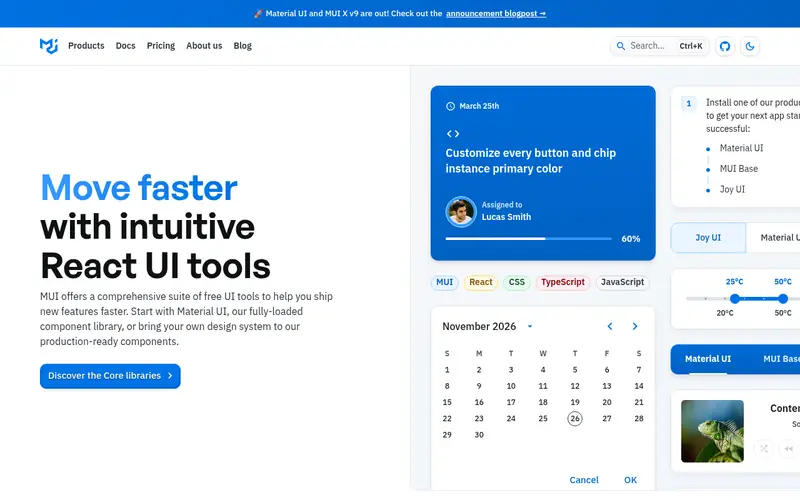
MUI X Data Grid is a React data grid from the Material UI team. The free Community version covers sorting, filtering, pagination, column resizing and row selection. Paid Pro and Premium plans add features such as column grouping, pivoting, Excel export and advanced filtering.
It is React-only, so it is not an option for Angular, Vue or plain JavaScript apps. The styling follows Material UI conventions, which is an advantage if the app already uses that design system and a drawback if it does not. Licensing is per developer for the paid plans, and you should confirm current terms on the vendor pricing page. React teams that want a grid consistent with Material UI and can upgrade for advanced features are the best fit.
Standout: Fits naturally into Material UI projects
See vendor pricing page, as listed by the vendor (MUI X Data Grid website). Confirm the current plan price before you buy.
Free plan. Plans change, so confirm on the vendor's pricing page before you buy.
Benefits
- Fits naturally into Material UI projects
- free Community version covers common table needs
Drawbacks
- Advanced features sit behind paid Pro and Premium plans
- React-focused
Skip it if this limit matters to you: advanced features sit behind paid Pro and Premium plans.
Verdict. A sensible pick for react apps already using Material UI components.
Alternatives in this guide: AG Grid, TanStack Table, Handsontable
Glide Data Grid
Best for high-performance rendering of large datasets in React
What it is and where it fits
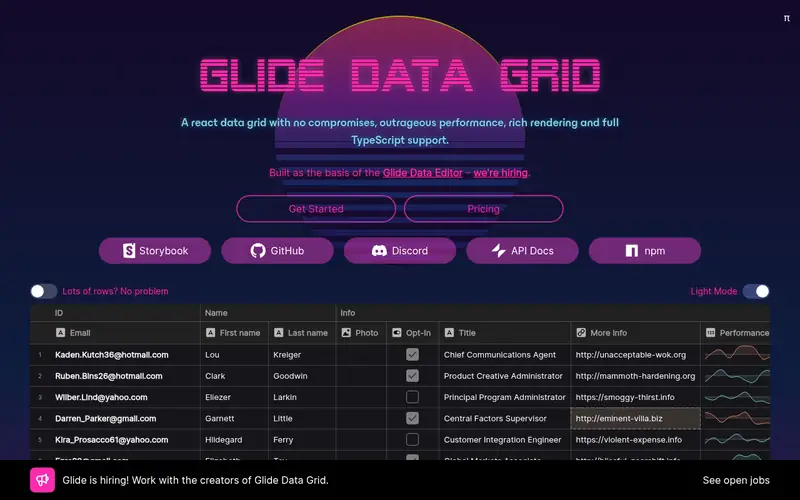
Glide Data Grid is an open-source React data grid that renders cells to a canvas. That approach keeps scrolling and rendering fast with large datasets, and the library is MIT-licensed. It supports cell editing, custom cell renderers, column resizing and selection.
Because it draws to a canvas, styling and accessibility work differently from DOM-based grids. You cannot style cells with plain CSS in the same way, and you rely on the library's rendering model. It is React-only and has a narrower feature set than AG Grid or Handsontable. Teams that need to display very large tables and can work within the canvas model get the most from it. Teams that need heavy grouping, pivoting or spreadsheet formulas should compare other options.
Standout: Fast canvas-based rendering for large row counts
Free (open source), as listed by the vendor (Glide Data Grid website). Confirm the current plan price before you buy.
Free plan. Plans change, so confirm on the vendor's pricing page before you buy.
Benefits
- Fast canvas-based rendering for large row counts
- MIT-licensed
Drawbacks
- Canvas rendering limits DOM-based styling
- React-focused with a narrower feature set
Skip it if this limit matters to you: canvas rendering limits DOM-based styling.
Verdict. A sensible pick for high-performance rendering of large datasets in React.
Alternatives in this guide: AG Grid, TanStack Table, Handsontable
Tabulator
Best for framework-agnostic grids with a wide feature set and no build step
What it is and where it fits
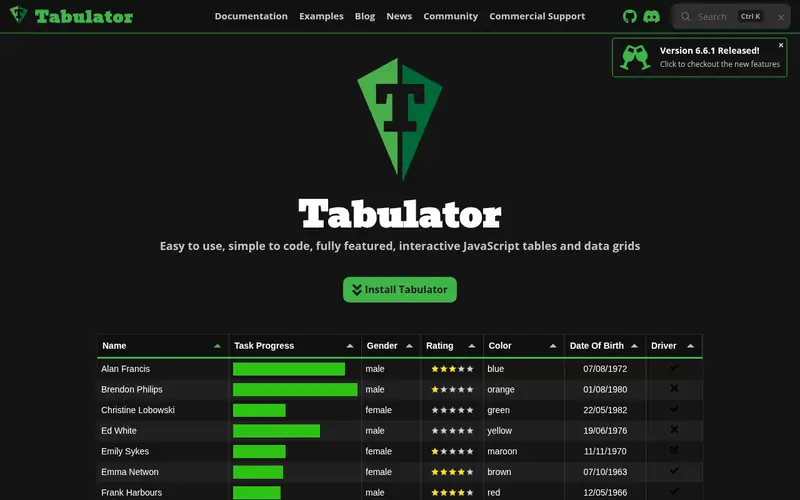
Tabulator is a free, open-source JavaScript data grid that works with plain JavaScript and has integrations for React, Angular and Vue. It covers sorting, filtering, grouping, editing, pagination, row selection and virtual DOM rendering for large datasets. It is MIT-licensed.
It can run without a build step, which suits server-rendered pages and smaller projects. Theming and styling take some setup, and the depth of documentation varies by feature. It is a practical choice when you want a feature-rich grid without a commercial licence. Teams that need enterprise support contracts or the most advanced grouping and pivoting features should compare AG Grid Enterprise.
Standout: Works with plain JavaScript and major frameworks
Free (open source), as listed by the vendor (Tabulator website). Confirm the current plan price before you buy.
Free plan. Plans change, so confirm on the vendor's pricing page before you buy.
Benefits
- Works with plain JavaScript and major frameworks
- broad feature set including editing and grouping
Drawbacks
- Styling and theming take setup
- documentation depth varies by feature
Skip it if this limit matters to you: styling and theming take setup.
Verdict. A sensible pick for framework-agnostic grids with a wide feature set and no build step.
Alternatives in this guide: AG Grid, TanStack Table, Handsontable
RevoGrid
Best for fast virtualized grids in plain JavaScript and major frameworks
What it is and where it fits
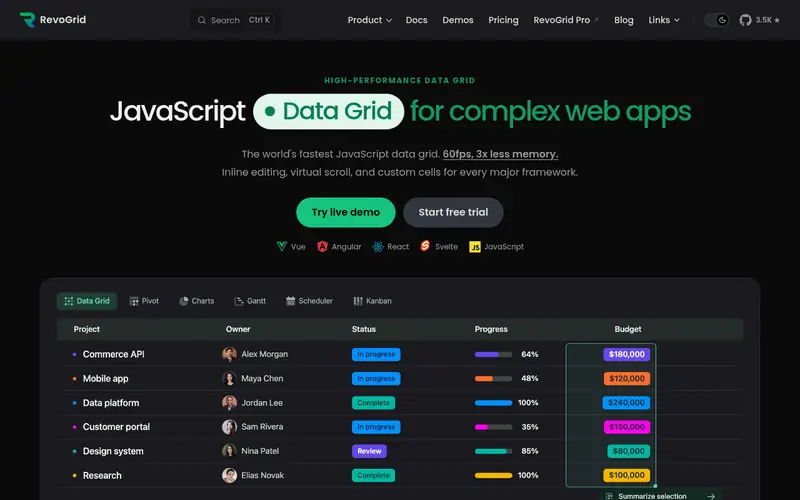
RevoGrid is an open-source JavaScript data grid built for performance with virtualized rendering. It handles large row and column counts, cell editing, sorting, filtering and column pinning. It works in plain JavaScript and has wrappers for React, Angular and Vue.
The project is MIT-licensed and has a smaller ecosystem than AG Grid or Handsontable. That means fewer third-party examples and a narrower set of advanced features such as pivoting or spreadsheet formulas. It is a good fit for teams that need fast rendering and a lean feature set without a commercial licence. Teams that need extensive enterprise features or formal support should compare AG Grid Enterprise or Handsontable.
Standout: Virtualized rendering for large datasets
Free (open source), as listed by the vendor (RevoGrid website). Confirm the current plan price before you buy.
Free plan. Plans change, so confirm on the vendor's pricing page before you buy.
Benefits
- Virtualized rendering for large datasets
- works with plain JavaScript, React, Angular and Vue
Drawbacks
- Smaller ecosystem than larger grids
- fewer advanced features out of the box
Skip it if this limit matters to you: smaller ecosystem than larger grids.
Verdict. A sensible pick for fast virtualized grids in plain JavaScript and major frameworks.
Alternatives in this guide: AG Grid, TanStack Table, Handsontable
Who should use what
If you are building a large commercial app that needs grouping, pivoting and Excel export, AG Grid with an Enterprise licence is the usual fit. If you want full control of markup and an MIT-licensed core, TanStack Table is the better base. If your React app already uses Material UI, MUI X Data Grid keeps the design consistent. If you need spreadsheet-style editing with validation and formulas, Handsontable is built for that job. For fast rendering of very large datasets in React, compare Glide Data Grid and RevoGrid.
Questions to settle before you buy
What to check before you buy
- Check the licence for the exact features you need, since several grids split free and paid tiers.
- Confirm framework support for your stack, as some grids are React-only.
- Test rendering performance with a dataset close to your expected size.
- Review editing, validation and export needs against the feature list.
- Confirm current pricing and per-developer terms on the vendor page.
FAQ
Are these data grid libraries free?
Some are fully open source under MIT, including TanStack Table, Glide Data Grid, Tabulator and RevoGrid. AG Grid has a free Community edition plus paid Enterprise tiers. Handsontable and MUI X Data Grid mix free and commercial options, so check the licence for the features you need.
What is the difference between a data grid and a table library?
A data grid usually adds editing, grouping, virtualization and advanced filtering on top of basic table rendering. Headless libraries like TanStack Table give you the logic and leave rendering to you. Full grids like AG Grid ship the UI and features together.
Which grid works with Angular or Vue?
AG Grid, Handsontable, Tabulator and RevoGrid support Angular and Vue through wrappers. MUI X Data Grid and Glide Data Grid are React-focused. TanStack Table has adapters for several frameworks, but you build the UI yourself.
Do I need a commercial licence?
Only if you need features behind a paid tier, such as AG Grid Enterprise grouping and pivoting, or MUI X Pro and Premium features. Many projects ship on the free or open-source tiers. Confirm the licence terms for your use case on the vendor page.
Can these grids handle large datasets?
Several use virtualization or canvas rendering to keep scrolling fast with large row counts. AG Grid, Glide Data Grid, Tabulator and RevoGrid are built with this in mind. Test with your own data, since performance depends on column count, cell renderers and features enabled.
Sources we checked
Method: how we score · editorial policy.
Change log. First published 27 Nov 2026.