Stage 01 · Write · Researched comparison
Best JavaScript Compression Libraries in 2026
fflate is the first pick for most projects that need fast, small gzip, deflate or zip handling in the browser or Node.js. It suits developers who want one dependency with no native bindings. JSZip is a better fit when you mainly build or read zip archives, and the built-in CompressionStream API is the simplest choice when you target modern browsers and want no dependency at all.

By Shihab Mia
Published 27 Nov 2026 · 8 tools compared
We run no ads and no affiliate links at launch. The order of a list follows our published method. See how we score.
Prices are the starting prices vendors list publicly. Plans change, so confirm the current price on the vendor page before you buy.
Key takeaways
- fflate, pako, JSZip, lz-string, brotli-wasm, @zip.js/zip.js, fzstd and zstd-codec are all free and open source; CompressionStream is built into modern browsers and Node.js.
- fflate and pako cover gzip and deflate; brotli-wasm adds Brotli; fzstd and zstd-codec add zstd where you need it.
- JSZip and @zip.js/zip.js focus on zip archives rather than single-stream compression.
- CompressionStream has no install step but its format support depends on the browser or runtime, so check before you rely on it.
Who each pick is for
- Fast gzip, deflate and zip in browser and Node.jsfflate
- Mature zlib port for gzip and deflatepako
- Creating and reading zip archives in the browserJSZip
- Compressing strings for storage in localStorage or URLslz-string
- Dependency-free gzip and deflate in modern runtimesCompressionStream API
- Brotli compression in browser and Node.js via WebAssemblybrotli-wasm
- Large zip archives with streaming and workers@zip.js/zip.js
- Fast zstd decompression in JavaScriptfzstd
Comparison
| Tool | Best for | Standout feature | Listed starting price | Free plan or trial |
|---|---|---|---|---|
| 1fflate | Fast gzip, deflate and zip in browser and Node.js | Small bundle with no native dependencies | Free (open source) | Free plan |
| 2pako | Mature zlib port for gzip and deflate | Long-standing zlib port with wide adoption | Free (open source) | Free plan |
| 3JSZip | Creating and reading zip archives in the browser | Clear API for building and reading zip files | Free (open source) | Free plan |
| 4lz-string | Compressing strings for storage in localStorage or URLs | Small and simple string-focused API | Free (open source) | Free plan |
| 5CompressionStream API | Dependency-free gzip and deflate in modern runtimes | Built into modern browsers and Node.js, no install | Free | Free plan |
| 6brotli-wasm | Brotli compression in browser and Node.js via WebAssembly | Brings Brotli to JavaScript environments consistently | Free (open source) | Free plan |
| 7@zip.js/zip.js | Large zip archives with streaming and workers | Streams and worker support for large archives | Free (open source) | Free plan |
| 8fzstd | Fast zstd decompression in JavaScript | Small and fast zstd decompression | Free (open source) | Free plan |
How we picked
We compared libraries on fit for common JavaScript compression jobs, platform support in browsers and Node.js, license and price, bundle size and streaming behavior, and documented limits. Sources are vendor pages, project repositories and official documentation. Prices and free-plan terms can change, so confirm details on the vendor site before you commit.
The tools, one by one
fflate
Best for fast gzip, deflate and zip in browser and Node.js
What it is and where it fits
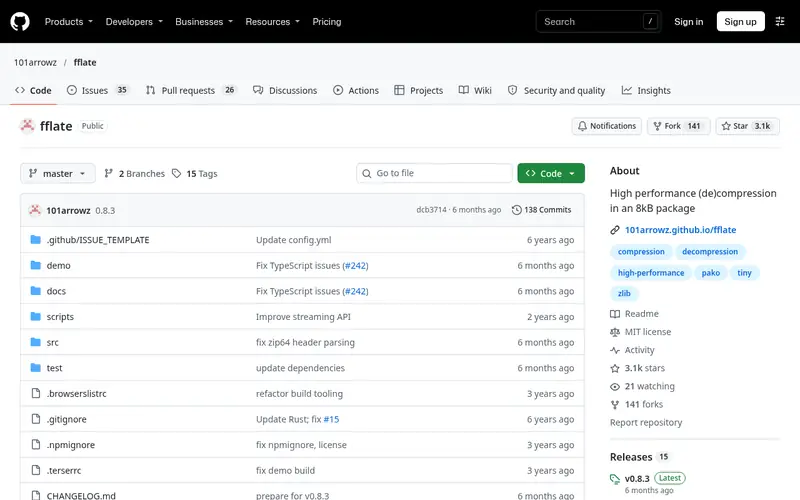
fflate is a JavaScript compression library that implements DEFLATE, gzip, zlib and zip in plain JavaScript. It runs in browsers and Node.js without native bindings, so it works in bundlers and serverless environments. The project documents synchronous and asynchronous APIs, plus streaming helpers for large inputs.
It suits developers who want one small dependency for common web compression tasks, such as compressing a payload before upload or packing files into a zip. The library is open source under the MIT license. Because it is JavaScript-only, throughput on very large files will not match native zlib bindings, so skip it if you need maximum speed on multi-gigabyte data.
Standout: Small bundle with no native dependencies
Free (open source), as listed by the vendor (fflate website). Confirm the current plan price before you buy.
Free plan. Plans change, so confirm on the vendor's pricing page before you buy.
Benefits
- Small bundle with no native dependencies
- handles gzip, deflate, zip and streaming
Drawbacks
- Fewer format options than a multi-format suite
- API takes some reading for streaming cases
Skip it if this limit matters to you: fewer format options than a multi-format suite.
Verdict. A sensible pick for fast gzip, deflate and zip in browser and Node.js.
pako
Best for mature zlib port for gzip and deflate
What it is and where it fits
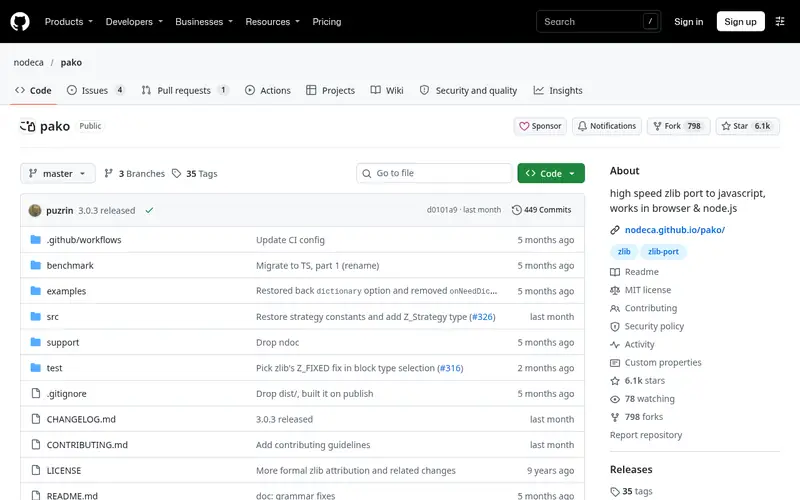
pako is a JavaScript port of zlib. It provides deflate, inflate, gzip and ungzip in the browser and Node.js. The API mirrors zlib concepts, including streaming with chunked input and output, which helps when you process data in pieces rather than all at once.
It is a reasonable pick for teams that already know zlib semantics and want a stable, well-documented library. The project is open source under the MIT license. pako does not cover Brotli or zstd, so it is not a complete answer if you need those formats. Bundle size is larger than fflate, which matters for small front-end builds.
Standout: Long-standing zlib port with wide adoption
Free (open source), as listed by the vendor (pako website). Confirm the current plan price before you buy.
Free plan. Plans change, so confirm on the vendor's pricing page before you buy.
Benefits
- Long-standing zlib port with wide adoption
- supports gzip, deflate and inflate with streaming
Drawbacks
- Larger than minimal alternatives
- no Brotli or zstd support
Skip it if this limit matters to you: larger than minimal alternatives.
Verdict. A sensible pick for mature zlib port for gzip and deflate.
JSZip
Best for creating and reading zip archives in the browser
What it is and where it fits
JSZip creates, reads and edits zip archives in JavaScript. You add files or strings, generate a blob or buffer, and load existing archives for inspection. It runs in browsers and Node.js and is often used for client-side export features where users download several files as one zip.
The library is open source under the MIT license. It is the wrong tool if you only need to gzip a single request body, because it targets archive structure rather than general stream compression. For large archives, memory use grows with the content you hold in the archive object, so plan for that in browser tabs.
Standout: Clear API for building and reading zip files
Free (open source), as listed by the vendor (JSZip website). Confirm the current plan price before you buy.
Free plan. Plans change, so confirm on the vendor's pricing page before you buy.
Benefits
- Clear API for building and reading zip files
- works in browser and Node.js
Drawbacks
- Focused on zip archives, not raw streams
- not the smallest option for simple gzip
Skip it if this limit matters to you: focused on zip archives, not raw streams.
Verdict. A sensible pick for creating and reading zip archives in the browser.
lz-string
Best for compressing strings for storage in localStorage or URLs
What it is and where it fits
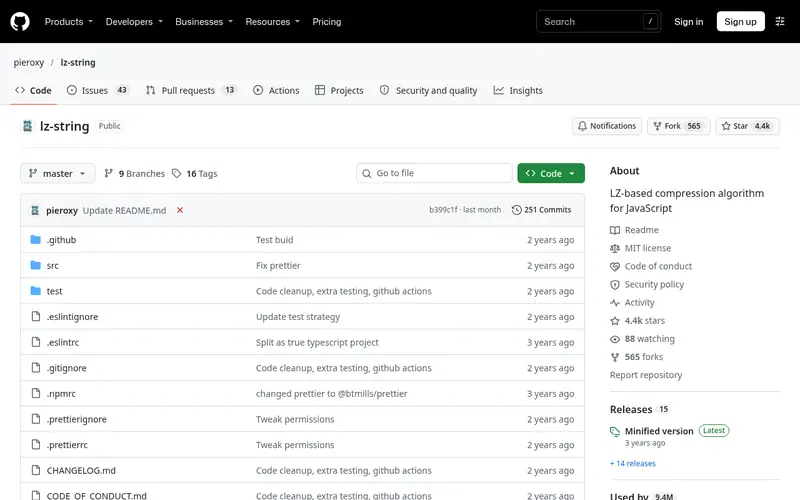
lz-string compresses and decompresses strings using an LZ-based algorithm and outputs text-safe results. That makes it useful for fitting data into localStorage, cookies or URL fragments where binary output is awkward. It runs in browsers and Node.js.
The project is open source. Its compression ratio is generally worse than gzip, Brotli or zstd, so treat it as a convenience for small text payloads rather than a general compression layer. It is not a substitute for fflate or pako when you compress files or network bodies.
Standout: Small and simple string-focused API
Free (open source), as listed by the vendor (lz-string website). Confirm the current plan price before you buy.
Free plan. Plans change, so confirm on the vendor's pricing page before you buy.
Benefits
- Small and simple string-focused API
- output can be stored as text
Drawbacks
- Weaker ratios than gzip or Brotli
- not for binary file compression
Skip it if this limit matters to you: weaker ratios than gzip or Brotli.
Verdict. A sensible pick for compressing strings for storage in localStorage or URLs.
CompressionStream API
Best for dependency-free gzip and deflate in modern runtimes

What it is and where it fits
CompressionStream is a web platform API, not a third-party library. It compresses a stream using a named format, and DecompressionStream reverses it. Support for gzip and deflate is broad in current browsers, and Node.js exposes the same interfaces. Brotli support depends on the runtime, so verify before relying on it.
Because it is built in, there is nothing to bundle and no license to track. The trade-off is portability: older browsers and some embedded runtimes lack it, and you cannot polyfill the exact API everywhere. Use it when your target list is modern and you want to avoid a dependency.
Standout: Built into modern browsers and Node.js, no install
Free, as listed by the vendor (CompressionStream API website). Confirm the current plan price before you buy.
Free plan. Plans change, so confirm on the vendor's pricing page before you buy.
Benefits
- Built into modern browsers and Node.js, no install
- works with standard streams
Drawbacks
- Format support varies by runtime
- not available in older environments
Skip it if this limit matters to you: format support varies by runtime.
Verdict. A sensible pick for dependency-free gzip and deflate in modern runtimes.
brotli-wasm
Best for brotli compression in browser and Node.js via WebAssembly
What it is and where it fits
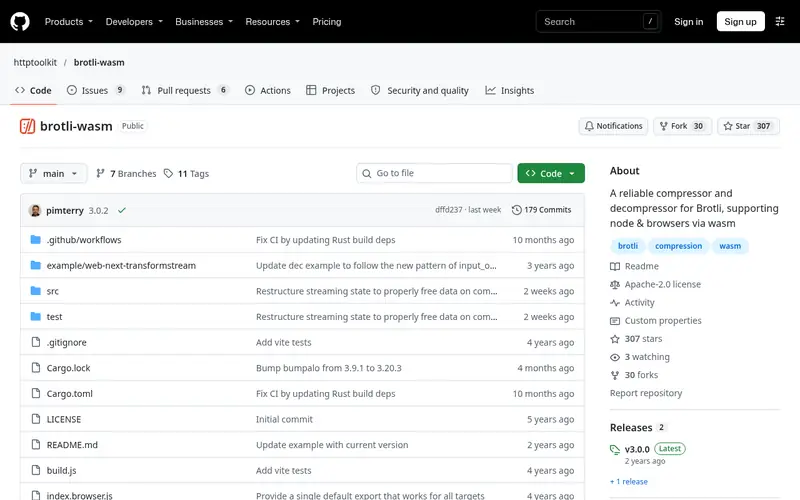
brotli-wasm packages the Brotli compressor as WebAssembly so it runs in browsers and Node.js with consistent behavior. It is useful when you must produce or read Brotli data on the client and cannot depend on the runtime's built-in support.
The project is open source. Loading a WebAssembly module has a startup cost, so it fits long-lived pages better than one-off scripts. If your runtime already supports Brotli through CompressionStream or a native module, that may be simpler. Check the repository for current build targets and browser support notes.
Standout: Brings Brotli to JavaScript environments consistently
Free (open source), as listed by the vendor (brotli-wasm website). Confirm the current plan price before you buy.
Free plan. Plans change, so confirm on the vendor's pricing page before you buy.
Benefits
- Brings Brotli to JavaScript environments consistently
- based on the reference Brotli code
Drawbacks
- WebAssembly load adds startup cost
- larger payload than pure-JS gzip libraries
Skip it if this limit matters to you: webAssembly load adds startup cost.
Verdict. A sensible pick for brotli compression in browser and Node.js via WebAssembly.
@zip.js/zip.js
Best for large zip archives with streaming and workers
What it is and where it fits
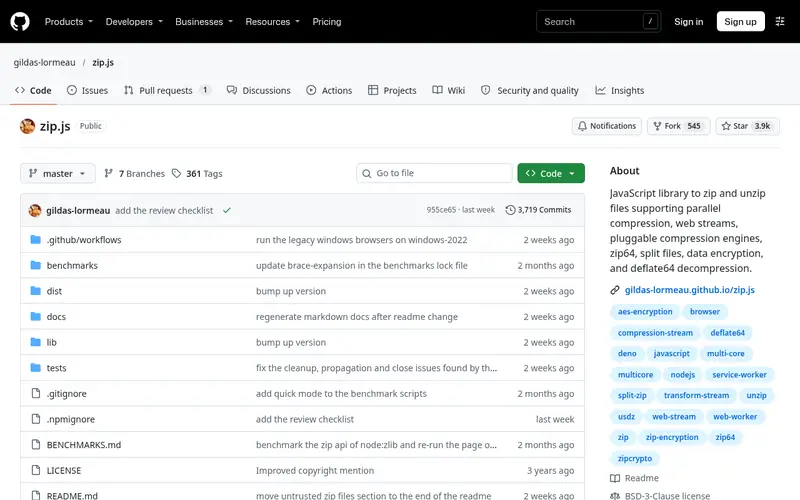
@zip.js/zip.js reads and writes zip archives with a focus on large files. It supports streaming and can offload work to Web Workers, which helps keep a browser UI responsive. It runs in browsers and Node.js and covers options such as encryption and split archives.
The project is open source. It suits applications that handle big archives, such as backup or export tools. For a single small zip, JSZip or fflate is quicker to set up. Review the documentation for the specific features you need, since the option set is broad.
Standout: Streams and worker support for large archives
Free (open source), as listed by the vendor (@zip.js/zip.js website). Confirm the current plan price before you buy.
Free plan. Plans change, so confirm on the vendor's pricing page before you buy.
Benefits
- Streams and worker support for large archives
- broad zip feature coverage
Drawbacks
- More configuration than simple libraries
- overkill for small payloads
Skip it if this limit matters to you: more configuration than simple libraries.
Verdict. A sensible pick for large zip archives with streaming and workers.
fzstd
Best for fast zstd decompression in JavaScript
What it is and where it fits
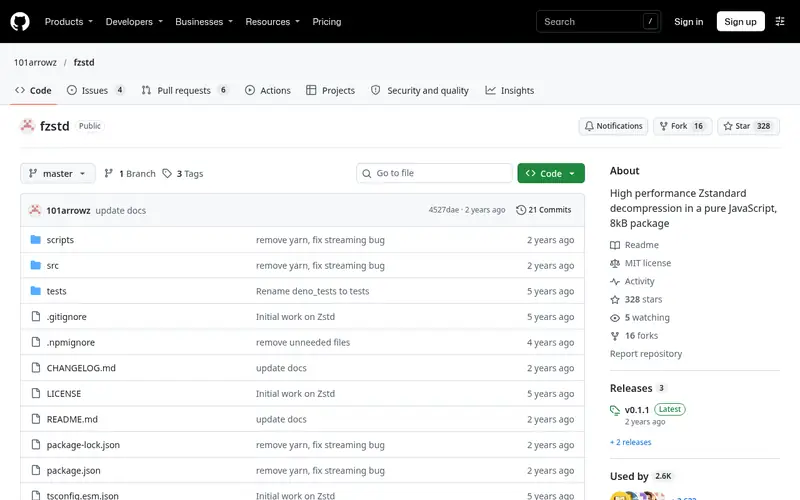
fzstd is a JavaScript zstd decompressor. It is useful when a server or build step produces zstd-compressed data and the client needs to read it without native bindings. It runs in browsers and Node.js and is small enough for front-end bundles.
The project is open source. Its scope is narrow: it decompresses zstd and does not try to cover gzip, Brotli or zip. If you need to compress with zstd in JavaScript, check the repository for current capabilities or pair it with a tool that produces zstd on the server. zstd-codec is another option that wraps zstd through Emscripten and covers both directions.
Standout: Small and fast zstd decompression
Free (open source), as listed by the vendor (fzstd website). Confirm the current plan price before you buy.
Free plan. Plans change, so confirm on the vendor's pricing page before you buy.
Benefits
- Small and fast zstd decompression
- works in browser and Node.js
Drawbacks
- Focused on decompression, not a full compression suite
- zstd only
Skip it if this limit matters to you: focused on decompression, not a full compression suite.
Verdict. A sensible pick for fast zstd decompression in JavaScript.
Who should use what
If you need one small dependency for gzip, deflate or zip, start with fflate. If you want a mature zlib-style API and streaming, use pako. If your main job is building or reading zip archives, choose JSZip for simple cases and @zip.js/zip.js for large files with workers. If you target modern runtimes and want no dependency, use CompressionStream. For Brotli on the client, use brotli-wasm. For zstd input, use fzstd for decompression.
Questions to settle before you buy
What to check before you buy
- Confirm the exact formats you must produce and read, such as gzip, Brotli, zstd or zip.
- Check browser and Node.js support for your target versions, especially for CompressionStream.
- Measure the bundle size impact if the library ships to the browser.
- Test memory behavior on your largest realistic input, not just small samples.
- Verify the license and maintenance activity in the repository before adopting it.
FAQ
Do I need a library if CompressionStream exists?
Not always. CompressionStream covers gzip and deflate in modern browsers and Node.js with no install. Use a library when you need Brotli or zstd, support for older environments, zip archives, or a consistent API across runtimes.
Which library is best for zip files?
JSZip is simple for small archives. @zip.js/zip.js handles large archives with streaming and Web Workers. fflate also supports zip if you want a smaller single dependency.
Can these libraries run in Node.js?
Most do. fflate, pako, JSZip, lz-string, brotli-wasm, @zip.js/zip.js and fzstd all document Node.js support. CompressionStream is available in current Node.js versions, but check the format support for your version.
Is lz-string a replacement for gzip?
No. lz-string is aimed at short strings stored as text, such as localStorage values. gzip, Brotli and zstd generally compress better and are the right choice for files and network payloads.
Are these libraries free?
Yes. All the libraries listed are open source and free to use. CompressionStream is a built-in platform API with no license cost. Check each repository for its specific license terms.
Sources we checked
Method: how we score · editorial policy.
Change log. First published 27 Nov 2026.