Stage 01 · Write · Researched comparison
Best JavaScript Color Libraries in 2026
culori is the first pick for most teams that need broad color space support and conversion, because it handles modern spaces like OKLCH and Lab in a tree-shakeable package. Choose chroma.js when you want a compact library with color scales and interpolation built in. Choose Color.js when you want a spec-focused implementation with detailed documentation and a modular design.

By Shihab Mia
Published 27 Nov 2026 · 6 tools compared
We run no ads and no affiliate links at launch. The order of a list follows our published method. See how we score.
Prices are the starting prices vendors list publicly. Plans change, so confirm the current price on the vendor page before you buy.
Key takeaways
- All six libraries listed here are free and open source, so cost is not a deciding factor.
- culori and chroma.js cover the widest range of color spaces and conversions.
- colord and tinycolor2 are small and fast to add, but their color space coverage is narrower.
- None of these libraries send data anywhere; they run in the browser or in Node.js.
Who each pick is for
- Teams needing wide color space support and tree-shakingculori
- Color scales, interpolation and quick manipulationchroma.js
- Small bundle size with a chainable APIcolord
- Immutable-style color objects with a familiar APIcolor (Qix)
- Simple parsing, validation and light manipulationtinycolor2
- Spec-focused color science and detailed documentationColor.js
Comparison
| Tool | Best for | Standout feature | Listed starting price | Free plan or trial |
|---|---|---|---|---|
| 1culori | Teams needing wide color space support and tree-shaking | Supports many color spaces including OKLCH, Lab and LCH | Free (open source) | Free plan |
| 2chroma.js | Color scales, interpolation and quick manipulation | Built-in scale and interpolation helpers | Free (open source) | Free plan |
| 3colord | Small bundle size with a chainable API | Very small core with optional plugins | Free (open source) | Free plan |
| 4color (Qix) | Immutable-style color objects with a familiar API | Chainable API with many manipulation methods | Free (open source) | Free plan |
| 5tinycolor2 | Simple parsing, validation and light manipulation | Simple API for parsing and validating color strings | Free (open source) | Free plan |
| 6Color.js | Spec-focused color science and detailed documentation | Broad color space support with a clear, documented API | Free (open source) | Free plan |
How we picked
We compared these libraries on fit for common color tasks (parsing, conversion, manipulation, scales and contrast), platform support in browsers and Node.js, license and price, and main limits such as color space coverage and maintenance activity. Sources are vendor pages, documentation and project repositories. All listed projects are open source. Prices and maintenance status can change, so confirm details on the vendor or repository page before committing.
The tools, one by one
culori
Best for teams needing wide color space support and tree-shaking
What it is and where it fits
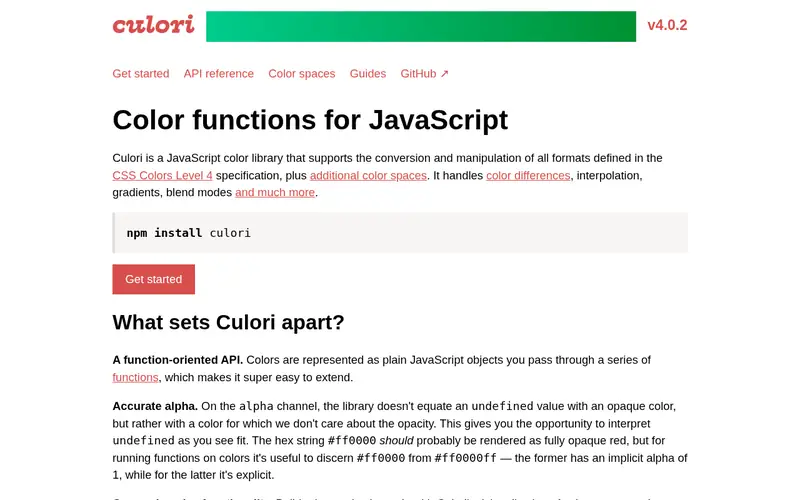
culori is a color library focused on parsing, converting and manipulating colors across a wide set of color spaces. It covers CSS color formats plus spaces such as OKLab, OKLCH, Lab, LCH, HSL, HWB and more. The package is modular, so bundlers can drop the parts you do not import.
It runs in browsers and in Node.js. The API is function-based, which keeps conversions explicit but means more code for simple tasks. There are no built-in color scale generators, so you pair it with your own interpolation logic or another tool. It suits projects that need accurate conversion between modern color spaces, such as design systems moving to OKLCH. Skip it if you want a single chainable object API.
Standout: Supports many color spaces including OKLCH, Lab and LCH
Free (open source), as listed by the vendor (culori website). Confirm the current plan price before you buy.
Free plan. Plans change, so confirm on the vendor's pricing page before you buy.
Benefits
- Supports many color spaces including OKLCH, Lab and LCH
- modular and tree-shakeable
Drawbacks
- API is functional and can feel verbose
- fewer built-in scale helpers than chroma.js
Skip it if this limit matters to you: API is functional and can feel verbose.
Verdict. A sensible pick for teams needing wide color space support and tree-shaking.
Alternatives in this guide: chroma.js, colord, color (Qix)
chroma.js
Best for color scales, interpolation and quick manipulation
What it is and where it fits
chroma.js is a small library for color manipulation, with a focus on scales, interpolation and palette generation. It parses common formats and supports spaces such as Lab, LCH and HSL. Scale helpers make it a common choice for charts and data visualization.
It runs in browsers and Node.js and ships as a single package. The API mixes static constructors with chainable instance methods, which some developers find inconsistent. Modern spaces like OKLCH are not its main strength, so check coverage before adopting it for that. It suits charting and palette work where scale helpers save time. Skip it if you need the broadest color space support.
Standout: Built-in scale and interpolation helpers
Free (open source), as listed by the vendor (chroma.js website). Confirm the current plan price before you buy.
Free plan. Plans change, so confirm on the vendor's pricing page before you buy.
Benefits
- Built-in scale and interpolation helpers
- compact single package
Drawbacks
- Color space coverage is narrower than culori
- API mixes static and instance methods
Skip it if this limit matters to you: color space coverage is narrower than culori.
Verdict. A sensible pick for color scales, interpolation and quick manipulation.
Alternatives in this guide: culori, colord, color (Qix)
colord
Best for small bundle size with a chainable API
What it is and where it fits
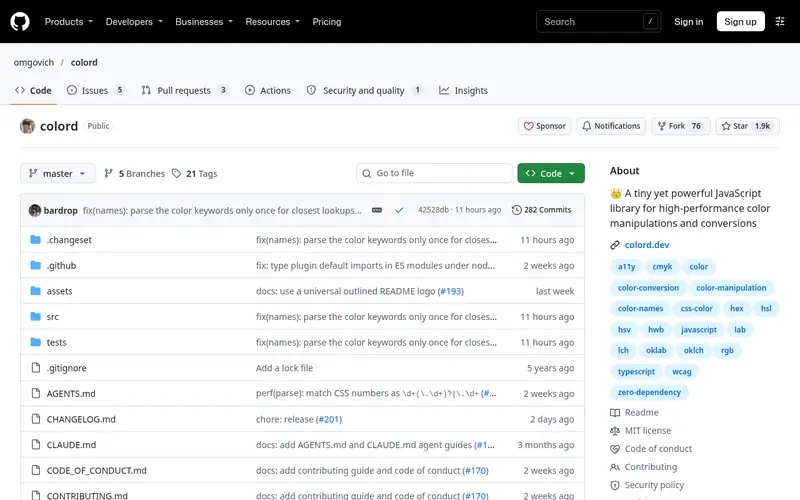
colord is a tiny color library with a chainable API for parsing, converting and adjusting colors. The core is small, and extra features such as names, harmonies and accessibility checks are available as separate plugins you import only when needed.
It runs in browsers and Node.js and has TypeScript types. The core covers common formats and spaces, but it does not match culori for modern color space coverage. Plugin-based features keep the base small, though each plugin you add increases the bundle. It suits projects that want a small dependency with a familiar object API. Skip it if you need OKLCH and Lab conversions in the core.
Standout: Very small core with optional plugins
Free (open source), as listed by the vendor (colord website). Confirm the current plan price before you buy.
Free plan. Plans change, so confirm on the vendor's pricing page before you buy.
Benefits
- Very small core with optional plugins
- chainable, readable API
Drawbacks
- Fewer color spaces in the core
- plugins add to the bundle
Skip it if this limit matters to you: fewer color spaces in the core.
Verdict. A sensible pick for small bundle size with a chainable API.
Alternatives in this guide: culori, chroma.js, color (Qix)
color (Qix)
Best for immutable-style color objects with a familiar API
What it is and where it fits
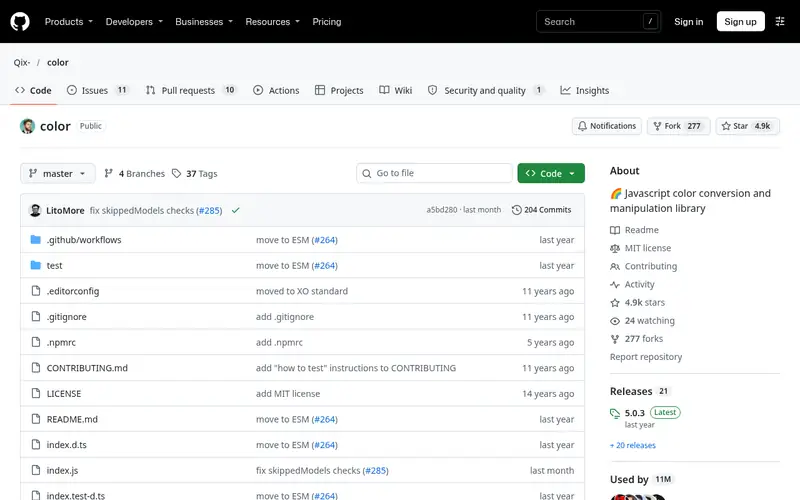
color is a color conversion and manipulation library that returns color objects with chainable methods. It supports RGB, HSL, HSV, HWB, CMYK, Lab and other models, and includes helpers for lightening, darkening, mixing and adjusting alpha.
It runs in browsers and Node.js. The API style is similar to older color libraries, so it is quick to pick up. The project has seen slower maintenance in recent years, and it does not focus on newer spaces like OKLCH. Check recent commit activity before adopting it for new work. It suits existing projects already using it or teams that want a broad set of manipulation methods in one object API.
Standout: Chainable API with many manipulation methods
Free (open source), as listed by the vendor (color (Qix) website). Confirm the current plan price before you buy.
Free plan. Plans change, so confirm on the vendor's pricing page before you buy.
Benefits
- Chainable API with many manipulation methods
- supports several color models
Drawbacks
- Maintenance has been slow
- fewer modern color spaces
Skip it if this limit matters to you: maintenance has been slow.
Verdict. A sensible pick for immutable-style color objects with a familiar API.
tinycolor2
Best for simple parsing, validation and light manipulation
What it is and where it fits
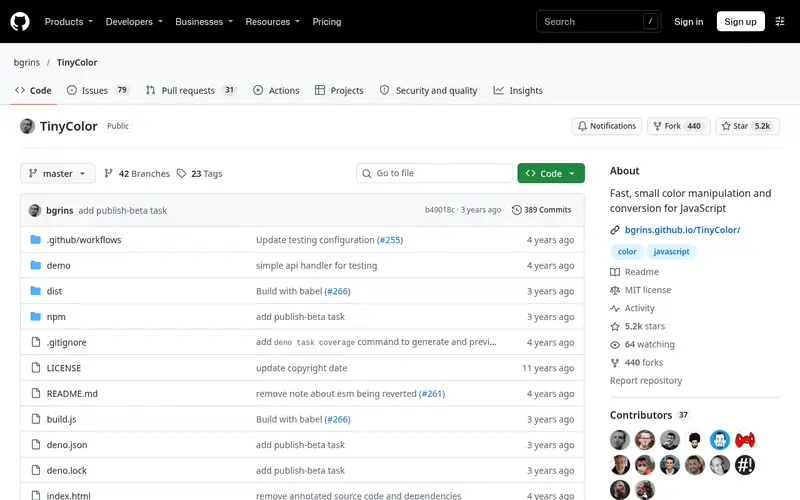
tinycolor2 is a small library for color parsing, validation and simple manipulation. It reads many input formats, reports whether a string is a valid color, and offers helpers for lightening, darkening, saturation and alpha.
It runs in browsers and Node.js. The API is straightforward, which makes it a common choice for form validation and small UI tasks. It does not aim for broad color space conversion, and newer spaces are not supported. Development has slowed, so check the repository before relying on it for long-term projects. It suits quick parsing and validation work. Skip it if you need conversions between modern color spaces.
Standout: Simple API for parsing and validating color strings
Free (open source), as listed by the vendor (tinycolor2 website). Confirm the current plan price before you buy.
Free plan. Plans change, so confirm on the vendor's pricing page before you buy.
Benefits
- Simple API for parsing and validating color strings
- small and widely used
Drawbacks
- Limited color space coverage
- development has slowed
Skip it if this limit matters to you: limited color space coverage.
Verdict. A sensible pick for simple parsing, validation and light manipulation.
Color.js
Best for spec-focused color science and detailed documentation
What it is and where it fits
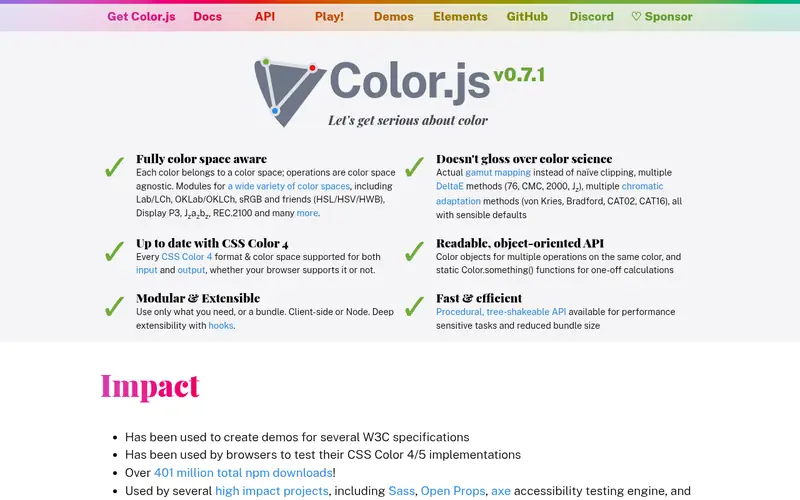
Color.js is a color library built around color science and CSS color specifications. It supports a wide range of color spaces, including OKLCH, Lab, LCH, P3 and more, and provides conversion, interpolation and contrast-related utilities.
It runs in browsers and Node.js and is modular, so you can import only what you need. The documentation is detailed, which helps when working with less common spaces. The trade-off is a steeper learning curve and a larger footprint than minimal libraries. It suits teams that need accurate color science and spec-aligned behavior. Skip it if you want the smallest possible dependency for basic hex and RGB work.
Standout: Broad color space support with a clear, documented API
Free (open source), as listed by the vendor (Color.js website). Confirm the current plan price before you buy.
Free plan. Plans change, so confirm on the vendor's pricing page before you buy.
Benefits
- Broad color space support with a clear, documented API
- modular design
Drawbacks
- Larger learning curve
- heavier than minimal libraries
Skip it if this limit matters to you: larger learning curve.
Verdict. A sensible pick for spec-focused color science and detailed documentation.
Who should use what
If you are building a design system that needs OKLCH, Lab and other modern spaces, start with culori or Color.js. If you are making charts and need scales and interpolation, chroma.js is the quicker fit. If bundle size matters and your needs are basic parsing and adjustment, colord or tinycolor2 will do the job. If you maintain an older codebase already using the color (Qix) API, keep it unless you need newer color spaces.
Questions to settle before you buy
What to check before you buy
- Confirm the library supports every color space and input format your app must handle.
- Check bundle size after tree-shaking, not just the published package size.
- Verify browser and Node.js support matches your target environments.
- Check recent commit activity and open issues for maintenance signals.
- Confirm the license fits your project and that TypeScript types exist if you need them.
FAQ
Are these color libraries free?
Yes. All six libraries listed are open source and free to use. Check each project's license before shipping, since terms vary between projects.
Which library has the widest color space support?
culori and Color.js cover the broadest set of color spaces, including OKLCH, Lab and LCH. chroma.js, colord, color and tinycolor2 focus on common formats and a narrower set of spaces.
Do these libraries work in Node.js?
Yes. All six run in Node.js as well as in browsers. Check the package documentation for module format support if your build setup is specific.
Can I use these for contrast and accessibility checks?
Some provide contrast helpers, and colord offers them through a plugin. Confirm the specific function you need exists in the version you install, since feature sets differ.
Do these libraries send color data anywhere?
No. They are client-side or server-side libraries that run locally in your code. They do not transmit data to third parties.
Sources we checked
Method: how we score · editorial policy.
Change log. First published 27 Nov 2026.