Stage 01 · Write · Researched comparison
Best JavaScript Carousel Libraries in 2026
Swiper is the first pick for most teams. It covers touch sliders, grids and free-mode scrolling, runs on plain JavaScript and every major framework, and ships under the MIT licence. Embla Carousel suits developers who want a small, dependency-free engine with full control over markup and styling. Splide is a good alternative when you need accessible, extensible sliders with a smaller footprint than Swiper. All three are open source, so cost is not the deciding factor.

By Shihab Mia
Published 27 Nov 2026 · 6 tools compared
We run no ads and no affiliate links at launch. The order of a list follows our published method. See how we score.
Prices are the starting prices vendors list publicly. Plans change, so confirm the current price on the vendor page before you buy.
Key takeaways
- Swiper, Embla Carousel, Splide, Glide.js and Keen-Slider are free and open source; Flickity is GPLv3 with a paid commercial licence option.
- Swiper has the widest feature set and framework wrappers, but its bundle is larger than Embla or Splide.
- Embla Carousel ships a small core and leaves markup, styling and most behavior to you.
Who each pick is for
- Teams that need a full-featured slider with framework supportSwiper
- Developers who want a small engine and custom markupEmbla Carousel
- Accessible sliders with a moderate feature setSplide
- Simple, dependency-free sliders with a small APIGlide.js
- Precise, physics-based sliders with custom layoutsKeen-Slider
- Touch and flick galleries with a mature option setFlickity
Comparison
| Tool | Best for | Standout feature | Listed starting price | Free plan or trial |
|---|---|---|---|---|
| 1Swiper | Teams that need a full-featured slider with framework support | Large feature set including effects, grid, free mode and virtual slides | Free (open source) | Free plan |
| 2Embla Carousel | Developers who want a small engine and custom markup | Small core with no styling opinions | Free (open source) | Free plan |
| 3Splide | Accessible sliders with a moderate feature set | Accessibility features built in | Free (open source) | Free plan |
| 4Glide.js | Simple, dependency-free sliders with a small API | No dependencies and a small footprint | Free (open source) | Free plan |
| 5Keen-Slider | Precise, physics-based sliders with custom layouts | Smooth drag physics | Free (open source) | Free plan |
| 6Flickity | Touch and flick galleries with a mature option set | Mature drag and flick behavior | See vendor pricing page | No free plan |
How we picked
We compared libraries on fit for common carousel jobs, supported platforms and frameworks, licence terms, bundle size relative to features, accessibility support and documented limits. Sources are vendor documentation, project repositories and public pricing pages. We did not run benchmarks or collect user reviews. Licences and prices can change, so confirm the current terms on the vendor site before you ship.
The tools, one by one
Swiper
Best for teams that need a full-featured slider with framework support
What it is and where it fits
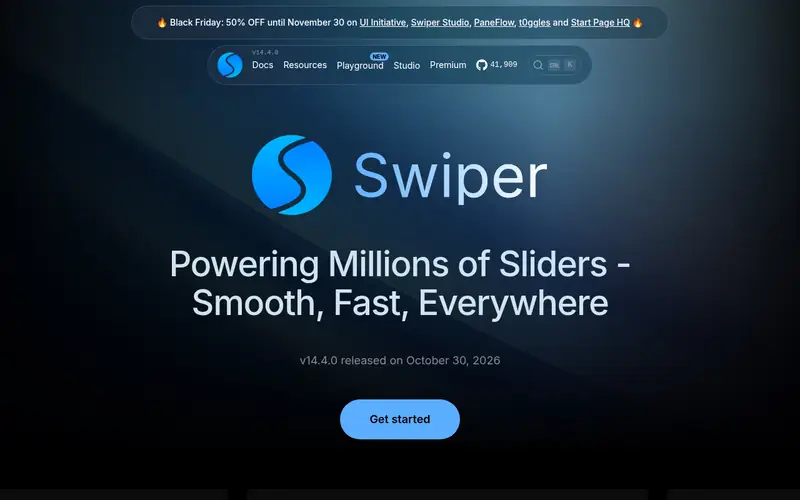
Swiper is the most widely used carousel and slider library. It handles touch and mouse dragging, loop mode, pagination, navigation arrows, scrollbar, thumbnails, parallax and a grid layout. It runs in the browser as a module or script tag and has official components for React, Vue, Angular and Svelte. The project is MIT licensed, so you can use it in commercial products without a fee.
The main trade-off is size. Swiper includes many modules, and you should import only the ones you use to keep the bundle down. Configuration is broad, which helps on complex sliders but adds a learning curve. Teams that want a small engine and full control over markup may prefer Embla. Swiper suits product galleries, hero sliders, media carousels and any project that needs a mature, feature-complete slider.
Standout: Large feature set including effects, grid, free mode and virtual slides
Free (open source), as listed by the vendor (Swiper website). Confirm the current plan price before you buy.
Free plan. Plans change, so confirm on the vendor's pricing page before you buy.
Benefits
- Large feature set including effects, grid, free mode and virtual slides
- official wrappers for React, Vue, Angular and Svelte
Drawbacks
- Larger bundle than minimal libraries
- many options to learn
Skip it if this limit matters to you: larger bundle than minimal libraries.
Verdict. A sensible pick for teams that need a full-featured slider with framework support.
Alternatives in this guide: Embla Carousel, Splide, Glide.js
Embla Carousel
Best for developers who want a small engine and custom markup
What it is and where it fits
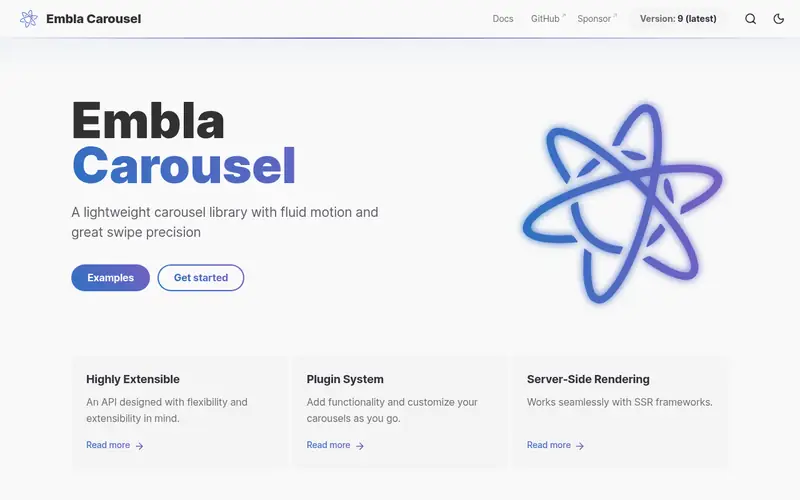
Embla Carousel is a lightweight, dependency-free slider engine. It calculates scroll positions and handles drag, wheel and touch input, but it does not inject markup or CSS. You write the container and slides, then style them. This keeps the output small and makes it easy to match an existing design system. It is MIT licensed and works with plain JavaScript plus React, Vue, Svelte and other wrappers.
Extra behavior comes from plugins: autoplay, auto-scroll, wheel gestures, class names and accessibility helpers. Because the core is minimal, you are responsible for arrows, dots and keyboard handling unless a plugin covers them. That is more work than Swiper but gives tighter control. Embla suits teams that already have a component library and want a slider that stays out of the way.
Standout: Small core with no styling opinions
Free (open source), as listed by the vendor (Embla Carousel website). Confirm the current plan price before you buy.
Free plan. Plans change, so confirm on the vendor's pricing page before you buy.
Benefits
- Small core with no styling opinions
- plugins for autoplay, wheel gestures and accessibility
Drawbacks
- You build navigation and pagination yourself
- fewer built-in effects than Swiper
Skip it if this limit matters to you: you build navigation and pagination yourself.
Verdict. A sensible pick for developers who want a small engine and custom markup.
Splide
Best for accessible sliders with a moderate feature set
What it is and where it fits
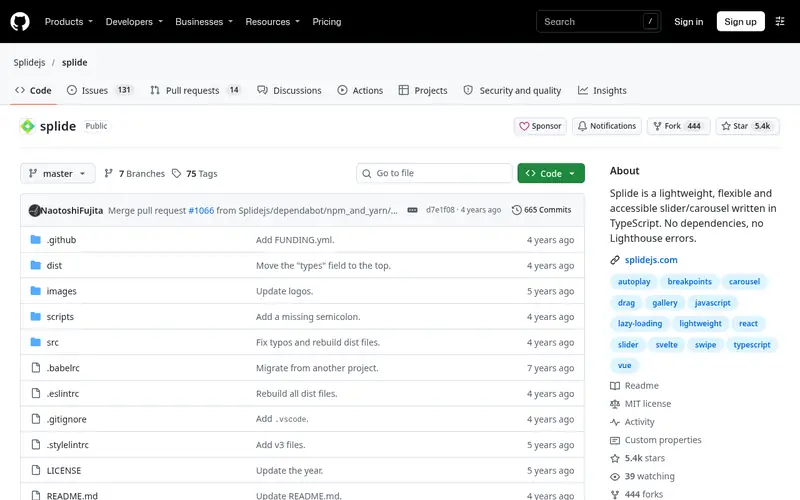
Splide is a slider library focused on accessibility and a clean API. It supports drag, loop, autoplay, breakpoints, lazy loading and vertical sliders, and it ships ARIA attributes and keyboard support by default. Optional extensions add autoscroll, video, URL hash navigation and a grid layout. It is MIT licensed and available for plain JavaScript, React, Vue and Svelte.
The core is smaller than Swiper, and the option set is easier to scan. It does not match Swiper on visual effects such as cube or coverflow without extra work. Documentation is clear and includes migration notes from older versions. Splide suits marketing sites, content carousels and projects where accessibility review is part of the release process. Teams that need the largest feature set should compare it with Swiper first.
Standout: Accessibility features built in
Free (open source), as listed by the vendor (Splide website). Confirm the current plan price before you buy.
Free plan. Plans change, so confirm on the vendor's pricing page before you buy.
Benefits
- Accessibility features built in
- extensions for autoscroll, video, URL hash and grid
Drawbacks
- Smaller ecosystem than Swiper
- some advanced effects need extensions
Skip it if this limit matters to you: smaller ecosystem than Swiper.
Verdict. A sensible pick for accessible sliders with a moderate feature set.
Alternatives in this guide: Swiper, Embla Carousel, Glide.js
Glide.js
Best for simple, dependency-free sliders with a small API
What it is and where it fits
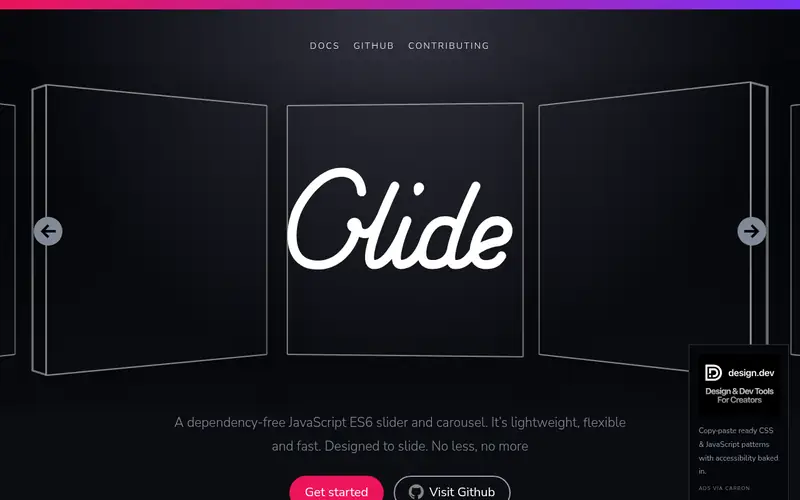
Glide.js is a dependency-free slider with a compact API. It covers the common patterns: a single slide carousel, a carousel with multiple visible slides, and a slideshow with autoplay. It supports touch dragging, breakpoints, keyboard control and RTL. It is MIT licensed and works as a module or script tag, with wrappers for React and Vue.
The feature set is narrower than Swiper or Splide. There are no built-in cube or coverflow effects, and extensions are limited. The project is maintained but moves at a slower pace than the larger libraries, so check the repository for recent releases before adopting it. Glide.js suits small sites and internal tools where a simple, light slider is enough and you do not want a large dependency.
Standout: No dependencies and a small footprint
Free (open source), as listed by the vendor (Glide.js website). Confirm the current plan price before you buy.
Free plan. Plans change, so confirm on the vendor's pricing page before you buy.
Benefits
- No dependencies and a small footprint
- simple options for common slider patterns
Drawbacks
- Fewer features than Swiper
- development pace is slower than larger projects
Skip it if this limit matters to you: fewer features than Swiper.
Verdict. A sensible pick for simple, dependency-free sliders with a small API.
Alternatives in this guide: Swiper, Embla Carousel, Splide
Keen-Slider
Best for precise, physics-based sliders with custom layouts
What it is and where it fits
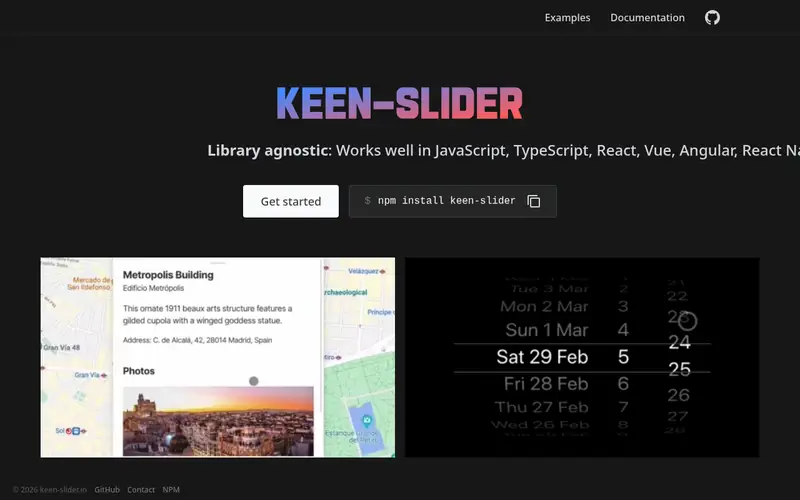
Keen-Slider is a touch slider library built around pointer events and a physics-based drag model. It supports multiple slides per view, vertical sliders, thumbnails, autoplay and breakpoints through plugins. It does not ship navigation arrows or pagination markup, so you build those to match your design. It is MIT licensed and works with plain JavaScript, React, Vue and Svelte.
The library is smaller than Swiper and focuses on the sliding behavior rather than a full UI kit. That makes it a good fit for image galleries, product carousels and custom layouts where the default look would get in the way. It has fewer tutorials and examples than Swiper, so expect to read the documentation closely. Teams that want batteries included should look at Swiper or Splide instead.
Standout: Smooth drag physics
Free (open source), as listed by the vendor (Keen-Slider website). Confirm the current plan price before you buy.
Free plan. Plans change, so confirm on the vendor's pricing page before you buy.
Benefits
- Smooth drag physics
- supports multiple slides per view and custom layouts
Drawbacks
- Less built-in UI than Swiper
- fewer third-party tutorials
Skip it if this limit matters to you: less built-in UI than Swiper.
Verdict. A sensible pick for precise, physics-based sliders with custom layouts.
Alternatives in this guide: Swiper, Embla Carousel, Splide
Flickity
Best for touch and flick galleries with a mature option set
What it is and where it fits
Flickity is a carousel library from Metafizzy with a focus on touch, flick and free-scrolling galleries. It supports wrap-around, group cells, adaptive height, lazy loading and parallax. It works as a script tag or module and has options for accessibility and keyboard control. The licence is the key point: Flickity is GPLv3, which means closed-source commercial use requires a paid commercial licence. The vendor sets the price, so check the pricing page before you commit.
The codebase is older than Swiper or Embla, and the project moves at a slower pace. It still works well for gallery-style carousels where the flick behavior matters. Open-source projects that can comply with GPLv3 can use it at no cost. Commercial teams should compare the licence cost against free MIT alternatives before choosing it.
Standout: Mature drag and flick behavior
See vendor pricing page, as listed by the vendor (Flickity website). Confirm the current plan price before you buy.
No free plan. Plans change, so confirm on the vendor's pricing page before you buy.
Benefits
- Mature drag and flick behavior
- wrap-around, group cells and lazy loading options
Drawbacks
- GPLv3 requires a commercial licence for closed-source use
- older codebase than newer libraries
Skip it if this limit matters to you: GPLv3 requires a commercial licence for closed-source use.
Verdict. A sensible pick for touch and flick galleries with a mature option set.
Alternatives in this guide: Swiper, Embla Carousel, Splide
Who should use what
Pick Swiper if you need a full-featured slider with framework wrappers and can accept a larger bundle. Pick Embla Carousel if you have a design system and want a small engine that leaves markup and styling to you. Pick Splide if accessibility review is part of your process and you want a moderate feature set. Pick Keen-Slider for custom galleries where drag physics matter. Check the Flickity licence before using it in closed-source products.
Questions to settle before you buy
What to check before you buy
- Confirm the licence matches your distribution model, especially for Flickity (GPLv3) and any commercial use.
- Check that the library supports the frameworks in your stack, or that it works as a plain module.
- Review accessibility support: keyboard control, ARIA attributes and focus handling.
- Measure the bundle size after importing only the modules you use.
- Check the repository for recent releases and open issues before adopting a smaller project.
FAQ
Are these carousel libraries free?
Swiper, Embla Carousel, Splide, Glide.js and Keen-Slider are free and open source. Flickity is GPLv3, and closed-source commercial use requires a paid licence from the vendor. Check each project's licence file for the exact terms.
Which library has the smallest bundle?
Embla Carousel and Glide.js are among the smallest because they leave markup and UI to you. Swiper is larger but lets you import only the modules you need. Measure the final bundle in your own build rather than relying on published numbers.
Do I need a framework wrapper?
No. All the libraries listed here work with plain JavaScript. Wrappers for React, Vue, Angular and Svelte are available for several of them and can simplify state handling, but they are optional.
Can I use these in a commercial product?
Swiper, Embla Carousel, Splide, Glide.js and Keen-Slider are MIT licensed, which permits commercial use. Flickity requires a commercial licence for closed-source use.
How do I migrate away from an unmaintained carousel library?
Audit where the old library is used, list the behaviors you rely on (loop, autoplay, breakpoints, accessibility), then map each to a maintained option such as Swiper, Embla Carousel or Splide. Rebuild one carousel first, test keyboard and touch behavior, and roll the change out page by page.
Sources we checked
Method: how we score · editorial policy.
Change log. First published 27 Nov 2026.