Stage 01 · Write · Researched comparison
Best JavaScript Calendar Libraries in 2026
FullCalendar is the first pick for most teams building a full event calendar UI, because it covers month, week, day and list views across frameworks and has a free open-source core. Schedule-X is a good modern alternative with a smaller API surface. react-big-calendar suits React teams that want a lightweight, Google Calendar-style grid and do not need a paid scheduler.

By Shihab Mia
Published 27 Nov 2026 · 6 tools compared
We run no ads and no affiliate links at launch. The order of a list follows our published method. See how we score.
Prices are the starting prices vendors list publicly. Plans change, so confirm the current price on the vendor page before you buy.
Key takeaways
- FullCalendar, Schedule-X, react-big-calendar and Event Calendar are free and open source; DayPilot and Bryntum Calendar are commercial with paid licences.
- FullCalendar and Bryntum Calendar offer premium scheduler and resource-timeline add-ons that cost extra beyond the base library.
- Check the licence of each project before shipping: several use MIT, while others use different open-source terms.
- All of these render in the browser, so event data stays in your app rather than a third-party page.
Who each pick is for
- Teams needing broad framework support and many viewsFullCalendar
- Modern apps wanting a small, framework-agnostic calendarSchedule-X
- React apps wanting a Google Calendar-style gridreact-big-calendar
- Apps needing resource scheduling and booking UIsDayPilot
- Lightweight event calendar without a framework dependencyEvent Calendar (vkurko)
- Enterprise apps needing advanced calendar and scheduling featuresBryntum Calendar
Comparison
| Tool | Best for | Standout feature | Listed starting price | Free plan or trial |
|---|---|---|---|---|
| 1FullCalendar | Teams needing broad framework support and many views | Works with React, Vue, Angular and plain JavaScript | Free (open source) | Free plan |
| 2Schedule-X | Modern apps wanting a small, framework-agnostic calendar | Clean API with framework wrappers | Free (open source) | Free plan |
| 3react-big-calendar | React apps wanting a Google Calendar-style grid | Familiar month, week, day and agenda views | Free (open source) | Free plan |
| 4DayPilot | Apps needing resource scheduling and booking UIs | Strong resource and scheduler views | See vendor pricing page | Free trial (60 days) |
| 5Event Calendar (vkurko) | Lightweight event calendar without a framework dependency | Small footprint with no framework requirement | Free (open source) | Free plan |
| 6Bryntum Calendar | Enterprise apps needing advanced calendar and scheduling features | Rich feature set with strong performance focus | See vendor pricing page | Free trial |
How we picked
We compared libraries on fit for building event calendar and scheduler UIs, framework and platform support, licence and pricing model, whether data stays in the browser, and the main limits of each free or paid tier. Sources are official vendor pages, project documentation and public repositories. Prices and licence terms change, so confirm details on the vendor site before you commit.
The tools, one by one
FullCalendar
Best for teams needing broad framework support and many views
What it is and where it fits
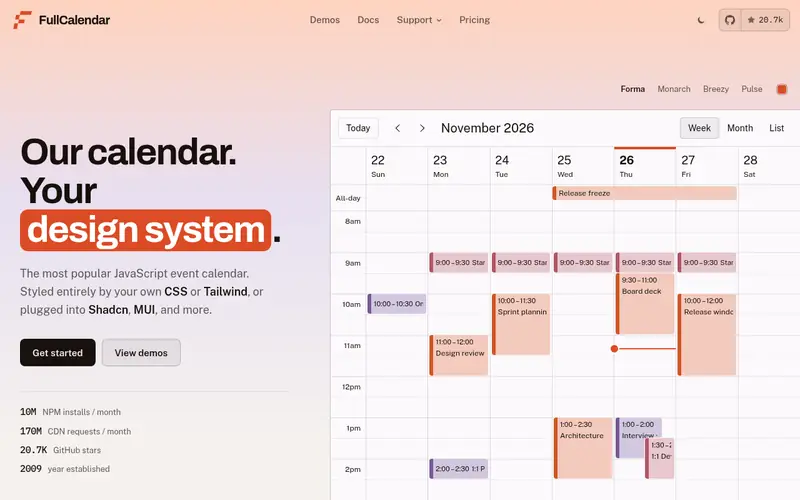
FullCalendar is a long-running calendar library for rendering month, week, day, list and timeline views. The core is open source and integrates with React, Vue, Angular and vanilla JavaScript through connector packages. It handles events, drag-and-drop, date selection and custom rendering.
The free core covers standard calendar views. The premium Scheduler add-on adds resource timelines and more advanced booking layouts under a separate commercial licence. Teams that only need a month or week grid can stay on the free package. Teams building resource scheduling should budget for the paid add-on and check current terms on the vendor site.
Standout: Works with React, Vue, Angular and plain JavaScript
Free (open source), as listed by the vendor (FullCalendar website). Confirm the current plan price before you buy.
Free plan. Plans change, so confirm on the vendor's pricing page before you buy.
Benefits
- Works with React, Vue, Angular and plain JavaScript
- wide range of views and plugins
Drawbacks
- Premium scheduler and resource features cost extra
- configuration surface is large
Skip it if this limit matters to you: premium scheduler and resource features cost extra.
Verdict. A sensible pick for teams needing broad framework support and many views.
Alternatives in this guide: Schedule-X, react-big-calendar, DayPilot
Schedule-X
Best for modern apps wanting a small, framework-agnostic calendar
What it is and where it fits
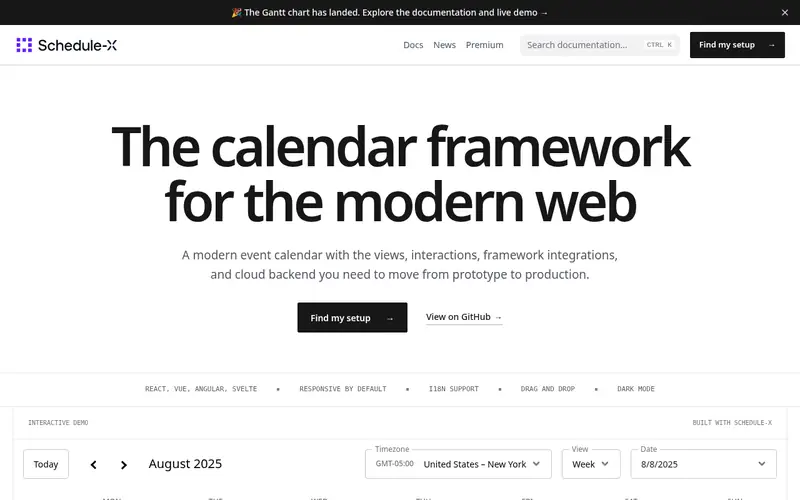
Schedule-X is a newer calendar component with adapters for React, Vue, Angular, Svelte and plain JavaScript. It provides month, week, day and list views, event handling and theming. The API is designed to be smaller and more predictable than older libraries.
The project is open source and actively developed. Because it is younger than FullCalendar, fewer third-party plugins and community answers exist, so unusual requirements may need custom work. It suits teams that want a tidy, modern calendar without the larger configuration surface of older tools.
Standout: Clean API with framework wrappers
Free (open source), as listed by the vendor (Schedule-X website). Confirm the current plan price before you buy.
Free plan. Plans change, so confirm on the vendor's pricing page before you buy.
Benefits
- Clean API with framework wrappers
- supports month, week, day and list views
Drawbacks
- Younger project with a smaller ecosystem
- some features still maturing
Skip it if this limit matters to you: younger project with a smaller ecosystem.
Verdict. A sensible pick for modern apps wanting a small, framework-agnostic calendar.
Alternatives in this guide: FullCalendar, react-big-calendar, DayPilot
react-big-calendar
Best for react apps wanting a Google Calendar-style grid
What it is and where it fits
react-big-calendar is a React component that renders a calendar grid similar to Google Calendar. It supports month, week, work week, day and agenda views, and uses a localizer so you can plug in date-fns, Moment, Luxon or Globalize.
It is a rendering component, not a full scheduling engine. Drag-and-drop, resource views and recurring events need additional code or plugins. It suits React teams that want a dependable grid and are willing to handle scheduling logic themselves. Non-React projects should look elsewhere.
Standout: Familiar month, week, day and agenda views
Free (open source), as listed by the vendor (react-big-calendar website). Confirm the current plan price before you buy.
Free plan. Plans change, so confirm on the vendor's pricing page before you buy.
Benefits
- Familiar month, week, day and agenda views
- localizer support for date libraries
Drawbacks
- React only
- styling and advanced features need extra work
Skip it if this limit matters to you: react only.
Verdict. A sensible pick for react apps wanting a Google Calendar-style grid.
Alternatives in this guide: FullCalendar, Schedule-X, DayPilot
DayPilot
Best for apps needing resource scheduling and booking UIs
What it is and where it fits
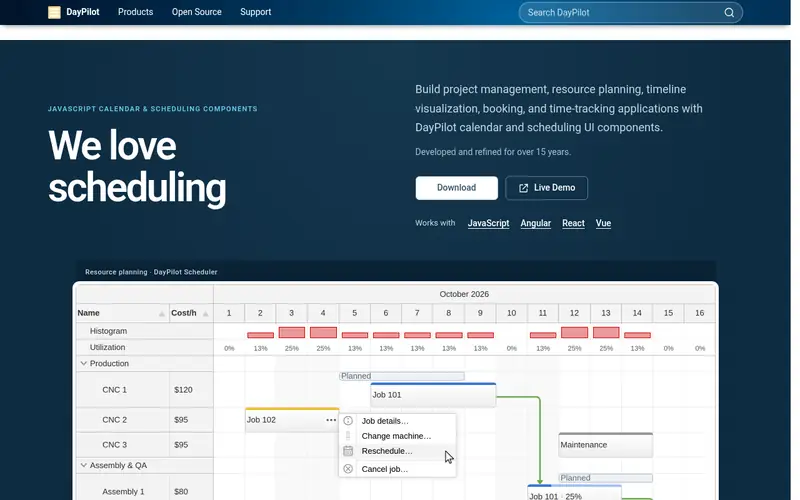
DayPilot provides calendar and scheduler components with a focus on resource scheduling, booking and time-slot views. It offers builds for plain JavaScript, React, Vue and Angular, plus server-side helpers for several backends.
The library is commercial. A trial is available, and production use requires a paid licence whose price depends on the product and edition. It suits teams building appointment booking, staff scheduling or resource timelines where the free libraries would need heavy custom work. Simple event grids are better served by a free option.
Standout: Strong resource and scheduler views
See vendor pricing page, as listed by the vendor (DayPilot website). Confirm the current plan price before you buy.
Free trial (60 days). Plans change, so confirm on the vendor's pricing page before you buy.
Benefits
- Strong resource and scheduler views
- available for JavaScript, React, Vue and Angular
Drawbacks
- Commercial licence required for production
- pricing varies by product
Skip it if this limit matters to you: commercial licence required for production.
Verdict. A sensible pick for apps needing resource scheduling and booking UIs.
Alternatives in this guide: FullCalendar, Schedule-X, react-big-calendar
Event Calendar (vkurko)
Best for lightweight event calendar without a framework dependency
What it is and where it fits
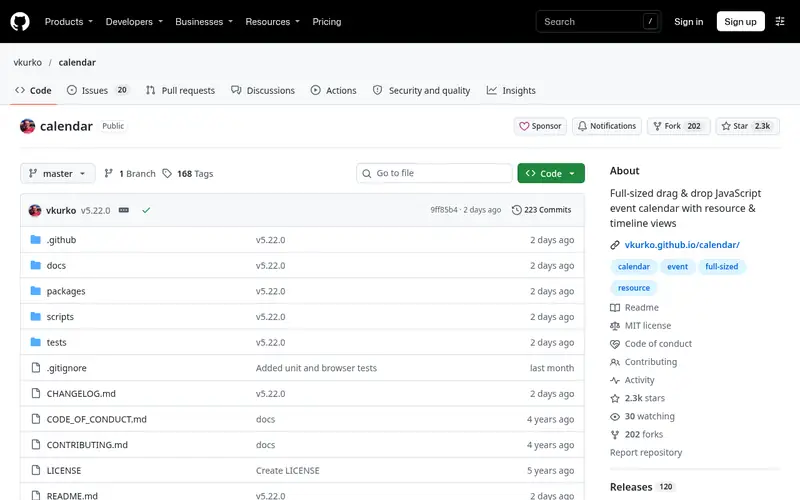
Event Calendar by vkurko is a lightweight JavaScript calendar that renders event views without requiring a framework. It supports standard calendar views, event rendering and interaction, and can be embedded in most web apps.
It is a good fit when bundle size and simplicity matter more than a large plugin ecosystem. Documentation and community support are smaller than FullCalendar's, so unusual needs may require reading the source. It suits small to medium apps that want a clean event calendar and can handle their own data layer.
Standout: Small footprint with no framework requirement
Free (open source), as listed by the vendor (Event Calendar (vkurko) website). Confirm the current plan price before you buy.
Free plan. Plans change, so confirm on the vendor's pricing page before you buy.
Benefits
- Small footprint with no framework requirement
- supports common calendar views
Drawbacks
- Smaller community
- fewer built-in advanced features
Skip it if this limit matters to you: smaller community.
Verdict. A sensible pick for lightweight event calendar without a framework dependency.
Alternatives in this guide: FullCalendar, Schedule-X, react-big-calendar
Bryntum Calendar
Best for enterprise apps needing advanced calendar and scheduling features
What it is and where it fits
Bryntum Calendar is a commercial calendar component with support for multiple views, drag-and-drop, recurring events and integration with React, Vue, Angular and plain JavaScript. It is part of a broader suite of scheduling and grid products.
It targets teams that need advanced calendar behavior and vendor support, and are willing to pay for a licence. Pricing is set by the vendor and varies by product and team size, so confirm current terms on the site. It is more than most small projects need; simpler apps should start with a free library.
Standout: Rich feature set with strong performance focus
See vendor pricing page, as listed by the vendor (Bryntum Calendar website). Confirm the current plan price before you buy.
Free trial. Plans change, so confirm on the vendor's pricing page before you buy.
Benefits
- Rich feature set with strong performance focus
- integrates with major frameworks
Drawbacks
- Commercial licence
- higher cost tier than free libraries
Skip it if this limit matters to you: commercial licence.
Verdict. A sensible pick for enterprise apps needing advanced calendar and scheduling features.
Alternatives in this guide: FullCalendar, Schedule-X, react-big-calendar
Who should use what
A team building a cross-framework app with many views should start with FullCalendar. A React team that wants a familiar grid and will handle scheduling logic itself should use react-big-calendar. A project that needs resource booking or staff scheduling should evaluate DayPilot or Bryntum Calendar and budget for a licence. A small app that wants a light, framework-free calendar should look at Event Calendar, and teams wanting a modern smaller API can try Schedule-X.
Questions to settle before you buy
What to check before you buy
- Confirm the licence allows your use case, including commercial and closed-source apps.
- Check which views you need (month, week, day, list, timeline, resources) and whether they are free or paid.
- Verify framework support and the version of React, Vue or Angular you use.
- Test recurring events, time zones and drag-and-drop against your real data.
- Review bundle size and whether the library renders events locally in the browser.
FAQ
Are these calendar libraries free?
FullCalendar, Schedule-X, react-big-calendar and Event Calendar are free and open source. DayPilot and Bryntum Calendar are commercial with paid licences, and FullCalendar's premium scheduler add-on is also paid. Check each project's licence before shipping.
Which library works without a framework?
FullCalendar, Schedule-X, DayPilot, Event Calendar and Bryntum Calendar all offer plain JavaScript builds. react-big-calendar is React only. If you are not using a framework, start with FullCalendar or Event Calendar.
Can these libraries handle resource scheduling?
DayPilot and Bryntum Calendar focus on resource and booking views. FullCalendar offers resource timelines through its paid Scheduler add-on. The free libraries generally need custom code for resource scheduling.
Do these libraries send my event data to a server?
No. They render in the browser and work with data you supply. Your app controls where data is stored and transmitted. Review each library's documentation for any optional cloud or analytics features before use.
How do I choose between FullCalendar and react-big-calendar?
Choose FullCalendar for broad framework support, many views and optional paid scheduling. Choose react-big-calendar if you are on React, want a familiar grid and plan to handle scheduling logic yourself. Both are free and open source.
Sources we checked
Method: how we score · editorial policy.
Change log. First published 27 Nov 2026.