Stage 01 · Write · Researched comparison
Best JavaScript Barcode Libraries in 2026
JsBarcode is the first pick for generating standard 1D barcodes in the browser or Node, because it is small, free and simple to call. For scanning with a camera, ZXing (@zxing/library) and html5-qrcode are the common open-source choices. For 2D and specialty formats, bwip-js covers the widest range. Teams that need commercial support and higher scan reliability should look at Scanbot SDK or Dynamsoft.

By Shihab Mia
Published 27 Nov 2026 · 8 tools compared
We run no ads and no affiliate links at launch. The order of a list follows our published method. See how we score.
Prices are the starting prices vendors list publicly. Plans change, so confirm the current price on the vendor page before you buy.
Key takeaways
- JsBarcode, bwip-js, ZXing, Quagga2 and html5-qrcode are free and open source; commercial SDKs use vendor pricing.
- ZXing's JavaScript port (@zxing/library) is in maintenance mode, so check activity before starting a new project on it.
- The BarcodeDetector API is built into some browsers but is not available everywhere, so plan a fallback.
- Scanning runs on camera frames in the browser; keep decoding local and avoid uploading images to third-party pages.
Who each pick is for
- Simple 1D barcode generation in browser and NodeJsBarcode
- Wide barcode format coverage including 2D codesbwip-js
- Reading barcodes from images and camera streamsZXing (@zxing/library)
- Live camera scanning of 1D barcodes in the browserQuagga2
- Quick camera scanning with a simple setuphtml5-qrcode
- Native browser barcode detection with no libraryBarcodeDetector API
- Commercial scanning with support and document featuresScanbot SDK
- Commercial barcode reading including hard-to-read codesDynamsoft Barcode Reader
Comparison
| Tool | Best for | Standout feature | Listed starting price | Free plan or trial |
|---|---|---|---|---|
| 1JsBarcode | Simple 1D barcode generation in browser and Node | Small API and easy SVG, canvas or image output | Free (open source) | Free plan |
| 2bwip-js | Wide barcode format coverage including 2D codes | Supports many 1D and 2D symbologies | Free (open source) | Free plan |
| 3ZXing (@zxing/library) | Reading barcodes from images and camera streams | Broad format support for decoding | Free (open source) | Free plan |
| 4Quagga2 | Live camera scanning of 1D barcodes in the browser | Built for real-time camera decoding | Free (open source) | Free plan |
| 5html5-qrcode | Quick camera scanning with a simple setup | Small API for camera and file scanning | Free (open source) | Free plan |
| 6BarcodeDetector API | Native browser barcode detection with no library | Built into supporting browsers with no bundle cost | Free | Free plan |
| 7Scanbot SDK | Commercial scanning with support and document features | Commercial support and regular updates | See vendor pricing page | Free trial (30 days) |
| 8Dynamsoft Barcode Reader | Commercial barcode reading including hard-to-read codes | Strong decoding for damaged or low-quality codes | See vendor pricing page | Free trial (30 days) |
How we picked
We picked libraries that genuinely generate or scan barcodes in JavaScript and are currently maintained or still widely used. Criteria were fit for the job (1D versus 2D, generation versus scanning), platforms supported, price and license, and the main limits such as browser support or maintenance status. Sources are vendor pages, project documentation and public repositories. Prices and plan terms change, so confirm them on the vendor site before you buy.
The tools, one by one
JsBarcode
Best for simple 1D barcode generation in browser and Node
What it is and where it fits
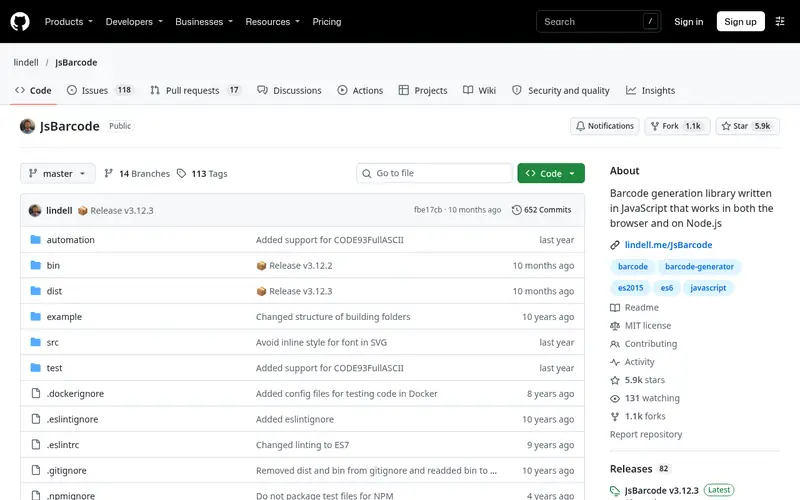
JsBarcode draws common 1D symbologies such as CODE128, EAN, UPC and CODE39. You pass a value and a target element, and it renders an SVG, canvas or image. It runs in the browser and in Node, so the same call works for server-side label generation. The API is short, which suits forms, invoices and label previews.
It does not generate 2D codes like QR or Data Matrix, and it does not read barcodes. If you need those, pair it with another library. The project is open source under the MIT license. Check the repository for the current release and supported formats before you commit.
Standout: Small API and easy SVG, canvas or image output
Free (open source), as listed by the vendor (JsBarcode website). Confirm the current plan price before you buy.
Free plan. Plans change, so confirm on the vendor's pricing page before you buy.
Benefits
- Small API and easy SVG, canvas or image output
- works in browsers and Node
Drawbacks
- 1D formats only, no 2D codes
- no scanning support
Skip it if this limit matters to you: 1D formats only, no 2D codes.
Verdict. A sensible pick for simple 1D barcode generation in browser and Node.
Alternatives in this guide: bwip-js, ZXing (@zxing/library), Quagga2
bwip-js
Best for wide barcode format coverage including 2D codes
What it is and where it fits
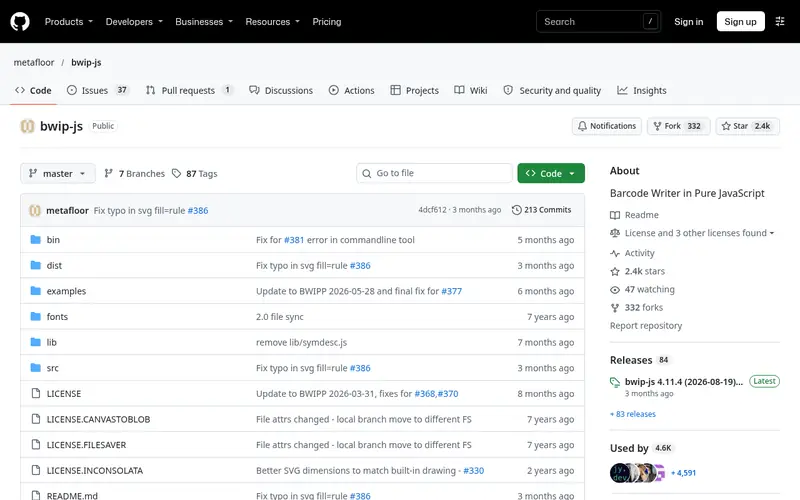
bwip-js is a JavaScript port of the Barcode Writer in Pure PostScript project. It covers a large set of 1D and 2D formats, including QR Code, Data Matrix, PDF417 and many industry symbologies. It renders to canvas in the browser and to PNG or other output in Node, which helps when you generate labels on a server.
The trade-off is size and setup. The API is more involved than JsBarcode, and the bundle is larger. It is a good fit when you need formats JsBarcode does not cover. It is open source; confirm the license terms and the current format list on the project page.
Standout: Supports many 1D and 2D symbologies
Free (open source), as listed by the vendor (bwip-js website). Confirm the current plan price before you buy.
Free plan. Plans change, so confirm on the vendor's pricing page before you buy.
Benefits
- Supports many 1D and 2D symbologies
- runs in browser and Node
Drawbacks
- Larger than minimal generators
- API takes more setup
Skip it if this limit matters to you: larger than minimal generators.
Verdict. A sensible pick for wide barcode format coverage including 2D codes.
Alternatives in this guide: JsBarcode, ZXing (@zxing/library), Quagga2
ZXing (@zxing/library)
Best for reading barcodes from images and camera streams
What it is and where it fits
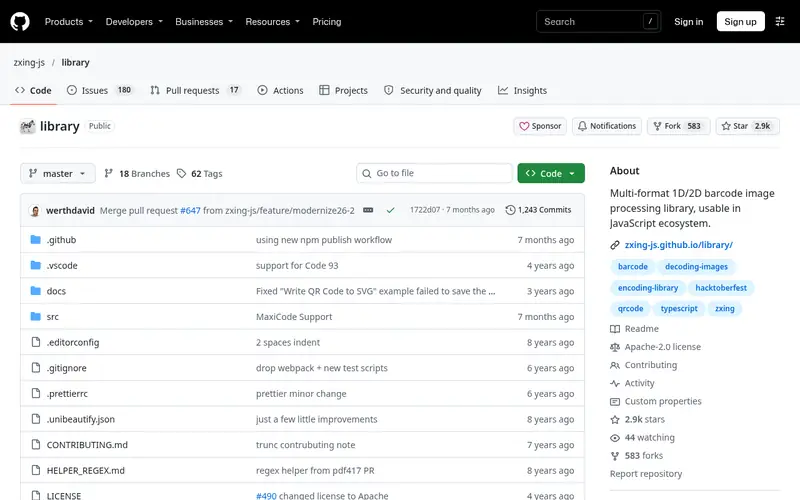
The @zxing/library package is the TypeScript port of the ZXing decoding engine. It reads many 1D and 2D formats from images and video frames in the browser. It ships with TypeScript types and works with canvas and video elements.
The project states it is in maintenance mode, which means fewer new features and slower fixes. That does not make it unusable, but new projects should weigh it against more active options. It is free and open source. Test decoding on your target devices and lighting before you rely on it in production.
Standout: Broad format support for decoding
Free (open source), as listed by the vendor (ZXing (@zxing/library) website). Confirm the current plan price before you buy.
Free plan. Plans change, so confirm on the vendor's pricing page before you buy.
Benefits
- Broad format support for decoding
- TypeScript types included
Drawbacks
- Project is in maintenance mode
- camera setup needs work
Skip it if this limit matters to you: project is in maintenance mode.
Verdict. A sensible pick for reading barcodes from images and camera streams.
Quagga2
Best for live camera scanning of 1D barcodes in the browser
What it is and where it fits
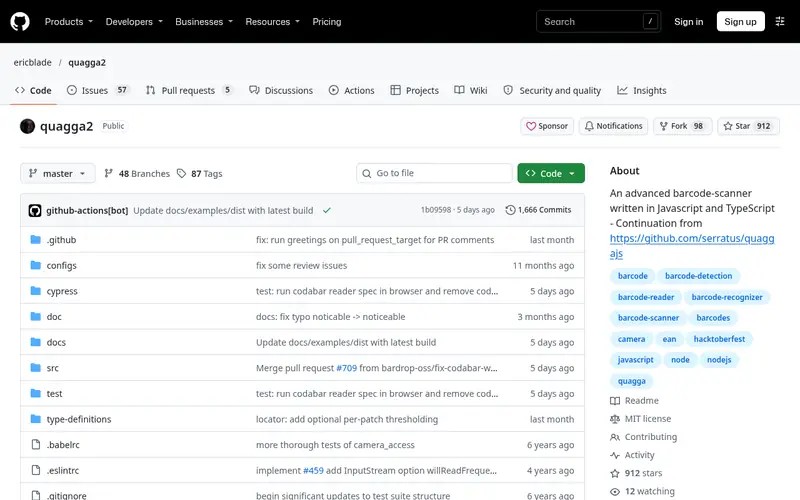
Quagga2 is a maintained fork of the QuaggaJS barcode scanner. It reads 1D barcodes from a live camera stream in the browser and lets you configure resolution, patch size and locator settings. It is aimed at point-of-sale and inventory-style scanning where the camera stays open.
It focuses on 1D symbologies rather than 2D codes. Getting good results depends on camera quality, lighting and configuration, so budget time for testing on real devices. It is free and open source. Check the repository for current browser support and release notes.
Standout: Built for real-time camera decoding
Free (open source), as listed by the vendor (Quagga2 website). Confirm the current plan price before you buy.
Free plan. Plans change, so confirm on the vendor's pricing page before you buy.
Benefits
- Built for real-time camera decoding
- configurable for different devices
Drawbacks
- Focused on 1D formats
- tuning camera settings takes effort
Skip it if this limit matters to you: focused on 1D formats.
Verdict. A sensible pick for live camera scanning of 1D barcodes in the browser.
Alternatives in this guide: JsBarcode, bwip-js, ZXing (@zxing/library)
html5-qrcode
Best for quick camera scanning with a simple setup
What it is and where it fits
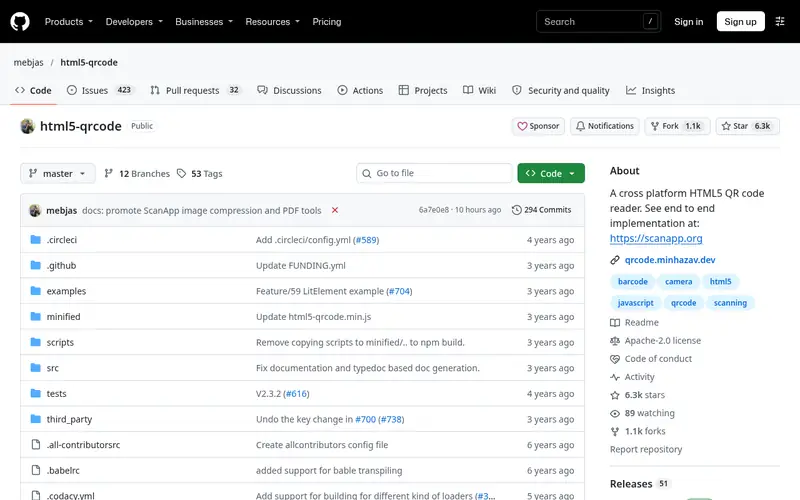
html5-qrcode wraps camera access and decoding behind a small API. You point it at an element, start scanning, and it handles the video stream and decode loop. It also supports scanning from an uploaded image file. It reads QR codes and several 1D formats.
It is a practical choice when you want scanning working quickly without managing media streams yourself. It offers fewer low-level controls than Quagga2 or ZXing. It is free and open source. Camera access requires HTTPS and user permission, so plan for both.
Standout: Small API for camera and file scanning
Free (open source), as listed by the vendor (html5-qrcode website). Confirm the current plan price before you buy.
Free plan. Plans change, so confirm on the vendor's pricing page before you buy.
Benefits
- Small API for camera and file scanning
- supports QR and several 1D formats
Drawbacks
- Fewer tuning options than lower-level libraries
- depends on camera permissions
Skip it if this limit matters to you: fewer tuning options than lower-level libraries.
Verdict. A sensible pick for quick camera scanning with a simple setup.
Alternatives in this guide: JsBarcode, bwip-js, ZXing (@zxing/library)
BarcodeDetector API
Best for native browser barcode detection with no library
What it is and where it fits
The BarcodeDetector API is a browser interface for detecting barcodes in images and video frames. Where it is supported, it needs no library download and uses a short API. It can detect several formats, including QR and common 1D codes.
Support is uneven. Some browsers do not implement it, and the formats available depend on the platform. Treat it as an enhancement and keep a JavaScript fallback such as ZXing or html5-qrcode for other browsers. It is free because it ships with the browser. Check current support tables before you depend on it.
Standout: Built into supporting browsers with no bundle cost
Free, as listed by the vendor (BarcodeDetector API website). Confirm the current plan price before you buy.
Free plan. Plans change, so confirm on the vendor's pricing page before you buy.
Benefits
- Built into supporting browsers with no bundle cost
- simple API
Drawbacks
- Not available in all browsers
- format support varies by platform
Skip it if this limit matters to you: not available in all browsers.
Verdict. A sensible pick for native browser barcode detection with no library.
Alternatives in this guide: JsBarcode, bwip-js, ZXing (@zxing/library)
Scanbot SDK
Best for commercial scanning with support and document features
What it is and where it fits
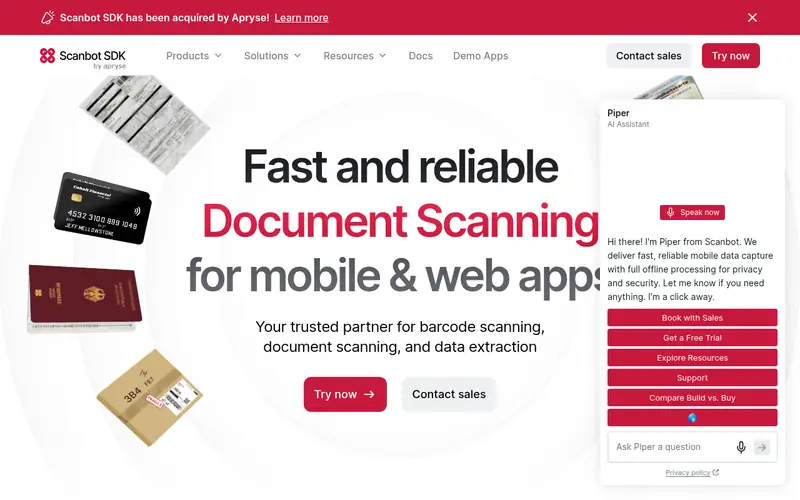
Scanbot SDK is a commercial barcode and document scanning SDK with web and mobile support. It handles barcode scanning plus related features such as document detection and data capture. It targets teams that want vendor support and a maintained product rather than assembling open-source parts.
Pricing is not published as a fixed number here, so check the vendor pricing page for current plans and trial terms. It costs more than open-source options and adds integration weight. It suits organizations that need support contracts or advanced capture features. Small projects usually do not need it.
Standout: Commercial support and regular updates
See vendor pricing page, as listed by the vendor (Scanbot SDK website). Confirm the current plan price before you buy.
Free trial (30 days). Plans change, so confirm on the vendor's pricing page before you buy.
Benefits
- Commercial support and regular updates
- broad scanning and document tooling
Drawbacks
- Paid license for production
- larger integration than open-source libraries
Skip it if this limit matters to you: paid license for production.
Verdict. A sensible pick for commercial scanning with support and document features.
Alternatives in this guide: JsBarcode, bwip-js, ZXing (@zxing/library)
Dynamsoft Barcode Reader
Best for commercial barcode reading including hard-to-read codes
What it is and where it fits
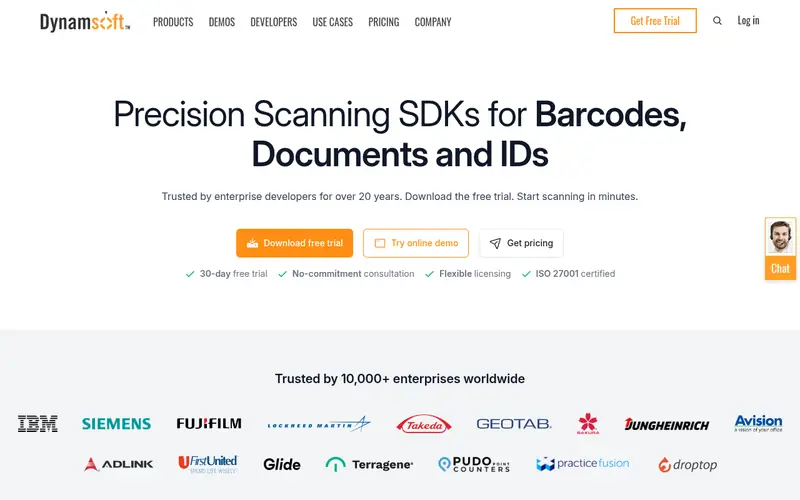
Dynamsoft Barcode Reader is a commercial SDK for reading barcodes from images and camera streams. It markets strong performance on difficult codes such as damaged, blurred or low-contrast labels. It offers web and desktop SDKs and is used in document and logistics workflows.
It is a paid product, so confirm current plans and trial terms on the vendor pricing page. It is heavier than open-source decoders and adds licensing cost. Choose it when decode reliability on poor images matters more than bundle size or budget. For simple, clean codes, open-source options are usually enough.
Standout: Strong decoding for damaged or low-quality codes
See vendor pricing page, as listed by the vendor (Dynamsoft Barcode Reader website). Confirm the current plan price before you buy.
Free trial (30 days). Plans change, so confirm on the vendor's pricing page before you buy.
Benefits
- Strong decoding for damaged or low-quality codes
- SDKs for web and desktop
Drawbacks
- Paid license
- heavier than open-source decoders
Skip it if this limit matters to you: paid license.
Verdict. A sensible pick for commercial barcode reading including hard-to-read codes.
Alternatives in this guide: JsBarcode, bwip-js, ZXing (@zxing/library)
Who should use what
If you only need to draw CODE128 or EAN labels, use JsBarcode. If you need QR, Data Matrix or many formats, use bwip-js. For camera scanning in a web app, start with html5-qrcode for speed or Quagga2 when you need to tune 1D decoding. Use ZXing when you need broad format decoding and can accept a maintenance-mode project. Reach for Scanbot SDK or Dynamsoft when you need commercial support or better decoding on poor images, and use the BarcodeDetector API only as an enhancement with a fallback.
Questions to settle before you buy
What to check before you buy
- Confirm the library generates or reads the exact symbologies you need, such as CODE128, EAN, QR or Data Matrix.
- Check the browser and device support, and test camera scanning on real phones in poor light.
- Review the license terms for commercial use and redistribution.
- Check repository activity and release dates, especially for maintenance-mode projects.
- Plan a fallback for features like the BarcodeDetector API that are not available everywhere.
FAQ
Do I need separate libraries for generating and scanning barcodes?
Often yes. JsBarcode and bwip-js generate codes, while ZXing, Quagga2 and html5-qrcode read them. Some commercial SDKs do both. Pick one library per job unless a single product clearly covers your formats and platforms.
Is the BarcodeDetector API enough on its own?
Not usually. It is fast and needs no download where supported, but browser and format support vary. Most production apps keep a JavaScript fallback such as ZXing or html5-qrcode so scanning works across browsers and devices.
Can these libraries scan barcodes without a camera?
Some can. ZXing and html5-qrcode can decode from image files or canvas frames, not only live video. That helps with uploaded photos and server-side processing. Check each library's documentation for image input support.
Is it safe to scan barcodes in a web app?
Scanning runs locally in the browser when you use these libraries, so images stay on the device. Avoid uploading barcode images or scanned data to third-party web pages. Do not paste secrets or production data into online tools you do not control.
Are the open-source libraries free for commercial use?
JsBarcode, bwip-js, ZXing, Quagga2 and html5-qrcode are open source, but licenses differ. Check each project's license file before shipping in a commercial product. Commercial SDKs like Scanbot and Dynamsoft require a paid license for production use.
Sources we checked
Method: how we score · editorial policy.
Change log. First published 27 Nov 2026.