Stage 01 · Write · Researched comparison
Best JavaScript Audio Libraries in 2026
Howler.js is the first pick for most developers who need reliable audio playback across browsers, with a small API and broad format fallback. Tone.js suits music and synthesis work that needs scheduling and effects. wavesurfer.js fits waveform display and region-based editing. All three are open source and free, and the built-in Web Audio API covers low-level needs without a dependency.

By Shihab Mia
Published 27 Nov 2026 · 6 tools compared
We run no ads and no affiliate links at launch. The order of a list follows our published method. See how we score.
Prices are the starting prices vendors list publicly. Plans change, so confirm the current price on the vendor page before you buy.
Key takeaways
- Howler.js, Tone.js, wavesurfer.js, standardized-audio-context and Meyda are free and open source; the Web Audio API ships with the browser at no cost.
- The Web Audio API is the foundation most of these libraries build on, so check what each library adds before adding a dependency.
- Pizzicato is not included because the project is no longer actively maintained; Tone.js covers most of its synthesis and effects use cases.
- Audio libraries run locally in your app, so audio data does not pass through a third-party web page the way it does with online converters.
Who each pick is for
- Cross-browser audio playback for games and web appsHowler.js
- Music synthesis and scheduled audio in the browserTone.js
- Waveform rendering and audio region editingwavesurfer.js
- Low-level audio graphs with no added dependencyWeb Audio API
- Consistent Web Audio behavior across browsersstandardized-audio-context
- Audio feature extraction for visualization and analysisMeyda
Comparison
| Tool | Best for | Standout feature | Listed starting price | Free plan or trial |
|---|---|---|---|---|
| 1Howler.js | Cross-browser audio playback for games and web apps | Simple playback API with sprite and spatial audio support | Free (open source) | Free plan |
| 2Tone.js | Music synthesis and scheduled audio in the browser | Transport, scheduling and a large set of synths and effects | Free (open source) | Free plan |
| 3wavesurfer.js | Waveform rendering and audio region editing | Renders waveforms from decoded audio with plugins for regions, timeline and spectrogram | Free (open source) | Free plan |
| 4Web Audio API | Low-level audio graphs with no added dependency | Built into modern browsers with no bundle cost | Free | Free plan |
| 5standardized-audio-context | Consistent Web Audio behavior across browsers | Fills gaps in Web Audio support with a spec-aligned wrapper | Free (open source) | Free plan |
| 6Meyda | Audio feature extraction for visualization and analysis | Extracts features such as RMS, spectral centroid and MFCC from live or offline audio | Free (open source) | Free plan |
How we picked
We picked libraries that are actively maintained and cover the core audio jobs: playback, synthesis, waveform display, cross-browser Web Audio handling and feature extraction. We checked each project's official site or repository for platform support, licence terms and documented limits. We did not run benchmarks or hands-on tests. Prices and free plan terms can change, so confirm details on the vendor or project page before you commit.
The tools, one by one
Howler.js
Best for cross-browser audio playback for games and web apps
What it is and where it fits
Howler.js focuses on one job: playing audio reliably. It wraps the Web Audio API and falls back to HTML5 Audio, which helps on older browsers and mobile devices where autoplay and codec support vary. The API covers sprites, looping, fade, volume, mute and basic 3D spatial audio through a plugin.
It runs in browsers and in environments that expose browser APIs, including Electron and some mobile webviews. The project is MIT licensed and free. It does not do synthesis, filtering graphs or waveform drawing, so pair it with Tone.js or wavesurfer.js if you need those. Skip it if you need sample-accurate scheduling for music.
Standout: Simple playback API with sprite and spatial audio support
Free (open source), as listed by the vendor (Howler.js website). Confirm the current plan price before you buy.
Free plan. Plans change, so confirm on the vendor's pricing page before you buy.
Benefits
- Simple playback API with sprite and spatial audio support
- automatic fallback to HTML5 Audio when Web Audio is unavailable
Drawbacks
- Not built for synthesis or audio analysis
- large sprite sets need manual management
Skip it if this limit matters to you: not built for synthesis or audio analysis.
Verdict. A sensible pick for cross-browser audio playback for games and web apps.
Alternatives in this guide: Tone.js, wavesurfer.js, Web Audio API
Tone.js
Best for music synthesis and scheduled audio in the browser
What it is and where it fits
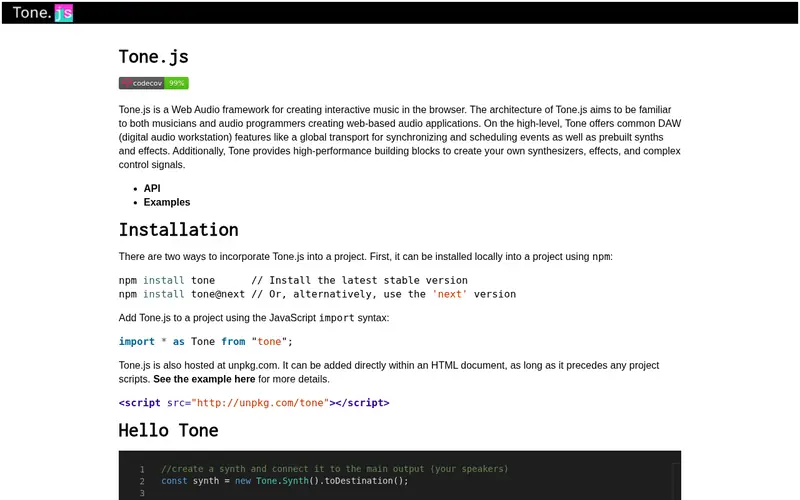
Tone.js is a framework for interactive music in the browser. It provides a transport for tempo and time signatures, instruments such as synths and samplers, and effects like reverb, delay and distortion. It also wraps the Web Audio API in a scheduling layer that handles timing more precisely than setTimeout.
It targets browsers and works in bundlers and module setups. The project is MIT licensed and free. Bundle size is larger than a playback-only library, so it is a poor fit for a page that just plays a sound effect. It is the closest active replacement for Pizzicato-style effects work.
Standout: Transport, scheduling and a large set of synths and effects
Free (open source), as listed by the vendor (Tone.js website). Confirm the current plan price before you buy.
Free plan. Plans change, so confirm on the vendor's pricing page before you buy.
Benefits
- Transport, scheduling and a large set of synths and effects
- consistent API over the Web Audio API
Drawbacks
- Steeper learning curve than a playback library
- heavier bundle for simple playback needs
Skip it if this limit matters to you: steeper learning curve than a playback library.
Verdict. A sensible pick for music synthesis and scheduled audio in the browser.
Alternatives in this guide: Howler.js, wavesurfer.js, Web Audio API
wavesurfer.js
Best for waveform rendering and audio region editing
What it is and where it fits
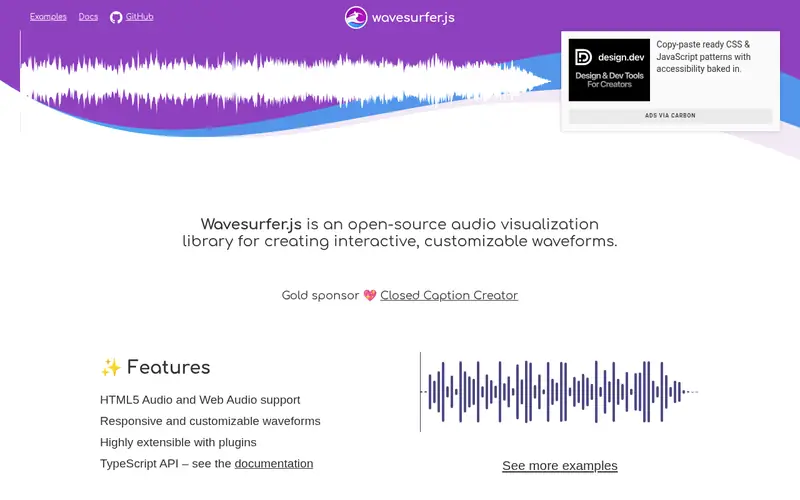
wavesurfer.js draws audio waveforms in the browser and adds interaction on top. Plugins cover regions, a timeline, a spectrogram, markers and a minimap. It can decode audio with the Web Audio API or use an HTML5 media element, which matters for long files and streaming.
It runs in browsers and is commonly used in editors, podcast tools and transcription interfaces. The project is BSD-3-Clause licensed and free. Very long recordings can be slow to decode and memory-heavy, so test with your real file sizes. It handles display and seeking, not synthesis, so combine it with a playback or audio graph library.
Standout: Renders waveforms from decoded audio with plugins for regions, timeline and spectrogram
Free (open source), as listed by the vendor (wavesurfer.js website). Confirm the current plan price before you buy.
Free plan. Plans change, so confirm on the vendor's pricing page before you buy.
Benefits
- Renders waveforms from decoded audio with plugins for regions, timeline and spectrogram
- works with the Web Audio API and HTML5 media
Drawbacks
- Rendering long files costs memory and CPU
- not a playback or synthesis engine on its own
Skip it if this limit matters to you: rendering long files costs memory and CPU.
Verdict. A sensible pick for waveform rendering and audio region editing.
Alternatives in this guide: Howler.js, Tone.js, Web Audio API
Web Audio API
Best for low-level audio graphs with no added dependency
What it is and where it fits
The Web Audio API is the browser platform itself, not a library. It provides an audio graph of nodes for sources, filters, gain, analysers, convolution and processing. It handles precise scheduling through the audio clock, which is why most libraries on this list build on it.
It is available in current versions of major browsers and needs no install or licence. The cost is code volume: playback fallback, unlocking audio on user gesture and cross-browser quirks are your responsibility. Use it directly when you need custom processing or want to avoid dependencies, and use a wrapper library when you want a shorter path.
Standout: Built into modern browsers with no bundle cost
Free, as listed by the vendor (Web Audio API website). Confirm the current plan price before you buy.
Free plan. Plans change, so confirm on the vendor's pricing page before you buy.
Benefits
- Built into modern browsers with no bundle cost
- full control over nodes, timing and processing
Drawbacks
- More code for common tasks
- browser differences in autoplay policy and some node support
Skip it if this limit matters to you: more code for common tasks.
Verdict. A sensible pick for low-level audio graphs with no added dependency.
Alternatives in this guide: Howler.js, Tone.js, wavesurfer.js
standardized-audio-context
Best for consistent Web Audio behavior across browsers
What it is and where it fits
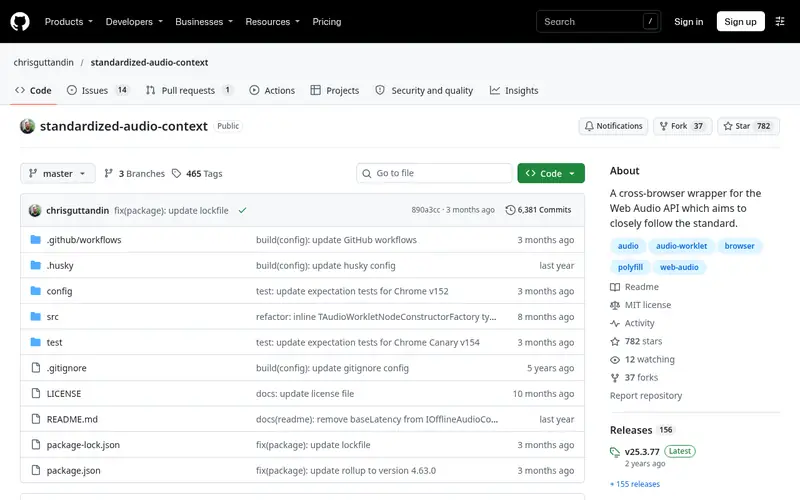
standardized-audio-context is a wrapper around the Web Audio API that aims to match the specification across browsers. It provides missing constructors and methods, including polyfills, so code written against the spec behaves more consistently in older or partial implementations.
It is aimed at teams shipping audio features to a wide browser range, especially where Safari and older engines differ. The project is MIT licensed and free. It is not a playback or synthesis library, so it sits under your own audio code or under another library. Skip it if you only target current evergreen browsers and can test each one.
Standout: Fills gaps in Web Audio support with a spec-aligned wrapper
Free (open source), as listed by the vendor (standardized-audio-context website). Confirm the current plan price before you buy.
Free plan. Plans change, so confirm on the vendor's pricing page before you buy.
Benefits
- Fills gaps in Web Audio support with a spec-aligned wrapper
- includes polyfills for missing nodes and methods
Drawbacks
- Adds bundle weight
- some edge cases still depend on the underlying browser
Skip it if this limit matters to you: adds bundle weight.
Verdict. A sensible pick for consistent Web Audio behavior across browsers.
Alternatives in this guide: Howler.js, Tone.js, wavesurfer.js
Meyda
Best for audio feature extraction for visualization and analysis
What it is and where it fits
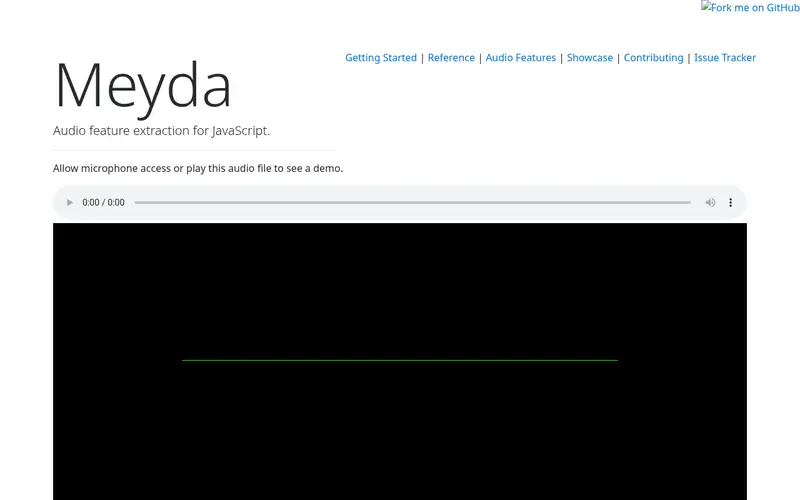
Meyda extracts audio features in JavaScript. It computes values such as root mean square, spectral centroid, spectral flatness, chroma and MFCC from an audio buffer or a live analyser node. That makes it useful for visualizers, sound classification prototypes and music information retrieval experiments.
It runs in browsers and in Node.js with a compatible audio buffer. The project is MIT licensed and free. Feature extraction is compute-heavy, so profile it on low-end devices and consider moving work off the main thread. It does not play or generate audio, so pair it with the Web Audio API or a playback library.
Standout: Extracts features such as RMS, spectral centroid and MFCC from live or offline audio
Free (open source), as listed by the vendor (Meyda website). Confirm the current plan price before you buy.
Free plan. Plans change, so confirm on the vendor's pricing page before you buy.
Benefits
- Extracts features such as RMS, spectral centroid and MFCC from live or offline audio
- works with the Web Audio API analyser
Drawbacks
- Feature extraction adds CPU cost on the main thread
- not a playback or synthesis tool
Skip it if this limit matters to you: feature extraction adds CPU cost on the main thread.
Verdict. A sensible pick for audio feature extraction for visualization and analysis.
Alternatives in this guide: Howler.js, Tone.js, wavesurfer.js
Who should use what
If you are building a game or app that plays sound effects and music, start with Howler.js and add the Web Audio API only for custom processing. If you are building a synth, sequencer or interactive music tool, use Tone.js. If you need waveform views, regions or a spectrogram for an editor or podcast tool, use wavesurfer.js. If you need consistent Web Audio behavior across a wide browser range, put standardized-audio-context underneath your code. If you are building a visualizer or feature pipeline, use Meyda with the Web Audio API.
Questions to settle before you buy
What to check before you buy
- Confirm the library is actively maintained by checking recent commits and releases in its repository.
- Check the licence terms against your product's distribution model, especially for bundled apps.
- Test autoplay and audio unlock behavior on mobile Safari and Chrome before shipping.
- Measure bundle size and CPU cost against your target devices, especially for synthesis and analysis.
- Verify the library covers the formats and platforms you need, and keep a fallback path for older browsers.
FAQ
Do I need a library if the Web Audio API exists?
No. The Web Audio API is built into modern browsers and covers playback, processing and scheduling. Libraries reduce boilerplate and handle cross-browser gaps. Use the API directly for custom graphs, and use a library when you want a shorter path for playback, synthesis or waveforms.
Is Howler.js or Tone.js better for playing sound effects?
Howler.js is the simpler choice for sound effects and music playback. Tone.js is built for scheduled music and synthesis and carries more weight. For a page that only plays clips, Howler.js is usually enough.
Can these libraries run offline or in a desktop app?
Yes. They are JavaScript packages that run in the browser and in Electron or similar runtimes. Audio stays local to the app. Check that the runtime exposes the browser audio APIs the library expects.
Why is Pizzicato not on the list?
Pizzicato is not included because the project is no longer actively maintained. Tone.js covers most synthesis and effects use cases, and the Web Audio API covers custom processing. Check maintenance status before adopting any unmaintained audio library.
Are these libraries free for commercial use?
Howler.js, Tone.js, wavesurfer.js, standardized-audio-context and Meyda are open source under permissive licences, and the Web Audio API is part of the browser platform. Read each licence to confirm terms for your distribution model.
Sources we checked
Method: how we score · editorial policy.
Change log. First published 27 Nov 2026.