Stage 01 · Write · Researched comparison
Best JavaScript Animation Libraries in 2026
GSAP is the first pick for most teams that need timeline control, SVG work and broad browser support, and it suits production sites with complex sequencing. Motion (formerly Framer Motion) is a strong alternative for React interfaces that want simple declarative transitions. Anime.js is a lighter choice for small projects and quick DOM or SVG effects. All three are free to start, though GSAP has paid club tiers for extra plugins.

By Shihab Mia
Published 27 Nov 2026 · 5 tools compared
We run no ads and no affiliate links at launch. The order of a list follows our published method. See how we score.
Prices are the starting prices vendors list publicly. Plans change, so confirm the current price on the vendor page before you buy.
Key takeaways
- GSAP, Anime.js, Motion, Three.js and Lottie are free to use; GSAP also sells paid club memberships for bonus plugins.
- Motion targets React and vanilla JavaScript, while GSAP and Anime.js work with any framework.
- Three.js is for canvas and WebGL scenes, not simple CSS transitions.
- Lottie plays After Effects animations exported as JSON, so designers can own the motion.
Who each pick is for
Comparison
| Tool | Best for | Standout feature | Listed starting price | Free plan or trial |
|---|---|---|---|---|
| 1GSAP | Timeline-heavy UI, SVG and scroll animation | Precise timeline sequencing | Free (open source) | Free plan |
| 2Anime.js | Lightweight DOM and SVG effects | Small API with a short learning curve | Free (open source) | Free plan |
| 3Motion | React and vanilla JS interface animation | Simple declarative API for React | Free (open source) | Free plan |
| 4Three.js | 3D scenes and WebGL rendering | Mature 3D and WebGL toolkit | Free (open source) | Free plan |
| 5Lottie | Playing After Effects animations as JSON | Designers export motion from After Effects | Free | Free plan |
How we picked
We compared libraries on fit for common animation jobs, supported platforms and frameworks, licence and price, and main limits such as plugin paywalls or GPU demands. Sources are vendor sites, official documentation and project repositories. We did not run benchmarks or collect user reviews. Prices and plan details change, so confirm current terms on the vendor site before you commit.
The tools, one by one
GSAP
Best for timeline-heavy UI, SVG and scroll animation
What it is and where it fits
GSAP (GreenSock Animation Platform) is a JavaScript library for tweening CSS, SVG, canvas and DOM properties. Its timeline system lets you chain and offset many animations with fine control, which suits complex sequences like page intros and scroll-driven stories. It runs in any modern browser and works with plain JavaScript, React, Vue and other frameworks.
The core library is free. GSAP also sells club memberships that include additional plugins such as SplitText and MorphSVG. Check the current plugin list and licence terms on the vendor site before you build a product around a bonus plugin. The free core covers most tween, timeline and scroll needs.
Skip GSAP if you only need a single fade or hover transition; CSS or a smaller library will do. It is the strongest fit when sequencing and cross-browser consistency matter.
Standout: Precise timeline sequencing
Free (open source), as listed by the vendor (GSAP website). Confirm the current plan price before you buy.
Free plan. Plans change, so confirm on the vendor's pricing page before you buy.
Benefits
- Precise timeline sequencing
- Wide plugin set for scroll and SVG
Drawbacks
- Bonus plugins need a paid club
- Larger learning curve
Skip it if this limit matters to you: bonus plugins need a paid club.
Verdict. A sensible pick for timeline-heavy UI, SVG and scroll animation.
Anime.js
Best for lightweight DOM and SVG effects
What it is and where it fits
Anime.js is a lightweight animation library that works on CSS properties, SVG, DOM attributes and JavaScript objects. Its API is compact, so a single call can animate multiple targets with staggered timing. It is a good fit for micro-interactions, icon motion and simple SVG line drawing.
It runs in the browser and has no framework dependency, so it works with React, Vue or plain HTML. The project is open source and free to use. It does not ship the large plugin ecosystem that GSAP offers, and very complex timelines take more manual setup.
Choose Anime.js when you want a small dependency and readable code. Skip it if you need advanced scroll plugins or a large set of ready-made easing and morph tools.
Standout: Small API with a short learning curve
Free (open source), as listed by the vendor (Anime.js website). Confirm the current plan price before you buy.
Free plan. Plans change, so confirm on the vendor's pricing page before you buy.
Benefits
- Small API with a short learning curve
- Good SVG and CSS property support
Drawbacks
- Fewer plugins than GSAP
- Smaller ecosystem
Skip it if this limit matters to you: fewer plugins than GSAP.
Verdict. A sensible pick for lightweight DOM and SVG effects.
Motion
Best for react and vanilla JS interface animation
What it is and where it fits
Motion, formerly Framer Motion, is an open-source animation library with a declarative API. It is widely used in React for enter and exit transitions, layout animation and gesture-driven motion. It also offers a vanilla JavaScript API for projects outside React.
The library is free and open source. It integrates with React state, so animating component mounts and unmounts takes little code. Layout animations handle size and position changes that are awkward with plain CSS.
Skip Motion if your project is not React-based and you want the most mature timeline tooling; GSAP is a better fit there. For React teams that want clean, readable transitions, it is a strong default.
Standout: Simple declarative API for React
Free (open source), as listed by the vendor (Motion website). Confirm the current plan price before you buy.
Free plan. Plans change, so confirm on the vendor's pricing page before you buy.
Benefits
- Simple declarative API for React
- Handles layout and gesture animation
Drawbacks
- React focus may not suit every stack
- Newer name after Framer Motion rebrand
Skip it if this limit matters to you: react focus may not suit every stack.
Verdict. A sensible pick for react and vanilla JS interface animation.
Three.js
Best for 3D scenes and WebGL rendering
What it is and where it fits
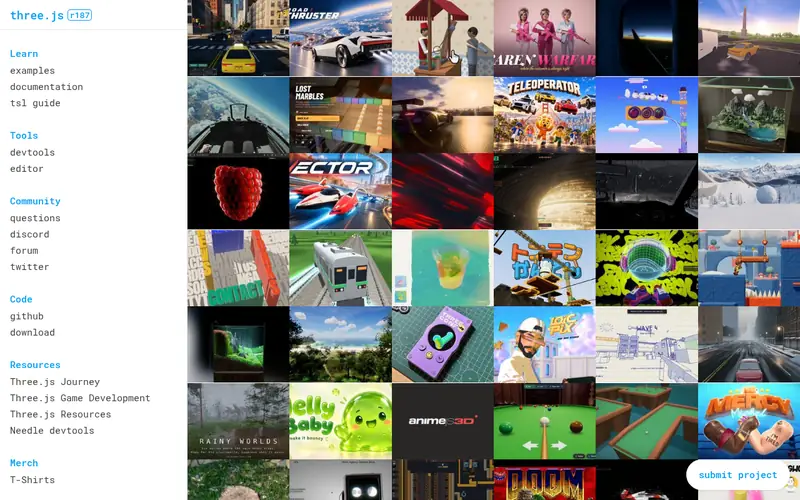
Three.js is a JavaScript library for 3D graphics in the browser using WebGL. It handles scenes, cameras, lights, materials and model loading. It is the right tool when you need 3D product views, data visualizations or interactive scenes, not for simple button transitions.
The project is open source and free. It runs in modern browsers and pairs with animation libraries for tweening camera or object properties. Performance depends on the device GPU, so test on lower-end hardware.
Skip Three.js for 2D DOM animation. It adds weight and complexity that a CSS or tween library handles better. Use it when 3D is the actual requirement.
Standout: Mature 3D and WebGL toolkit
Free (open source), as listed by the vendor (Three.js website). Confirm the current plan price before you buy.
Free plan. Plans change, so confirm on the vendor's pricing page before you buy.
Benefits
- Mature 3D and WebGL toolkit
- Large set of examples and loaders
Drawbacks
- Steep learning curve
- Overkill for 2D UI motion
Skip it if this limit matters to you: steep learning curve.
Verdict. A sensible pick for 3D scenes and WebGL rendering.
Lottie
Best for playing After Effects animations as JSON
What it is and where it fits
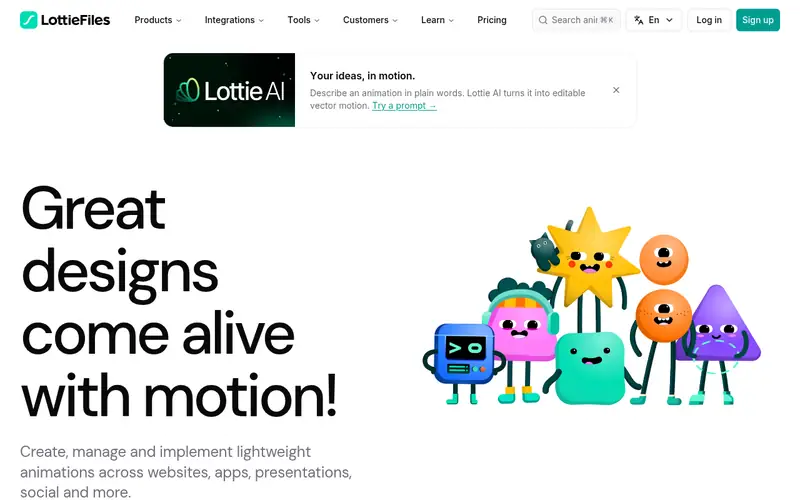
Lottie is a format and set of players for animations exported from Adobe After Effects as JSON. The web player renders those files with SVG or canvas. It lets designers own the motion while developers embed a player and control playback.
The open-source players are free. LottieFiles, the company behind the format, offers a hosted platform and paid plans for asset management and collaboration; check the vendor pricing page for current tiers. The JSON files are small compared with video, but complex animations still cost render time.
Use Lottie when motion comes from a design tool. Skip it when you need programmatic, state-driven animation that reacts to app logic.
Standout: Designers export motion from After Effects
Free, as listed by the vendor (Lottie website). Confirm the current plan price before you buy.
Free plan. Plans change, so confirm on the vendor's pricing page before you buy.
Benefits
- Designers export motion from After Effects
- Small JSON files play on web and mobile
Drawbacks
- Limited runtime control versus code libraries
- Complex files can be heavy
Skip it if this limit matters to you: limited runtime control versus code libraries.
Verdict. A sensible pick for playing After Effects animations as JSON.
Who should use what
React teams building interface transitions should start with Motion. Teams with complex timelines, scroll effects or SVG work should use GSAP, and budget for a club tier only if a bonus plugin is required. Small sites and micro-interactions fit Anime.js. 3D product views and data scenes call for Three.js. If designers hand off After Effects motion, use a Lottie player.
Questions to settle before you buy
What to check before you buy
- Confirm the licence covers your commercial use, including any paid plugin tiers.
- Check browser and device support, especially for WebGL and canvas scenes.
- Test performance on low-end phones, not just a desktop.
- Verify framework integration for React, Vue or your stack.
- Review the repository activity and release history for maintenance.
FAQ
Are these animation libraries free?
GSAP core, Anime.js, Motion, Three.js and the open-source Lottie players are free. GSAP sells paid club memberships for bonus plugins, and LottieFiles offers paid platform plans. Check each vendor page for current terms.
Which library is best for React?
Motion has a declarative API built for React and handles mount, unmount and layout animation. GSAP also works in React through refs and effects. Anime.js works but needs more manual wiring.
Can I use GSAP and Three.js together?
Yes. GSAP can tween Three.js object properties such as position and rotation. Many 3D scenes use a tween library for camera moves and object motion alongside the renderer.
Do these libraries work offline?
They are JavaScript files you can host yourself, so they run offline once loaded. Third-party hosted players and asset platforms may need a network connection. Self-host where privacy or offline use matters.
What about pasting code into online animation playgrounds?
Do not paste secrets, tokens or production data into third-party web pages. Prefer tools that run locally in the browser or offline, and keep sensitive code in your own editor.
Sources we checked
Method: how we score · editorial policy.
Change log. First published 27 Nov 2026.