Stage 01 · Write · Researched comparison
Best Java JSON Libraries in 2026
Jackson is the first pick for most teams. It handles streaming, databinding and tree models, and it has modules for many data types. Choose Gson for small projects that want a simple API with few dependencies. Choose Moshi if you target Kotlin or Android and want a modern reflection-light parser. All three are open source and free.

By Shihab Mia
Published 27 Nov 2026 · 6 tools compared
We run no ads and no affiliate links at launch. The order of a list follows our published method. See how we score.
Prices are the starting prices vendors list publicly. Plans change, so confirm the current price on the vendor page before you buy.
Key takeaways
- Jackson, Gson, Moshi, JSON-B, org.json and JsonPath are all free and open source, so cost is not the deciding factor.
- Jackson is the most feature-complete option and suits large services, but its module set adds configuration work.
- Gson and org.json are small and easy to learn, which suits scripts, tests and small Android or desktop apps.
- None of these libraries send your data anywhere; parsing happens in your JVM, so pasted JSON never leaves your machine.
Who each pick is for
- Large services that need streaming, databinding and tree modelsJackson
- Small Java projects that want a simple API and few dependenciesGson
- Kotlin and Android apps that want a modern, reflection-light parserMoshi
- Jakarta EE and Spring apps that want a standard binding APIJSON-B (Jakarta JSON Binding)
- Quick scripts and tests that need a tiny JSON parserorg.json
- Reading specific fields from large JSON documents without full parsingJsonPath
Comparison
| Tool | Best for | Standout feature | Listed starting price | Free plan or trial |
|---|---|---|---|---|
| 1Jackson | Large services that need streaming, databinding and tree models | Covers streaming, databinding and tree APIs in one project | Free (open source) | Free plan |
| 2Gson | Small Java projects that want a simple API and few dependencies | Simple API with little configuration | Free (open source) | Free plan |
| 3Moshi | Kotlin and Android apps that want a modern, reflection-light parser | First-class Kotlin support including codegen | Free (open source) | Free plan |
| 4JSON-B (Jakarta JSON Binding) | Jakarta EE and Spring apps that want a standard binding API | Standard API with multiple compliant implementations | Free (open source) | Free plan |
| 5org.json | Quick scripts and tests that need a tiny JSON parser | Very small and easy to read | Free (open source) | Free plan |
| 6JsonPath | Reading specific fields from large JSON documents without full parsing | Query syntax for selecting nested values | Free (open source) | Free plan |
How we picked
We picked libraries that are actively maintained and genuinely parse or generate JSON in Java. We checked fit for common jobs such as databinding, streaming and querying, plus platform support for the JVM and Android. We looked at licence terms, dependency size and the main limits each library documents. Sources are vendor pages, project repositories and official documentation. We did not run benchmarks. Prices and project activity change, so confirm details on the vendor or repository page before you commit.
The tools, one by one
Jackson
Best for large services that need streaming, databinding and tree models
What it is and where it fits
Jackson is the most widely used JSON library in the Java ecosystem. It offers three APIs: a streaming parser for low-level work, a databinding layer that maps JSON to POJOs, and a tree model for dynamic documents. The project is split into core, databind and module artifacts, so you add only what you need. It runs on any JVM and works with Java, Kotlin and Scala. The licence is Apache 2.0. Its main limit is complexity: annotations and module registration take time to learn, and misconfigured ObjectMapper instances are a common source of bugs. Skip it if you want a tiny dependency for a throwaway script.
Standout: Covers streaming, databinding and tree APIs in one project
Free (open source), as listed by the vendor (Jackson website). Confirm the current plan price before you buy.
Free plan. Plans change, so confirm on the vendor's pricing page before you buy.
Benefits
- Covers streaming, databinding and tree APIs in one project
- wide module ecosystem for dates, Kotlin, YAML and more
Drawbacks
- More configuration than simpler libraries
- module setup can confuse new users
Skip it if this limit matters to you: more configuration than simpler libraries.
Verdict. A sensible pick for large services that need streaming, databinding and tree models.
Alternatives in this guide: Gson, Moshi, JSON-B (Jakarta JSON Binding)
Gson
Best for small Java projects that want a simple API and few dependencies
What it is and where it fits
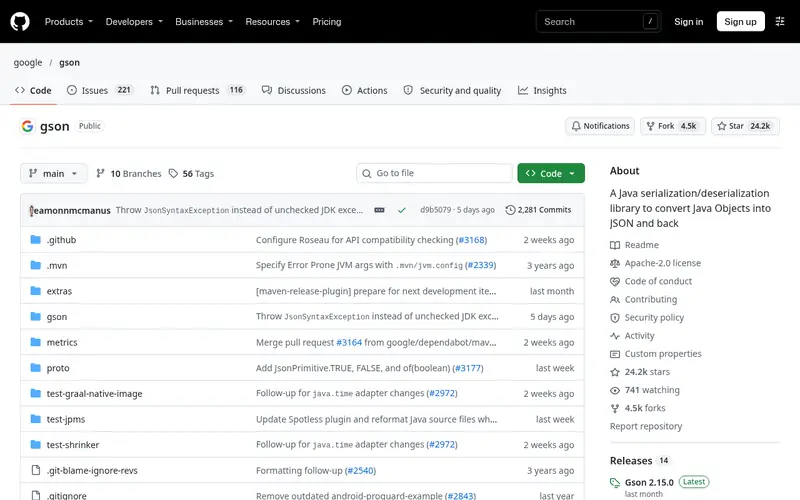
Gson is a Google library that maps Java objects to JSON and back with minimal setup. A single Gson instance handles most cases, and custom serializers cover the rest. It has no mandatory dependencies beyond the JDK, which keeps it small. It runs on the JVM and on Android. The licence is Apache 2.0. Gson is a good fit for small services, command-line tools and tests where you want to move fast. Its limits show on large or highly custom payloads, where Jackson's streaming API and module set give more control. It also uses reflection by default, which matters on Android and in native-image builds.
Standout: Simple API with little configuration
Free (open source), as listed by the vendor (Gson website). Confirm the current plan price before you buy.
Free plan. Plans change, so confirm on the vendor's pricing page before you buy.
Benefits
- Simple API with little configuration
- no required annotations for basic mapping
Drawbacks
- Fewer features than Jackson
- reflection-based mapping can be slower on large payloads
Skip it if this limit matters to you: fewer features than Jackson.
Verdict. A sensible pick for small Java projects that want a simple API and few dependencies.
Alternatives in this guide: Jackson, Moshi, JSON-B (Jakarta JSON Binding)
Moshi
Best for kotlin and Android apps that want a modern, reflection-light parser
What it is and where it fits
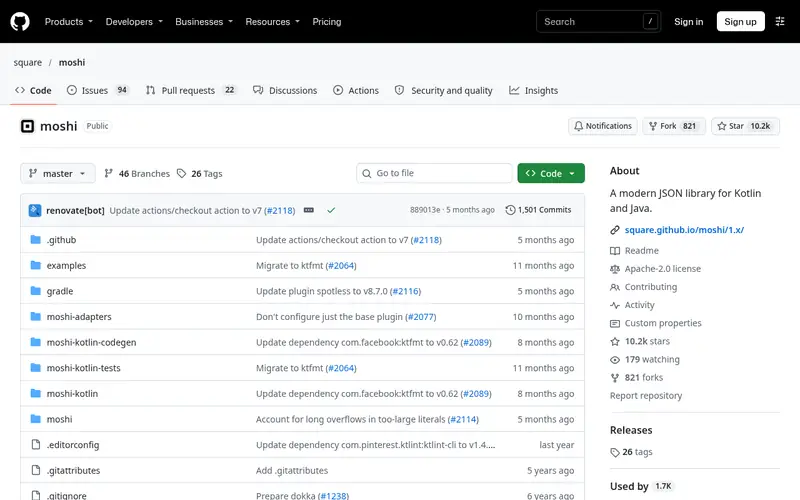
Moshi is a JSON library from Square built for Android and Kotlin. It offers a reflection-based adapter and a codegen adapter that avoids reflection at runtime, which helps startup time and works with R8 shrinking. The API is small and the error messages point to the exact problem in the document. It runs on the JVM and Android. The licence is Apache 2.0. Moshi suits mobile apps and Kotlin services that want predictable behavior without a large dependency tree. Its limit is breadth: Jackson has more modules and more community answers for unusual cases. Skip Moshi if you need heavy support for formats beyond JSON.
Standout: First-class Kotlin support including codegen
Free (open source), as listed by the vendor (Moshi website). Confirm the current plan price before you buy.
Free plan. Plans change, so confirm on the vendor's pricing page before you buy.
Benefits
- First-class Kotlin support including codegen
- clear error messages for malformed JSON
Drawbacks
- Smaller ecosystem than Jackson
- fewer built-in modules for non-standard formats
Skip it if this limit matters to you: smaller ecosystem than Jackson.
Verdict. A sensible pick for kotlin and Android apps that want a modern, reflection-light parser.
Alternatives in this guide: Jackson, Gson, JSON-B (Jakarta JSON Binding)
JSON-B (Jakarta JSON Binding)
Best for jakarta EE and Spring apps that want a standard binding API
What it is and where it fits
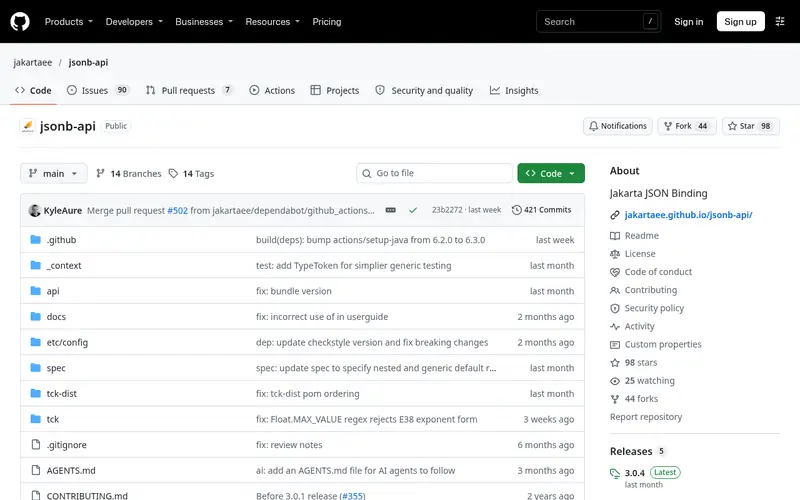
JSON-B is the Jakarta EE standard for mapping Java objects to JSON. The API defines annotations and a bootstrap class, and you pair it with an implementation such as Yasson. It runs anywhere a Jakarta EE or Spring runtime runs. The specification and reference implementations are open source. JSON-B suits teams that standardize on Jakarta APIs and want to swap implementations without changing code. Its limit is that the standard moves slower than Jackson, and advanced features like custom streaming need an implementation-specific path. Skip it if you are not already in a Jakarta EE stack.
Standout: Standard API with multiple compliant implementations
Free (open source), as listed by the vendor (JSON-B (Jakarta JSON Binding) website). Confirm the current plan price before you buy.
Free plan. Plans change, so confirm on the vendor's pricing page before you buy.
Benefits
- Standard API with multiple compliant implementations
- annotation-based mapping fits enterprise stacks
Drawbacks
- Needs a runtime implementation such as Yasson or EclipseLink
- less flexible than Jackson for custom cases
Skip it if this limit matters to you: needs a runtime implementation such as Yasson or EclipseLink.
Verdict. A sensible pick for jakarta EE and Spring apps that want a standard binding API.
org.json
Best for quick scripts and tests that need a tiny JSON parser
What it is and where it fits
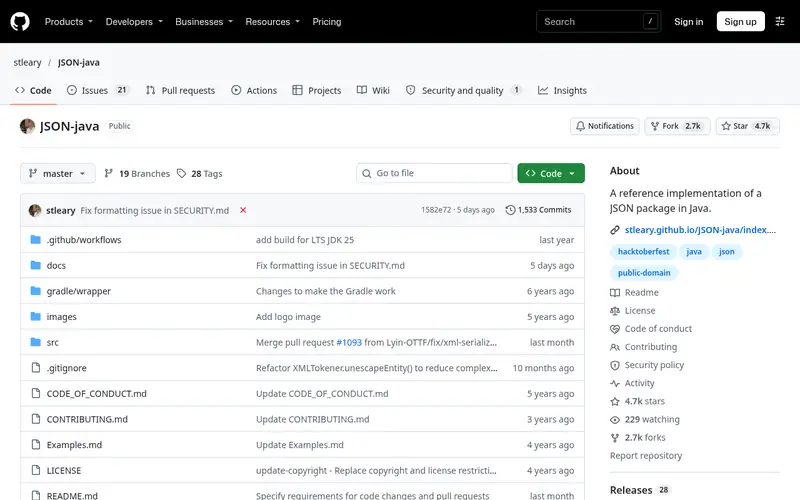
org.json is a minimal library that represents JSON as JSONObject and JSONArray. You read and write values by key or index, which is simple for small documents and tests. It has no dependencies and runs on the JVM and Android. The licence is a permissive public-domain-style licence. org.json is a good choice for command-line tools, quick parsing and teaching. Its limit is that it has no databinding, so mapping to objects is manual. It also offers fewer performance options than Jackson for large payloads. Skip it for large services where typed models matter.
Standout: Very small and easy to read
Free (open source), as listed by the vendor (org.json website). Confirm the current plan price before you buy.
Free plan. Plans change, so confirm on the vendor's pricing page before you buy.
Benefits
- Very small and easy to read
- no annotations or configuration
Drawbacks
- No databinding to POJOs
- limited features for large or complex documents
Skip it if this limit matters to you: no databinding to POJOs.
Verdict. A sensible pick for quick scripts and tests that need a tiny JSON parser.
JsonPath
Best for reading specific fields from large JSON documents without full parsing
What it is and where it fits
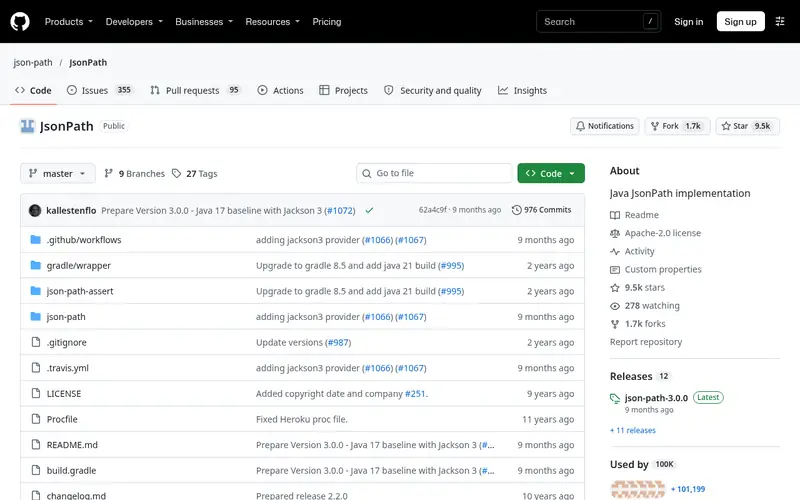
JsonPath is a query library for JSON, similar in spirit to XPath for XML. You write expressions like $.store.book[0].title to pull values out of a document. It uses a JSON provider such as Jackson or Gson under the hood, so it complements rather than replaces a parser. It runs on the JVM. The licence is Apache 2.0. JsonPath suits testing, log processing and configuration reads where you need a few fields from a large document. Its limit is that it does not build typed models or write JSON for you. Skip it if you need full databinding.
Standout: Query syntax for selecting nested values
Free (open source), as listed by the vendor (JsonPath website). Confirm the current plan price before you buy.
Free plan. Plans change, so confirm on the vendor's pricing page before you buy.
Benefits
- Query syntax for selecting nested values
- works alongside Jackson and other parsers
Drawbacks
- Not a full serialization library
- complex queries can be hard to read
Skip it if this limit matters to you: not a full serialization library.
Verdict. A sensible pick for reading specific fields from large JSON documents without full parsing.
Who should use what
If you run a large backend service with varied payloads, start with Jackson and add modules as needed. If you write small tools, tests or simple Android apps, Gson keeps setup short. If you build in Kotlin or ship an Android app where startup matters, Moshi with codegen is a strong fit. If your stack is Jakarta EE, use JSON-B with an implementation like Yasson. For pulling a few fields from big documents in tests or logs, JsonPath is a useful add-on.
Questions to settle before you buy
What to check before you buy
- Confirm the library is actively maintained and supports your Java version.
- Check the licence fits your project, especially for commercial distribution.
- Decide whether you need databinding, streaming, querying or all three.
- Test behavior on your real payloads, including nulls, dates and unknown fields.
- Check Android or native-image support if you target those platforms.
FAQ
Which Java JSON library is best overall?
Jackson is the most complete option for most teams. It covers streaming, databinding and tree models, and it has a large module ecosystem. Gson and Moshi are simpler and suit smaller projects or Kotlin and Android work. Pick based on your platform and how much configuration you want.
Are these Java JSON libraries free?
Yes. Jackson, Gson, Moshi, JSON-B, org.json and JsonPath are all open source and free to use. Check each project's licence before commercial distribution. None of them charge a subscription for the core library.
Does parsing JSON with these libraries send my data anywhere?
No. These libraries run inside your JVM and parse data locally. Nothing is uploaded. That makes them safer than third-party web formatters for sensitive payloads. If you use an online JSON tool instead, avoid pasting secrets, tokens or production data into the page.
Can I use these libraries on Android?
Gson, Moshi and org.json all support Android. Moshi offers a codegen option that avoids reflection at runtime. Jackson also works on Android but adds size, so check your app's method count and startup needs first.
What is the difference between Jackson and Gson?
Jackson offers streaming, databinding and tree APIs plus many modules. Gson offers a simpler API with fewer dependencies and less configuration. Jackson suits large services with varied payloads. Gson suits small projects, scripts and tests where setup speed matters more than features.
Sources we checked
Method: how we score · editorial policy.
Change log. First published 27 Nov 2026.