Stage 01 · Write · Researched comparison
Best Java Excel Libraries in 2026
Apache POI is the first pick for most teams. It reads and writes .xlsx and .xls, has the widest format coverage, and suits projects that need full control over cells, styles and formulas. For large files, FastExcel by dhatim and Apache Fesod offer streaming writes and reads with lower memory use. For template-driven reports, JXLS is the practical choice.

By Shihab Mia
Published 27 Nov 2026 · 7 tools compared
We run no ads and no affiliate links at launch. The order of a list follows our published method. See how we score.
Prices are the starting prices vendors list publicly. Plans change, so confirm the current price on the vendor page before you buy.
Key takeaways
- Apache POI is the broadest open-source option and handles both .xlsx and legacy .xls.
- FastExcel and Apache Fesod focus on streaming so large workbooks do not exhaust the heap.
- excel-streaming-reader adds low-memory reads on top of POI without replacing it.
- Aspose.Cells for Java is commercial; confirm current pricing on the vendor page.
Who each pick is for
- Teams that need full read and write control over workbooksApache POI
- Streaming large .xlsx writes and reads with low memoryFastExcel by dhatim
- Streaming read and write with a higher-level APIApache Fesod
- Low-memory reads of large .xlsx files on top of POIexcel-streaming-reader by pjfanning
- Mapping sheet rows to Java objects with annotationsPoiji
- Template-based Excel reports filled from Java dataJXLS
- Teams that need broad format support and vendor supportAspose.Cells for Java
Comparison
| Tool | Best for | Standout feature | Listed starting price | Free plan or trial |
|---|---|---|---|---|
| 1Apache POI | Teams that need full read and write control over workbooks | Handles .xlsx and .xls | Free (open source) | Free plan |
| 2FastExcel by dhatim | Streaming large .xlsx writes and reads with low memory | Low memory footprint | Free (open source) | Free plan |
| 3Apache Fesod | Streaming read and write with a higher-level API | Low memory use for large files | Free (open source) | Free plan |
| 4excel-streaming-reader by pjfanning | Low-memory reads of large .xlsx files on top of POI | Cuts heap use when reading big sheets | Free (open source) | Free plan |
| 5Poiji | Mapping sheet rows to Java objects with annotations | Clean annotation-based mapping | Free (open source) | Free plan |
| 6JXLS | Template-based Excel reports filled from Java data | Report layout lives in an Excel template | Free (open source) | Free plan |
| 7Aspose.Cells for Java | Teams that need broad format support and vendor support | Wide format coverage | See vendor pricing page | Free trial (evaluation mode with limits) |
How we picked
We picked libraries that read or write .xlsx from Java and are currently maintained. Criteria were fit for the job, platform support, licence and price, memory behavior on large files, and the main limits of each API. Sources are vendor pages, project documentation and public repositories. Prices and licence terms change, so confirm them on the vendor site before you commit.
The tools, one by one
Apache POI
Best for teams that need full read and write control over workbooks
What it is and where it fits
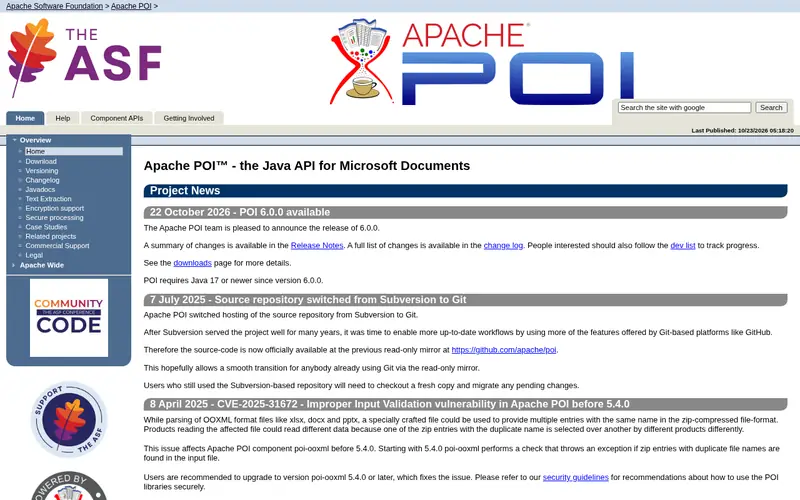
Apache POI is the reference Java library for Microsoft Office formats. The XSSF component reads and writes .xlsx, HSSF covers the older .xls format, and SXSSF provides a streaming writer for large outputs. It runs on any standard JVM and is published under the Apache License 2.0.
The API gives direct access to cells, styles, formulas, charts and comments, which suits teams that need precise control. The tradeoff is memory: loading a large workbook with XSSF holds the whole document in the heap. For big exports, use SXSSF, or pair POI with a streaming reader. Skip POI if you only need to map rows to objects and want less boilerplate.
Standout: Handles .xlsx and .xls
Free (open source), as listed by the vendor (Apache POI website). Confirm the current plan price before you buy.
Free plan. Plans change, so confirm on the vendor's pricing page before you buy.
Benefits
- Handles .xlsx and .xls
- large, active project with broad documentation
Drawbacks
- High memory use on large files
- verbose API for simple tasks
Skip it if this limit matters to you: high memory use on large files.
Verdict. A sensible pick for teams that need full read and write control over workbooks.
Alternatives in this guide: FastExcel by dhatim, Apache Fesod, excel-streaming-reader by pjfanning
FastExcel by dhatim
Best for streaming large .xlsx writes and reads with low memory
What it is and where it fits
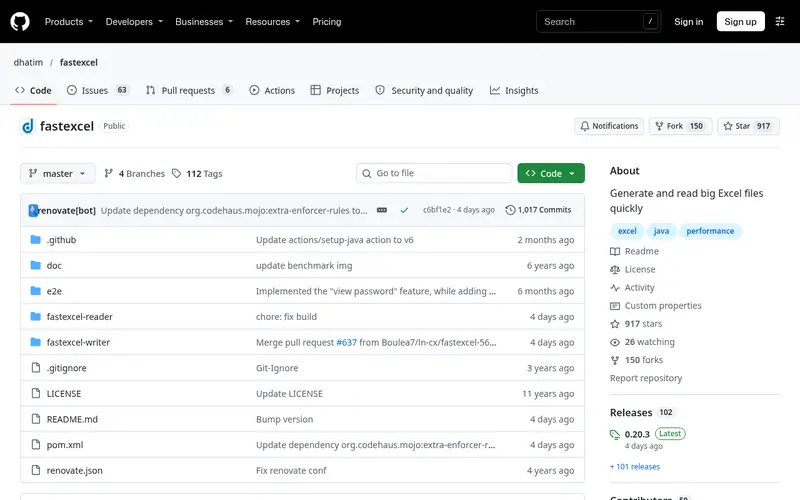
FastExcel is a lightweight library built around streaming. It writes .xlsx files row by row without holding the full workbook in memory, and it can read large sheets in a streaming fashion. It runs on the JVM and is distributed under the Apache License 2.0.
The API is smaller than POI's. You define columns, then append rows as data arrives from a query or stream. That makes it a good fit for exports of hundreds of thousands of rows. It does not aim to match POI's styling and formula coverage, and it does not handle .xls. Choose it when throughput and memory matter more than formatting depth.
Standout: Low memory footprint
Free (open source), as listed by the vendor (FastExcel by dhatim website). Confirm the current plan price before you buy.
Free plan. Plans change, so confirm on the vendor's pricing page before you buy.
Benefits
- Low memory footprint
- simple streaming API for writing rows
Drawbacks
- Fewer features than POI
- .xlsx only, no legacy .xls
Skip it if this limit matters to you: fewer features than POI.
Verdict. A sensible pick for streaming large .xlsx writes and reads with low memory.
Alternatives in this guide: Apache POI, Apache Fesod, excel-streaming-reader by pjfanning
Apache Fesod
Best for streaming read and write with a higher-level API
What it is and where it fits
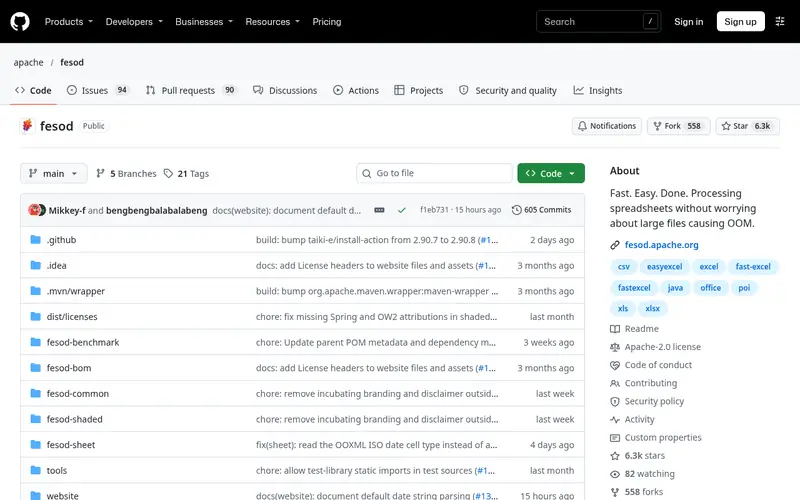
Apache Fesod is the Apache incubator successor to Alibaba EasyExcel. It reads and writes .xlsx with a streaming core, so large files do not need to be fully loaded into memory. It runs on the JVM and is developed in the Apache open-source process.
The library offers a higher-level API than raw POI, including annotations that map sheet rows to Java classes and listener-based reads. That reduces boilerplate for import and export jobs. Because it is still in incubation, expect API changes between releases and check the project documentation before adopting it in a long-lived codebase. It is a reasonable choice for teams migrating from EasyExcel.
Standout: Low memory use for large files
Free (open source), as listed by the vendor (Apache Fesod website). Confirm the current plan price before you buy.
Free plan. Plans change, so confirm on the vendor's pricing page before you buy.
Benefits
- Low memory use for large files
- annotation-based mapping of rows
Drawbacks
- Younger project
- API still settling under Apache incubation
Skip it if this limit matters to you: younger project.
Verdict. A sensible pick for streaming read and write with a higher-level API.
Alternatives in this guide: Apache POI, FastExcel by dhatim, excel-streaming-reader by pjfanning
excel-streaming-reader by pjfanning
Best for low-memory reads of large .xlsx files on top of POI
What it is and where it fits
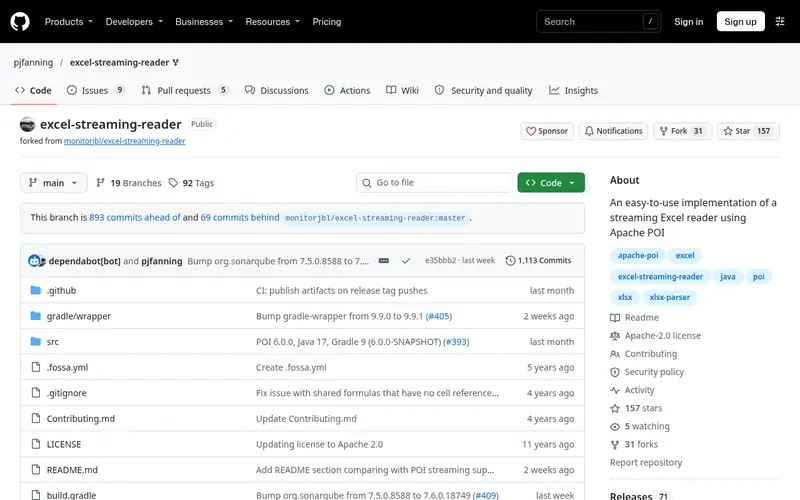
excel-streaming-reader is a small library that wraps Apache POI's XSSF reader and streams rows instead of loading the whole workbook. It keeps the POI interfaces, so code that already uses POI can switch to streaming reads with limited changes. It runs on the JVM and is open source.
The library is read-only. It does not write files, and it does not cover the legacy .xls format. It is the right tool when an import job fails with an out-of-memory error on a large .xlsx and you want to keep the POI API. If you need both streaming reads and writes, look at FastExcel or Fesod instead.
Standout: Cuts heap use when reading big sheets
Free (open source), as listed by the vendor (excel-streaming-reader by pjfanning website). Confirm the current plan price before you buy.
Free plan. Plans change, so confirm on the vendor's pricing page before you buy.
Benefits
- Cuts heap use when reading big sheets
- works with the familiar POI API
Drawbacks
- Read-only
- does not replace POI for writing
Skip it if this limit matters to you: read-only.
Verdict. A sensible pick for low-memory reads of large .xlsx files on top of POI.
Alternatives in this guide: Apache POI, FastExcel by dhatim, Apache Fesod
Poiji
Best for mapping sheet rows to Java objects with annotations
What it is and where it fits
Poiji maps rows in an .xlsx sheet to Java objects using annotations. You declare a class with field annotations for column letters or names, then pass the class and a file or stream to the library. It runs on the JVM and is open source.
It sits on top of POI and handles the common import case: read a sheet, convert each row to a typed object, return a list. That removes a lot of manual cell handling. It is not a general-purpose writer, and it does not replace POI for styling or formula work. Use it for imports where the sheet layout is stable and the goal is typed data.
Standout: Clean annotation-based mapping
Free (open source), as listed by the vendor (Poiji website). Confirm the current plan price before you buy.
Free plan. Plans change, so confirm on the vendor's pricing page before you buy.
Benefits
- Clean annotation-based mapping
- reduces manual cell parsing
Drawbacks
- Built for reading
- not a full write or styling library
Skip it if this limit matters to you: built for reading.
Verdict. A sensible pick for mapping sheet rows to Java objects with annotations.
Alternatives in this guide: Apache POI, FastExcel by dhatim, Apache Fesod
JXLS
Best for template-based Excel reports filled from Java data
What it is and where it fits
JXLS builds Excel reports from templates. You create an .xlsx file with markup in cells, then feed it data from Java objects or maps. The library fills the template and produces the output file. It runs on the JVM and is open source.
The main benefit is separation: report layout stays with the people who design it, and Java code supplies the data. JXLS handles loops, conditional sections and formulas through its template tags. It depends on Apache POI for the underlying file work, so the usual POI limits apply. Skip it if your output is a plain data dump with no layout requirements.
Standout: Report layout lives in an Excel template
Free (open source), as listed by the vendor (JXLS website). Confirm the current plan price before you buy.
Free plan. Plans change, so confirm on the vendor's pricing page before you buy.
Benefits
- Report layout lives in an Excel template
- separates design from code
Drawbacks
- Template syntax has a learning curve
- depends on POI underneath
Skip it if this limit matters to you: template syntax has a learning curve.
Verdict. A sensible pick for template-based Excel reports filled from Java data.
Alternatives in this guide: Apache POI, FastExcel by dhatim, Apache Fesod
Aspose.Cells for Java
Best for teams that need broad format support and vendor support
What it is and where it fits
Aspose.Cells for Java is a commercial library for spreadsheet work. It reads and writes .xlsx and many other spreadsheet formats, and it includes features such as formula calculation, chart handling and conversion. It runs on the JVM and is licensed per developer and deployment; check the vendor page for current terms.
The evaluation mode adds watermarks or limits to generated files, so production use needs a paid licence. In return, you get a vendor to contact when something breaks. Choose it when format coverage or support outweighs the cost of an open-source stack. Confirm pricing and licence terms on the vendor site before committing.
Standout: Wide format coverage
See vendor pricing page, as listed by the vendor (Aspose.Cells for Java website). Confirm the current plan price before you buy.
Free trial (evaluation mode with limits). Plans change, so confirm on the vendor's pricing page before you buy.
Benefits
- Wide format coverage
- commercial support available
Drawbacks
- Paid licence
- evaluation mode adds limits to output
Skip it if this limit matters to you: paid licence.
Verdict. A sensible pick for teams that need broad format support and vendor support.
Alternatives in this guide: Apache POI, FastExcel by dhatim, Apache Fesod
Who should use what
If you need full control over cells, styles and formulas, start with Apache POI. If your exports run to hundreds of thousands of rows and memory is tight, use FastExcel or Apache Fesod for streaming. If you already use POI and only the reads fail on large files, add excel-streaming-reader. If imports are simple row-to-object jobs, Poiji removes boilerplate. If reports follow a designed layout, JXLS keeps that layout in a template. If you need vendor support and wide format coverage, evaluate Aspose.Cells for Java.
Questions to settle before you buy
What to check before you buy
- Confirm the library handles the exact formats you need, including .xls if legacy files are in scope.
- Test memory use with a file at your largest expected size, not a small sample.
- Check the licence terms for your deployment model, especially for commercial libraries.
- Review how the API handles formulas, dates and number formats, which are common sources of bugs.
- Check release activity and issue response on the project repository before adopting.
FAQ
Is Apache POI still the default choice for Java Excel work?
Yes, for most teams. It covers .xlsx and .xls, has broad documentation and a large user base. Its main weakness is memory use on large files, which streaming libraries address.
When should I use a streaming library instead of POI?
Use streaming when a workbook is large enough that loading it fully causes out-of-memory errors. FastExcel and Apache Fesod stream both reads and writes. excel-streaming-reader adds streaming reads on top of POI.
Can I map Excel rows directly to Java objects?
Yes. Poiji does this with annotations on a Java class. Apache Fesod also offers annotation-based mapping as part of its higher-level API.
Are these libraries free?
Apache POI, FastExcel, Apache Fesod, excel-streaming-reader, Poiji and JXLS are open source and free to use. Aspose.Cells for Java is commercial with a limited evaluation mode; check its pricing page.
Do I need to worry about data privacy with these libraries?
These are code libraries that run in your own process, so data stays on your infrastructure. That differs from online converter sites, where you should never paste secrets or production data.
Sources we checked
Method: how we score · editorial policy.
Change log. First published 27 Nov 2026.