Stage 01 · Write · Researched comparison
Best CSS-in-JS Libraries in 2026
styled-components is the first pick for React teams that want a mature runtime library with a familiar tagged-template API. Emotion suits projects that need flexible styling with a small runtime and strong server-side rendering support. vanilla-extract is the better fit when you want zero runtime cost and static CSS files built at compile time.

By Shihab Mia
Published 27 Nov 2026 · 6 tools compared
We run no ads and no affiliate links at launch. The order of a list follows our published method. See how we score.
Prices are the starting prices vendors list publicly. Plans change, so confirm the current price on the vendor page before you buy.
Key takeaways
- styled-components and Emotion are runtime libraries: styles are generated in JavaScript while the app runs.
- vanilla-extract, Panda CSS, Linaria and StyleX produce static CSS at build time, so they add no runtime styling cost.
- All six libraries here are open source and free to use under their published licences.
- CSS-in-JS output lives in your app bundle, not on a third-party web page, so pasted secrets are not a concern here.
Who each pick is for
- React teams that want a mature runtime CSS-in-JS librarystyled-components
- React apps that need flexible styling with SSR supportEmotion
- Teams that want zero-runtime, type-safe static CSSvanilla-extract
- Teams that want build-time CSS with a utility-style APIPanda CSS
- React teams that want the styled API with zero runtimeLinaria
- Large React apps that need atomic, compile-time CSSStyleX
Comparison
| Tool | Best for | Standout feature | Listed starting price | Free plan or trial |
|---|---|---|---|---|
| 1styled-components | React teams that want a mature runtime CSS-in-JS library | Widely used and well documented | Free (open source) | Free plan |
| 2Emotion | React apps that need flexible styling with SSR support | Works with both the css prop and styled API | Free (open source) | Free plan |
| 3vanilla-extract | Teams that want zero-runtime, type-safe static CSS | Generates static CSS files at build time | Free (open source) | Free plan |
| 4Panda CSS | Teams that want build-time CSS with a utility-style API | Build-time output with no runtime | Free (open source) | Free plan |
| 5Linaria | React teams that want the styled API with zero runtime | Familiar styled and css APIs | Free (open source) | Free plan |
| 6StyleX | Large React apps that need atomic, compile-time CSS | Compiles to atomic CSS with no runtime | Free (open source) | Free plan |
How we picked
We compared libraries on fit for the job, supported frameworks and platforms, licence and price, runtime cost and main limits. We also looked at whether each project is actively maintained. Sources are vendor documentation, project repositories and public pricing pages. All entries here are open source and free, but licences and maintenance status can change, so confirm details on the official site before you commit.
The tools, one by one
styled-components
Best for react teams that want a mature runtime CSS-in-JS library
What it is and where it fits
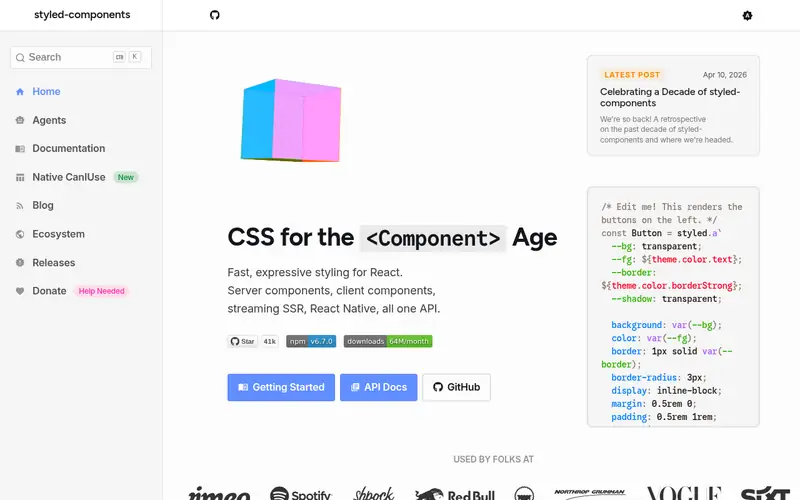
styled-components lets you write CSS inside JavaScript using tagged template literals. Each styled component gets a generated class name, and styles are injected at runtime. It supports props-based styling, theming through a ThemeProvider and server-side rendering. The library targets React and React Native, and it is published under the MIT licence.
The API is stable and the documentation covers theming, global styles and the `css` helper. The main trade-off is runtime cost: style generation happens in the browser, which adds work on large component trees. For apps that render thousands of styled components, that cost is measurable. Teams on React that value a familiar API and a large body of existing examples should start here. Teams that need zero runtime should look at the build-time options below.
Standout: Widely used and well documented
Free (open source), as listed by the vendor (styled-components website). Confirm the current plan price before you buy.
Free plan. Plans change, so confirm on the vendor's pricing page before you buy.
Benefits
- Widely used and well documented
- tagged-template API keeps styles next to components
Drawbacks
- Adds a runtime and some bundle weight
- mainly aimed at React
Skip it if this limit matters to you: adds a runtime and some bundle weight.
Verdict. A sensible pick for react teams that want a mature runtime CSS-in-JS library.
Alternatives in this guide: Emotion, vanilla-extract, Panda CSS
Emotion
Best for react apps that need flexible styling with SSR support
What it is and where it fits
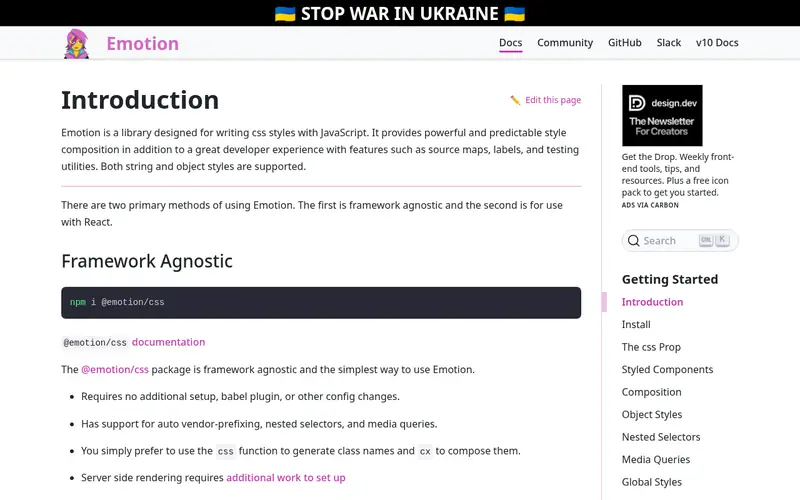
Emotion is a CSS-in-JS library for React and other frameworks. It offers a `css` prop, a `styled` API and a `css()` function, so teams can pick the style that fits each component. It supports server-side rendering, theming and source maps. The package is MIT licensed and split into a core package plus framework bindings.
Emotion is a runtime library, so styles are generated in the browser. It is often chosen when a project wants the `css` prop without giving up the `styled` pattern. The main risk is inconsistency: a codebase that mixes both APIs can be harder to review. It fits React projects that need SSR and a small, well-documented styling layer. Projects that want static CSS at build time should compare it with vanilla-extract or Linaria.
Standout: Works with both the css prop and styled API
Free (open source), as listed by the vendor (Emotion website). Confirm the current plan price before you buy.
Free plan. Plans change, so confirm on the vendor's pricing page before you buy.
Benefits
- Works with both the css prop and styled API
- good server-side rendering support
Drawbacks
- Two styling APIs can split team conventions
- runtime library like styled-components
Skip it if this limit matters to you: two styling APIs can split team conventions.
Verdict. A sensible pick for react apps that need flexible styling with SSR support.
Alternatives in this guide: styled-components, vanilla-extract, Panda CSS
vanilla-extract
Best for teams that want zero-runtime, type-safe static CSS
What it is and where it fits
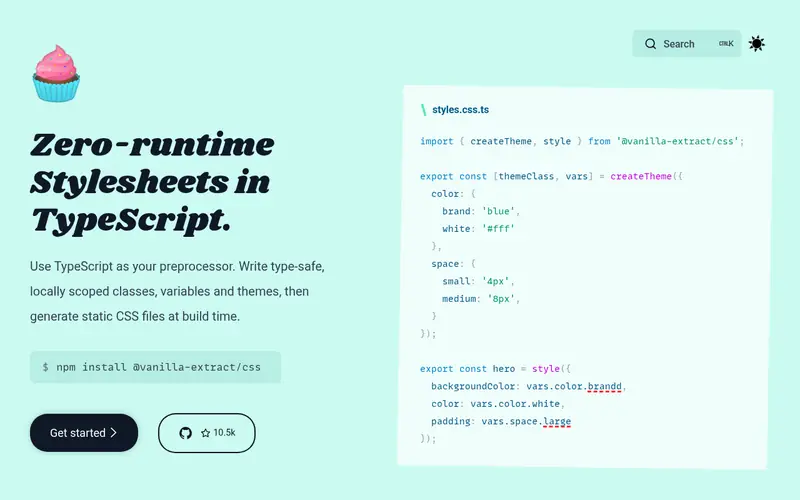
vanilla-extract writes styles in TypeScript files and compiles them to static CSS at build time. There is no runtime style generation, so the browser loads plain CSS. It provides typed style contracts, themes and recipe functions, and it integrates with common bundlers through plugins. The project is MIT licensed and maintained in the open.
Because styles are compiled ahead of time, the output works with any framework that can import CSS, including React, Vue and Svelte. The cost is setup: you need a bundler plugin and a file layout convention. Styles sit in `.css.ts` files rather than inside component files, which some teams find cleaner and others find slower to navigate. It suits large apps where runtime styling cost matters and where TypeScript type safety is a priority.
Standout: Generates static CSS files at build time
Free (open source), as listed by the vendor (vanilla-extract website). Confirm the current plan price before you buy.
Free plan. Plans change, so confirm on the vendor's pricing page before you buy.
Benefits
- Generates static CSS files at build time
- TypeScript types for style contracts
Drawbacks
- Build setup is more involved
- styles live in separate files, not inline in components
Skip it if this limit matters to you: build setup is more involved.
Verdict. A sensible pick for teams that want zero-runtime, type-safe static CSS.
Alternatives in this guide: styled-components, Emotion, Panda CSS
Panda CSS
Best for teams that want build-time CSS with a utility-style API
What it is and where it fits
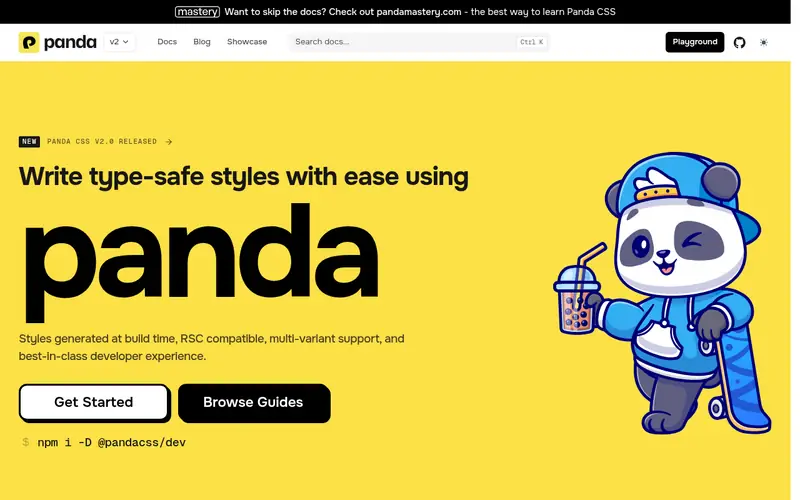
Panda CSS is a build-time CSS-in-JS library. You write style objects in JavaScript or TypeScript, and a codegen step produces static CSS plus typed helper functions. It supports design tokens, recipes, patterns and conditional styles, and it works with React, Vue, Solid and other frameworks. The project is MIT licensed.
Panda CSS sits between utility CSS and CSS-in-JS: the API looks like style objects, but the output is static CSS. That means no runtime cost and no style injection in the browser. The trade-off is a build step that must run before the app compiles, and a token and recipe model that takes time to learn. It fits teams that like the ergonomics of style objects but want the performance of plain CSS. Small projects may find the setup heavier than needed.
Standout: Build-time output with no runtime
Free (open source), as listed by the vendor (Panda CSS website). Confirm the current plan price before you buy.
Free plan. Plans change, so confirm on the vendor's pricing page before you buy.
Benefits
- Build-time output with no runtime
- generates typed style functions and recipes
Drawbacks
- Requires a codegen step
- utility-style API has a learning curve
Skip it if this limit matters to you: requires a codegen step.
Verdict. A sensible pick for teams that want build-time CSS with a utility-style API.
Alternatives in this guide: styled-components, Emotion, vanilla-extract
Linaria
Best for react teams that want the styled API with zero runtime
What it is and where it fits
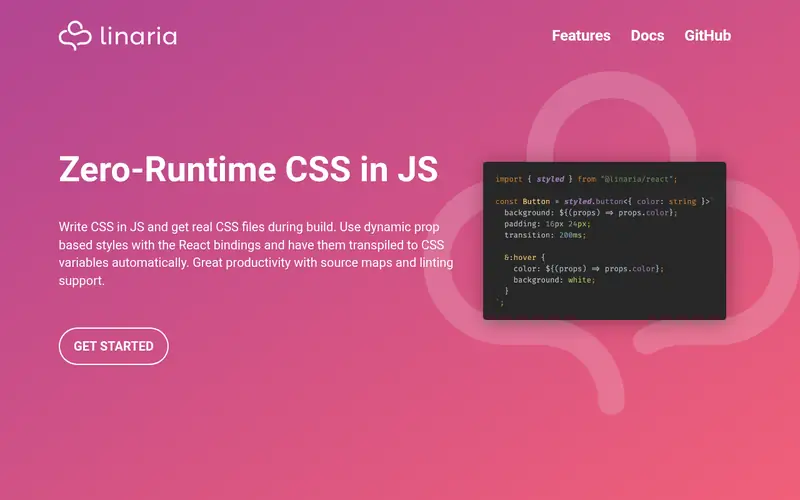
Linaria lets you write styles with `styled` and `css` APIs similar to styled-components, but it extracts them to static CSS files at build time. There is no runtime style injection. It supports dynamic props through CSS variables, theming and server-side rendering, and it works with common bundlers via a plugin. The project is MIT licensed.
For teams already comfortable with styled-components, Linaria is the closest zero-runtime equivalent. The migration cost is mostly build configuration: you need the right bundler plugin and a clear rule for which props become CSS variables. The project is smaller and moves more slowly than the largest libraries, so check recent releases before adopting it for a long-lived codebase. It suits React apps that want the styled API without the runtime.
Standout: Familiar styled and css APIs
Free (open source), as listed by the vendor (Linaria website). Confirm the current plan price before you buy.
Free plan. Plans change, so confirm on the vendor's pricing page before you buy.
Benefits
- Familiar styled and css APIs
- extracts styles to static CSS at build time
Drawbacks
- Requires a bundler integration
- fewer updates than larger projects
Skip it if this limit matters to you: requires a bundler integration.
Verdict. A sensible pick for react teams that want the styled API with zero runtime.
Alternatives in this guide: styled-components, Emotion, vanilla-extract
StyleX
Best for large React apps that need atomic, compile-time CSS
What it is and where it fits
StyleX is a styling system from Meta that compiles style definitions to atomic CSS at build time. Styles are written as JavaScript objects, and the compiler merges and deduplicates them into small CSS classes. There is no runtime style generation. It supports theming, variants and typed styles, and it targets React through a Babel plugin and bundler integration. The project is MIT licensed.
StyleX is built for scale: the atomic output keeps CSS size predictable as the codebase grows. The cost is a different mental model from tagged-template libraries, plus a build setup that expects the official compiler and plugin. It is a reasonable fit for large React applications with many contributors and a need for stable CSS output. Smaller teams may find the tooling heavier than the benefit.
Standout: Compiles to atomic CSS with no runtime
Free (open source), as listed by the vendor (StyleX website). Confirm the current plan price before you buy.
Free plan. Plans change, so confirm on the vendor's pricing page before you buy.
Benefits
- Compiles to atomic CSS with no runtime
- designed for large codebases
Drawbacks
- API differs from styled-components
- tooling is opinionated
Skip it if this limit matters to you: API differs from styled-components.
Verdict. A sensible pick for large React apps that need atomic, compile-time CSS.
Alternatives in this guide: styled-components, Emotion, vanilla-extract
Who should use what
React teams that want a familiar runtime API should start with styled-components or Emotion. Teams that need zero runtime and static CSS should compare vanilla-extract, Linaria and StyleX. Projects that like style objects with a codegen step should look at Panda CSS. If you are migrating from styled-components, Linaria is the closest zero-runtime match, while vanilla-extract suits teams that want typed style contracts in separate files.
Questions to settle before you buy
What to check before you buy
- Confirm the library supports your framework and bundler versions.
- Check whether styles are generated at runtime or at build time, and measure the impact on your bundle.
- Review the licence and confirm the project has recent releases.
- Decide how theming and design tokens will be shared across packages.
- Test server-side rendering and static export if your app uses them.
FAQ
What is the difference between runtime and zero-runtime CSS-in-JS?
Runtime libraries like styled-components and Emotion generate styles in the browser while the app runs. Zero-runtime libraries like vanilla-extract, Linaria, StyleX and Panda CSS produce static CSS at build time. Zero-runtime output usually means less JavaScript and faster rendering, but it needs a build step and a different file layout.
Is CSS-in-JS slower than plain CSS?
Runtime CSS-in-JS adds work in the browser to generate and inject styles. For small apps the difference is often minor. For large component trees it can be measurable. Build-time libraries avoid that cost because the browser only loads static CSS files.
Can I use these libraries outside React?
styled-components and Emotion are mainly React-focused. vanilla-extract and Panda CSS work with several frameworks. Linaria and StyleX target React through their build plugins. Check the official docs for the framework and bundler combinations each project supports.
Are these libraries free?
Yes. All six libraries in this guide are open source and free to use under their published licences. There is no paid tier for the libraries themselves. Hosting, build services and design tooling are separate costs.
Do I need to worry about pasting secrets into these tools?
No. These are libraries installed in your project, not third-party web pages. Styles and code stay in your repository and build pipeline. The usual rule still applies: keep secrets out of source files and use environment variables for configuration.
Sources we checked
Method: how we score · editorial policy.
Change log. First published 27 Nov 2026.