Stage 01 · Write · Researched comparison
Best Binary Diff Tools in 2026
VBinDiff is the first pick for most developers who need a quick visual hex comparison of two binaries, because it is free, open source and runs in a terminal. Beyond Compare suits people who want a graphical hex compare inside a wider file-comparison tool. For producing patches rather than viewing differences, bsdiff and xdelta3 are the standard command-line choices.

By Shihab Mia
Published 27 Nov 2026 · 7 tools compared
We run no ads and no affiliate links at launch. The order of a list follows our published method. See how we score.
Prices are the starting prices vendors list publicly. Plans change, so confirm the current price on the vendor page before you buy.
Key takeaways
- VBinDiff is free and open source and shows byte-level differences side by side in a terminal.
- Beyond Compare is paid commercial software with a graphical hex compare mode; confirm the current price on the vendor page.
- bsdiff and xdelta3 generate binary patches and are free and open source; they do not give a visual diff.
- BinDiff and Diaphora compare compiled binaries for reverse engineering and are free to download from their official sources.
Who each pick is for
- Quick terminal hex comparison of two binary filesVBinDiff
- Graphical hex compare inside a general file comparison suiteBeyond Compare
- Producing compact binary patches between two buildsbsdiff
- General-purpose binary delta encoding and patchingxdelta3
- Binary diffing as part of reverse-engineering workradiff2
- Comparing compiled binaries to find code changesBinDiff
- Function-level diffing of binaries inside IDA ProDiaphora
Comparison
| Tool | Best for | Standout feature | Listed starting price | Free plan or trial |
|---|---|---|---|---|
| 1VBinDiff | Quick terminal hex comparison of two binary files | Fast keyboard-driven hex view | Free (open source) | Free plan |
| 2Beyond Compare | Graphical hex compare inside a general file comparison suite | Hex compare sits beside text, folder and image compare | See vendor pricing page | Free trial (30 days) |
| 3bsdiff | Producing compact binary patches between two builds | Creates small patches for large binaries | Free (open source) | Free plan |
| 4xdelta3 | General-purpose binary delta encoding and patching | Handles both creating and applying deltas | Free (open source) | Free plan |
| 5radiff2 | Binary diffing as part of reverse-engineering work | Multiple diff modes including byte and code diff | Free (open source) | Free plan |
| 6BinDiff | Comparing compiled binaries to find code changes | Function-level matching between binaries | Free | Free plan |
| 7Diaphora | Function-level diffing of binaries inside IDA Pro | Detailed function matching and reporting | Free (open source) | Free plan |
How we picked
We picked tools that either show byte-level differences between binaries or generate binary patches, and we kept the two categories separate. Criteria were fit for the job, supported platforms, price and licence, and the main limits of each tool. Sources are vendor pages, project documentation and public repositories. We did not run benchmarks. Prices and plan details change, so confirm them on the vendor site before you buy.
The tools, one by one
VBinDiff
Best for quick terminal hex comparison of two binary files
What it is and where it fits
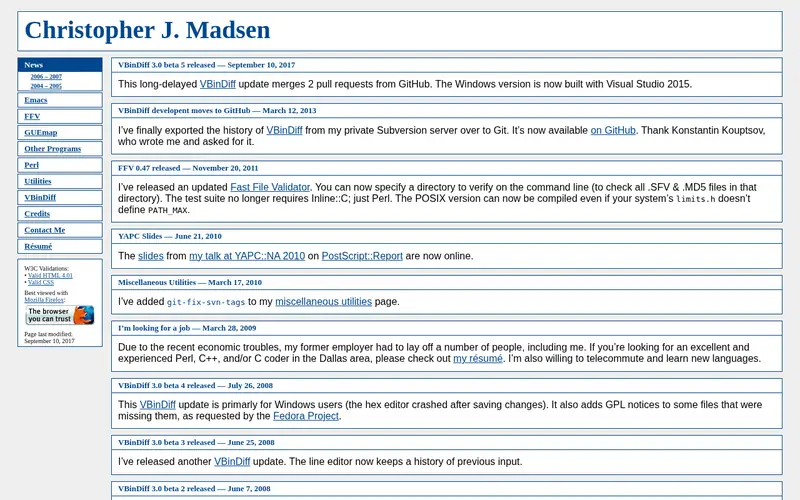
VBinDiff is a curses-based visual binary diff viewer. It opens two files and shows them side by side in hexadecimal and ASCII, highlighting bytes that differ and letting you scroll through the files together. It runs on Linux, macOS and other Unix-like systems from a terminal, which makes it usable on remote machines over SSH.
The project is free and open source. It is a viewer, not a patch generator, so it will not produce a delta file for you. The interface is keyboard-driven and text-only, so developers who want a graphical window with mouse support should look elsewhere. It suits people who already work in a terminal and want a small, fast tool with no install footprint beyond the package.
Standout: Fast keyboard-driven hex view
Free (open source), as listed by the vendor (VBinDiff website). Confirm the current plan price before you buy.
Free plan. Plans change, so confirm on the vendor's pricing page before you buy.
Benefits
- Fast keyboard-driven hex view
- runs in a terminal over SSH
Drawbacks
- Text-mode interface only
- no patch output
Skip it if this limit matters to you: text-mode interface only.
Verdict. A sensible pick for quick terminal hex comparison of two binary files.
Alternatives in this guide: Beyond Compare, bsdiff, xdelta3
Beyond Compare
Best for graphical hex compare inside a general file comparison suite
What it is and where it fits
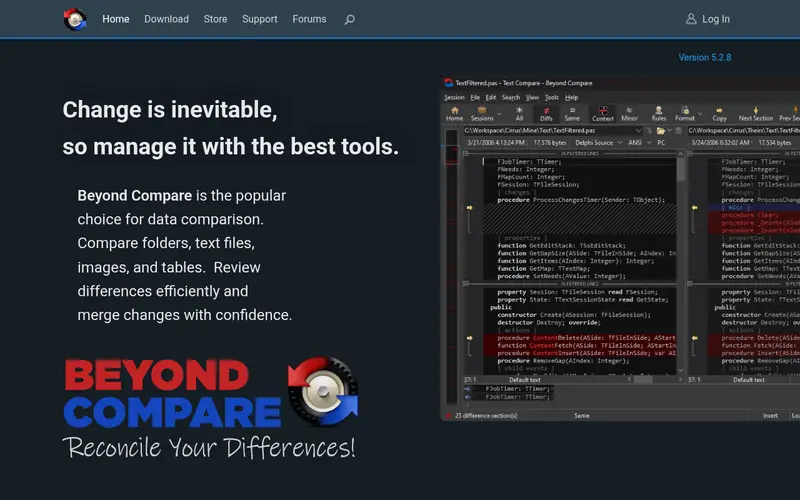
Beyond Compare is a commercial file and folder comparison tool with a dedicated hex compare session type. You can open two binaries, see byte differences highlighted, and edit or copy bytes between the panes. It runs on Windows, macOS and Linux.
The product is sold as a paid licence with a free trial, and the vendor lists separate standard and pro editions. Pricing varies by edition and region, so check the vendor pricing page before you commit. The hex compare is one mode among many, which suits developers who already use the tool for text and folder diffs and want binary comparison in the same place. If you only need a hex diff occasionally, a free viewer may be enough.
Standout: Hex compare sits beside text, folder and image compare
See vendor pricing page, as listed by the vendor (Beyond Compare website). Confirm the current plan price before you buy.
Free trial (30 days). Plans change, so confirm on the vendor's pricing page before you buy.
Benefits
- Hex compare sits beside text, folder and image compare
- available on Windows, macOS and Linux
Drawbacks
- Paid licence
- heavier than a single-purpose hex viewer
Skip it if this limit matters to you: paid licence.
Verdict. A sensible pick for graphical hex compare inside a general file comparison suite.
bsdiff
Best for producing compact binary patches between two builds
What it is and where it fits
bsdiff is a command-line tool that compares two binary files and writes a patch file plus instructions to reconstruct the newer file from the older one. It is widely used to ship software updates as small deltas instead of full downloads. The common implementation is the mendsley/bsdiff repository on GitHub, which builds on Linux and other Unix-like systems.
It is free and open source. The output is a patch, not a readable diff, so it does not help you inspect what changed byte by byte. Memory use grows with file size, which matters for very large binaries. It suits release engineers and anyone building an update pipeline who needs a compact patch rather than a visual comparison.
Standout: Creates small patches for large binaries
Free (open source), as listed by the vendor (bsdiff website). Confirm the current plan price before you buy.
Free plan. Plans change, so confirm on the vendor's pricing page before you buy.
Benefits
- Creates small patches for large binaries
- well-known in update systems
Drawbacks
- Command-line only
- no visual diff output
Skip it if this limit matters to you: command-line only.
Verdict. A sensible pick for producing compact binary patches between two builds.
Alternatives in this guide: VBinDiff, Beyond Compare, xdelta3
xdelta3
Best for general-purpose binary delta encoding and patching
What it is and where it fits
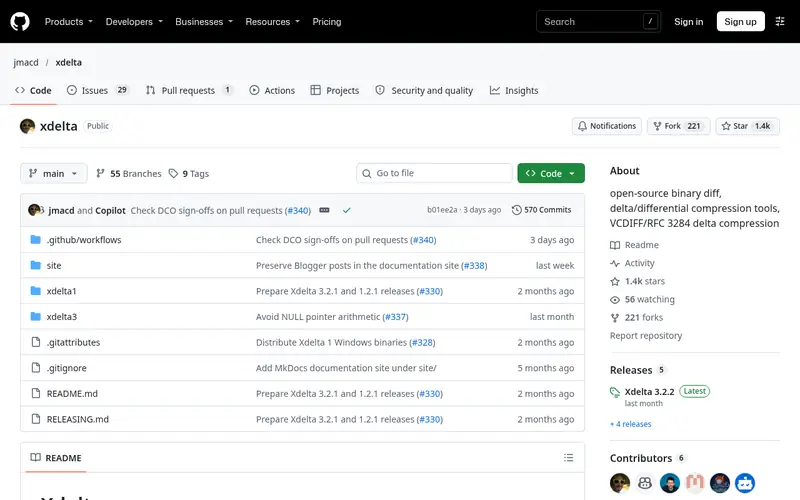
xdelta3 is a binary delta tool that computes the difference between two files and applies that difference to reconstruct one from the other. It is part of the xdelta project and is used for versioned data, patch distribution and storage of similar files. It builds on Linux, macOS and Windows, and packages exist for several distributions.
The project is free and open source. It is a command-line utility, so there is no graphical view of the differences. The option set is broad, and new users should read the documentation before relying on it in a pipeline. It suits developers who need a general delta format and want an alternative to bsdiff, especially when they also need to apply patches as part of the same workflow.
Standout: Handles both creating and applying deltas
Free (open source), as listed by the vendor (xdelta3 website). Confirm the current plan price before you buy.
Free plan. Plans change, so confirm on the vendor's pricing page before you buy.
Benefits
- Handles both creating and applying deltas
- works on many platforms
Drawbacks
- Command-line interface
- options take time to learn
Skip it if this limit matters to you: command-line interface.
Verdict. A sensible pick for general-purpose binary delta encoding and patching.
Alternatives in this guide: VBinDiff, Beyond Compare, bsdiff
radiff2
Best for binary diffing as part of reverse-engineering work
What it is and where it fits
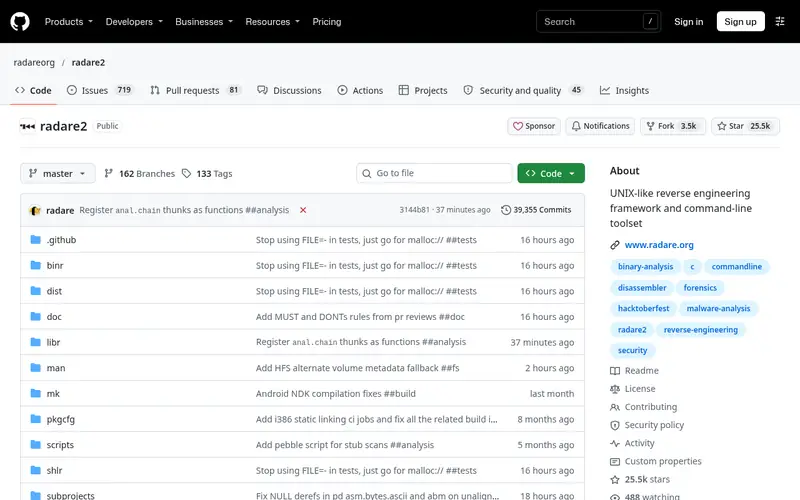
radiff2 is a binary diffing utility that ships with the radare2 reverse-engineering framework. It can compare files at the byte level and, with the right options, compare code and functions. It runs on Linux, macOS and Windows as part of the radare2 install.
The tool is free and open source. It is designed for people who already work with radare2 and want diffing in the same toolkit, so the command syntax and output assume some familiarity with the framework. Developers who only need a plain hex view will find it heavier than necessary. It suits security researchers and reverse engineers comparing two versions of a compiled program.
Standout: Multiple diff modes including byte and code diff
Free (open source), as listed by the vendor (radiff2 website). Confirm the current plan price before you buy.
Free plan. Plans change, so confirm on the vendor's pricing page before you buy.
Benefits
- Multiple diff modes including byte and code diff
- part of the radare2 suite
Drawbacks
- Steep learning curve
- aimed at reverse engineers
Skip it if this limit matters to you: steep learning curve.
Verdict. A sensible pick for binary diffing as part of reverse-engineering work.
Alternatives in this guide: VBinDiff, Beyond Compare, bsdiff
BinDiff
Best for comparing compiled binaries to find code changes
What it is and where it fits
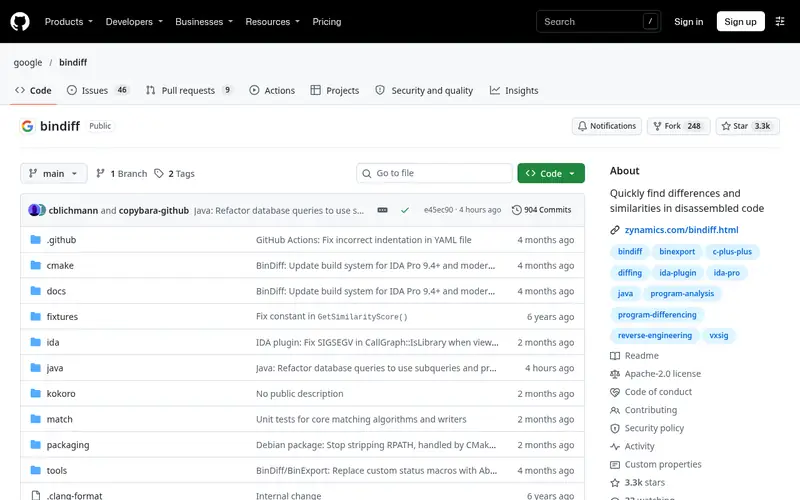
BinDiff is a binary comparison tool originally from zynamics and now maintained under Google's GitHub organization. It matches functions and basic blocks between two binaries so analysts can see what changed between versions. It runs as a plugin for supported disassemblers such as IDA Pro, Binary Ninja and Ghidra.
The tool is free to download from its official repository. It is not a hex diff viewer; it works at the level of functions and control flow, which is what reverse engineers need when comparing two builds of the same program. Setup requires a compatible disassembler and some configuration. It suits malware analysts and security teams, not developers doing a quick byte comparison.
Standout: Function-level matching between binaries
Free, as listed by the vendor (BinDiff website). Confirm the current plan price before you buy.
Free plan. Plans change, so confirm on the vendor's pricing page before you buy.
Benefits
- Function-level matching between binaries
- works as a plugin for disassemblers
Drawbacks
- Requires a supported disassembler
- not a byte-level viewer
Skip it if this limit matters to you: requires a supported disassembler.
Verdict. A sensible pick for comparing compiled binaries to find code changes.
Alternatives in this guide: VBinDiff, Beyond Compare, bsdiff
Diaphora
Best for function-level diffing of binaries inside IDA Pro
What it is and where it fits
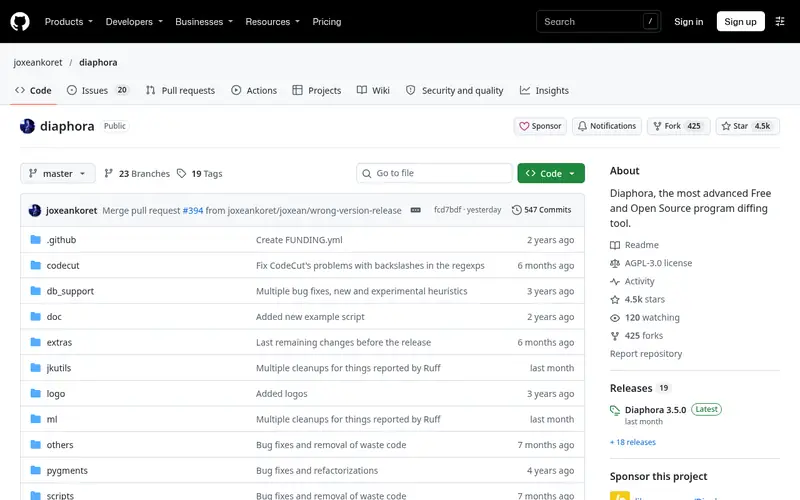
Diaphora is an open-source binary diffing tool that runs as a plugin for IDA Pro. It compares two databases of the same or different programs and reports matched and unmatched functions, with options to export results. It is aimed at reverse engineers who need a detailed function-level comparison.
The project is free and open source. It depends on IDA Pro, which is commercial software, so the overall cost depends on the disassembler licence you already hold. Diffing large binaries can take time and memory. It suits security researchers who want an open, scriptable alternative to BinDiff and are already working inside IDA.
Standout: Detailed function matching and reporting
Free (open source), as listed by the vendor (Diaphora website). Confirm the current plan price before you buy.
Free plan. Plans change, so confirm on the vendor's pricing page before you buy.
Benefits
- Detailed function matching and reporting
- open source and scriptable
Drawbacks
- Tied to IDA Pro
- setup and run time can be long
Skip it if this limit matters to you: tied to IDA Pro.
Verdict. A sensible pick for function-level diffing of binaries inside IDA Pro.
Alternatives in this guide: VBinDiff, Beyond Compare, bsdiff
Who should use what
If you work in a terminal over SSH and want a fast look at two binaries, use VBinDiff. If you want a graphical hex compare alongside text and folder diffs on Windows, macOS or Linux, Beyond Compare is the paid option. If you ship software updates and need compact patches, use bsdiff or xdelta3 on the command line. If you compare compiled programs for security work, BinDiff or Diaphora inside a disassembler is the right level of analysis.
Questions to settle before you buy
What to check before you buy
- Decide whether you need a visual hex viewer or a patch generator, because few tools do both well.
- Check that the tool runs on your platform and, for terminal tools, over your remote access method.
- For paid tools, confirm the current price and licence terms on the vendor page.
- For reverse-engineering plugins, confirm which disassemblers and versions are supported.
- Test on a sample pair of files to check memory use and run time before using it on large binaries.
FAQ
What is the difference between a binary diff viewer and a patch generator?
A viewer shows byte differences between two files so you can inspect them. A patch generator computes a delta and writes a file that reconstructs one version from the other. VBinDiff and Beyond Compare are viewers; bsdiff and xdelta3 generate patches.
Can I compare binaries without installing software?
Some hex viewers run from a terminal after a package install, and web-based hex viewers exist, but you should not upload proprietary or sensitive binaries to a third-party site. Prefer a local tool for anything confidential.
Is Beyond Compare free?
No. Beyond Compare is commercial software with a free trial. The vendor lists paid licences by edition, and prices can change, so check the vendor pricing page for current terms.
Which tool should I use to ship software updates as small patches?
bsdiff and xdelta3 are both free and open source and are built for this. bsdiff is known for small patches on large binaries, while xdelta3 offers a general delta format with both create and apply steps.
Do BinDiff and Diaphora replace a hex diff?
No. They compare binaries at the function and control-flow level for reverse engineering. For a byte-level view of two files, use a hex diff viewer such as VBinDiff or Beyond Compare.
Sources we checked
Method: how we score · editorial policy.
Change log. First published 27 Nov 2026.