Stage 03 · Host · Researched comparison
Best PostgreSQL CLI Clients in 2026
psql is the default pick because it ships with PostgreSQL, needs no install, and supports every server feature. Developers who want autocompletion and syntax highlighting in an interactive shell should look at pgcli. Teams that work across several database engines should consider usql, which speaks PostgreSQL and other databases through one terminal client.

By Shihab Mia
Published 22 Nov 2026 · 7 tools compared
We run no ads and no affiliate links at launch. The order of a list follows our published method. See how we score.
Prices are the starting prices vendors list publicly. Plans change, so confirm the current price on the vendor page before you buy.
Key takeaways
- psql is free, open source, and included with every PostgreSQL installation, so it is the baseline every other client is measured against.
- pgcli adds autocompletion, syntax highlighting and multi-line editing on top of a psql-like workflow and is also free and open source.
- pspg and pgcenter are helpers, not full clients: pspg is a pager for query output, and pgcenter shows server statistics in a terminal.
- All seven tools here are free or open source; confirm licence terms and current features on each project page before you standardise on one.
Who each pick is for
- Anyone who needs the official PostgreSQL terminal clientpsql
- Interactive shell users who want autocompletion and highlightingpgcli
- Developers who query several database engines from one shellusql
- Reading long query output inside psql and other shellspspg
- Watching PostgreSQL server statistics from a terminalpgcenter
- Terminal users who want a SQL IDE-style workspaceHarlequin
- Keyboard-driven browsing and editing of PostgreSQL datalazysql
Comparison
| Tool | Best for | Standout feature | Listed starting price | Free plan or trial |
|---|---|---|---|---|
| 1psql | Anyone who needs the official PostgreSQL terminal client | Ships with PostgreSQL and supports every server feature | Free (open source) | Free plan |
| 2pgcli | Interactive shell users who want autocompletion and highlighting | Autocompletes table and column names as you type | Free (open source) | Free plan |
| 3usql | Developers who query several database engines from one shell | One client for PostgreSQL and many other databases | Free (open source) | Free plan |
| 4pspg | Reading long query output inside psql and other shells | Frozen-header scrolling and horizontal navigation for wide results | Free (open source) | Free plan |
| 5pgcenter | Watching PostgreSQL server statistics from a terminal | Live views of activity, tables, replication and other stats | Free (open source) | Free plan |
| 6Harlequin | Terminal users who want a SQL IDE-style workspace | TUI with a schema browser, editor and results pane | Free (open source) | Free plan |
| 7lazysql | Keyboard-driven browsing and editing of PostgreSQL data | TUI for browsing tables and editing rows | Free (open source) | Free plan |
How we picked
We picked tools that genuinely work with PostgreSQL from a terminal and are currently maintained. Criteria were fit for the job (interactive shell, cross-database client, pager, stats viewer or TUI), platform support, licence and price, and the main limits of each tool. Sources are vendor pages, official documentation and project repositories. Prices and features change, so confirm details on the vendor or project site before you commit.
The tools, one by one
psql
Best for anyone who needs the official PostgreSQL terminal client
What it is and where it fits
psql is the official command-line client maintained by the PostgreSQL project. It connects to local and remote servers, runs SQL and meta-commands, and handles transactions, COPY, and server-side features as they are released. Because it is part of the PostgreSQL distribution, you usually already have it.
It runs on Linux, macOS and Windows. The licence is the PostgreSQL Licence, which is open source. The main limits are ergonomic: no autocompletion, no syntax highlighting, and a plain editing experience unless you configure readline or a pager. It is the right choice for scripts, CI jobs, and anyone who wants the reference behaviour of the server. Developers who spend hours in an interactive shell often pair it with pgcli or pspg.
Standout: Ships with PostgreSQL and supports every server feature
Free (open source), as listed by the vendor (psql website). Confirm the current plan price before you buy.
Free plan. Plans change, so confirm on the vendor's pricing page before you buy.
Benefits
- Ships with PostgreSQL and supports every server feature
- scriptable with meta-commands and variables
Drawbacks
- No built-in autocompletion or syntax highlighting
- output paging and formatting need extra setup
Skip it if this limit matters to you: no built-in autocompletion or syntax highlighting.
Verdict. A sensible pick for anyone who needs the official PostgreSQL terminal client.
pgcli
Best for interactive shell users who want autocompletion and highlighting

What it is and where it fits
pgcli is an interactive terminal client for PostgreSQL built on Python. It offers autocompletion for keywords, tables and columns, syntax highlighting, and multi-line editing. It also supports a pager for large result sets and keeps a history of queries.
It runs wherever Python runs, including Linux, macOS and Windows. The project is open source under the BSD licence. It is not a drop-in replacement for psql in scripts: some meta-commands differ, and automation should stay on psql. Install it with pip or your package manager. Developers who want a friendlier prompt but still work entirely in the terminal are the main audience.
Standout: Autocompletes table and column names as you type
Free (open source), as listed by the vendor (pgcli website). Confirm the current plan price before you buy.
Free plan. Plans change, so confirm on the vendor's pricing page before you buy.
Benefits
- Autocompletes table and column names as you type
- syntax highlighting and multi-line editing
Drawbacks
- Not bundled with PostgreSQL, so it needs a separate install
- fewer server-specific meta-commands than psql
Skip it if this limit matters to you: not bundled with PostgreSQL, so it needs a separate install.
Verdict. A sensible pick for interactive shell users who want autocompletion and highlighting.
usql
Best for developers who query several database engines from one shell
What it is and where it fits
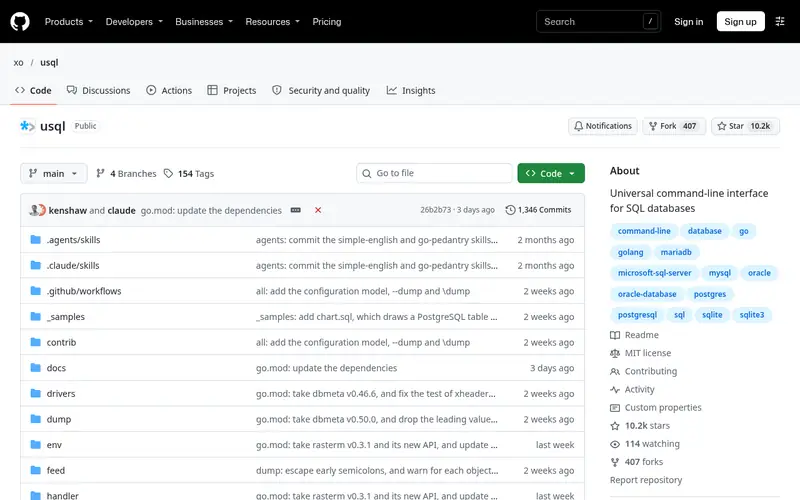
usql is a universal command-line client that connects to PostgreSQL and a long list of other databases through a single binary. It aims for a psql-like interface, so meta-commands and scripting feel familiar, and it adds features such as connection URLs and output formatting.
It is written in Go and distributed as a single binary for Linux, macOS and Windows. The project is open source under the MIT licence. Because it targets many engines, some PostgreSQL-specific behaviour may not match psql exactly. Test scripts before relying on usql in automation. It suits developers who move between PostgreSQL, MySQL and other systems and want one tool and one set of habits.
Standout: One client for PostgreSQL and many other databases
Free (open source), as listed by the vendor (usql website). Confirm the current plan price before you buy.
Free plan. Plans change, so confirm on the vendor's pricing page before you buy.
Benefits
- One client for PostgreSQL and many other databases
- supports meta-commands and scripting
Drawbacks
- Behaviour can differ from psql in edge cases
- PostgreSQL-specific features may lag the official client
Skip it if this limit matters to you: behaviour can differ from psql in edge cases.
Verdict. A sensible pick for developers who query several database engines from one shell.
pspg
Best for reading long query output inside psql and other shells
What it is and where it fits
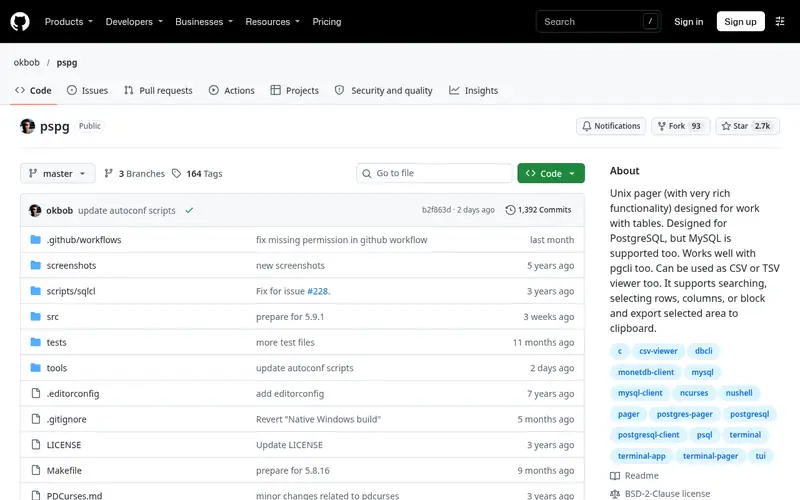
pspg is a pager designed for tabular data. You set it as the pager for psql, and query results open in a scrollable view with a frozen header row, column search and horizontal movement. It also works with other clients that send output to a pager.
It runs on Linux, macOS and Windows and is open source under the BSD licence. It does not connect to a database itself, so it is an addition to psql or pgcli rather than a replacement. The setup step is the main barrier: you need to set the PAGER environment variable or a psql variable. Anyone who regularly reads wide result sets in a terminal will notice the difference.
Standout: Frozen-header scrolling and horizontal navigation for wide results
Free (open source), as listed by the vendor (pspg website). Confirm the current plan price before you buy.
Free plan. Plans change, so confirm on the vendor's pricing page before you buy.
Benefits
- Frozen-header scrolling and horizontal navigation for wide results
- works as a pager for psql and other clients
Drawbacks
- Not a database client on its own
- needs configuration to become the default pager
Skip it if this limit matters to you: not a database client on its own.
Verdict. A sensible pick for reading long query output inside psql and other shells.
pgcenter
Best for watching PostgreSQL server statistics from a terminal
What it is and where it fits
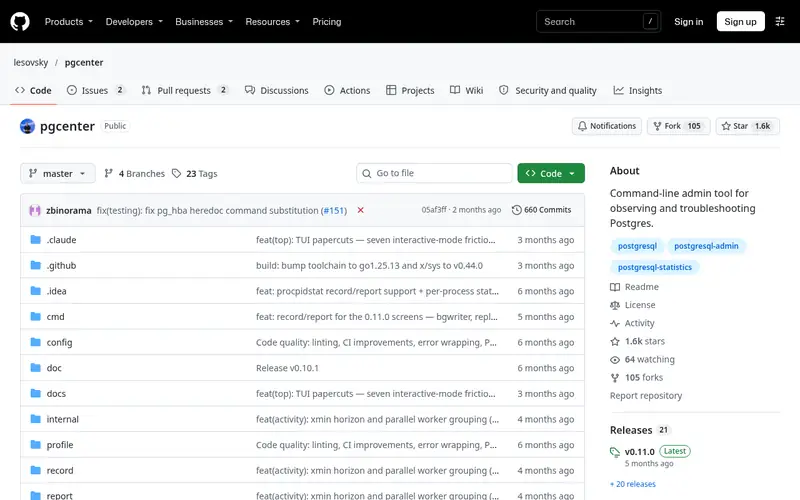
pgcenter is a terminal tool for PostgreSQL statistics and administration. It shows live views of activity, databases, tables, replication and other server metrics, and it can run common admin commands without leaving the terminal. It reads data from the server's statistics views.
It runs on Linux and macOS and is open source under the BSD licence. It is not a general SQL client: you would not use it to write application queries. Access depends on the privileges granted to your database role. It suits operators and developers who want a quick terminal view of what the server is doing without opening a separate monitoring stack.
Standout: Live views of activity, tables, replication and other stats
Free (open source), as listed by the vendor (pgcenter website). Confirm the current plan price before you buy.
Free plan. Plans change, so confirm on the vendor's pricing page before you buy.
Benefits
- Live views of activity, tables, replication and other stats
- can also run admin commands from the terminal
Drawbacks
- Focused on monitoring rather than ad-hoc query work
- requires access to server statistics views
Skip it if this limit matters to you: focused on monitoring rather than ad-hoc query work.
Verdict. A sensible pick for watching PostgreSQL server statistics from a terminal.
Harlequin
Best for terminal users who want a SQL IDE-style workspace
What it is and where it fits
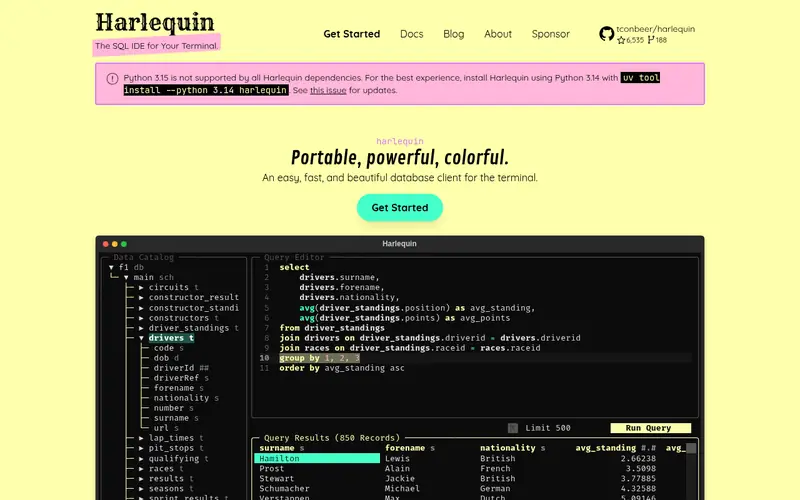
Harlequin is a terminal user interface SQL IDE. It combines a schema browser, a query editor and a results pane in one terminal window, with keyboard-driven navigation. It supports PostgreSQL through an adapter and also works with other databases.
It runs in any terminal that supports the required TUI features, on Linux, macOS and Windows, and is open source under the MIT licence. Because it is a TUI rather than a plain shell, it uses more screen space and has its own key bindings. Some behaviour depends on the database adapter. It fits developers who like terminal workflows but want a visible schema tree and a persistent results pane.
Standout: TUI with a schema browser, editor and results pane
Free (open source), as listed by the vendor (Harlequin website). Confirm the current plan price before you buy.
Free plan. Plans change, so confirm on the vendor's pricing page before you buy.
Benefits
- TUI with a schema browser, editor and results pane
- supports multiple database adapters
Drawbacks
- Terminal UI takes adjustment if you are used to psql
- feature set depends on the adapter in use
Skip it if this limit matters to you: terminal UI takes adjustment if you are used to psql.
Verdict. A sensible pick for terminal users who want a SQL IDE-style workspace.
lazysql
Best for keyboard-driven browsing and editing of PostgreSQL data
What it is and where it fits
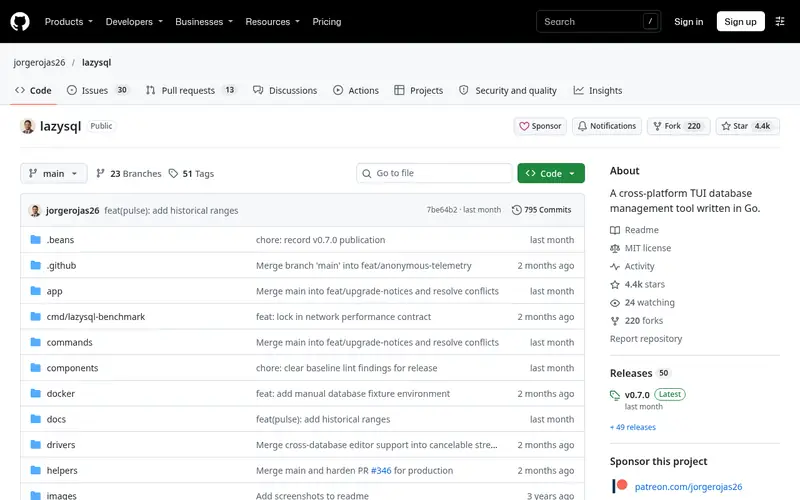
lazysql is a terminal user interface for working with relational databases, including PostgreSQL. It lets you browse schemas and tables, view and edit rows, and run queries from a keyboard-driven interface.
It is written in Go and distributed as a single binary for Linux, macOS and Windows. The project is open source under the MIT licence. It is smaller in scope than a full SQL IDE, and complex query work is better handled in psql or pgcli. It suits developers who want to inspect and adjust data quickly from a terminal without writing every statement by hand.
Standout: TUI for browsing tables and editing rows
Free (open source), as listed by the vendor (lazysql website). Confirm the current plan price before you buy.
Free plan. Plans change, so confirm on the vendor's pricing page before you buy.
Benefits
- TUI for browsing tables and editing rows
- supports PostgreSQL and other databases
Drawbacks
- Smaller project with a narrower feature set than a full IDE
- not aimed at complex query authoring
Skip it if this limit matters to you: smaller project with a narrower feature set than a full IDE.
Verdict. A sensible pick for keyboard-driven browsing and editing of PostgreSQL data.
Who should use what
If you want the reference client with zero setup, use psql. If you live in an interactive shell and want autocompletion and highlighting, use pgcli. If you query PostgreSQL alongside other database engines, use usql. If your main pain is reading wide result sets, add pspg as your pager. If you need a quick terminal view of server activity, use pgcenter, and if you prefer a TUI workspace, try Harlequin or lazysql.
Questions to settle before you buy
What to check before you buy
- Confirm the client supports the PostgreSQL server versions you run, including any newer features you depend on.
- Check that scripts and CI jobs use psql or a client with stable, documented meta-command behaviour.
- Verify install options for your OS: package manager, pip, or a single binary.
- Review the licence if you plan to bundle the tool in internal images or distribute it.
- Test pager and output settings with your widest real result sets before standardising.
FAQ
Is psql enough on its own?
For most scripting, automation and administrative work, yes. psql supports every server feature and is maintained with PostgreSQL itself. The gaps are interactive comfort: no autocompletion, no syntax highlighting and basic editing. Many developers keep psql for scripts and add pgcli or pspg for day-to-day reading.
Does pgcli replace psql in scripts?
No. pgcli is built for interactive use, and some meta-commands differ from psql. Keep automation and CI jobs on psql, and use pgcli when a person is typing queries. Check the pgcli documentation for the commands it supports before converting any existing scripts.
Can I use these clients with a hosted PostgreSQL service?
Yes, provided the service allows direct connections and your network permits them. Connection strings, SSL settings and role privileges apply the same way as with a self-hosted server. Some managed services restrict certain statistics views, which affects tools such as pgcenter.
Are these tools safe for production data?
They are terminal clients, so queries run directly against the server and are not sent to a third-party web page. Safety depends on your credentials and role permissions. Use read-only roles where possible, avoid storing passwords in shell history, and be careful with row-editing TUIs on production databases.
Do any of these tools cost money?
The tools listed here are free or open source. There is no paid tier for psql, pgcli, usql, pspg, pgcenter, Harlequin or lazysql. Costs come from the database server or hosting service, not from these clients. Confirm licence terms on each project page if you redistribute a tool.
Sources we checked
Method: how we score · editorial policy.
Change log. First published 22 Nov 2026.