Stage 03 · Host · Researched comparison
Best Oracle SQL Clients in 2026
Oracle SQL Developer is the first pick for most teams because it is free, made by Oracle, and covers browsing, editing and PL/SQL debugging. DBeaver suits developers who work across several databases and want one client. DataGrip fits teams already paying for JetBrains tools and needing strong code intelligence. All three run on Windows, macOS and Linux.

By Shihab Mia
Published 22 Nov 2026 · 7 tools compared
We run no ads and no affiliate links at launch. The order of a list follows our published method. See how we score.
Prices are the starting prices vendors list publicly. Plans change, so confirm the current price on the vendor page before you buy.
Key takeaways
- Oracle SQL Developer and SQLcl are free from Oracle; DBeaver Community is Free (open source).
- DataGrip, Toad for Oracle and PL/SQL Developer are paid products with separate licence tiers.
- Desktop clients connect directly to the database, so query text and credentials stay on your machine.
- Check the Oracle client library and driver versions before you commit to any client.
Who each pick is for
- Oracle-only teams that want a free official clientOracle SQL Developer
- Developers who query Oracle alongside other databasesDBeaver
- JetBrains users who want strong SQL code intelligenceDataGrip
- DBAs and teams that need deep Oracle administration toolingToad for Oracle
- PL/SQL developers who want a focused Windows editorPL/SQL Developer
- Scripting and automation from the command lineSQLcl
- Cross-database teams that want a mature commercial clientDbVisualizer
Comparison
| Tool | Best for | Standout feature | Listed starting price | Free plan or trial |
|---|---|---|---|---|
| 1Oracle SQL Developer | Oracle-only teams that want a free official client | Free and maintained by Oracle | Free | Free plan |
| 2DBeaver | Developers who query Oracle alongside other databases | One client for many databases | Free (open source) | Free plan |
| 3DataGrip | JetBrains users who want strong SQL code intelligence | Deep code completion and refactoring | See vendor pricing page | Free trial (30 days) |
| 4Toad for Oracle | DBAs and teams that need deep Oracle administration tooling | Broad Oracle administration and tuning features | See vendor pricing page | Free trial (N days) |
| 5PL/SQL Developer | PL/SQL developers who want a focused Windows editor | Strong PL/SQL editing and debugging | See vendor pricing page | Free trial (N days) |
| 6SQLcl | Scripting and automation from the command line | Free and scriptable | Free | Free plan |
| 7DbVisualizer | Cross-database teams that want a mature commercial client | Supports many databases including Oracle | See vendor pricing page | Free plan |
How we picked
We picked clients that connect to Oracle Database and are currently maintained. Criteria were fit for daily SQL and PL/SQL work, platform support, price and licence model, and how each tool handles credentials and query data. Sources are vendor product pages, official documentation and project repositories. Prices and free-plan limits change, so confirm them on the vendor site before you buy.
The tools, one by one
Oracle SQL Developer
Best for oracle-only teams that want a free official client
What it is and where it fits
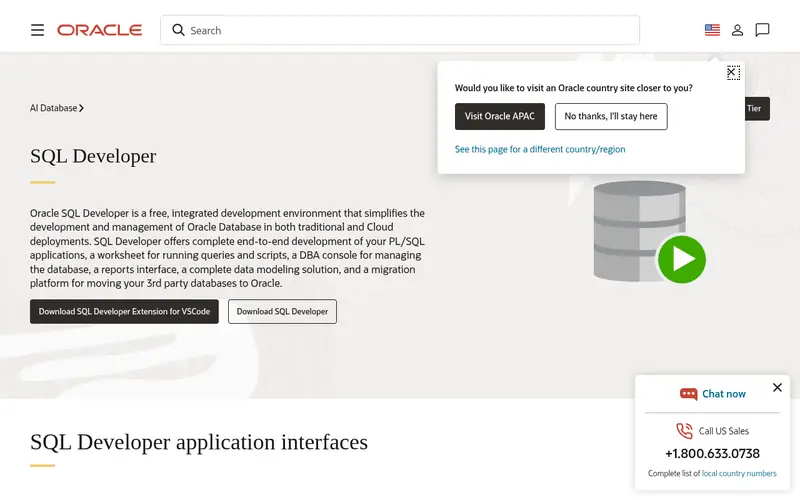
Oracle SQL Developer is Oracle's own desktop client. It runs on Windows, macOS and Linux and needs a Java runtime. It handles SQL worksheets, schema browsing, PL/SQL editing and debugging, data export and migration from other databases. Because Oracle maintains it, support for new database versions tends to arrive with the server release.
It is free with no paid tier, which makes it the default choice for teams that only work with Oracle. The trade-offs are a heavy Java footprint and an interface that has changed little over the years. Developers who move between Oracle, PostgreSQL and MySQL often find a cross-database client more convenient.
Standout: Free and maintained by Oracle
Free, as listed by the vendor (Oracle SQL Developer website). Confirm the current plan price before you buy.
Free plan. Plans change, so confirm on the vendor's pricing page before you buy.
Benefits
- Free and maintained by Oracle
- built-in PL/SQL editor and debugger
Drawbacks
- Interface feels dated
- Java-based and can be slow on large schemas
Skip it if this limit matters to you: interface feels dated.
Verdict. A sensible pick for oracle-only teams that want a free official client.
Alternatives in this guide: DBeaver, DataGrip, Toad for Oracle
DBeaver
Best for developers who query Oracle alongside other databases
What it is and where it fits
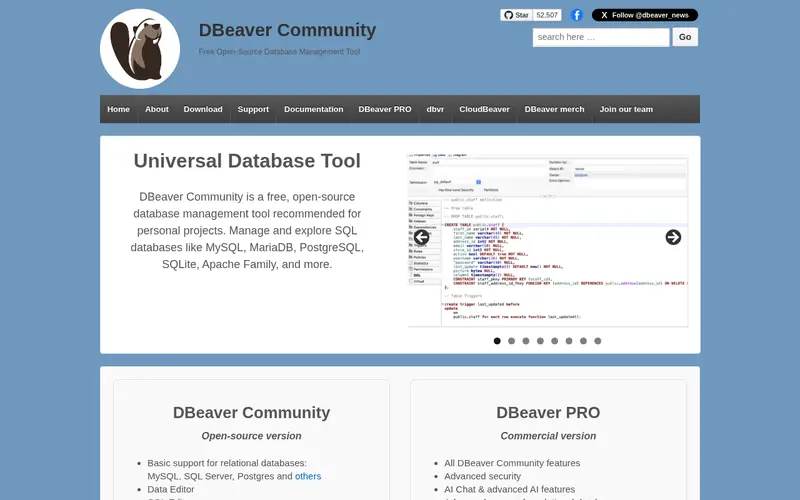
DBeaver is an open-source database client built on Eclipse. The Community edition is free and supports Oracle through a JDBC driver, along with SQL editing, schema browsing, data export and ER diagrams. It runs on Windows, macOS and Linux.
The paid DBeaver PRO editions add features such as additional database support and team-oriented tooling; check the vendor page for the current split between editions. For Oracle work, the Community edition is enough for day-to-day querying and editing. Setup sometimes requires downloading the right JDBC driver, and very large schemas can feel slower than in a dedicated Oracle client.
Standout: One client for many databases
Free (open source), as listed by the vendor (DBeaver website). Confirm the current plan price before you buy.
Free plan. Plans change, so confirm on the vendor's pricing page before you buy.
Benefits
- One client for many databases
- free Community edition
Drawbacks
- Some Oracle-specific features sit in paid editions
- occasional driver setup work
Skip it if this limit matters to you: some Oracle-specific features sit in paid editions.
Verdict. A sensible pick for developers who query Oracle alongside other databases.
Alternatives in this guide: Oracle SQL Developer, DataGrip, Toad for Oracle
DataGrip
Best for jetBrains users who want strong SQL code intelligence
What it is and where it fits
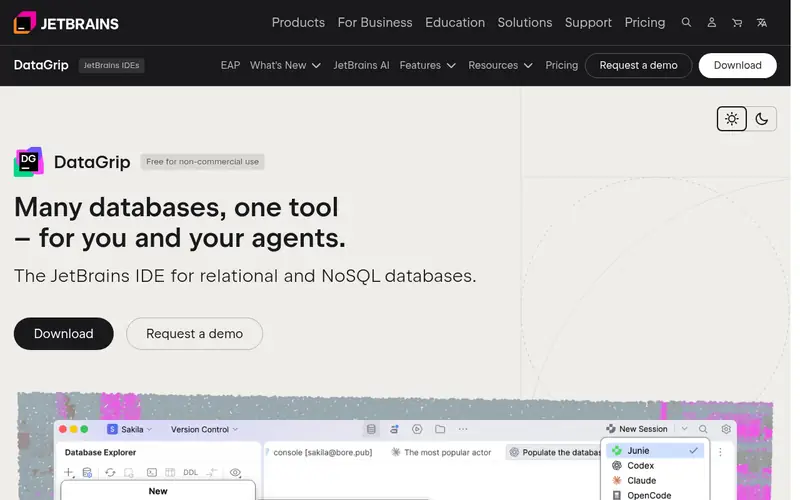
DataGrip is JetBrains' database IDE. It connects to Oracle and other databases, and offers context-aware completion, navigation, refactoring and a query console. It runs on Windows, macOS and Linux and fits teams already using IntelliJ-based tools.
Licensing is subscription-based, with individual and organization plans; confirm current prices on the vendor page. A free trial is available. DataGrip is a good fit if you want the same editor experience across languages and databases. It is more than a query client, so developers who only run occasional SELECT statements may find it heavy.
Standout: Deep code completion and refactoring
See vendor pricing page, as listed by the vendor (DataGrip website). Confirm the current plan price before you buy.
Free trial (30 days). Plans change, so confirm on the vendor's pricing page before you buy.
Benefits
- Deep code completion and refactoring
- one IDE for many databases
Drawbacks
- Paid subscription
- heavier than a simple query tool
Skip it if this limit matters to you: paid subscription.
Verdict. A sensible pick for jetBrains users who want strong SQL code intelligence.
Alternatives in this guide: Oracle SQL Developer, DBeaver, Toad for Oracle
Toad for Oracle
Best for dBAs and teams that need deep Oracle administration tooling
What it is and where it fits
Toad for Oracle from Quest Software is one of the oldest Oracle clients. It covers SQL editing, PL/SQL development, schema comparison, performance tuning and administration. Editions range from a freeware build to commercial tiers, so check the vendor page for what each includes and for current prices.
The tool is strongest for DBAs and developers who spend most of their day inside Oracle and need tuning and admin features beyond a query editor. It is primarily a Windows product. Teams on macOS or Linux usually pick a different client.
Standout: Broad Oracle administration and tuning features
See vendor pricing page, as listed by the vendor (Toad for Oracle website). Confirm the current plan price before you buy.
Free trial (N days). Plans change, so confirm on the vendor's pricing page before you buy.
Benefits
- Broad Oracle administration and tuning features
- long-established tool
Drawbacks
- Paid editions
- Windows-focused
Skip it if this limit matters to you: paid editions.
Verdict. A sensible pick for DBAs and teams that need deep Oracle administration tooling.
Alternatives in this guide: Oracle SQL Developer, DBeaver, DataGrip
PL/SQL Developer
Best for pL/SQL developers who want a focused Windows editor
What it is and where it fits
PL/SQL Developer from Allround Automations is a Windows client aimed at Oracle stored-program development. It includes a PL/SQL editor, debugger, schema browser, query builder and test windows. It is lighter than a full IDE and stays focused on Oracle.
Licensing is commercial, with a trial available; confirm prices and trial length on the vendor site. It suits developers whose main job is writing and debugging PL/SQL on Windows. If your team works on macOS or needs multi-database support, look at DBeaver or DataGrip instead.
Standout: Strong PL/SQL editing and debugging
See vendor pricing page, as listed by the vendor (PL/SQL Developer website). Confirm the current plan price before you buy.
Free trial (N days). Plans change, so confirm on the vendor's pricing page before you buy.
Benefits
- Strong PL/SQL editing and debugging
- lightweight compared with full IDEs
Drawbacks
- Windows only
- paid licence
Skip it if this limit matters to you: windows only.
Verdict. A sensible pick for PL/SQL developers who want a focused Windows editor.
Alternatives in this guide: Oracle SQL Developer, DBeaver, DataGrip
SQLcl
Best for scripting and automation from the command line
What it is and where it fits
SQLcl is Oracle's command-line SQL client, written in Java and positioned as a modern replacement for SQL*Plus. It supports SQL and PL/SQL scripts, formatting, and integration with shell scripts. It runs wherever Java runs, including Windows, macOS and Linux.
It is free and useful for automation, deployments and quick checks on a server. It is not a graphical tool, so it does not replace a desktop client for schema browsing or visual query building. Many teams run SQLcl alongside SQL Developer or DBeaver rather than instead of them.
Standout: Free and scriptable
Free, as listed by the vendor (SQLcl website). Confirm the current plan price before you buy.
Free plan. Plans change, so confirm on the vendor's pricing page before you buy.
Benefits
- Free and scriptable
- works well in CI and shell pipelines
Drawbacks
- Command-line only
- no graphical schema browser
Skip it if this limit matters to you: command-line only.
Verdict. A sensible pick for scripting and automation from the command line.
Alternatives in this guide: Oracle SQL Developer, DBeaver, DataGrip
DbVisualizer
Best for cross-database teams that want a mature commercial client
What it is and where it fits
DbVisualizer is a database tool from Dbvis Software that connects to Oracle and many other databases through JDBC. It offers a SQL editor, schema browser, data editing and charts. A free edition is available, with Pro and other paid editions adding features; check the vendor page for the current edition split and prices.
It runs on Windows, macOS and Linux and is Java-based. It suits teams that want a commercial, cross-database client with a consistent interface. The free edition has limits compared with the paid tiers, so confirm which features you need before standardizing on it.
Standout: Supports many databases including Oracle
See vendor pricing page, as listed by the vendor (DbVisualizer website). Confirm the current plan price before you buy.
Free plan. Plans change, so confirm on the vendor's pricing page before you buy.
Benefits
- Supports many databases including Oracle
- polished SQL editor
Drawbacks
- Advanced features are in paid editions
- Java-based
Skip it if this limit matters to you: advanced features are in paid editions.
Verdict. A sensible pick for cross-database teams that want a mature commercial client.
Alternatives in this guide: Oracle SQL Developer, DBeaver, DataGrip
Who should use what
If your team works only with Oracle and wants zero licence cost, start with Oracle SQL Developer and add SQLcl for scripting. If developers move between Oracle, PostgreSQL and MySQL, DBeaver Community gives one free client for all of them. If you already pay for JetBrains tools and want strong code intelligence, DataGrip is the natural fit. DBAs who need tuning and administration features should look at Toad for Oracle, while PL/SQL-focused Windows developers may prefer PL/SQL Developer.
Questions to settle before you buy
What to check before you buy
- Confirm the client supports your Oracle Database version and your OS.
- Check which Oracle client library or JDBC driver it needs and how updates work.
- Verify the licence covers your team size and whether paid tiers are required.
- Test performance on a large schema before rolling it out.
- Confirm how the client stores connection credentials on disk.
FAQ
Do I need a paid client to work with Oracle Database?
No. Oracle SQL Developer and SQLcl are free from Oracle, and DBeaver Community is free and open source. Paid clients such as DataGrip, Toad for Oracle and PL/SQL Developer add features like deeper code intelligence, tuning tools or focused PL/SQL editing.
Can one client connect to Oracle and other databases?
Yes. DBeaver, DataGrip and DbVisualizer connect to Oracle and many other databases through JDBC drivers. That is useful if your team works across several systems and wants a single interface.
Is there a command-line Oracle client?
Yes. SQLcl is Oracle's free command-line client and is positioned as a modern replacement for SQL*Plus. It supports SQL and PL/SQL scripts and works well in shell scripts and automation.
Are these clients safe for production credentials?
Desktop clients connect directly to the database, so query text and credentials stay on your machine rather than passing through a third-party web page. Still, check how each client stores saved passwords and follow your team's rules for production access.
Which client is best for PL/SQL development?
Oracle SQL Developer includes a PL/SQL editor and debugger for free. PL/SQL Developer is a focused Windows option for stored-program work. DataGrip also supports PL/SQL editing with strong code intelligence in its paid IDE.
Sources we checked
Method: how we score · editorial policy.
Change log. First published 22 Nov 2026.