Stage 03 · Host · Researched comparison
Best DynamoDB GUI Clients in 2026
NoSQL Workbench for Amazon DynamoDB is the first pick for most developers because it is free, made by AWS, and runs on Windows, macOS and Linux. It covers data exploration, query building and visual modeling. For teams that already use JetBrains IDEs, the AWS Toolkit plugin keeps DynamoDB work inside the editor. For a general database client that also handles DynamoDB, consider a multi-database tool such as RazorSQL.

By Shihab Mia
Published 22 Nov 2026 · 5 tools compared
We run no ads and no affiliate links at launch. The order of a list follows our published method. See how we score.
Prices are the starting prices vendors list publicly. Plans change, so confirm the current price on the vendor page before you buy.
Key takeaways
- NoSQL Workbench is free from AWS and needs no account beyond your normal AWS credentials.
- Desktop clients store connection profiles and credentials locally, so review how each tool saves secrets.
- Some GUI clients are paid one-time or subscription products; confirm the current price on the vendor page.
- IDE plugins suit developers who want to query tables without leaving their editor.
Who each pick is for
- AWS-native data exploration and visual modelingNoSQL Workbench for Amazon DynamoDB
- Querying DynamoDB inside JetBrains IDEsAWS Toolkit for JetBrains
- Teams that need DynamoDB plus other databasesRazorSQL
- Day-to-day DynamoDB data editing and queryingDynobase
- One client for many databases, including DynamoDBDBeaver
Comparison
| Tool | Best for | Standout feature | Listed starting price | Free plan or trial |
|---|---|---|---|---|
| 1NoSQL Workbench for Amazon DynamoDB | AWS-native data exploration and visual modeling | Free from AWS | Free | Free plan |
| 2AWS Toolkit for JetBrains | Querying DynamoDB inside JetBrains IDEs | Works inside the editor | Free | Free plan |
| 3RazorSQL | Teams that need DynamoDB plus other databases | Supports many databases in one client | See vendor pricing page | Free trial |
| 4Dynobase | Day-to-day DynamoDB data editing and querying | Built only for DynamoDB | See vendor pricing page | Free trial |
| 5DBeaver | One client for many databases, including DynamoDB | Open source | Free (open source) | Free plan |
How we picked
We picked tools that connect to DynamoDB and let you browse, query or edit data, then compared them on fit for the job, supported platforms, price and licence, how they handle credentials, and their main limits. Sources are vendor documentation, project repositories and public pricing pages. We did not run benchmarks or collect user reviews. Prices and plan limits change, so confirm them on the vendor site before you buy.
The tools, one by one
NoSQL Workbench for Amazon DynamoDB
Best for aWS-native data exploration and visual modeling
What it is and where it fits
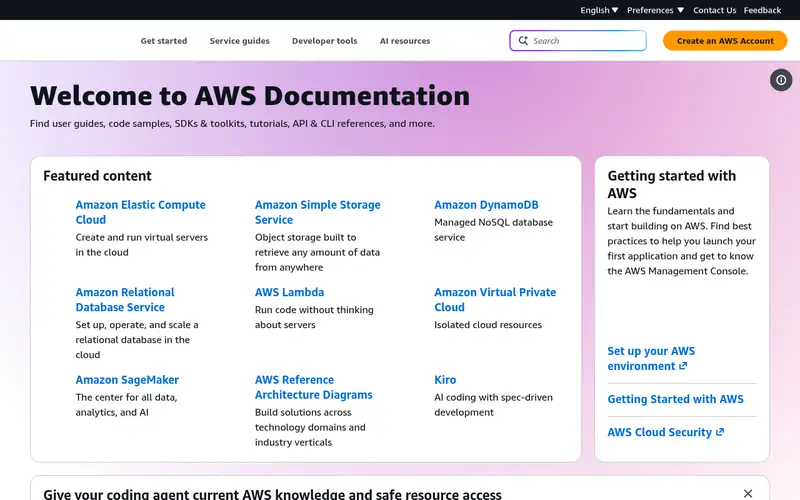
NoSQL Workbench is a free desktop application from AWS for designing and querying DynamoDB tables. It runs on Windows, macOS and Linux. You can build and edit items, run PartiQL and operation-builder queries, and create visual data models before deploying them to a table. It also supports importing and exporting data.
Because it comes from AWS, it tracks the DynamoDB API closely and documents new features. The main limit is scope: it does not connect to other databases, so it is not a general SQL or NoSQL client. Developers who work across several database engines may want a second tool. There is no paid tier and no account beyond your AWS credentials.
Standout: Free from AWS
Free, as listed by the vendor (NoSQL Workbench for Amazon DynamoDB website). Confirm the current plan price before you buy.
Free plan. Plans change, so confirm on the vendor's pricing page before you buy.
Benefits
- Free from AWS
- includes visual data modeling and query building
Drawbacks
- Focused on DynamoDB only
- interface can feel heavy for simple queries
Skip it if this limit matters to you: focused on DynamoDB only.
Verdict. A sensible pick for AWS-native data exploration and visual modeling.
Alternatives in this guide: AWS Toolkit for JetBrains, RazorSQL, Dynobase
AWS Toolkit for JetBrains
Best for querying DynamoDB inside JetBrains IDEs
What it is and where it fits
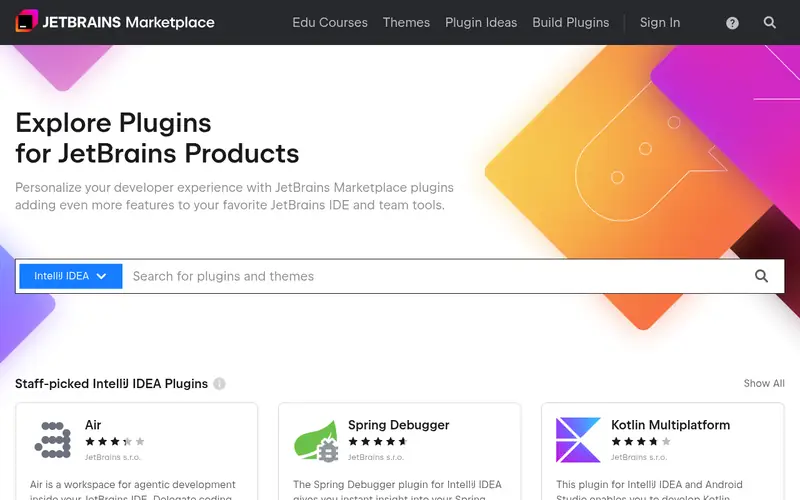
The AWS Toolkit is a free plugin for JetBrains IDEs such as IntelliJ IDEA, PyCharm, WebStorm and GoLand. It adds an AWS explorer panel where you can browse DynamoDB tables, view items and run queries without switching to another window. It also handles other AWS services like Lambda and S3.
The plugin is a good fit if your team already works in JetBrains tools and wants DynamoDB access next to the code. It is not a standalone GUI, so it does nothing outside a supported IDE. Feature depth for table editing is lighter than a dedicated client. It is free and open source, and it uses your existing AWS credential chain.
Standout: Works inside the editor
Free, as listed by the vendor (AWS Toolkit for JetBrains website). Confirm the current plan price before you buy.
Free plan. Plans change, so confirm on the vendor's pricing page before you buy.
Benefits
- Works inside the editor
- supports multiple AWS services
Drawbacks
- Requires a JetBrains IDE
- not a standalone app
Skip it if this limit matters to you: requires a JetBrains IDE.
Verdict. A sensible pick for querying DynamoDB inside JetBrains IDEs.
Alternatives in this guide: NoSQL Workbench for Amazon DynamoDB, RazorSQL, Dynobase
RazorSQL
Best for teams that need DynamoDB plus other databases
What it is and where it fits
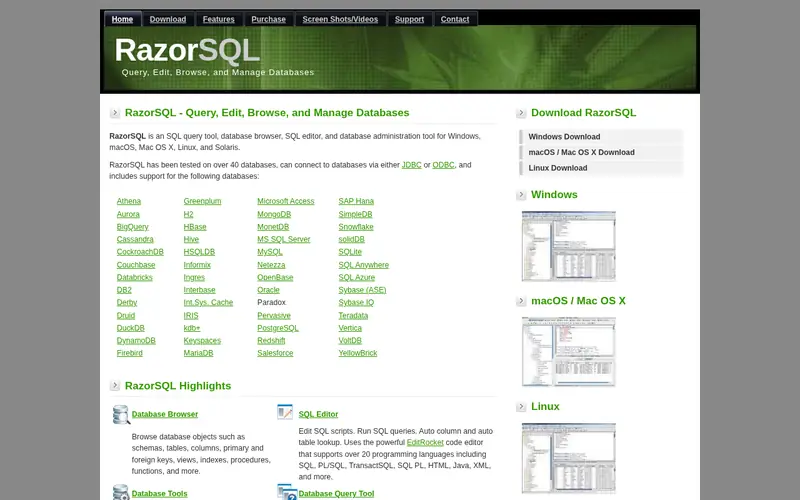
RazorSQL is a general database client that connects to DynamoDB along with relational databases and other NoSQL stores. It runs on Windows, macOS and Linux. For DynamoDB it offers table browsing, item editing and query execution, and the same window handles your other data sources.
This is the pick when DynamoDB is one of several databases you manage and you want a single client. The trade-off is that DynamoDB-specific features are less deep than in an AWS-focused tool, and the product is paid. A free trial lets you test it. Check the vendor page for current licence terms and platform requirements before you commit.
Standout: Supports many databases in one client
See vendor pricing page, as listed by the vendor (RazorSQL website). Confirm the current plan price before you buy.
Free trial. Plans change, so confirm on the vendor's pricing page before you buy.
Benefits
- Supports many databases in one client
- includes a query builder
Drawbacks
- Paid licence
- DynamoDB support is one of many features
Skip it if this limit matters to you: paid licence.
Verdict. A sensible pick for teams that need DynamoDB plus other databases.
Alternatives in this guide: NoSQL Workbench for Amazon DynamoDB, AWS Toolkit for JetBrains, Dynobase
Dynobase
Best for day-to-day DynamoDB data editing and querying
What it is and where it fits
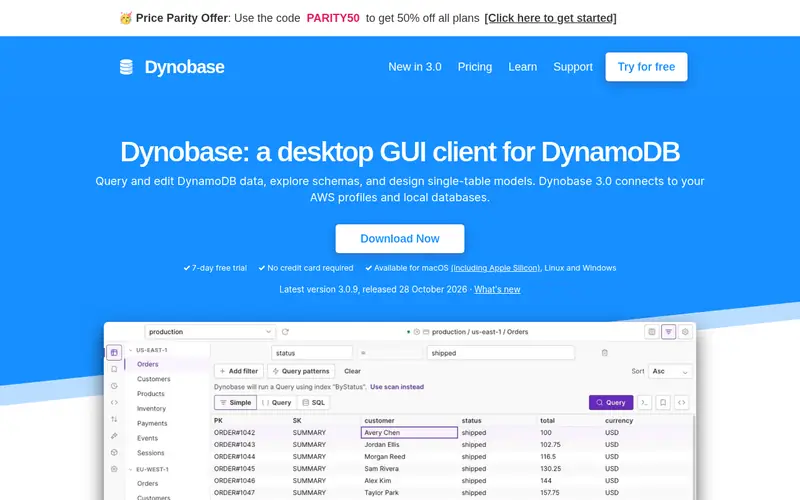
Dynobase is a desktop GUI client built specifically for DynamoDB. It runs on Windows, macOS and Linux. It focuses on browsing tables, editing items, running queries and managing multiple AWS profiles and regions. Because it targets one database, the interface is tuned to DynamoDB concepts like partition keys and indexes.
It suits developers who spend a large part of the day in DynamoDB and want a dedicated tool rather than a general client. It is a paid product with a trial, so confirm the current price and plan limits on the vendor site. If you only touch DynamoDB occasionally, a free option may be enough.
Standout: Built only for DynamoDB
See vendor pricing page, as listed by the vendor (Dynobase website). Confirm the current plan price before you buy.
Free trial. Plans change, so confirm on the vendor's pricing page before you buy.
Benefits
- Built only for DynamoDB
- fast item editing and query tools
Drawbacks
- Paid product
- desktop app only
Skip it if this limit matters to you: paid product.
Verdict. A sensible pick for day-to-day DynamoDB data editing and querying.
Alternatives in this guide: NoSQL Workbench for Amazon DynamoDB, AWS Toolkit for JetBrains, RazorSQL
DBeaver
Best for one client for many databases, including DynamoDB
What it is and where it fits
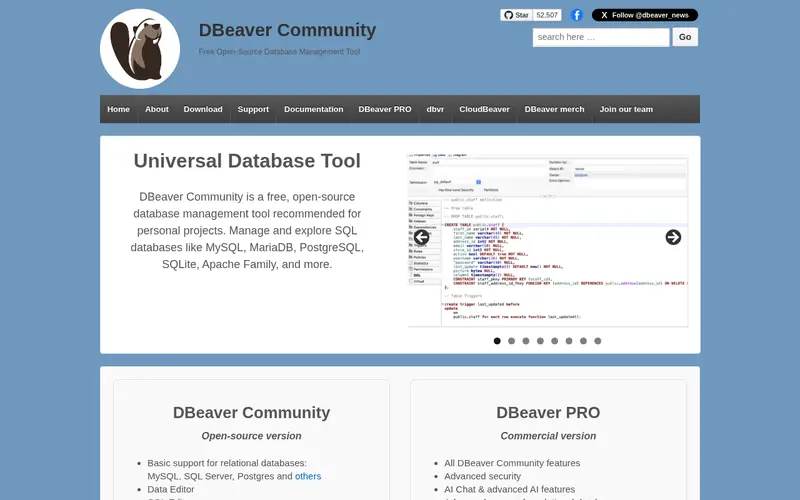
DBeaver is an open-source database client that runs on Windows, macOS and Linux. It connects to many databases through JDBC drivers, and DynamoDB access is available through a driver rather than a built-in connector. You configure the connection once, then browse and query tables in the same interface you use for other data.
The strength is consolidation: one free client for most of your databases. The limit is that DynamoDB is not a first-class feature, so some operations are less smooth than in a dedicated tool, and driver setup adds steps. It is a good choice for developers who value open source and already use DBeaver elsewhere.
Standout: Open source
Free (open source), as listed by the vendor (DBeaver website). Confirm the current plan price before you buy.
Free plan. Plans change, so confirm on the vendor's pricing page before you buy.
Benefits
- Open source
- broad database support
Drawbacks
- DynamoDB support depends on drivers
- setup takes more steps
Skip it if this limit matters to you: dynamoDB support depends on drivers.
Verdict. A sensible pick for one client for many databases, including DynamoDB.
Alternatives in this guide: NoSQL Workbench for Amazon DynamoDB, AWS Toolkit for JetBrains, RazorSQL
Who should use what
If you want a free, AWS-made client for modeling and querying, start with NoSQL Workbench. If you live in a JetBrains IDE, add the AWS Toolkit plugin and query tables in place. If DynamoDB is one of several databases you manage, a multi-database client like RazorSQL or DBeaver keeps everything in one window. If DynamoDB is most of your day and you want a dedicated paid tool, look at Dynobase.
Questions to settle before you buy
What to check before you buy
- Confirm the client actually supports DynamoDB, not just other NoSQL or SQL engines.
- Check platform support for your OS, or whether it is an IDE plugin.
- Review how the tool stores AWS credentials and connection profiles.
- Check whether you need visual modeling, PartiQL, or bulk import and export.
- Confirm the current price, trial length and plan limits on the vendor page.
FAQ
Is there a free DynamoDB GUI client?
Yes. NoSQL Workbench is free from AWS, and the AWS Toolkit for JetBrains is a free plugin. Open-source options like DBeaver are also free, though DynamoDB support in DBeaver needs driver setup.
Can I use DBeaver with DynamoDB?
DBeaver can connect to DynamoDB through a JDBC driver, but DynamoDB is not a built-in connector. Expect extra setup, and some DynamoDB-specific operations may be less smooth than in a dedicated client.
Do these clients store my AWS credentials?
Most desktop clients save connection profiles locally, and some can store access keys. Check each tool's documentation for how it handles secrets, and prefer temporary credentials or IAM roles where possible.
Do I need a paid client for DynamoDB?
No. Free options cover browsing, querying and modeling. Paid clients like Dynobase and RazorSQL add convenience or multi-database support. Confirm current pricing on the vendor page.
Can a GUI client replace the AWS CLI for DynamoDB?
For browsing and simple edits, yes. For scripting, automation and bulk operations, the AWS CLI or SDKs are usually better. Many teams use both a GUI for inspection and the CLI for repeatable tasks.
Sources we checked
Method: how we score · editorial policy.
Change log. First published 22 Nov 2026.