Stage 03 · Host · Researched comparison
Best Database Schema Comparison Tools in 2026
Redgate SQL Compare is the first pick for teams on SQL Server that need scripted, repeatable schema diffs and deployments. It suits shops already using Redgate's toolchain. For cross-database work, Flyway handles versioned migrations across many engines, and Liquibase does the same with a broader changelog format. Both are good alternatives when you want schema changes tracked in source control rather than compared ad hoc.

By Shihab Mia
Published 22 Nov 2026 · 7 tools compared
We run no ads and no affiliate links at launch. The order of a list follows our published method. See how we score.
Prices are the starting prices vendors list publicly. Plans change, so confirm the current price on the vendor page before you buy.
Key takeaways
- Redgate SQL Compare is Windows-only and paid, with a free trial; it targets SQL Server schema diffs.
- Flyway and Liquibase are free open-source migration tools that track schema versions across many databases.
- pgAdmin and DBeaver offer schema comparison for some engines, but coverage varies by database.
- Most of these tools connect directly to live databases, so run them against test or staging copies, not production.
Who each pick is for
- SQL Server teams needing scripted schema diffs and deploymentsRedgate SQL Compare
- Versioned schema migrations across many database enginesFlyway
- Teams wanting a changelog format with broad database supportLiquibase
- PostgreSQL users who want a free GUI with a schema diff toolpgAdmin
- Developers working across several databases who want one clientDBeaver
- SQL Server schema comparison with script generationdbForge Schema Compare for SQL Server
- Python teams using SQLAlchemy who want versioned migrationsAlembic
Comparison
| Tool | Best for | Standout feature | Listed starting price | Free plan or trial |
|---|---|---|---|---|
| 1Redgate SQL Compare | SQL Server teams needing scripted schema diffs and deployments | Generates deployment scripts from schema diffs | See vendor pricing page | Free trial (14 days) |
| 2Flyway | Versioned schema migrations across many database engines | Wide database support | Free (open source) | Free plan |
| 3Liquibase | Teams wanting a changelog format with broad database support | Changelog formats in SQL, XML, YAML and JSON | Free (open source) | Free plan |
| 4pgAdmin | PostgreSQL users who want a free GUI with a schema diff tool | Free and open source | Free (open source) | Free plan |
| 5DBeaver | Developers working across several databases who want one client | Supports many database engines | Free (open source) | Free plan |
| 6dbForge Schema Compare for SQL Server | SQL Server schema comparison with script generation | Detailed object-level comparison | See vendor pricing page | Free trial (30 days) |
| 7Alembic | Python teams using SQLAlchemy who want versioned migrations | Integrates with SQLAlchemy models | Free (open source) | Free plan |
How we picked
We picked tools that genuinely compare or track database schemas and are currently maintained. Criteria were fit for the job, supported database engines and platforms, price and licence, and how well each tool fits into a deployment workflow. We also noted whether a tool connects to live databases, since that affects how you should isolate it from production. Sources are vendor pages, official documentation and project repositories. Prices and plan details change, so confirm them on the vendor site before you commit.
The tools, one by one
Redgate SQL Compare
Best for sQL Server teams needing scripted schema diffs and deployments
What it is and where it fits
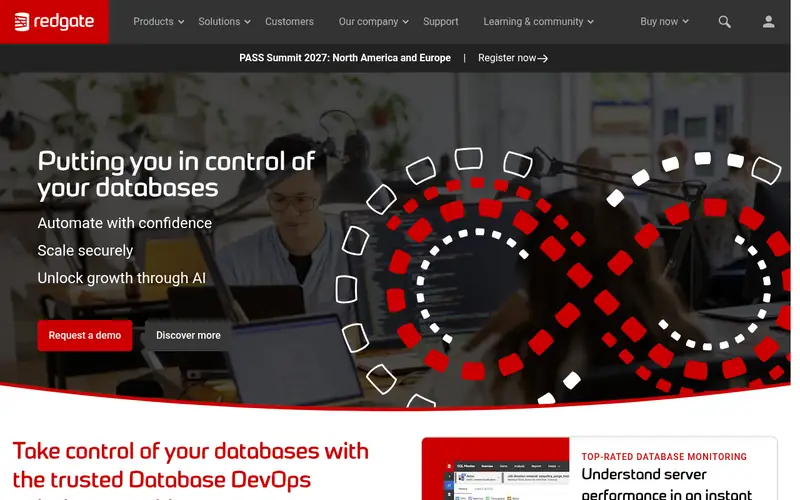
SQL Compare connects to two SQL Server databases, compares their schemas, and produces a synchronization script you can review before running. It covers tables, views, stored procedures, functions, users and permissions. The generated script can be saved and run through your deployment pipeline. It is part of the larger SQL Toolbelt bundle, and Redgate sells it under a per-user licence with volume tiers. A 14-day trial is available.
The main limit is scope. It targets Microsoft SQL Server and runs on Windows, so teams on PostgreSQL, MySQL or mixed estates need something else. It is a good fit for organizations that already deploy SQL Server changes by hand and want a reviewable diff step. Skip it if you are not on SQL Server.
Standout: Generates deployment scripts from schema diffs
See vendor pricing page, as listed by the vendor (Redgate SQL Compare website). Confirm the current plan price before you buy.
Free trial (14 days). Plans change, so confirm on the vendor's pricing page before you buy.
Benefits
- Generates deployment scripts from schema diffs
- integrates with Redgate's SQL Toolbelt
Drawbacks
- Windows-only
- SQL Server focused
Skip it if this limit matters to you: windows-only.
Verdict. A sensible pick for SQL Server teams needing scripted schema diffs and deployments.
Flyway
Best for versioned schema migrations across many database engines
What it is and where it fits
Flyway tracks schema changes as numbered migration files kept in your repository. It applies pending migrations in order and records which ones have run in a schema history table. That gives you a repeatable, auditable path from one schema version to the next. It supports PostgreSQL, MySQL, MariaDB, SQL Server, Oracle, SQLite and others. The core is open source under Apache 2.0, and Redgate maintains a paid edition with extra features.
Flyway does not diff two live schemas for you. It compares the migration history against what has been applied. That is a different job from a side-by-side schema comparison, and it is the right one if you want changes reviewed in pull requests. Teams that need an ad hoc diff of two existing databases should look at a dedicated comparison tool instead.
Standout: Wide database support
Free (open source), as listed by the vendor (Flyway website). Confirm the current plan price before you buy.
Free plan. Plans change, so confirm on the vendor's pricing page before you buy.
Benefits
- Wide database support
- migrations live in source control
Drawbacks
- Compares versions, not live schemas
- command-line oriented
Skip it if this limit matters to you: compares versions, not live schemas.
Verdict. A sensible pick for versioned schema migrations across many database engines.
Alternatives in this guide: Redgate SQL Compare, Liquibase, pgAdmin
Liquibase
Best for teams wanting a changelog format with broad database support
What it is and where it fits
Liquibase records schema changes in a changelog made of changesets. You can write changesets in SQL, XML, YAML or JSON, and Liquibase applies them in order while tracking what has run. It supports PostgreSQL, MySQL, MariaDB, SQL Server, Oracle, SQLite and more. The community edition is open source under Apache 2.0, and Liquibase sells a Pro edition with additional capabilities.
Like Flyway, it manages schema versions rather than diffing two live databases. It also offers a diff command that compares databases and can generate a changelog from the differences, which helps when adopting it on an existing schema. The tradeoff is configuration overhead. Small projects may find it heavier than they need.
Standout: Changelog formats in SQL, XML, YAML and JSON
Free (open source), as listed by the vendor (Liquibase website). Confirm the current plan price before you buy.
Free plan. Plans change, so confirm on the vendor's pricing page before you buy.
Benefits
- Changelog formats in SQL, XML, YAML and JSON
- supports many databases
Drawbacks
- Steeper setup than a simple diff tool
- open-source core lacks some paid features
Skip it if this limit matters to you: steeper setup than a simple diff tool.
Verdict. A sensible pick for teams wanting a changelog format with broad database support.
Alternatives in this guide: Redgate SQL Compare, Flyway, pgAdmin
pgAdmin
Best for postgreSQL users who want a free GUI with a schema diff tool
What it is and where it fits
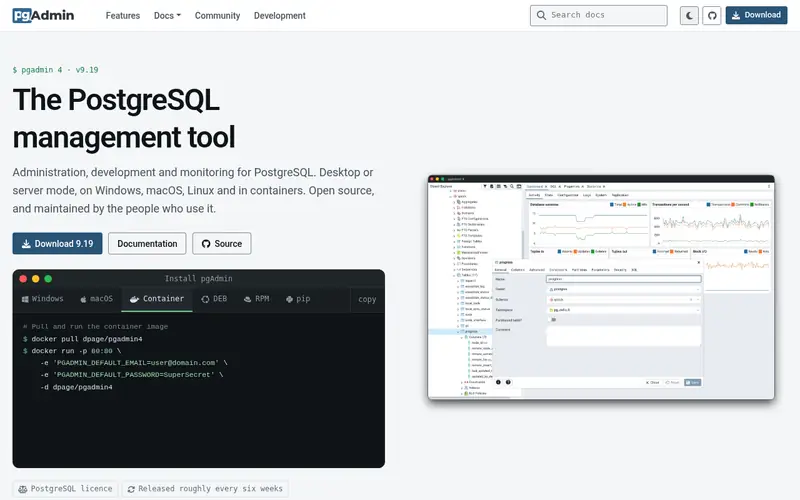
pgAdmin is the long-standing open-source administration and development tool for PostgreSQL. It runs as a desktop app or in a browser via its web mode. Recent versions include a Schema Diff tool that compares two PostgreSQL databases and shows differences in objects such as tables, functions and types. You can generate a script from the comparison.
It is PostgreSQL only, so it will not help with MySQL or SQL Server. The diff feature is convenient for quick checks but less oriented toward automated deployment pipelines than a dedicated tool. For a free option on a PostgreSQL-only stack, it covers the basics without a licence cost.
Standout: Free and open source
Free (open source), as listed by the vendor (pgAdmin website). Confirm the current plan price before you buy.
Free plan. Plans change, so confirm on the vendor's pricing page before you buy.
Benefits
- Free and open source
- includes a Schema Diff feature for PostgreSQL
Drawbacks
- PostgreSQL only
- diff output is less scriptable than dedicated tools
Skip it if this limit matters to you: postgreSQL only.
Verdict. A sensible pick for postgreSQL users who want a free GUI with a schema diff tool.
Alternatives in this guide: Redgate SQL Compare, Flyway, Liquibase
DBeaver
Best for developers working across several databases who want one client
What it is and where it fits
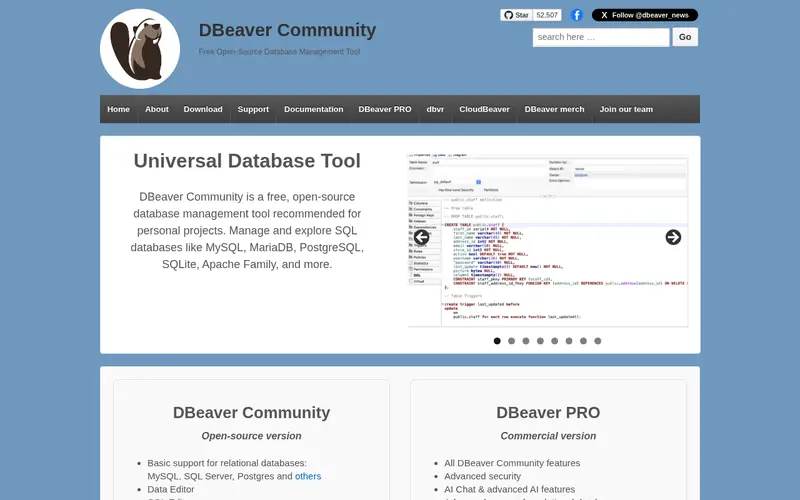
DBeaver is a universal database client that connects to PostgreSQL, MySQL, MariaDB, SQL Server, Oracle, SQLite and many others. The Community edition is free and open source. It includes schema comparison for supported databases, letting you compare structures between two connections. DBeaver also sells a paid Enterprise edition with additional features.
Because it supports so many engines, the depth of schema comparison depends on the database driver. It is a practical choice if you already use DBeaver as your main client and want comparison without a second tool. Teams that need deep, scripted diffs for one engine may still prefer a dedicated product.
Standout: Supports many database engines
Free (open source), as listed by the vendor (DBeaver website). Confirm the current plan price before you buy.
Free plan. Plans change, so confirm on the vendor's pricing page before you buy.
Benefits
- Supports many database engines
- free community edition
Drawbacks
- Schema comparison features vary by database and edition
- some features are paid
Skip it if this limit matters to you: schema comparison features vary by database and edition.
Verdict. A sensible pick for developers working across several databases who want one client.
Alternatives in this guide: Redgate SQL Compare, Flyway, Liquibase
dbForge Schema Compare for SQL Server
Best for sQL Server schema comparison with script generation
What it is and where it fits
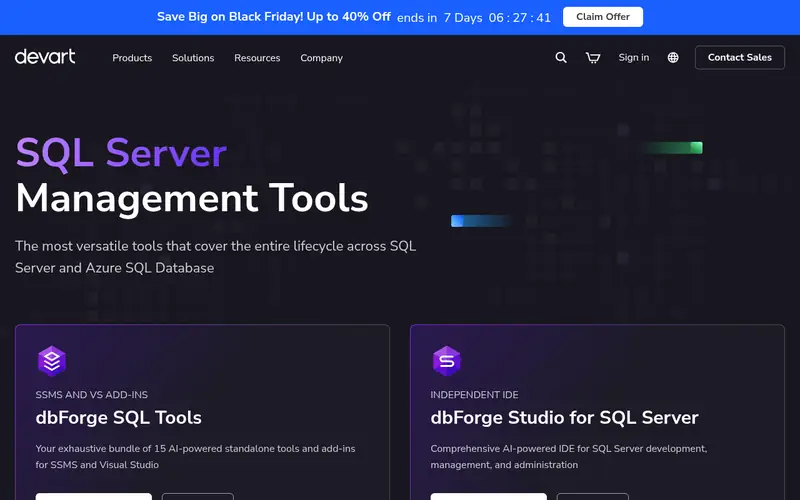
dbForge Schema Compare is part of Devart's dbForge line for SQL Server. It compares two SQL Server databases and reports differences at the object level, then generates a script to synchronize them. It handles tables, views, procedures, functions and other objects. Devart sells it as a standalone product and as part of bundles, with a 30-day trial.
It runs on Windows and targets SQL Server, so it overlaps with Redgate SQL Compare in scope. The choice between them comes down to licensing and which vendor's toolchain you already use. Skip both if your estate is not SQL Server.
Standout: Detailed object-level comparison
See vendor pricing page, as listed by the vendor (dbForge Schema Compare for SQL Server website). Confirm the current plan price before you buy.
Free trial (30 days). Plans change, so confirm on the vendor's pricing page before you buy.
Benefits
- Detailed object-level comparison
- generates synchronization scripts
Drawbacks
- Windows-only
- SQL Server focused
Skip it if this limit matters to you: windows-only.
Verdict. A sensible pick for SQL Server schema comparison with script generation.
Alternatives in this guide: Redgate SQL Compare, Flyway, Liquibase
Alembic
Best for python teams using SQLAlchemy who want versioned migrations
What it is and where it fits
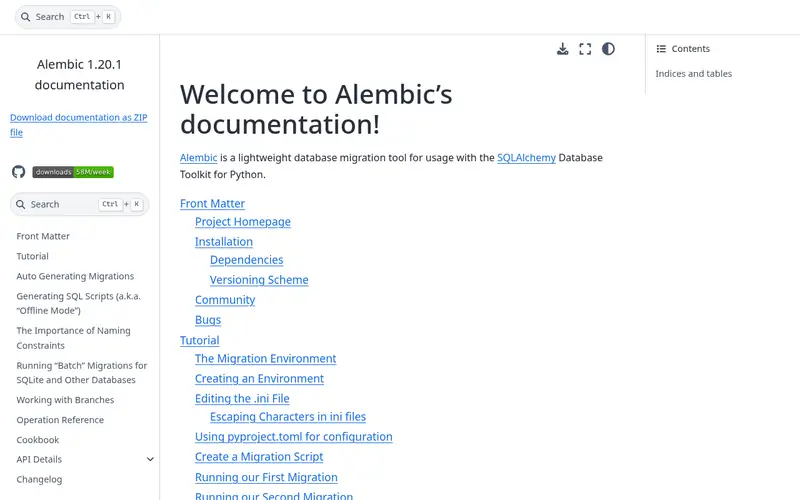
Alembic is the migration tool for SQLAlchemy, the Python database toolkit. It can autogenerate migration scripts by comparing your SQLAlchemy models against the current database schema, then apply those migrations in order. It supports the databases SQLAlchemy supports, including PostgreSQL, MySQL, SQLite and SQL Server.
It is not a standalone schema diff utility. It works within a Python project that uses SQLAlchemy, so it fits application teams already on that stack. Autogeneration does not catch every change, so migrations need review. Teams outside Python should use Flyway or Liquibase instead.
Standout: Integrates with SQLAlchemy models
Free (open source), as listed by the vendor (Alembic website). Confirm the current plan price before you buy.
Free plan. Plans change, so confirm on the vendor's pricing page before you buy.
Benefits
- Integrates with SQLAlchemy models
- autogenerates migration scripts
Drawbacks
- Python and SQLAlchemy only
- requires application context
Skip it if this limit matters to you: python and SQLAlchemy only.
Verdict. A sensible pick for python teams using SQLAlchemy who want versioned migrations.
Alternatives in this guide: Redgate SQL Compare, Flyway, Liquibase
Who should use what
SQL Server teams that want a reviewable diff before deployment should start with Redgate SQL Compare or dbForge Schema Compare. Teams on mixed or non-SQL Server databases that want versioned changes in source control should use Flyway or Liquibase. PostgreSQL-only teams that want a free GUI can use pgAdmin's Schema Diff. Developers who already live in DBeaver can use its comparison features across engines. Python teams on SQLAlchemy should use Alembic so migrations stay tied to their models.
Questions to settle before you buy
What to check before you buy
- Confirm the tool supports your database engine and version, not just one of them.
- Check whether it diffs live schemas, tracks migration versions, or both.
- Verify the platform: Windows-only tools will not run on macOS or Linux.
- Review the licence: open source, per-user, or per-server, and what the free tier allows.
- Point the tool at a test or staging copy, never production, and check what credentials it stores.
FAQ
What is the difference between a schema comparison tool and a migration tool?
A schema comparison tool diffs two live database schemas and can generate a sync script. A migration tool tracks ordered change files and applies them over time. Some tools, like Liquibase, do both. Pick based on whether you need a one-time diff or a versioned change history.
Can I compare schemas for free?
Yes. pgAdmin includes a Schema Diff feature for PostgreSQL, DBeaver Community includes comparison for supported engines, and Flyway, Liquibase and Alembic are free open-source migration tools. Paid products like Redgate SQL Compare and dbForge Schema Compare offer trials.
Do these tools work with PostgreSQL and MySQL?
Flyway, Liquibase and DBeaver support both. pgAdmin is PostgreSQL only. Redgate SQL Compare and dbForge Schema Compare target SQL Server. Alembic supports the databases SQLAlchemy supports, including PostgreSQL and MySQL.
Is it safe to connect a comparison tool to production?
Avoid it. Comparison tools read schema metadata and may generate scripts, and some store connection credentials. Run them against a restored copy or a staging database. If you must connect to production, use a read-only account and review any generated script before running it.
Which tool should a small team start with?
If you are on one database engine and want a quick diff, start with the free client for that engine, such as pgAdmin for PostgreSQL or DBeaver for several engines. If you want changes tracked in source control, start with Flyway or Liquibase.
Sources we checked
Method: how we score · editorial policy.
Change log. First published 22 Nov 2026.