Stage 03 · Host · Researched comparison
Best ClickHouse GUI Clients in 2026
DBeaver suits most developers who want one free, cross-platform client for ClickHouse and other databases. For a browser-based SQL workspace built specifically for ClickHouse, use ClickHouse Cloud's built-in SQL console. If you prefer a lightweight native desktop app, DataGrip is a strong paid option with deep SQL editing. Each covers a different workflow: general database work, cloud-native querying, or IDE-grade editing.

By Shihab Mia
Published 22 Nov 2026 · 7 tools compared
We run no ads and no affiliate links at launch. The order of a list follows our published method. See how we score.
Prices are the starting prices vendors list publicly. Plans change, so confirm the current price on the vendor page before you buy.
Key takeaways
- DBeaver Community is free and open source, runs on Windows, macOS and Linux, and connects to ClickHouse through its JDBC driver.
- ClickHouse Cloud includes a web SQL console, but it only works with ClickHouse Cloud services, not self-hosted servers.
- DataGrip is a paid JetBrains IDE with a free trial; confirm current pricing on the vendor page.
- For online or hosted query tools, avoid pasting credentials or production data into pages you do not control.
Who each pick is for
- One free client for ClickHouse and other databasesDBeaver
- Querying ClickHouse Cloud services in the browserClickHouse Cloud SQL Console
- IDE-grade SQL editing for ClickHouseDataGrip
- Command-line querying on self-hosted serversClickHouse Client (clickhouse-client)
- Browser-based ClickHouse querying for self-hosted serversTabix
- Dashboards and questions over ClickHouse dataMetabase
- Shared SQL queries and dashboards on ClickHouseRedash
Comparison
| Tool | Best for | Standout feature | Listed starting price | Free plan or trial |
|---|---|---|---|---|
| 1DBeaver | One free client for ClickHouse and other databases | Free community edition | Free (open source) | Free plan |
| 2ClickHouse Cloud SQL Console | Querying ClickHouse Cloud services in the browser | Built into ClickHouse Cloud | See vendor pricing page | Free trial (30 days) |
| 3DataGrip | IDE-grade SQL editing for ClickHouse | Strong SQL editor with code completion | See vendor pricing page | Free trial (30 days) |
| 4ClickHouse Client (clickhouse-client) | Command-line querying on self-hosted servers | Ships with ClickHouse | Free (open source) | Free plan |
| 5Tabix | Browser-based ClickHouse querying for self-hosted servers | Web UI for ClickHouse | Free (open source) | Free plan |
| 6Metabase | Dashboards and questions over ClickHouse data | Open-source edition | Free (open source) | Free plan |
| 7Redash | Shared SQL queries and dashboards on ClickHouse | Open-source self-hosted option | Free (open source) | Free plan |
How we picked
We picked tools that connect to ClickHouse and cover different workflows: general database clients, ClickHouse-specific web UIs, BI tools and the official CLI. Criteria were fit for querying and browsing ClickHouse, supported platforms, licence and price, whether data can stay local or self-hosted, and known limits. Sources are vendor pages, official documentation and project repositories. Prices and plans change, so confirm details on the vendor site before you buy.
The tools, one by one
DBeaver
Best for one free client for ClickHouse and other databases
What it is and where it fits
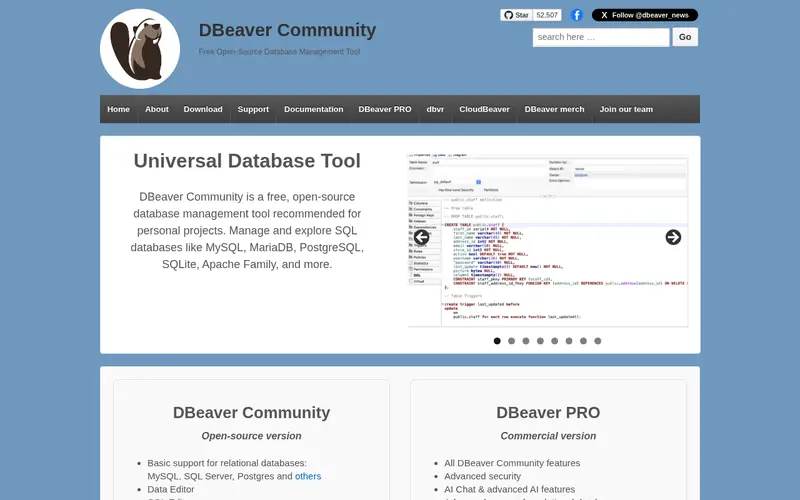
DBeaver is a general-purpose database client that connects to ClickHouse through a JDBC driver. It runs on Windows, macOS and Linux. The Community edition is free and open source under Apache 2.0. Paid DBeaver PRO and Team editions add features such as advanced data transfer and collaboration, but the free edition handles querying, schema browsing and result export.
For ClickHouse work, DBeaver gives you a SQL editor, a table and column browser, and result grids. It is a good fit if you already use several databases and want one tool. The trade-off is that ClickHouse-specific features like native query profiling are not as deep as in a dedicated client. Skip it if you need a minimal, ClickHouse-only interface.
Standout: Free community edition
Free (open source), as listed by the vendor (DBeaver website). Confirm the current plan price before you buy.
Free plan. Plans change, so confirm on the vendor's pricing page before you buy.
Benefits
- Free community edition
- cross-platform with a ClickHouse driver
- broad database support
Drawbacks
- Interface can feel heavy
- advanced features sit in paid editions
Skip it if this limit matters to you: interface can feel heavy.
Verdict. A sensible pick for one free client for ClickHouse and other databases.
Alternatives in this guide: ClickHouse Cloud SQL Console, DataGrip, ClickHouse Client (clickhouse-client)
ClickHouse Cloud SQL Console
Best for querying ClickHouse Cloud services in the browser
What it is and where it fits
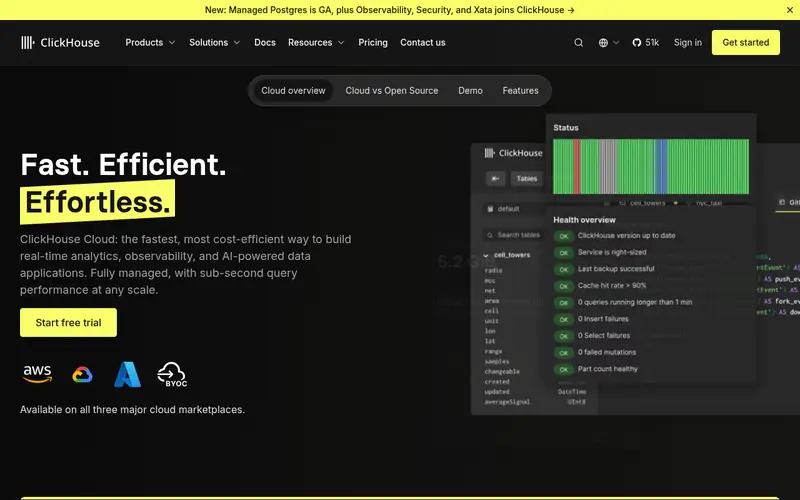
ClickHouse Cloud includes a web-based SQL console for running queries against your cloud services. It opens in the browser, so there is nothing to install. You sign in to your ClickHouse Cloud account and query the services in that account. Because it runs inside the vendor's platform, your data stays within your cloud service rather than passing through an unrelated third-party page.
The console is part of ClickHouse Cloud, which is a paid managed service. ClickHouse lists a free trial on its pricing page; confirm current terms there. The console is not a standalone product and does not connect to self-hosted ClickHouse servers. Choose it if your ClickHouse runs in ClickHouse Cloud and you want a quick browser workspace. Skip it if you run your own servers.
Standout: Built into ClickHouse Cloud
See vendor pricing page, as listed by the vendor (ClickHouse Cloud SQL Console website). Confirm the current plan price before you buy.
Free trial (30 days). Plans change, so confirm on the vendor's pricing page before you buy.
Benefits
- Built into ClickHouse Cloud
- no local install
- runs queries against your cloud service
Drawbacks
- Only works with ClickHouse Cloud
- not for self-hosted servers
Skip it if this limit matters to you: only works with ClickHouse Cloud.
Verdict. A sensible pick for querying ClickHouse Cloud services in the browser.
Alternatives in this guide: DBeaver, DataGrip, ClickHouse Client (clickhouse-client)
DataGrip
Best for iDE-grade SQL editing for ClickHouse
What it is and where it fits
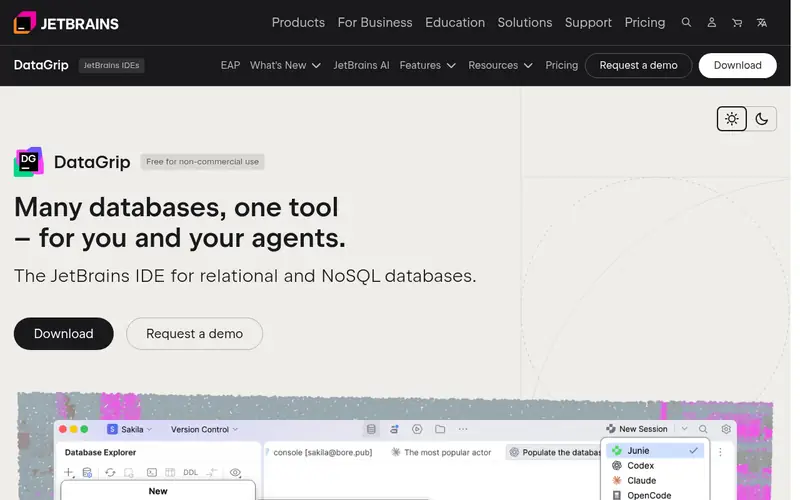
DataGrip is JetBrains' database IDE. It runs on Windows, macOS and Linux and connects to ClickHouse through a driver. It offers code completion, refactoring, query history and a schema explorer. It is aimed at developers who spend much of the day writing SQL and want IDE features such as navigation and version-control integration.
DataGrip is commercial software sold as a subscription, with a free trial. JetBrains publishes current prices and a free trial on its site. The IDE is heavier than a small query client and costs money, so it suits teams already in the JetBrains ecosystem. Skip it if you only run occasional queries or want a free tool.
Standout: Strong SQL editor with code completion
See vendor pricing page, as listed by the vendor (DataGrip website). Confirm the current plan price before you buy.
Free trial (30 days). Plans change, so confirm on the vendor's pricing page before you buy.
Benefits
- Strong SQL editor with code completion
- cross-platform JetBrains IDE
Drawbacks
- Paid subscription
- heavier than a simple query tool
Skip it if this limit matters to you: paid subscription.
Verdict. A sensible pick for IDE-grade SQL editing for ClickHouse.
Alternatives in this guide: DBeaver, ClickHouse Cloud SQL Console, ClickHouse Client (clickhouse-client)
ClickHouse Client (clickhouse-client)
Best for command-line querying on self-hosted servers
What it is and where it fits
The official clickhouse-client is the command-line interface that ships with ClickHouse. It is not a GUI, but it belongs in this list because many developers reach for it first. It connects to local and remote servers, supports interactive queries and can run scripts. It is free and open source as part of the ClickHouse project.
Use it when you want speed, scripting or automation. It has no visual schema browser or result grid, so it is a poor fit for people who want point-and-click exploration. Pair it with a GUI client when you need both. Because it runs locally, your queries and credentials do not pass through a third-party web page.
Standout: Ships with ClickHouse
Free (open source), as listed by the vendor (ClickHouse Client (clickhouse-client) website). Confirm the current plan price before you buy.
Free plan. Plans change, so confirm on the vendor's pricing page before you buy.
Benefits
- Ships with ClickHouse
- scriptable and fast
- no GUI overhead
Drawbacks
- No graphical interface
- requires comfort with a terminal
Skip it if this limit matters to you: no graphical interface.
Verdict. A sensible pick for command-line querying on self-hosted servers.
Alternatives in this guide: DBeaver, ClickHouse Cloud SQL Console, DataGrip
Tabix
Best for browser-based ClickHouse querying for self-hosted servers
What it is and where it fits
Tabix is an open-source web interface for ClickHouse. You can run it as a hosted service or self-host it, which matters if you want your queries to stay on your own infrastructure. It provides a SQL editor, a schema browser and result tables in the browser. It is built specifically for ClickHouse rather than as a general database tool.
Because it is open source, you can inspect and deploy it yourself. A self-hosted Tabix keeps credentials and data inside your network, which is safer than a public web page. The project is smaller than commercial IDEs, so expect fewer advanced editing features. Choose it if you want a ClickHouse-focused web UI you control.
Standout: Web UI for ClickHouse
Free (open source), as listed by the vendor (Tabix website). Confirm the current plan price before you buy.
Free plan. Plans change, so confirm on the vendor's pricing page before you buy.
Benefits
- Web UI for ClickHouse
- can be self-hosted
- open source
Drawbacks
- Smaller project
- fewer features than large database IDEs
Skip it if this limit matters to you: smaller project.
Verdict. A sensible pick for browser-based ClickHouse querying for self-hosted servers.
Alternatives in this guide: DBeaver, ClickHouse Cloud SQL Console, DataGrip
Metabase
Best for dashboards and questions over ClickHouse data
What it is and where it fits
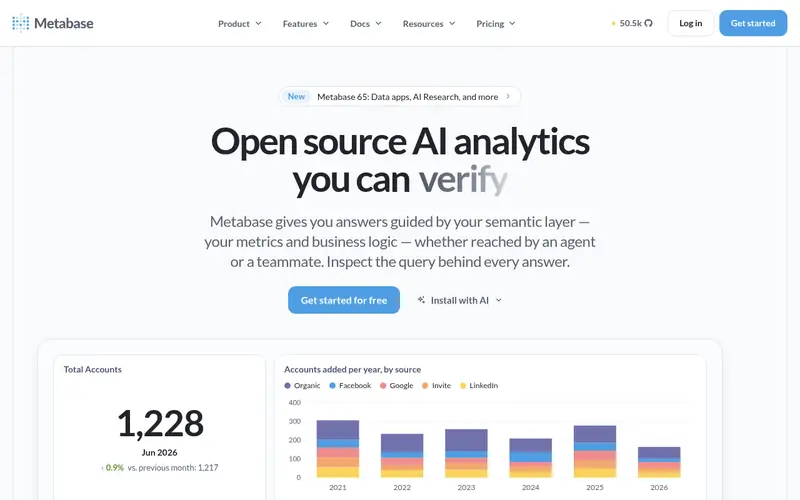
Metabase is an open-source business intelligence tool with a ClickHouse driver. It lets you build questions and dashboards visually, and it also has a native SQL editor. It runs as a self-hosted application or as a hosted service. The open-source edition is free; hosted and enterprise plans are paid, with pricing on the vendor site.
Metabase is a better fit for reporting and sharing dashboards than for deep query tuning. If your job is to explore ClickHouse schemas and write SQL, a dedicated client is more direct. Use Metabase when stakeholders need charts and saved questions on top of ClickHouse. Self-hosting keeps data on your own servers.
Standout: Open-source edition
Free (open source), as listed by the vendor (Metabase website). Confirm the current plan price before you buy.
Free plan. Plans change, so confirm on the vendor's pricing page before you buy.
Benefits
- Open-source edition
- visual question builder and dashboards
- ClickHouse driver
Drawbacks
- Aimed at BI, not low-level query tuning
- hosted plans cost money
Skip it if this limit matters to you: aimed at BI, not low-level query tuning.
Verdict. A sensible pick for dashboards and questions over ClickHouse data.
Alternatives in this guide: DBeaver, ClickHouse Cloud SQL Console, DataGrip
Redash
Best for shared SQL queries and dashboards on ClickHouse
What it is and where it fits
Redash is an open-source query and dashboard tool. It supports ClickHouse as a data source and lets you write SQL, save queries and build visualizations. You can self-host it, which keeps data on your own infrastructure. The project is open source; hosted options exist but check the vendor site for current terms.
Redash suits teams that want to share saved queries and dashboards. It is less suited to interactive schema browsing or day-to-day query editing, where a dedicated client is faster. If you self-host, your credentials and results stay inside your network. Confirm maintenance status and current hosting options on the project site before committing.
Standout: Open-source self-hosted option
Free (open source), as listed by the vendor (Redash website). Confirm the current plan price before you buy.
Free plan. Plans change, so confirm on the vendor's pricing page before you buy.
Benefits
- Open-source self-hosted option
- query editor with visualizations
- ClickHouse data source
Drawbacks
- Self-hosting takes setup
- not a schema browser for daily editing
Skip it if this limit matters to you: self-hosting takes setup.
Verdict. A sensible pick for shared SQL queries and dashboards on ClickHouse.
Alternatives in this guide: DBeaver, ClickHouse Cloud SQL Console, DataGrip
Who should use what
If you work across several databases and want one free client, start with DBeaver. If your ClickHouse runs in ClickHouse Cloud and you want a browser workspace, use the built-in SQL Console. If you write SQL all day and want IDE features, DataGrip is the paid choice. For self-hosted servers and a ClickHouse-focused web UI you control, try Tabix. Teams that need shared dashboards should look at Metabase or Redash, and scripters can stay with clickhouse-client.
Questions to settle before you buy
What to check before you buy
- Confirm the client supports your ClickHouse version and whether you run self-hosted or cloud.
- Check the licence and whether a paid tier is needed for the features you want.
- Verify the client runs on your OS, or works in the browser if you prefer no install.
- For web tools, confirm whether you can self-host so credentials and data stay on your network.
- Check how the client handles large result sets and long-running queries.
FAQ
What is the best free ClickHouse GUI client?
DBeaver Community is a strong free option: it is open source, cross-platform and connects to ClickHouse. Tabix is a free open-source web UI built for ClickHouse that you can self-host. Both avoid paid licences, though they differ in interface and ClickHouse-specific depth.
Can I use DBeaver with ClickHouse?
Yes. DBeaver connects to ClickHouse through a JDBC driver and lets you browse schemas, run SQL and export results. It is a general database client, so ClickHouse-specific features are lighter than in a dedicated tool, but it works for everyday querying.
Is there a ClickHouse GUI that runs in the browser?
Yes. ClickHouse Cloud includes a web SQL console for cloud services. Tabix is an open-source web UI you can host yourself. For hosted or online tools, avoid pasting credentials or production data into pages you do not control.
Do I need a paid client for ClickHouse?
No. Free and open-source options like DBeaver Community, Tabix and clickhouse-client cover most work. Paid tools such as DataGrip add IDE features. Check vendor pages for current pricing and trial terms.
What is the difference between a ClickHouse GUI client and a BI tool?
A GUI client focuses on writing SQL, browsing schemas and inspecting results. A BI tool like Metabase or Redash focuses on saved questions, charts and dashboards for sharing. Many teams use both: a client for development and a BI tool for reporting.
Sources we checked
Method: how we score · editorial policy.
Change log. First published 22 Nov 2026.