Stage 03 · Host · Researched comparison
Best Cassandra GUI Clients in 2026
DBeaver suits most developers who want one client for Cassandra and other databases, because its Community edition is free and open source and runs on Windows, macOS and Linux. For teams that prefer a browser-based tool with a free tier, Apache Cassandra GUI options like DataStax Astra and cqlsh-style web consoles are worth a look. For a paid, focused desktop client, TablePlus and DataGrip are the usual alternatives.

By Shihab Mia
Published 22 Nov 2026 · 5 tools compared
We run no ads and no affiliate links at launch. The order of a list follows our published method. See how we score.
Prices are the starting prices vendors list publicly. Plans change, so confirm the current price on the vendor page before you buy.
Key takeaways
- DBeaver Community is free and open source, and supports Apache Cassandra through a driver extension.
- DataGrip is a paid JetBrains IDE-style client with a free trial, not a free tier.
- Browser-based consoles avoid local installs but send queries over the network, so check where data is stored.
- Desktop clients that connect directly to your cluster keep credentials on your machine, which is safer for production keyspaces.
Who each pick is for
- Developers who want one free client for many databasesDBeaver
- JetBrains users who want a polished paid IDEDataGrip
- Developers who want a fast native desktop clientTablePlus
- Teams using DataStax's managed Cassandra serviceDataStax Astra DB
- Quick CQL queries from a terminalcqlsh
Comparison
| Tool | Best for | Standout feature | Listed starting price | Free plan or trial |
|---|---|---|---|---|
| 1DBeaver | Developers who want one free client for many databases | Free Community edition | Free (open source) | Free plan |
| 2DataGrip | JetBrains users who want a polished paid IDE | Strong CQL editor with code completion | See vendor pricing page | Free trial (30 days) |
| 3TablePlus | Developers who want a fast native desktop client | Native app for macOS and Windows | See vendor pricing page | Free trial |
| 4DataStax Astra DB | Teams using DataStax's managed Cassandra service | Browser-based console | See vendor pricing page | Free tier |
| 5cqlsh | Quick CQL queries from a terminal | Ships with Apache Cassandra | Free (open source) | Free plan |
How we picked
We picked tools that connect to Apache Cassandra or Cassandra-compatible databases and let you browse keyspaces, run CQL and inspect results. Criteria were fit for the job, supported platforms, price and licence model, whether queries run locally or through a hosted console, and main limits. Sources are vendor pages, official documentation and project repositories. Prices and free-tier limits change, so confirm details on the vendor site before you commit.
The tools, one by one
DBeaver
Best for developers who want one free client for many databases
What it is and where it fits
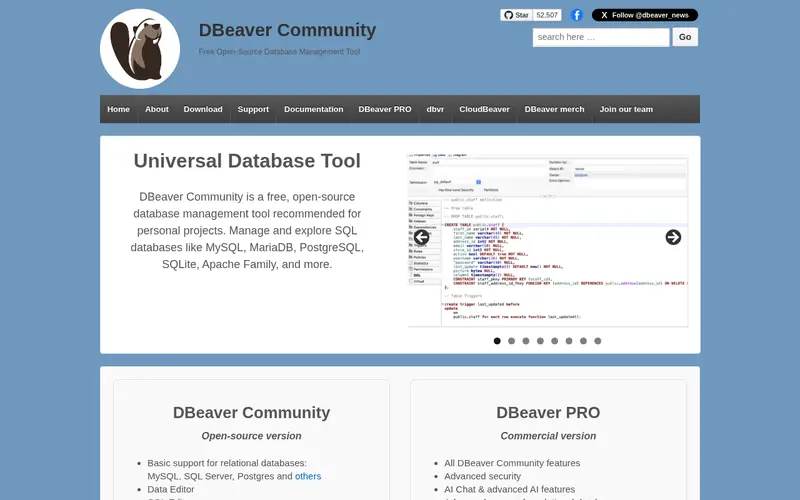
DBeaver is a general-purpose database client that connects to Apache Cassandra through a JDBC driver. The Community edition is free and open source and runs on Windows, macOS and Linux. You add a Cassandra connection, point it at your contact points and port, and browse keyspaces and tables from a tree view. The SQL editor handles CQL queries, and results appear in a grid you can export.
Because it targets many databases, the Cassandra experience is less tailored than a dedicated tool. You may need to install the driver and set connection properties yourself. The paid DBeaver PRO editions add features for teams, but the free edition covers browsing and querying. Skip it if you want a client built only for Cassandra with no setup steps.
Standout: Free Community edition
Free (open source), as listed by the vendor (DBeaver website). Confirm the current plan price before you buy.
Free plan. Plans change, so confirm on the vendor's pricing page before you buy.
Benefits
- Free Community edition
- cross-platform desktop app
Drawbacks
- Cassandra support needs a driver setup
- interface can feel heavy
Skip it if this limit matters to you: cassandra support needs a driver setup.
Verdict. A sensible pick for developers who want one free client for many databases.
Alternatives in this guide: DataGrip, TablePlus, DataStax Astra DB
DataGrip
Best for jetBrains users who want a polished paid IDE
What it is and where it fits
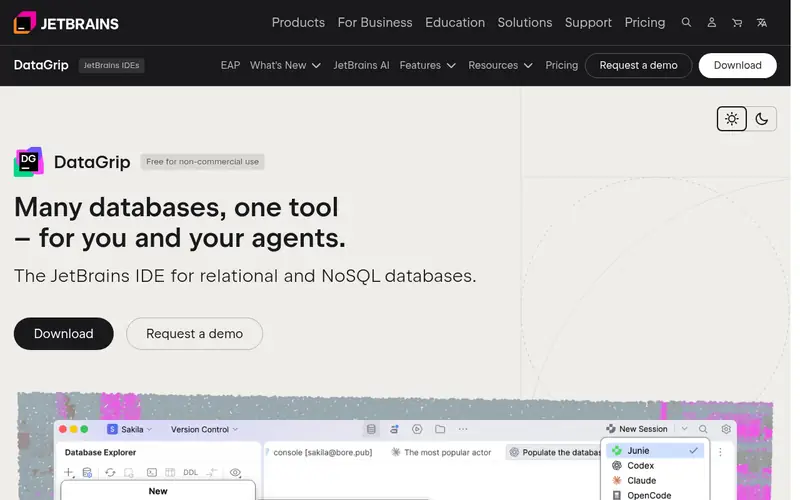
DataGrip is JetBrains' database IDE. It connects to Apache Cassandra and provides a CQL editor with completion, syntax highlighting and refactoring. You can browse keyspaces, inspect table schemas and run queries against a cluster. It runs on Windows, macOS and Linux and shares keybindings and settings with other JetBrains tools, which helps if you already use them.
DataGrip is commercial software sold as a subscription, with a free trial. Pricing varies by region and plan, so check the vendor page. It is a good fit for developers already in the JetBrains ecosystem who want one IDE for code and databases. Skip it if you need a free tool or only run occasional queries.
Standout: Strong CQL editor with code completion
See vendor pricing page, as listed by the vendor (DataGrip website). Confirm the current plan price before you buy.
Free trial (30 days). Plans change, so confirm on the vendor's pricing page before you buy.
Benefits
- Strong CQL editor with code completion
- consistent with other JetBrains IDEs
Drawbacks
- Paid subscription
- heavier than a small utility
Skip it if this limit matters to you: paid subscription.
Verdict. A sensible pick for jetBrains users who want a polished paid IDE.
Alternatives in this guide: DBeaver, TablePlus, DataStax Astra DB
TablePlus
Best for developers who want a fast native desktop client
What it is and where it fits
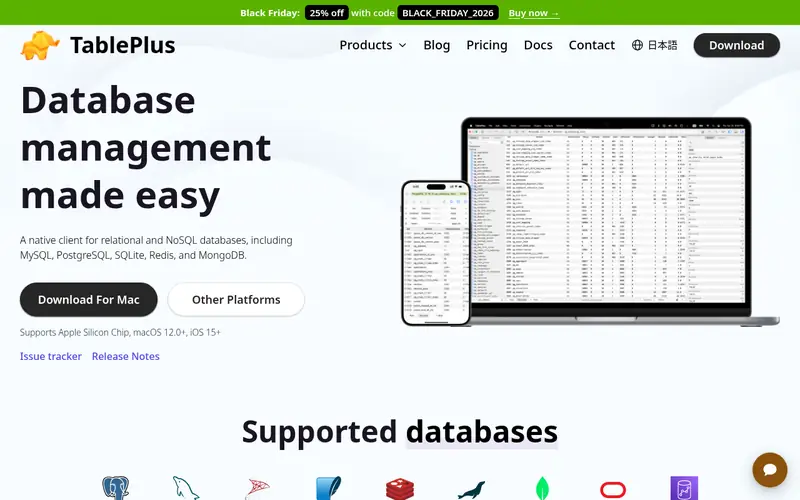
TablePlus is a native database client for macOS and Windows. It supports Apache Cassandra among many databases, letting you connect to a cluster, browse keyspaces and tables, and run CQL. The interface is fast and focused on table data, with inline editing and export options. It is a good choice if you want a lightweight desktop app rather than a full IDE.
TablePlus is commercial. You can download it and try it, but continued use requires a licence, and pricing is on the vendor site. Some database drivers are updated separately, so confirm Cassandra support for your server version before buying. Skip it if you need a free client or Linux support.
Standout: Native app for macOS and Windows
See vendor pricing page, as listed by the vendor (TablePlus website). Confirm the current plan price before you buy.
Free trial. Plans change, so confirm on the vendor's pricing page before you buy.
Benefits
- Native app for macOS and Windows
- clean table browsing
Drawbacks
- Paid licence after trial
- Cassandra support depends on driver version
Skip it if this limit matters to you: paid licence after trial.
Verdict. A sensible pick for developers who want a fast native desktop client.
Alternatives in this guide: DBeaver, DataGrip, DataStax Astra DB
DataStax Astra DB
Best for teams using DataStax's managed Cassandra service
What it is and where it fits
Astra DB is DataStax's managed database service built on Cassandra-compatible technology. Its web console lets you browse keyspaces, run CQL and manage data from a browser. Because it is hosted, you do not install a client, and access is controlled through your DataStax account. It suits teams that already run on Astra or want a managed option.
The console is not a general-purpose GUI for any Cassandra cluster. It works with Astra databases, so if you run self-managed Apache Cassandra, look at desktop clients instead. Pricing and free-tier limits are on the vendor page. Check the current terms before you rely on the free tier for production work.
Standout: Browser-based console
See vendor pricing page, as listed by the vendor (DataStax Astra DB website). Confirm the current plan price before you buy.
Free tier. Plans change, so confirm on the vendor's pricing page before you buy.
Benefits
- Browser-based console
- managed service with no local install
Drawbacks
- Tied to DataStax's hosted platform
- not a client for arbitrary clusters
Skip it if this limit matters to you: tied to DataStax's hosted platform.
Verdict. A sensible pick for teams using DataStax's managed Cassandra service.
cqlsh
Best for quick CQL queries from a terminal
What it is and where it fits
cqlsh is the command-line shell that ships with Apache Cassandra. It connects to a cluster and runs CQL statements, shows results as text tables and supports scripting. It is free and open source and is the fastest way to check a cluster or run a one-off query. It runs anywhere Python and the Cassandra tools are installed.
It is not a GUI, so it does not replace a visual client for browsing schemas or editing rows. It is best used alongside a desktop tool. Because it runs locally and connects directly to your cluster, credentials stay on your machine. Skip it if you need a graphical interface.
Standout: Ships with Apache Cassandra
Free (open source), as listed by the vendor (cqlsh website). Confirm the current plan price before you buy.
Free plan. Plans change, so confirm on the vendor's pricing page before you buy.
Benefits
- Ships with Apache Cassandra
- no extra install
Drawbacks
- Command-line only
- no visual table browser
Skip it if this limit matters to you: command-line only.
Verdict. A sensible pick for quick CQL queries from a terminal.
Who should use what
If you want one free client for Cassandra and other databases, start with DBeaver Community. If you already use JetBrains tools and want database access in your IDE, DataGrip fits. If you need a quick check from a server, cqlsh is already installed with Apache Cassandra. Teams on DataStax's managed service should use the Astra console for that platform.
Questions to settle before you buy
What to check before you buy
- Confirm the client supports your Cassandra or ScyllaDB server version.
- Check which platforms it runs on, especially if you use Linux.
- Decide whether you need a free tool, a trial or a paid licence.
- Confirm whether queries run locally or through a hosted console, and where credentials are stored.
- Test keyspace browsing and CQL editing on a non-production cluster first.
FAQ
Do I need a GUI client for Cassandra?
No. cqlsh ships with Apache Cassandra and handles queries from a terminal. A GUI client helps with browsing schemas, editing rows and running queries without memorizing commands, which is useful for larger keyspaces and team workflows.
Are there free Cassandra GUI clients?
Yes. DBeaver Community is free and open source, and cqlsh is free with Apache Cassandra. Some commercial clients offer free trials but require a licence for continued use. Check the vendor page for current terms.
Can these clients connect to ScyllaDB?
ScyllaDB speaks the Cassandra Query Language, so many Cassandra clients can connect to it. Confirm driver and protocol compatibility for your ScyllaDB version.
Is it safe to use a browser-based Cassandra console?
Browser consoles send queries over the network to a hosted service. That is fine for managed platforms where the provider controls the cluster. For self-managed clusters with sensitive data, a desktop client that connects directly keeps credentials on your machine.
What should I check before paying for a client?
Confirm Cassandra support for your server version, the platforms you need, and whether the licence is a subscription or one-time purchase. Test on a non-production cluster and review the vendor's pricing page, since prices change.
Sources we checked
Method: how we score · editorial policy.
Change log. First published 22 Nov 2026.