Stage 01 · Write · Researched comparison
Best Rust TUI Libraries for Terminal Apps in 2026
ratatui is the first pick for most teams building a Rust terminal UI. It is the actively maintained successor to tui-rs, has a wide widget set and a large body of examples. Pick cursive if you want a higher-level, callback-driven framework with built-in views. Pick crossterm if you only need cross-platform terminal control and plan to draw the interface yourself.

By Shihab Mia
Published 27 Nov 2026 · 5 tools compared
We run no ads and no affiliate links at launch. The order of a list follows our published method. See how we score.
Prices are the starting prices vendors list publicly. Plans change, so confirm the current price on the vendor page before you buy.
Key takeaways
- ratatui is the most common starting point and replaces the archived tui-rs project.
- cursive bundles layout and widgets, while crossterm and termion focus on terminal control.
- All five libraries listed here are free and open source under permissive licences.
- These crates run in your own binary, so terminal output stays local and nothing is sent to a third party.
Who each pick is for
Comparison
| Tool | Best for | Standout feature | Listed starting price | Free plan or trial |
|---|---|---|---|---|
| 1ratatui | General-purpose terminal UIs with a large widget set | Active development and a broad widget catalogue | Free (open source) | Free plan |
| 2cursive | Higher-level apps that want built-in views and callbacks | Ships ready-made views such as dialogs, menus and text areas | Free (open source) | Free plan |
| 3crossterm | Cross-platform terminal control as a drawing backend | Works across Linux, macOS and Windows with one API | Free (open source) | Free plan |
| 4termion | Low-level terminal control on Unix-like systems | Small, dependency-light API for colors, cursor and raw mode | Free (open source) | Free plan |
| 5tui-realm | Component-based apps built on ratatui | Component and event model on top of ratatui | Free (open source) | Free plan |
How we picked
We compared crates on fit for building terminal interfaces, platform support, licence, maintenance activity and how much work they leave to the developer. Sources are the official project sites, documentation and repositories. We did not run benchmarks or collect user reviews. Prices and licences can change, so confirm details on the project page before you adopt a crate.
The tools, one by one
ratatui
Best for general-purpose terminal UIs with a large widget set
What it is and where it fits
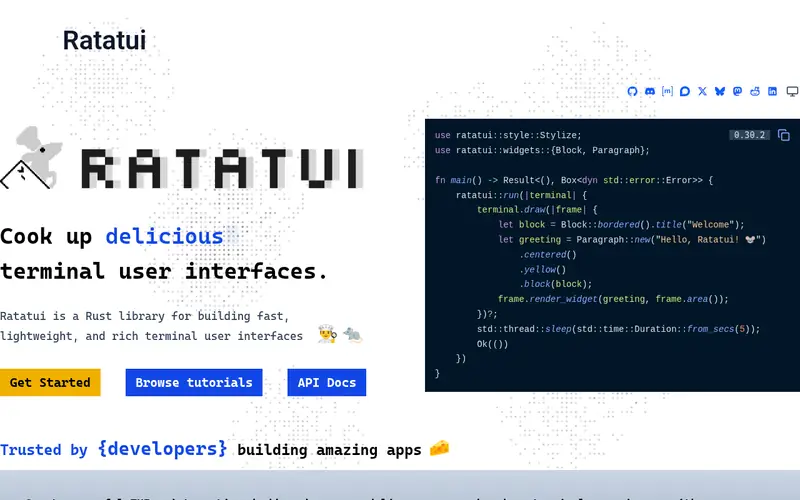
ratatui is a library for building terminal user interfaces in Rust. It uses an immediate-mode model: you describe the whole frame each time and the library diffs it against the previous one. It ships widgets for blocks, lists, tables, charts, gauges, tabs and text input, plus layout primitives for splitting the screen into regions. It is the maintained successor to tui-rs, which is archived.
The crate is backend-agnostic. It works with crossterm and termion backends, so you can pick the terminal layer that fits your targets. It runs on Linux, macOS and Windows, and the project documents examples and templates on its site. The licence is MIT.
Because it is immediate-mode, you manage application state and event loops yourself. Teams that want prebuilt views and a message-based structure may prefer a framework. Teams that want control over every pixel of the terminal will find ratatui a good fit. Check the repository for the current release and minimum supported Rust version.
Standout: Active development and a broad widget catalogue
Free (open source), as listed by the vendor (ratatui website). Confirm the current plan price before you buy.
Free plan. Plans change, so confirm on the vendor's pricing page before you buy.
Benefits
- Active development and a broad widget catalogue
- Immediate-mode rendering that is easy to reason about
Drawbacks
- You assemble layout and state handling yourself
- Widget styling takes more code than a full framework
Skip it if this limit matters to you: you assemble layout and state handling yourself.
Verdict. A sensible pick for general-purpose terminal UIs with a large widget set.
cursive
Best for higher-level apps that want built-in views and callbacks
What it is and where it fits
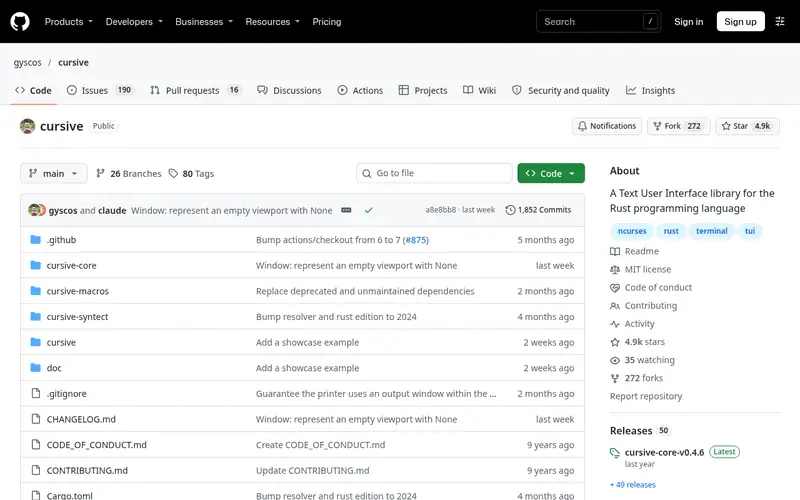
cursive is a higher-level TUI framework for Rust. Instead of drawing each frame yourself, you build a tree of views and the framework handles rendering and layout. It includes common views: dialogs, menus, edit fields, text areas, lists, progress bars and scroll views. Events are routed to callbacks, which suits form-style and menu-driven applications.
The library is built on its own backend abstraction and supports several terminal backends, including crossterm and termion. It runs on Linux, macOS and Windows. The project is MIT licensed.
cursive is a good match when your interface looks like a set of screens and dialogs. It is less suited to custom visualisations or highly dynamic dashboards, where immediate-mode crates give you finer control. Confirm the current release and backend support on the repository before you commit.
Standout: Ships ready-made views such as dialogs, menus and text areas
Free (open source), as listed by the vendor (cursive website). Confirm the current plan price before you buy.
Free plan. Plans change, so confirm on the vendor's pricing page before you buy.
Benefits
- Ships ready-made views such as dialogs, menus and text areas
- Callback-based event handling reduces boilerplate
Drawbacks
- Less flexible for custom drawing than immediate-mode crates
- Smaller ecosystem of third-party widgets than ratatui
Skip it if this limit matters to you: less flexible for custom drawing than immediate-mode crates.
Verdict. A sensible pick for higher-level apps that want built-in views and callbacks.
crossterm
Best for cross-platform terminal control as a drawing backend
What it is and where it fits
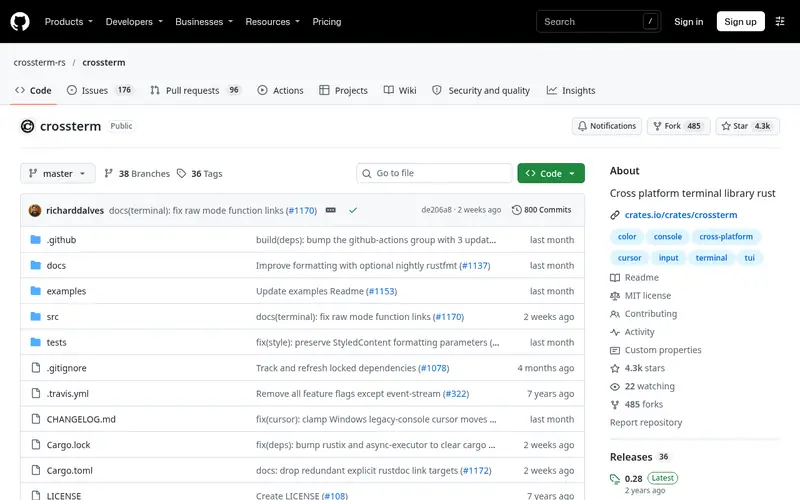
crossterm is a cross-platform terminal manipulation library. It gives you raw mode, cursor movement, color and style control, and an event system for keyboard, mouse and resize input. It is often used as the backend under ratatui, but it also works on its own for smaller tools.
The main draw is portability. The same API covers Unix terminals and the Windows console, which removes a common source of platform-specific code. The crate is MIT licensed and is widely used in command-line tools.
crossterm does not provide widgets, layout or a rendering loop. If you need tables and panels, pair it with ratatui rather than building those from scratch. It suits developers writing small interactive tools, progress displays or custom full-screen output who want direct control over escape sequences.
Standout: Works across Linux, macOS and Windows with one API
Free (open source), as listed by the vendor (crossterm website). Confirm the current plan price before you buy.
Free plan. Plans change, so confirm on the vendor's pricing page before you buy.
Benefits
- Works across Linux, macOS and Windows with one API
- Handles input events, cursor, colors and raw mode
Drawbacks
- Not a widget toolkit, so you draw everything yourself
- You must manage screen state and redraws manually
Skip it if this limit matters to you: not a widget toolkit, so you draw everything yourself.
Verdict. A sensible pick for cross-platform terminal control as a drawing backend.
termion
Best for low-level terminal control on Unix-like systems
What it is and where it fits
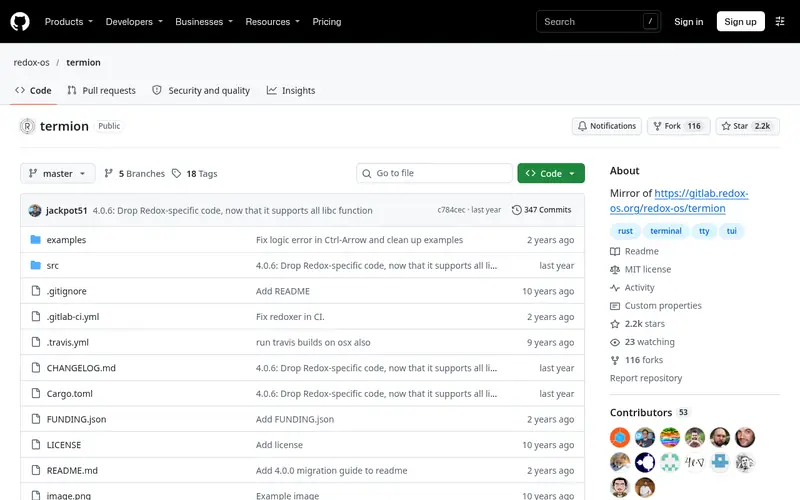
termion is a terminal control library aimed at Unix-like systems. It covers raw mode, cursor positioning, colors, clearing and asynchronous key input. It is small and has few dependencies, which keeps build times short.
It is a common backend choice for ratatui on Linux and macOS. On Windows, the project does not target the native console in the same way crossterm does, so cross-platform projects usually pick crossterm instead. The licence is MIT.
termion is a reasonable fit for Unix-only tools where you want a minimal dependency tree. It is not a widget library, so layout and drawing are your responsibility. If your application must run on Windows, treat termion as a secondary option and check the repository for current platform notes.
Standout: Small, dependency-light API for colors, cursor and raw mode
Free (open source), as listed by the vendor (termion website). Confirm the current plan price before you buy.
Free plan. Plans change, so confirm on the vendor's pricing page before you buy.
Benefits
- Small, dependency-light API for colors, cursor and raw mode
- Works as a ratatui backend
Drawbacks
- Unix-focused, with no first-class Windows console support
- Lower-level than widget frameworks
Skip it if this limit matters to you: unix-focused, with no first-class Windows console support.
Verdict. A sensible pick for low-level terminal control on Unix-like systems.
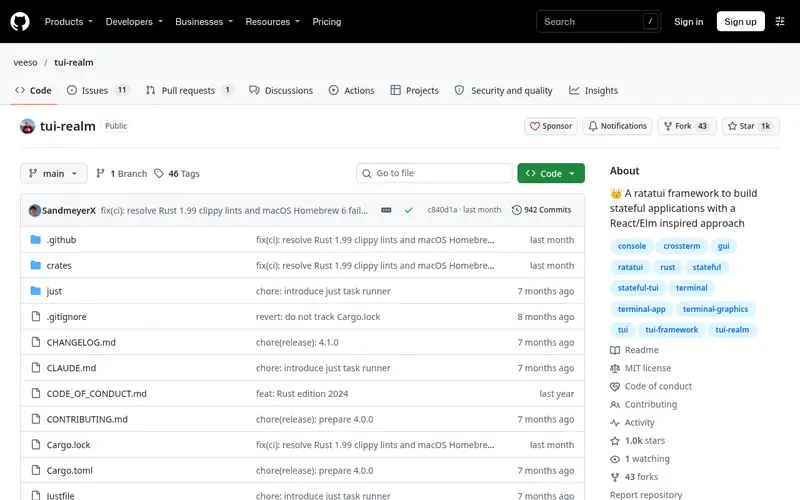
tui-realm
Best for component-based apps built on ratatui
What it is and where it fits
tui-realm is a framework that sits on top of ratatui and adds a component model. You define components with their own state and properties, and the framework routes events and messages between them. This suits applications that want reusable UI parts and a clearer separation between interface and logic.
Because it builds on ratatui, it inherits that crate's backend options and platform support. The project is MIT licensed.
The trade-off is indirection. You learn tui-realm's component and event conventions in addition to ratatui's rendering model. For small tools, plain ratatui is simpler. For larger applications with many screens and shared widgets, the structure can pay off. Check the repository for the current release and compatibility with your ratatui version.
Standout: Component and event model on top of ratatui
Free (open source), as listed by the vendor (tui-realm website). Confirm the current plan price before you buy.
Free plan. Plans change, so confirm on the vendor's pricing page before you buy.
Benefits
- Component and event model on top of ratatui
- Supports reusable widgets with their own state
Drawbacks
- Adds a layer of abstraction over ratatui
- Smaller community than ratatui itself
Skip it if this limit matters to you: adds a layer of abstraction over ratatui.
Verdict. A sensible pick for component-based apps built on ratatui.
Who should use what
If you are building a dashboard, log viewer or file browser, start with ratatui and a crossterm backend. If your app is mostly forms, menus and dialogs, cursive gives you those views out of the box. If you only need raw mode, colors and key events for a small tool, crossterm alone is enough. If you are on Unix only and want a minimal dependency tree, termion is a reasonable backend. If you want reusable components on top of ratatui, try tui-realm.
Questions to settle before you buy
What to check before you buy
- Confirm the crate supports every OS you ship to, especially Windows.
- Check the licence matches your project's distribution model.
- Verify the current release works with your Rust toolchain version.
- Decide whether you want immediate-mode drawing or a view framework.
- Read the backend options so you are not locked into one terminal layer.
FAQ
Is tui-rs still maintained?
No. tui-rs is archived. ratatui is its successor and is the crate to use for new projects. Porting usually means updating imports and adapting to API changes documented in the ratatui migration notes.
Do these libraries work on Windows?
ratatui, cursive and crossterm support Windows. crossterm is the usual backend choice for cross-platform apps because it handles the Windows console directly. termion targets Unix-like systems, so check platform notes before relying on it for Windows builds.
Are these libraries free?
Yes. All five projects listed here are open source under permissive licences, mainly MIT. There are no paid tiers. You can use them in commercial software, but read the licence text for attribution requirements.
Can I combine ratatui with crossterm?
Yes. ratatui is backend-agnostic and crossterm is a common backend. You use crossterm for raw mode and input events and ratatui for layout and widgets. This pairing is documented in the ratatui examples.
Do these tools send my terminal data anywhere?
No. These are libraries compiled into your own binary. They read and write the local terminal and do not transmit output to a third party. Any network calls come from code you add yourself.
Sources we checked
Method: how we score · editorial policy.
Change log. First published 27 Nov 2026.