Stage 01 · Write · Researched comparison
Best React Router Libraries in 2026
React Router is the first pick for most teams. It is the most widely used client router for React, and version 7 absorbed Remix, so it covers both single-page apps and full-stack framework use. TanStack Router suits projects that want typed, search-param-driven routing. wouter is a good fit when bundle size matters and you want a minimal router with no dependencies.

By Shihab Mia
Published 27 Nov 2026 · 6 tools compared
We run no ads and no affiliate links at launch. The order of a list follows our published method. See how we score.
Prices are the starting prices vendors list publicly. Plans change, so confirm the current price on the vendor page before you buy.
Key takeaways
- React Router, TanStack Router, wouter, @reach/router's successor work and Next.js App Router are all free or open source; none requires a paid licence.
- React Router v7 merged Remix, so one package now covers client routing and framework mode with loaders and actions.
- TanStack Router focuses on full type safety for routes and search params, which helps large TypeScript codebases.
- These libraries run in the browser and in Node builds; none sends your route data to a third party, but check any hosted framework service you add on top.
Who each pick is for
- Most React apps, from small SPAs to full-stack framework modeReact Router
- TypeScript teams that want typed routes and search paramsTanStack Router
- Small apps and widgets that need a tiny routerwouter
- Teams that want routing bundled with a full React frameworkNext.js App Router
- React Native and Expo apps that need file-based routingExpo Router
- React Native apps that want explicit navigator configurationReact Navigation
Comparison
| Tool | Best for | Standout feature | Listed starting price | Free plan or trial |
|---|---|---|---|---|
| 1React Router | Most React apps, from small SPAs to full-stack framework mode | Largest ecosystem and documentation | Free (open source) | Free plan |
| 2TanStack Router | TypeScript teams that want typed routes and search params | Full type safety for paths, params and search state | Free (open source) | Free plan |
| 3wouter | Small apps and widgets that need a tiny router | Very small footprint with no dependencies | Free (open source) | Free plan |
| 4Next.js App Router | Teams that want routing bundled with a full React framework | File-based routing with layouts, server components and streaming | Free (open source) | Free plan |
| 5Expo Router | React Native and Expo apps that need file-based routing | File-based routes shared across iOS, Android and web | Free (open source) | Free plan |
| 6React Navigation | React Native apps that want explicit navigator configuration | Mature and widely used in React Native | Free (open source) | Free plan |
How we picked
We compared libraries on fit for client routing in React, platform support, licence and price, and the main limits each one documents. Sources are official documentation, project repositories and public pricing pages. We did not run benchmarks or collect user reviews. Prices and plan details change, so confirm current terms on the vendor site before you commit.
The tools, one by one
React Router
Best for most React apps, from small SPAs to full-stack framework mode
What it is and where it fits
React Router is the default client-side router for React. It maps URL paths to components, supports nested routes, layouts, loaders, actions and error boundaries. Version 7 merged Remix into the same project, so you can use it as a plain library in an existing SPA or as a full framework with file-based routes and server rendering.
It runs anywhere React runs: browsers, React Native via a separate package, and Node for server rendering. The licence is MIT, so there is no paid tier for the router itself. The main limit is scope: framework mode expects you to adopt its file conventions and data-loading patterns, which is a larger change than adding a client router to an existing app. Teams that only need path matching and links can stay in declarative or data mode.
Standout: Largest ecosystem and documentation
Free (open source), as listed by the vendor (React Router website). Confirm the current plan price before you buy.
Free plan. Plans change, so confirm on the vendor's pricing page before you buy.
Benefits
- Largest ecosystem and documentation
- v7 includes Remix data APIs and framework mode
Drawbacks
- Many APIs to learn
- framework mode adds conventions some teams do not want
Skip it if this limit matters to you: many APIs to learn.
Verdict. A sensible pick for most React apps, from small SPAs to full-stack framework mode.
Alternatives in this guide: TanStack Router, wouter, Next.js App Router
TanStack Router
Best for typeScript teams that want typed routes and search params
What it is and where it fits
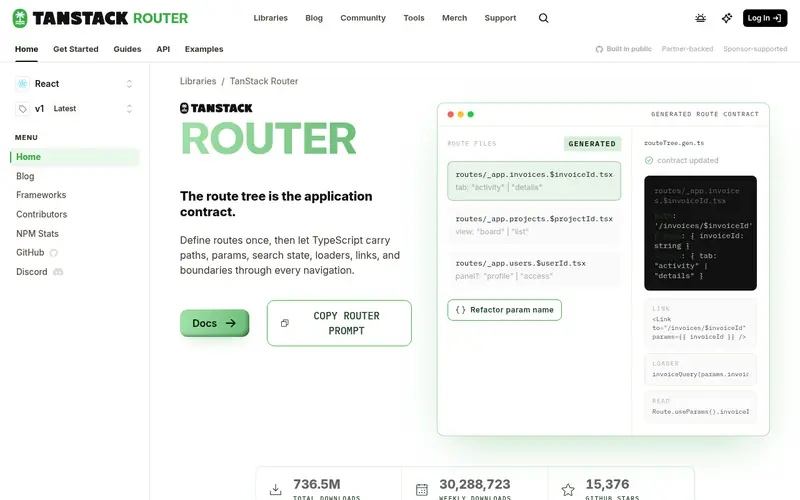
TanStack Router is a type-safe router built for TypeScript. Route paths, path params and search params are checked at compile time, so a typo in a link or a missing param shows up in the editor rather than at runtime. Search params are treated as first-class state, with validation and schema support.
It works as a client router and includes data loading, caching and devtools. It runs in the browser and supports server rendering. The project is MIT licensed and free. The trade-off is adoption cost: the API and mental model differ from React Router, and examples and community answers are fewer. It suits larger codebases where typed navigation prevents bugs, and is less appealing for a small app that needs only basic routing.
Standout: Full type safety for paths, params and search state
Free (open source), as listed by the vendor (TanStack Router website). Confirm the current plan price before you buy.
Free plan. Plans change, so confirm on the vendor's pricing page before you buy.
Benefits
- Full type safety for paths, params and search state
- strong search-param handling
Drawbacks
- Steeper learning curve
- smaller ecosystem than React Router
Skip it if this limit matters to you: steeper learning curve.
Verdict. A sensible pick for typeScript teams that want typed routes and search params.
Alternatives in this guide: React Router, wouter, Next.js App Router
wouter
Best for small apps and widgets that need a tiny router
What it is and where it fits
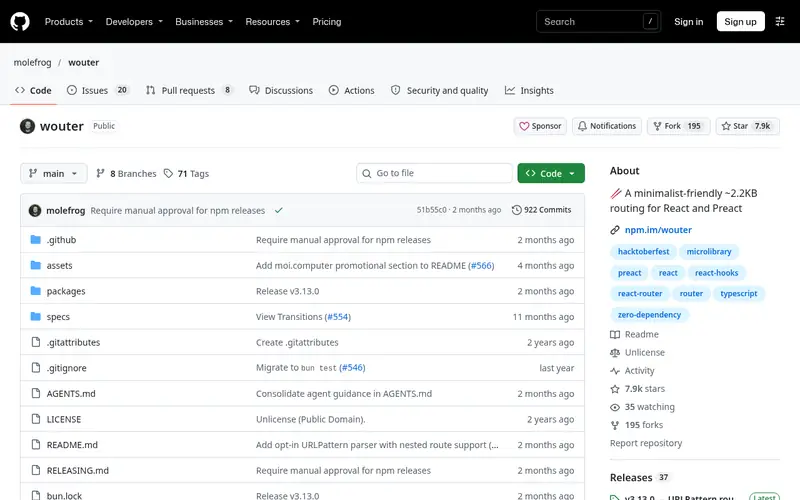
wouter is a minimal router for React and Preact. It offers hooks like useLocation and useRoute, plus Link and Switch components, in a package measured in kilobytes. There is no dependency tree to audit, which helps in embedded widgets, browser extensions and small single-page apps.
It runs wherever React runs. The licence is MIT and there is no paid version. The limit is features: there is no built-in loader, no nested layout system comparable to React Router, and no typed route generation. If your app needs data loading, code-splitting conventions or framework mode, use React Router or TanStack Router instead. wouter is the right call when routing is a small part of the app and bundle size is a real constraint.
Standout: Very small footprint with no dependencies
Free (open source), as listed by the vendor (wouter website). Confirm the current plan price before you buy.
Free plan. Plans change, so confirm on the vendor's pricing page before you buy.
Benefits
- Very small footprint with no dependencies
- simple hook-based API
Drawbacks
- Fewer features than full routers
- no built-in data loading
Skip it if this limit matters to you: fewer features than full routers.
Verdict. A sensible pick for small apps and widgets that need a tiny router.
Alternatives in this guide: React Router, TanStack Router, Next.js App Router
Next.js App Router
Best for teams that want routing bundled with a full React framework
What it is and where it fits
The Next.js App Router is the routing layer of the Next.js framework. Folders define routes, special files define layouts, loading states, error boundaries and route handlers. It supports server components, streaming and nested layouts, and it is the default router for new Next.js projects.
Next.js is open source under the MIT licence and free to self-host. Vercel sells managed hosting, but you do not need a paid plan to use the router. The limit is coupling: choosing the App Router means adopting Next.js build tooling and its server model. It is not a drop-in router for an existing Vite or Create React App project. Teams that want routing plus rendering, caching and deployment conventions in one package should consider it; teams that want only client routing should not.
Standout: File-based routing with layouts, server components and streaming
Free (open source), as listed by the vendor (Next.js App Router website). Confirm the current plan price before you buy.
Free plan. Plans change, so confirm on the vendor's pricing page before you buy.
Benefits
- File-based routing with layouts, server components and streaming
- strong documentation
Drawbacks
- Tied to the Next.js framework
- hosting and build setup add complexity
Skip it if this limit matters to you: tied to the Next.js framework.
Verdict. A sensible pick for teams that want routing bundled with a full React framework.
Alternatives in this guide: React Router, TanStack Router, wouter
Expo Router
Best for react Native and Expo apps that need file-based routing
What it is and where it fits
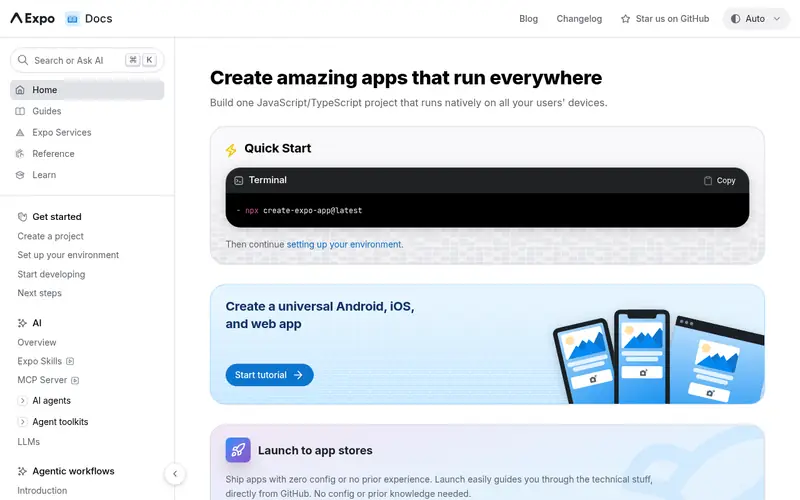
Expo Router brings file-based routing to React Native and Expo apps. Files in an app directory become screens, with shared layouts, typed routes and deep linking. It builds on React Navigation and can also target the web, so one route tree can serve mobile and browser builds.
It is open source and free, and it ships as part of the Expo toolchain. Expo offers paid cloud build and update services, but the router itself has no licence fee. The main limit is context: it is designed for Expo projects, and its web support is not a replacement for React Router or Next.js in a large web app. Choose it when mobile is the primary target and you want the same routing model across platforms.
Standout: File-based routes shared across iOS, Android and web
Free (open source), as listed by the vendor (Expo Router website). Confirm the current plan price before you buy.
Free plan. Plans change, so confirm on the vendor's pricing page before you buy.
Benefits
- File-based routes shared across iOS, Android and web
- built on React Navigation
Drawbacks
- Aimed at Expo projects
- web output is less mature than dedicated web routers
Skip it if this limit matters to you: aimed at Expo projects.
Verdict. A sensible pick for react Native and Expo apps that need file-based routing.
Alternatives in this guide: React Router, TanStack Router, wouter
React Navigation
Best for react Native apps that want explicit navigator configuration
What it is and where it fits
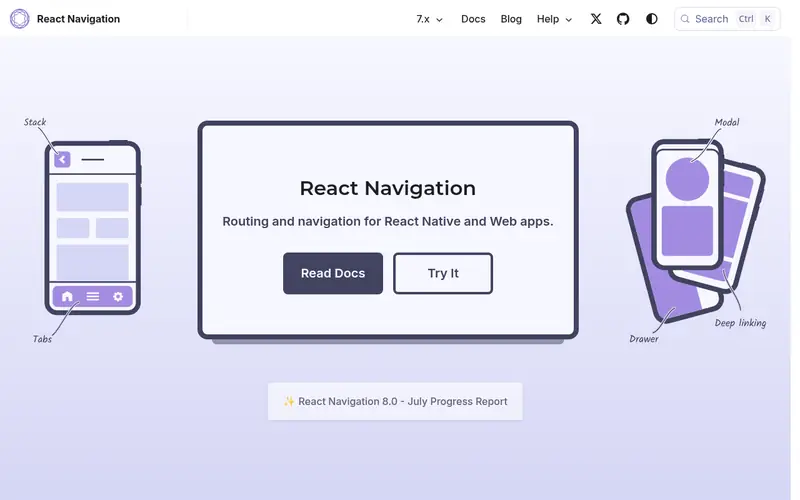
React Navigation is the long-standing navigation library for React Native. You define stack, tab and drawer navigators in code, and it handles screen transitions, headers, deep links and back behavior on iOS and Android. It also has web support, though that is not its main use.
It is MIT licensed and free. There is no paid tier. The limit is platform fit: it solves native navigation rather than browser URL routing, and it does not give you file-based routes out of the box. Expo Router is built on top of it, so teams that want file conventions can use that instead. Pick React Navigation when you want direct control over navigator structure in a React Native app.
Standout: Mature and widely used in React Native
Free (open source), as listed by the vendor (React Navigation website). Confirm the current plan price before you buy.
Free plan. Plans change, so confirm on the vendor's pricing page before you buy.
Benefits
- Mature and widely used in React Native
- supports stack, tab and drawer navigators
Drawbacks
- Mobile-focused, not a web router
- configuration is more verbose than file-based routing
Skip it if this limit matters to you: mobile-focused, not a web router.
Verdict. A sensible pick for react Native apps that want explicit navigator configuration.
Alternatives in this guide: React Router, TanStack Router, wouter
Who should use what
A team building a standard single-page app should start with React Router in data mode; it has the most documentation and the easiest hiring story. A TypeScript-heavy product with complex filters and shareable URLs should look at TanStack Router for typed search params. A small widget, extension or embedded app should use wouter to keep the bundle small. A React Native app should use Expo Router if it is on Expo, or React Navigation for explicit navigator control.
Questions to settle before you buy
What to check before you buy
- Confirm the router supports the React version you use and check the release notes for breaking changes.
- Check whether you need data loading, and whether the router's loader model fits your data layer.
- Verify nested layouts, error boundaries and code-splitting work the way your app is structured.
- For TypeScript projects, test whether route paths and params are typed, and how much setup that requires.
- Confirm the licence and whether any hosted service is required for the features you plan to use.
FAQ
Is React Router still the standard choice?
Yes for most web apps. It has the largest ecosystem, and version 7 merged Remix, so it covers client routing and framework mode. Alternatives are worth considering when you need typed routes, a very small bundle or native mobile navigation.
What happened to Remix?
Remix merged into React Router. React Router v7 is the continuation of the project, and Remix v2 is in maintenance. New projects that want Remix's loader and action model should start with React Router v7 in framework mode.
Do any of these routers cost money?
No. All the routers listed here are open source and free to use. Paid costs come from hosting or cloud services you may add, such as Vercel for Next.js or Expo's cloud build services, not from the router licence.
Can I use these routers with React Native?
React Navigation and Expo Router are built for React Native. React Router has a separate native package, but most mobile teams use React Navigation or Expo Router. Web-focused routers like TanStack Router and wouter target the browser.
Should I paste route configs or tokens into online router playgrounds?
No. Do not paste secrets, API tokens or production route data into third-party web pages. Prefer local editors, the library's own devtools, or playgrounds that run entirely in the browser, and check before you share anything sensitive.
Sources we checked
Method: how we score · editorial policy.
Change log. First published 27 Nov 2026.