Stage 01 · Write · Researched comparison
Best Python TUI Libraries in 2026
Textual is the first pick for most new terminal apps. It gives you widgets, CSS-like styling, layouts and async support in one package, and it runs on Linux, macOS and Windows. Pick Rich if you mainly need styled output, tables and progress bars rather than a full app. Pick urwid if you want a mature widget toolkit with no async requirement, or prompt_toolkit if your app is built around interactive input and line editing.

By Shihab Mia
Published 27 Nov 2026 · 5 tools compared
We run no ads and no affiliate links at launch. The order of a list follows our published method. See how we score.
Prices are the starting prices vendors list publicly. Plans change, so confirm the current price on the vendor page before you buy.
Key takeaways
- Textual, Rich, urwid and prompt_toolkit are free and open source; the standard curses module ships with Python.
- Textual and Rich come from the same project, but they are separate packages with different jobs.
- curses is part of the Python standard library on Unix, but it is not available on Windows without a separate package.
- All of these libraries run locally, so terminal output never leaves your machine.
Who each pick is for
- Full-screen terminal apps with widgets and layoutsTextual
- Styled terminal output, tables, logs and progress barsRich
- Mature widget toolkit for console applicationsurwid
- Interactive prompts, line editing and full-screen input appsprompt_toolkit
- Low-level terminal control with no dependenciescurses
Comparison
| Tool | Best for | Standout feature | Listed starting price | Free plan or trial |
|---|---|---|---|---|
| 1Textual | Full-screen terminal apps with widgets and layouts | Widget set with CSS-like styling | Free (open source) | Free plan |
| 2Rich | Styled terminal output, tables, logs and progress bars | Rich text, tables, syntax highlighting and tracebacks in one package | Free (open source) | Free plan |
| 3urwid | Mature widget toolkit for console applications | Long-established widget and layout system | Free (open source) | Free plan |
| 4prompt_toolkit | Interactive prompts, line editing and full-screen input apps | Advanced line editing with completion and history | Free (open source) | Free plan |
| 5curses | Low-level terminal control with no dependencies | Part of the Python standard library on Unix | Free | Free plan |
How we picked
We compared libraries on fit for terminal interface work, supported platforms, licence, maintenance activity and documented limits. Sources are official project documentation, repositories and vendor pages. We did not run benchmarks or collect user reviews. Prices and licences can change, so confirm details on each project's site before you commit.
The tools, one by one
Textual
Best for full-screen terminal apps with widgets and layouts
What it is and where it fits
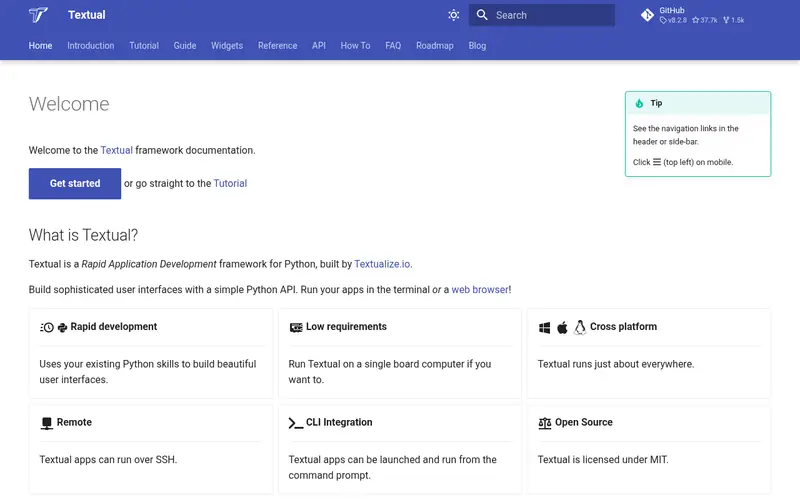
Textual is a framework for building terminal user interfaces. You compose screens from widgets such as buttons, inputs, data tables and trees, then style them with a CSS-like language called TCSS. Layouts, focus handling and key bindings are built in, so you spend less time on terminal plumbing. It runs on Linux, macOS and Windows, and the same code can also render in a web browser through Textual's web runner.
The project is open source under the MIT licence and is maintained by Textualize, the company behind Rich. Documentation is extensive and includes a tutorial, a widget gallery and a guide to testing apps. Textual also ships a command-line dev tool that shows a live console for logging and debugging while your app runs.
Textual suits developers building dashboards, file managers, chat clients and other multi-pane apps. Skip it if you only need colored log lines or a progress bar, where Rich is lighter. It also expects some comfort with async Python, since many widgets and events are async.
Standout: Widget set with CSS-like styling
Free (open source), as listed by the vendor (Textual website). Confirm the current plan price before you buy.
Free plan. Plans change, so confirm on the vendor's pricing page before you buy.
Benefits
- Widget set with CSS-like styling
- async support and a built-in dev console
Drawbacks
- Larger learning curve than plain output libraries
- fast release cadence can shift APIs
Skip it if this limit matters to you: larger learning curve than plain output libraries.
Verdict. A sensible pick for full-screen terminal apps with widgets and layouts.
Alternatives in this guide: Rich, urwid, prompt_toolkit
Rich
Best for styled terminal output, tables, logs and progress bars
What it is and where it fits
Rich is a library for rich text and formatting in the terminal. It renders colored and styled text, tables, panels, markdown, syntax-highlighted code and pretty-printed data structures. It also provides progress bars, status spinners, live displays and improved tracebacks. Most features work with a single print call, which makes it easy to add to existing scripts.
Rich runs on Linux, macOS and Windows and is open source under the MIT licence. It detects terminal capabilities and degrades to plain text when color is not supported. The logging handler integrates with Python's standard logging module, so you can get formatted log output without rewriting your logging setup.
Rich is the right choice for CLI tools that need readable output rather than a full-screen interface. It is also the rendering layer under Textual, so learning it helps if you later move to Textual. Skip it if you need persistent panes, mouse support or focus management; those belong to a TUI framework.
Standout: Rich text, tables, syntax highlighting and tracebacks in one package
Free (open source), as listed by the vendor (Rich website). Confirm the current plan price before you buy.
Free plan. Plans change, so confirm on the vendor's pricing page before you buy.
Benefits
- Rich text, tables, syntax highlighting and tracebacks in one package
- works with little setup
Drawbacks
- Not a full app framework
- no widget or layout system for interactive screens
Skip it if this limit matters to you: not a full app framework.
Verdict. A sensible pick for styled terminal output, tables, logs and progress bars.
Alternatives in this guide: Textual, urwid, prompt_toolkit
urwid
Best for mature widget toolkit for console applications
What it is and where it fits
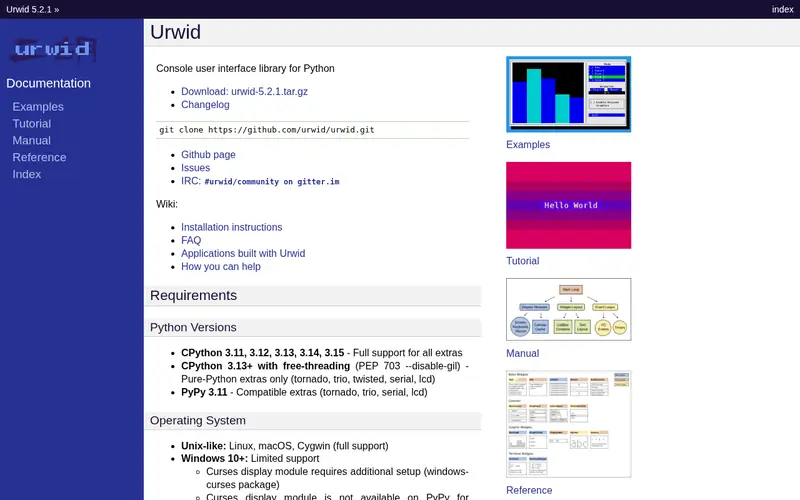
urwid is a console user interface library with a widget set that covers list boxes, edit fields, buttons, columns, piles and overlays. It handles keyboard and mouse input, terminal resizing and multiple event loops, including asyncio, GLib and Twisted. Applications built on urwid include several system installers and monitoring tools.
The library is open source under the GNU LGPL and runs on Linux, macOS and Windows. It has been maintained for many years, so examples and third-party widgets are easy to find. Styling uses attribute specifications and palettes defined in Python code, which is flexible but more verbose than a stylesheet approach.
urwid suits developers who want a stable widget toolkit and do not need async-first design. It is a reasonable fit for tools that must support older Python versions or unusual event loops. Skip it if you want a modern stylesheet model or a large built-in widget catalog; Textual covers those better.
Standout: Long-established widget and layout system
Free (open source), as listed by the vendor (urwid website). Confirm the current plan price before you buy.
Free plan. Plans change, so confirm on the vendor's pricing page before you buy.
Benefits
- Long-established widget and layout system
- event loop works with asyncio, Twisted and others
Drawbacks
- Older API style
- styling is done in code rather than a stylesheet
Skip it if this limit matters to you: older API style.
Verdict. A sensible pick for mature widget toolkit for console applications.
Alternatives in this guide: Textual, Rich, prompt_toolkit
prompt_toolkit
Best for interactive prompts, line editing and full-screen input apps
What it is and where it fits
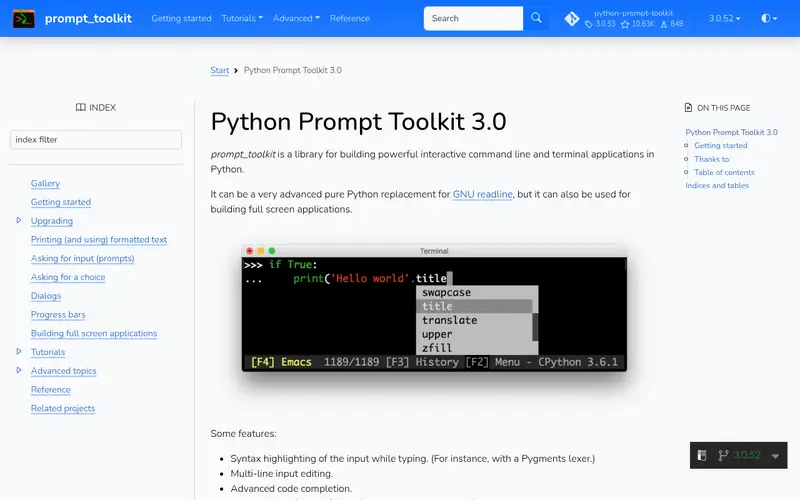
prompt_toolkit is a library for building interactive command-line applications. It provides line editing with syntax highlighting, autocompletion, multi-line input, key bindings and persistent history. It can also build full-screen applications with layouts, dialogs and menus, which makes it useful for REPLs, shells and interactive installers.
The project is open source under the BSD licence and runs on Linux, macOS and Windows. It is the input layer behind IPython and several other interactive Python tools, so it is well tested in demanding environments. It supports asyncio and works with both simple prompts and complex multi-pane screens.
Choose prompt_toolkit when input quality matters most: completion, validation and history in a prompt-driven tool. It also works well for hybrid apps that mix a prompt with a full-screen view. Skip it if you mainly need styled output or a widget-heavy dashboard, where Rich or Textual are a better fit.
Standout: Advanced line editing with completion and history
Free (open source), as listed by the vendor (prompt_toolkit website). Confirm the current plan price before you buy.
Free plan. Plans change, so confirm on the vendor's pricing page before you buy.
Benefits
- Advanced line editing with completion and history
- can also build full-screen layouts
Drawbacks
- Layout and widget model is less rich than a dedicated TUI framework
- documentation is dense
Skip it if this limit matters to you: layout and widget model is less rich than a dedicated TUI framework.
Verdict. A sensible pick for interactive prompts, line editing and full-screen input apps.
curses
Best for low-level terminal control with no dependencies
What it is and where it fits
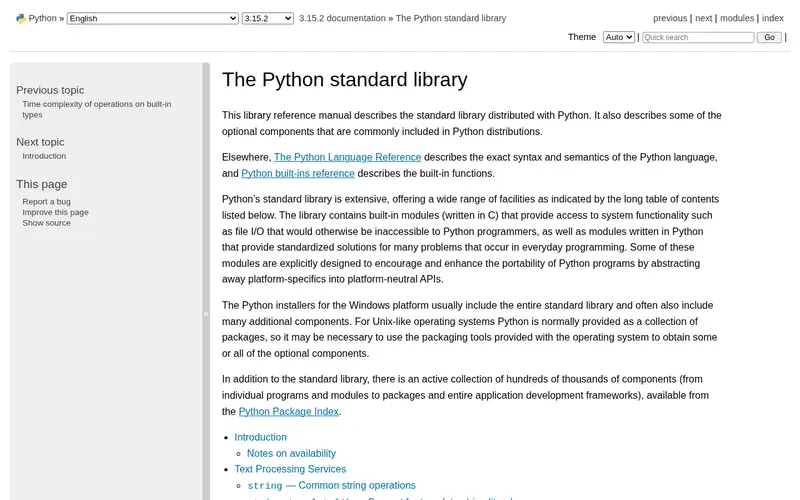
curses is the terminal control module included in the Python standard library. It gives you direct control over cursor position, colors, windows and keyboard input. Everything above it, including parts of urwid, is built on the same terminal capabilities.
The module is free and ships with Python on Linux and macOS. On Windows you need a separate package such as windows-curses, which wraps the PDCurses library. Because it is low level, you write your own layout, redraw and input loops, which takes more code but gives precise control.
Use curses when you need a small dependency-free tool, must support minimal environments, or want to learn how terminal interfaces work. Skip it for anything with many screens or widgets; the higher-level libraries in this guide will save time and reduce bugs.
Standout: Part of the Python standard library on Unix
Free, as listed by the vendor (curses website). Confirm the current plan price before you buy.
Free plan. Plans change, so confirm on the vendor's pricing page before you buy.
Benefits
- Part of the Python standard library on Unix
- full control over screen drawing
Drawbacks
- Not available on Windows without a separate package
- manual handling of layout and input
Skip it if this limit matters to you: not available on Windows without a separate package.
Verdict. A sensible pick for low-level terminal control with no dependencies.
Who should use what
If you are building a multi-pane dashboard or file manager, start with Textual. If your tool only needs colored output, tables and progress bars, Rich is lighter and faster to adopt. If you need a prompt with completion and history, prompt_toolkit handles input better than the others. If you maintain an older codebase or need a stable widget toolkit without async, urwid is a safe choice. curses remains the fallback when you cannot add dependencies.
Questions to settle before you buy
What to check before you buy
- Confirm the library supports every OS you ship on, especially Windows, where curses needs an extra package.
- Check the licence against your distribution model; urwid uses the LGPL, while Textual and Rich use MIT.
- Verify the Python versions you target are supported by the current release.
- Read the input and event model to see whether it fits asyncio, threads or a blocking loop.
- Test terminal compatibility for the colors and keys you rely on, including over SSH.
FAQ
Is Textual the same as Rich?
No. Both come from Textualize, but Rich is a rendering library for styled output and Textual is an application framework built on top of it. You can use Rich alone, and Textual uses Rich internally for drawing.
Do these libraries work on Windows?
Textual, Rich, urwid and prompt_toolkit support Windows. curses depends on a curses implementation, so on Windows you need a package such as windows-curses. Test your app in the terminal you expect users to run.
Can I build a TUI without any third-party package?
Yes. The standard library curses module is enough for a basic interface on Linux and macOS. You write more code for layout and input, but you avoid external dependencies.
Which library is best for interactive prompts?
prompt_toolkit is built for this. It provides completion, history, syntax highlighting and key bindings, and it can also build full-screen layouts when a prompt is not enough.
Are these libraries free for commercial use?
Textual and Rich use the MIT licence, prompt_toolkit uses BSD, and curses ships with Python. urwid uses the LGPL, which has extra conditions if you link or distribute modified versions, so review it with your legal team.
Sources we checked
Method: how we score · editorial policy.
Change log. First published 27 Nov 2026.