Stage 01 · Write · Researched comparison
Best Python PDF Libraries for Developers in 2026
pypdf is the first pick for most developers who need pure-Python reading, merging, splitting and page-level edits with no external dependencies. Choose PyMuPDF when you need fast rendering and text extraction across many pages, and ReportLab when the job is generating PDFs from scratch with precise layout control. pdfplumber suits table and layout extraction, while pikepdf handles low-level structural repair and borb covers higher-level document building.

By Shihab Mia
Published 27 Nov 2026 · 7 tools compared
We run no ads and no affiliate links at launch. The order of a list follows our published method. See how we score.
Prices are the starting prices vendors list publicly. Plans change, so confirm the current price on the vendor page before you buy.
Key takeaways
- pypdf is free and open source, runs on pure Python, and replaces the discontinued PyPDF2 package.
- PyMuPDF is free and open source under AGPL, with commercial licensing available from the vendor.
- ReportLab is free and open source in its base form, with a paid commercial product for advanced needs.
- For online converters or editors, avoid pasting confidential documents into third-party pages and prefer libraries that run locally.
Who each pick is for
- Pure-Python reading, merging and splitting of PDFspypdf
- Fast rendering, text extraction and page manipulationPyMuPDF
- Extracting text, tables and layout detailspdfplumber
- Generating PDFs with precise layout controlReportLab
- Low-level PDF editing, repair and conversionpikepdf
- Building PDF documents with a Python APIborb
- Detailed text and layout analysis of PDFspdfminer.six
Comparison
| Tool | Best for | Standout feature | Listed starting price | Free plan or trial |
|---|---|---|---|---|
| 1pypdf | Pure-Python reading, merging and splitting of PDFs | No external dependencies | Free (open source) | Free plan |
| 2PyMuPDF | Fast rendering, text extraction and page manipulation | Fast rendering and broad format support | Free (open source) | Free plan |
| 3pdfplumber | Extracting text, tables and layout details | Detailed character and table extraction | Free (open source) | Free plan |
| 4ReportLab | Generating PDFs with precise layout control | Fine control over layout and typography | Free (open source) | Free plan |
| 5pikepdf | Low-level PDF editing, repair and conversion | Exposes PDF object structure | Free (open source) | Free plan |
| 6borb | Building PDF documents with a Python API | Readable, object-oriented document API | Free (open source) | Free plan |
| 7pdfminer.six | Detailed text and layout analysis of PDFs | Detailed layout analysis | Free (open source) | Free plan |
How we picked
We compared libraries on fit for common PDF jobs (reading, extracting, editing, generating), supported platforms and Python versions, licence terms, and known limits such as speed or missing features. Sources are vendor sites, official documentation and project repositories. Prices and licence terms change, so confirm them on the vendor site before you commit. We did not run benchmarks or collect user reviews.
The tools, one by one
pypdf
Best for pure-Python reading, merging and splitting of PDFs
What it is and where it fits
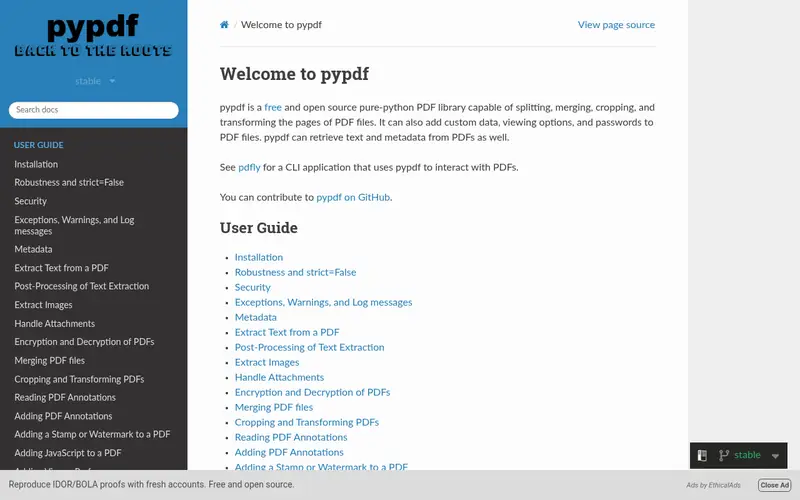
pypdf is a pure-Python library for reading and writing PDFs. It handles page extraction, merging, splitting, rotation, metadata edits and encryption. It is the maintained successor to PyPDF2, so projects still importing PyPDF2 should migrate. It installs with pip and runs anywhere Python runs, including serverless environments where compiled dependencies are awkward.
It does not render pages to images and its text extraction is basic compared with layout-aware tools. For scanned documents or complex tables, pair it with another library. Choose pypdf when you want a small dependency footprint and straightforward page-level operations.
Standout: No external dependencies
Free (open source), as listed by the vendor (pypdf website). Confirm the current plan price before you buy.
Free plan. Plans change, so confirm on the vendor's pricing page before you buy.
Benefits
- No external dependencies
- active maintenance and clear documentation
Drawbacks
- Not built for rendering or heavy layout extraction
- slower on very large files
Skip it if this limit matters to you: not built for rendering or heavy layout extraction.
Verdict. A sensible pick for pure-Python reading, merging and splitting of PDFs.
Alternatives in this guide: PyMuPDF, pdfplumber, ReportLab
PyMuPDF
Best for fast rendering, text extraction and page manipulation
What it is and where it fits
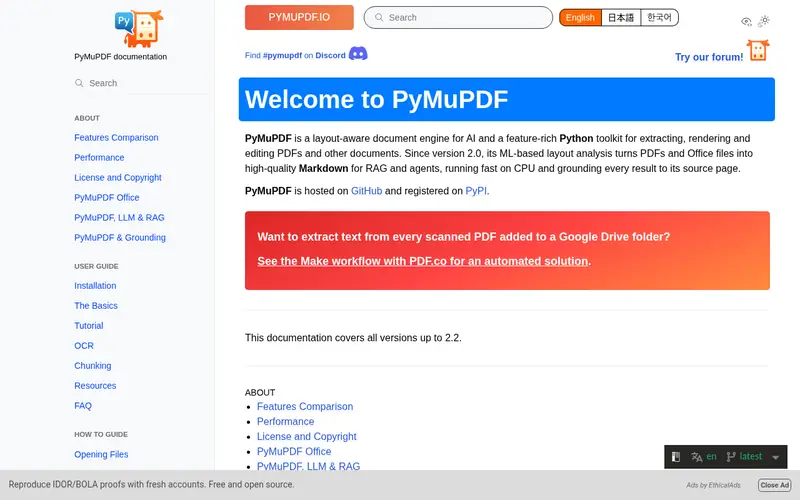
PyMuPDF binds the MuPDF engine and covers rendering pages to images, extracting text and images, searching, annotating and converting between formats. It is one of the faster options for large documents and is common in pipelines that need page images for OCR or previews.
The licence is the main decision point. The open-source build is AGPL, which has obligations for networked services. Artifex sells commercial licences for closed-source use. Check the licence terms against your distribution model before adopting it. Skip it if AGPL is incompatible with your product.
Standout: Fast rendering and broad format support
Free (open source), as listed by the vendor (PyMuPDF website). Confirm the current plan price before you buy.
Free plan. Plans change, so confirm on the vendor's pricing page before you buy.
Benefits
- Fast rendering and broad format support
- strong text and image extraction
Drawbacks
- AGPL licence affects distribution terms
- commercial licence needed for some uses
Skip it if this limit matters to you: AGPL licence affects distribution terms.
Verdict. A sensible pick for fast rendering, text extraction and page manipulation.
Alternatives in this guide: pypdf, pdfplumber, ReportLab
pdfplumber
Best for extracting text, tables and layout details
What it is and where it fits
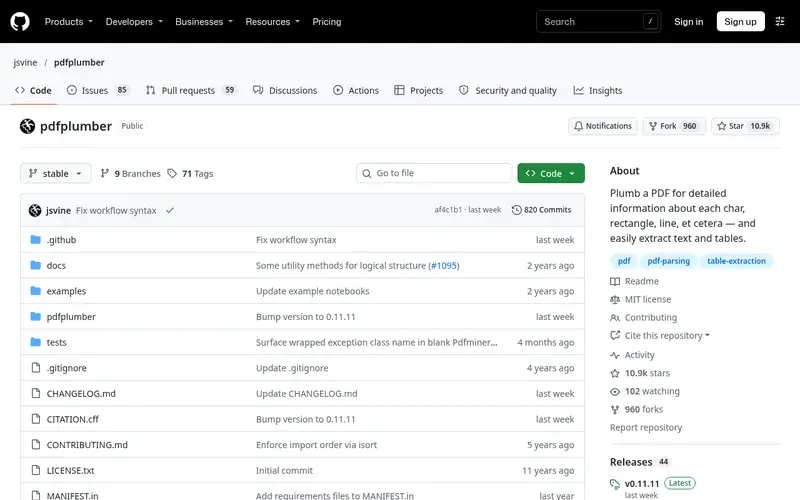
pdfplumber focuses on getting structured data out of PDFs. It exposes characters, lines, rectangles and table structures, which helps when you need to reconstruct tables or locate text by position. It includes a visual debugging mode that draws the objects it detects on a page image, useful when extraction results look wrong.
It builds on pdfminer.six and is slower than minimal parsers, so it suits batch extraction jobs rather than high-throughput services. It reads PDFs only; use ReportLab or borb to create them. Choose it when table and coordinate-level extraction matter more than speed.
Standout: Detailed character and table extraction
Free (open source), as listed by the vendor (pdfplumber website). Confirm the current plan price before you buy.
Free plan. Plans change, so confirm on the vendor's pricing page before you buy.
Benefits
- Detailed character and table extraction
- visual debugging tools
Drawbacks
- Slower than lighter parsers
- not designed for PDF generation
Skip it if this limit matters to you: slower than lighter parsers.
Verdict. A sensible pick for extracting text, tables and layout details.
ReportLab
Best for generating PDFs with precise layout control
What it is and where it fits
ReportLab is a PDF generation library. It offers a low-level canvas API and a higher-level Platypus framework for flowing documents with paragraphs, tables and page templates. It is widely used for invoices, reports and labels where layout must be exact.
The open-source version is free. ReportLab also sells commercial products and support, so check which features sit behind the paid tier if you need them. It does not read or edit existing PDFs. Expect to spend time learning its layout model; simpler generators may be faster for basic output.
Standout: Fine control over layout and typography
Free (open source), as listed by the vendor (ReportLab website). Confirm the current plan price before you buy.
Free plan. Plans change, so confirm on the vendor's pricing page before you buy.
Benefits
- Fine control over layout and typography
- long-established project
Drawbacks
- Steep learning curve for complex layouts
- advanced commercial features are paid
Skip it if this limit matters to you: steep learning curve for complex layouts.
Verdict. A sensible pick for generating PDFs with precise layout control.
Alternatives in this guide: pypdf, PyMuPDF, pdfplumber
pikepdf
Best for low-level PDF editing, repair and conversion
What it is and where it fits
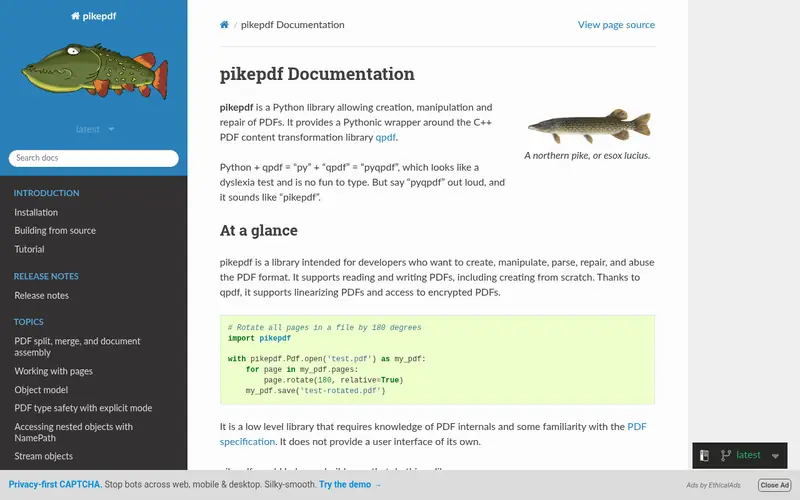
pikepdf wraps the QPDF library and gives Python access to the PDF object model. It is good for repairing damaged files, removing encryption, linearizing, compressing and editing metadata or content streams. It also converts between PDF and related formats through QPDF features.
Because it works at the object level, it is not the tool for extracting tables or drawing pages. It pairs well with pypdf: use pypdf for page operations and pikepdf when a file needs structural fixes. It requires the QPDF binary or wheels that bundle it. Choose it for maintenance and cleanup tasks.
Standout: Exposes PDF object structure
Free (open source), as listed by the vendor (pikepdf website). Confirm the current plan price before you buy.
Free plan. Plans change, so confirm on the vendor's pricing page before you buy.
Benefits
- Exposes PDF object structure
- useful for repair and cleanup
Drawbacks
- Requires understanding of PDF internals
- not a layout or rendering tool
Skip it if this limit matters to you: requires understanding of PDF internals.
Verdict. A sensible pick for low-level PDF editing, repair and conversion.
Alternatives in this guide: pypdf, PyMuPDF, pdfplumber
borb
Best for building PDF documents with a Python API
What it is and where it fits
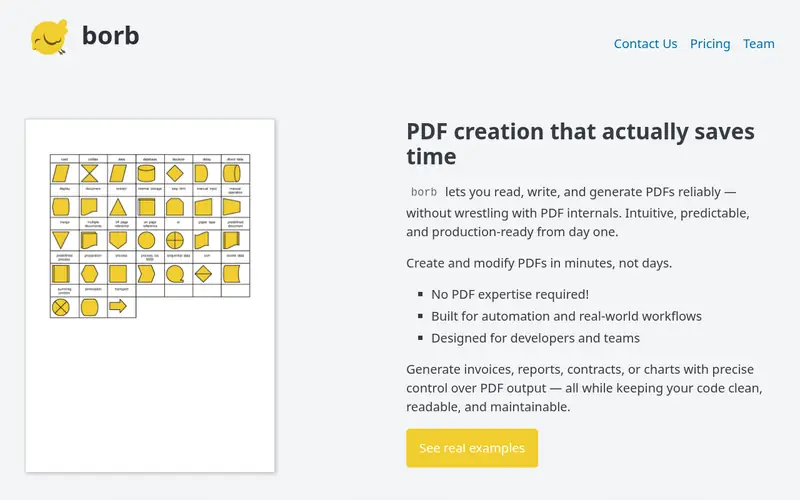
borb is a pure-Python library for creating and editing PDFs. It provides a document model with pages, paragraphs, tables, images and fonts, and can also read and modify existing files. The API is designed to be readable, which helps when generating structured documents like reports.
It is a younger project than ReportLab, so expect fewer tutorials and third-party answers. It is free and open source. For very complex typography or long-established enterprise support, ReportLab may be the safer pick. For straightforward document generation with a clean API, borb is worth evaluating.
Standout: Readable, object-oriented document API
Free (open source), as listed by the vendor (borb website). Confirm the current plan price before you buy.
Free plan. Plans change, so confirm on the vendor's pricing page before you buy.
Benefits
- Readable, object-oriented document API
- supports layout and fonts
Drawbacks
- Smaller community than older libraries
- fewer examples online
Skip it if this limit matters to you: smaller community than older libraries.
Verdict. A sensible pick for building PDF documents with a Python API.
Alternatives in this guide: pypdf, PyMuPDF, pdfplumber
pdfminer.six
Best for detailed text and layout analysis of PDFs
What it is and where it fits
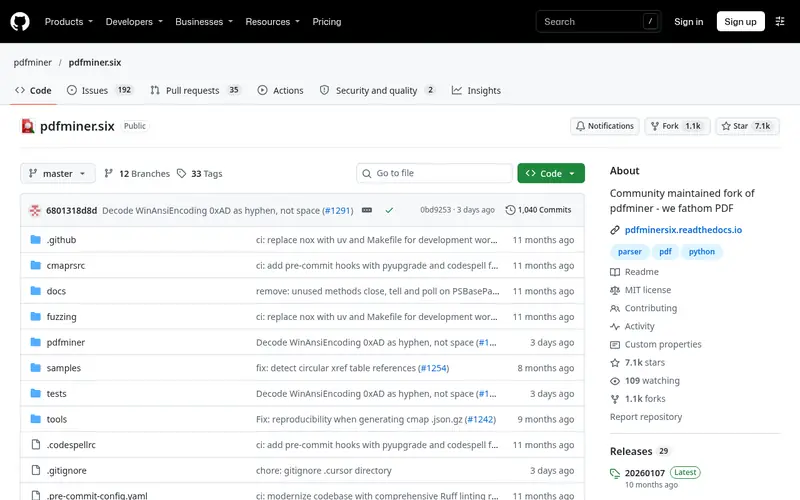
pdfminer.six is a pure-Python library for extracting text and layout information. It is the maintained fork of pdfminer and the engine behind several higher-level tools, including pdfplumber. It exposes layout analysis objects such as text boxes and lines, which helps when you need to understand document structure.
It reads PDFs only and is not fast. For simple text extraction, pypdf or PyMuPDF will usually be quicker to set up. Choose pdfminer.six when you need its layout model or are building on top of it. Check the repository for current maintenance status and release notes before committing.
Standout: Detailed layout analysis
Free (open source), as listed by the vendor (pdfminer.six website). Confirm the current plan price before you buy.
Free plan. Plans change, so confirm on the vendor's pricing page before you buy.
Benefits
- Detailed layout analysis
- pure Python
Drawbacks
- Slow on large files
- API is lower level than alternatives
Skip it if this limit matters to you: slow on large files.
Verdict. A sensible pick for detailed text and layout analysis of PDFs.
Alternatives in this guide: pypdf, PyMuPDF, pdfplumber
Who should use what
If you need to merge, split or rotate pages with minimal dependencies, start with pypdf. If you need page images or fast extraction across large files, evaluate PyMuPDF and check its AGPL terms. If your job is pulling tables from reports, pdfplumber or pdfminer.six fit better. If you generate invoices or statements, use ReportLab or borb. For repairing broken files or editing structure, use pikepdf alongside a page-level library.
Questions to settle before you buy
What to check before you buy
- Confirm the licence fits how you distribute or host the software, especially AGPL.
- Check Python version support and whether wheels exist for your platform.
- Test on real sample PDFs, including scanned and encrypted files.
- Measure speed on your largest documents before choosing a parser.
- Verify the project is actively maintained and has recent releases.
FAQ
Is PyPDF2 still recommended?
No. PyPDF2 has been merged into pypdf, which is the maintained package. New projects should install pypdf and update old imports. Check the pypdf documentation for migration notes.
Which library is fastest for text extraction?
PyMuPDF is generally faster than pure-Python parsers for large documents. Speed depends on the file, so test with your own samples rather than relying on general claims.
Can these libraries read scanned PDFs?
They can extract embedded text, but scanned pages are images. You need OCR, such as Tesseract, to get text from those pages. PyMuPDF can render pages to images for an OCR step.
Are these libraries free?
Most listed here are free and open source. PyMuPDF is AGPL with commercial licensing available, and ReportLab sells commercial products alongside its open-source library. Confirm terms on each vendor site.
Can I edit an existing PDF with Python?
Yes. pypdf handles page-level edits, pikepdf handles structural changes, and PyMuPDF and borb can modify content. The right choice depends on whether you need page operations, object-level repair or content editing.
Sources we checked
Method: how we score · editorial policy.
Change log. First published 27 Nov 2026.