Stage 01 · Write · Researched comparison
Best Python Datetime Libraries in 2026
Arrow is the first pick for most developers who want one readable API for parsing, formatting and time zones, and it suits application code that needs quick, human-friendly output. Pendulum is a strong alternative when you want stricter time zone handling and a drop-in feel for standard datetime work. python-dateutil fits projects that need flexible string parsing and recurrence rules without replacing the standard library.

By Shihab Mia
Published 27 Nov 2026 · 5 tools compared
We run no ads and no affiliate links at launch. The order of a list follows our published method. See how we score.
Prices are the starting prices vendors list publicly. Plans change, so confirm the current price on the vendor page before you buy.
Key takeaways
- Arrow, Pendulum and python-dateutil are free and open source, so cost is not the deciding factor.
- All options here are Python libraries that run locally in your own environment, not web pages that receive your data.
- The standard library datetime module still handles most tasks; these libraries add parsing, time zone and formatting helpers.
- Licence terms differ between MIT, Apache 2.0 and BSD, so check the terms before shipping in a commercial product.
Who each pick is for
- Readable datetime API for application codeArrow
- Stricter time zone and DST handlingPendulum
- Flexible parsing and recurrence rulespython-dateutil
- Legacy projects already using pytz time zonespytz
- Time zone support with no extra dependencyzoneinfo (standard library)
Comparison
| Tool | Best for | Standout feature | Listed starting price | Free plan or trial |
|---|---|---|---|---|
| 1Arrow | Readable datetime API for application code | Human-friendly API for parse, format and shift | Free (open source) | Free plan |
| 2Pendulum | Stricter time zone and DST handling | Careful daylight saving time behavior | Free (open source) | Free plan |
| 3python-dateutil | Flexible parsing and recurrence rules | Powerful fuzzy string parser | Free (open source) | Free plan |
| 4pytz | Legacy projects already using pytz time zones | Wide historical time zone data | Free (open source) | Free plan |
| 5zoneinfo (standard library) | Time zone support with no extra dependency | Part of Python 3.9 and later | Free | Free plan |
How we picked
We compared libraries on fit for common datetime jobs such as parsing, formatting, time zone conversion and recurrence, plus platform support, licence terms, maintenance activity and known limits. All options here run locally in your own Python environment, so pasted-data privacy is not a concern in the way it is for online tools. Sources are vendor documentation, project repositories and public licence pages. Prices and licences can change, so confirm details on the official site before you commit.
The tools, one by one
Arrow
Best for readable datetime API for application code
What it is and where it fits
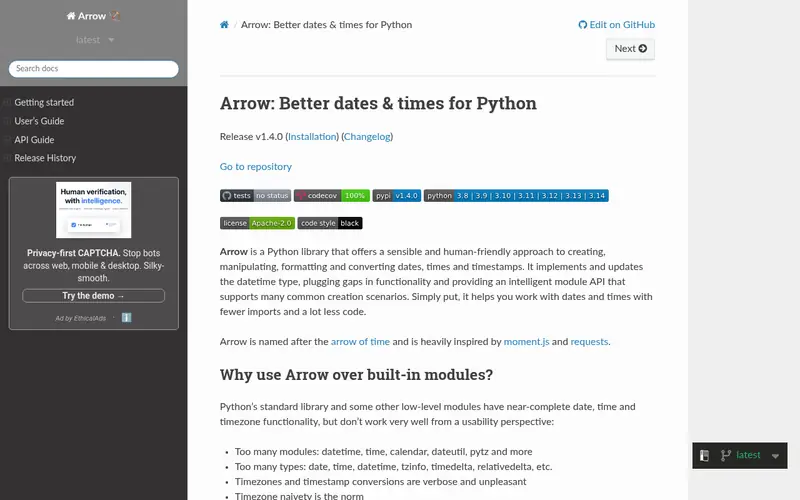
Arrow wraps Python's datetime into a single object with short, readable methods. You can parse a string, convert to another time zone, shift by days or hours, and format the result in one chain. It ships with its own time zone database handling through dateutil, so you do not need to wire that up yourself. It runs anywhere Python 3 runs, including Linux, macOS and Windows, and installs from PyPI with pip. The project is open source under the Apache 2.0 licence. It is a good fit for scripts, web backends and data work where you want less boilerplate. Skip it if you need strict immutability guarantees or complex recurrence rules, where Pendulum or dateutil may suit you better.
Standout: Human-friendly API for parse, format and shift
Free (open source), as listed by the vendor (Arrow website). Confirm the current plan price before you buy.
Free plan. Plans change, so confirm on the vendor's pricing page before you buy.
Benefits
- Human-friendly API for parse, format and shift
- Built-in time zone support with a simple replace method
Drawbacks
- Fewer advanced recurrence features than dateutil
- Some methods are opinionated about defaults
Skip it if this limit matters to you: fewer advanced recurrence features than dateutil.
Verdict. A sensible pick for readable datetime API for application code.
Alternatives in this guide: Pendulum, python-dateutil, pytz
Pendulum
Best for stricter time zone and DST handling
What it is and where it fits
Pendulum is a datetime library that aims to fix common time zone and daylight saving time pitfalls. Its DateTime objects behave much like standard datetime but add helpers for formatting, diffing and time zone conversion. It handles DST transitions more predictably than naive arithmetic, which matters for scheduling and logging across regions. It runs on standard Python 3 across Linux, macOS and Windows and installs from PyPI. The project is open source under the MIT licence. One real limit is interoperability: some libraries expect native datetime objects, so you may need to convert at boundaries. It suits backend and data pipeline work where time zone correctness is a priority.
Standout: Careful daylight saving time behavior
Free (open source), as listed by the vendor (Pendulum website). Confirm the current plan price before you buy.
Free plan. Plans change, so confirm on the vendor's pricing page before you buy.
Benefits
- Careful daylight saving time behavior
- Drop-in feel for datetime users with extra methods
Drawbacks
- Can conflict with code expecting standard datetime types
- Smaller ecosystem than the standard library
Skip it if this limit matters to you: can conflict with code expecting standard datetime types.
Verdict. A sensible pick for stricter time zone and DST handling.
Alternatives in this guide: Arrow, python-dateutil, pytz
python-dateutil
Best for flexible parsing and recurrence rules
What it is and where it fits
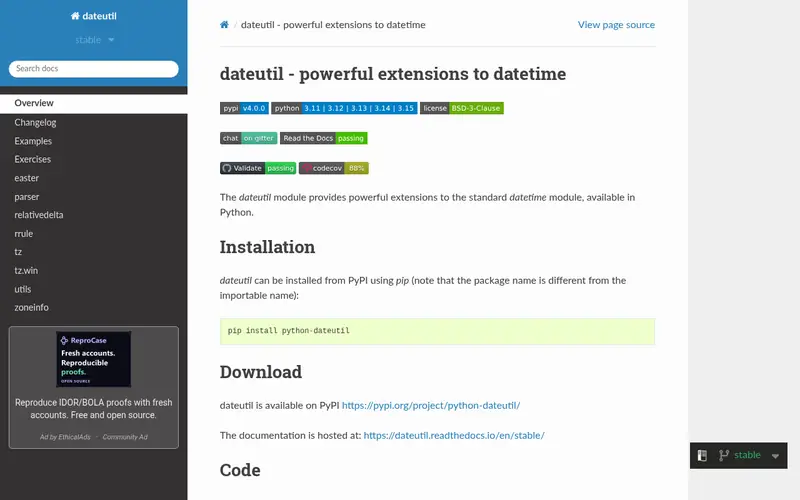
python-dateutil is a long-standing library that extends the standard datetime module. Its parser handles many date string formats, including fuzzy matching, and its relativedelta type supports calendar-aware arithmetic such as adding a month. The rrule module covers recurring events, which is useful for calendars and schedulers. It runs on standard Python 3 on all major platforms and installs from PyPI. The project is open source under a dual BSD and Apache 2.0 licence. The parser is permissive, so validate input if you accept dates from untrusted users. It is often a dependency of other libraries, so you may already have it installed. It suits projects that need parsing and recurrence without a full framework.
Standout: Powerful fuzzy string parser
Free (open source), as listed by the vendor (python-dateutil website). Confirm the current plan price before you buy.
Free plan. Plans change, so confirm on the vendor's pricing page before you buy.
Benefits
- Powerful fuzzy string parser
- Recurrence rules for repeating events
Drawbacks
- Parser can accept ambiguous input
- API is broader and less tidy than newer libraries
Skip it if this limit matters to you: parser can accept ambiguous input.
Verdict. A sensible pick for flexible parsing and recurrence rules.
pytz
Best for legacy projects already using pytz time zones
What it is and where it fits
pytz brings the IANA time zone database to Python and was the standard choice before zoneinfo arrived in Python 3.9. It provides time zone objects and helpers to attach them to naive datetimes. The catch is that pytz time zones are not directly usable with the standard astimezone in all cases, so you must use localize and normalize correctly. The project is open source under the MIT licence and runs on standard Python across platforms. For new projects, the standard library zoneinfo module is usually the better path. Keep pytz for maintaining existing code that already depends on it, and plan a migration rather than starting fresh with it.
Standout: Wide historical time zone data
Free (open source), as listed by the vendor (pytz website). Confirm the current plan price before you buy.
Free plan. Plans change, so confirm on the vendor's pricing page before you buy.
Benefits
- Wide historical time zone data
- Familiar API for older codebases
Drawbacks
- Localize and normalize steps are easy to misuse
- Maintainers point new code to zoneinfo
Skip it if this limit matters to you: localize and normalize steps are easy to misuse.
Verdict. A sensible pick for legacy projects already using pytz time zones.
Alternatives in this guide: Arrow, Pendulum, python-dateutil
zoneinfo (standard library)
Best for time zone support with no extra dependency
What it is and where it fits
pros_placeholder: unused cons_placeholder: unused
zoneinfo is the time zone module built into Python 3.9 and later. It gives you ZoneInfo objects that work directly with standard datetime and astimezone, which removes the localize and normalize steps that pytz required. On systems without a time zone database, such as many Windows setups, you install the tzdata package from PyPI. It runs wherever Python 3.9 or later runs. It is free and part of the standard library. The limit is scope: it handles time zones only, with no string parsing, recurrence or formatting helpers. Pair it with python-dateutil for parsing. It suits teams that want fewer dependencies and are willing to write a little more code.
Standout: Part of Python 3.9 and later
Free, as listed by the vendor (zoneinfo (standard library) website). Confirm the current plan price before you buy.
Free plan. Plans change, so confirm on the vendor's pricing page before you buy.
Benefits
- Part of Python 3.9 and later
- Uses the system or tzdata time zone database
Drawbacks
- Needs tzdata on some systems such as Windows
- No parsing or formatting helpers beyond datetime
Skip it if this limit matters to you: needs tzdata on some systems such as Windows.
Verdict. A sensible pick for time zone support with no extra dependency.
Alternatives in this guide: Arrow, Pendulum, python-dateutil
Who should use what
If you want one readable API for everyday parsing and formatting, start with Arrow. If time zone and daylight saving correctness is the priority, choose Pendulum. If you need fuzzy string parsing or recurring event rules, use python-dateutil, often alongside the standard zoneinfo module. If you are maintaining older code that already imports pytz, keep it for now and plan a move to zoneinfo.
Questions to settle before you buy
What to check before you buy
- Confirm the library supports your Python version and any target platforms.
- Check the licence matches your project's distribution requirements.
- Test daylight saving time transitions for the regions you serve.
- Verify how the library handles naive versus time zone-aware datetimes at boundaries.
- Review the repository for recent releases and open issues before adopting it.
FAQ
Do I need a library if Python already has datetime?
Not always. The standard datetime module plus zoneinfo covers many tasks. Libraries add friendlier APIs, flexible parsing and recurrence rules. Start with the standard library and add a package only when it removes real work.
Which library handles time zones best?
Pendulum and the standard zoneinfo module handle daylight saving time transitions carefully. pytz works but requires localize and normalize steps that are easy to get wrong. For new code, zoneinfo is the common choice.
Are these libraries free?
Yes. All the libraries listed here are open source and free to use. Licences vary between MIT, Apache 2.0 and BSD, so check the terms for your project.
Can I use these in a web app?
Yes. They run in normal Python processes, including web backends. Keep time zone handling consistent at the edges of your app, and store timestamps in UTC where possible.
Do these libraries send my data anywhere?
No. They run locally in your Python environment. Unlike online formatters, they do not transmit your dates or data to a third party.
Sources we checked
Method: how we score · editorial policy.
Change log. First published 27 Nov 2026.