Stage 01 · Write · Researched comparison
Best JavaScript Rich Text Editors in 2026
Tiptap is the first pick for most teams building a custom editor, because it offers a large extension ecosystem and works with React, Vue, Svelte and plain JavaScript. Lexical is a good alternative for React-heavy apps that want a small, modular core from Meta. Quill suits projects that want a simple, well-documented editor with a stable API and few dependencies.

By Shihab Mia
Published 27 Nov 2026 · 8 tools compared
We run no ads and no affiliate links at launch. The order of a list follows our published method. See how we score.
Prices are the starting prices vendors list publicly. Plans change, so confirm the current price on the vendor page before you buy.
Key takeaways
- Tiptap, Lexical, Quill, Slate, ProseMirror and Editor.js are free and open source; CKEditor 5 and TinyMCE are commercial with open-source cores.
- Tiptap and ProseMirror share a document model, so ProseMirror knowledge carries over to Tiptap projects.
- Lexical is maintained by Meta and targets React first, though it has framework-agnostic bindings.
- CKEditor 5 and TinyMCE sell premium features and support, so check the vendor pricing page before committing.
Who each pick is for
- Teams building a custom editor on a ProseMirror baseTiptap
- React apps that want a small, modular editor coreLexical
- Simple rich text editing with a stable, documented APIQuill
- Developers who want to design their own document schemaSlate
- Teams that need a schema-driven editor toolkitProseMirror
- Teams that want a full-featured editor with commercial supportCKEditor 5
- Established projects that want a familiar, configurable editorTinyMCE
- Block-style content editing with a JSON outputEditor.js
Comparison
| Tool | Best for | Standout feature | Listed starting price | Free plan or trial |
|---|---|---|---|---|
| 1Tiptap | Teams building a custom editor on a ProseMirror base | Large extension ecosystem | Free (open source) | Free plan |
| 2Lexical | React apps that want a small, modular editor core | Maintained by Meta | Free (open source) | Free plan |
| 3Quill | Simple rich text editing with a stable, documented API | Easy to set up | Free (open source) | Free plan |
| 4Slate | Developers who want to design their own document schema | Schema is fully customizable | Free (open source) | Free plan |
| 5ProseMirror | Teams that need a schema-driven editor toolkit | Strong document model and schema | Free (open source) | Free plan |
| 6CKEditor 5 | Teams that want a full-featured editor with commercial support | Rich feature set | See vendor pricing page | Free trial (30 days) |
| 7TinyMCE | Established projects that want a familiar, configurable editor | Long track record | See vendor pricing page | Free trial (30 days) |
| 8Editor.js | Block-style content editing with a JSON output | Clean block-based output | Free (open source) | Free plan |
How we picked
We compared editors on fit for the job, framework and platform support, licence and pricing model, and the main limits of each free or paid tier. We also considered how each handles content output and customization. Sources are vendor pages, official documentation and project repositories. Prices and plan limits change, so confirm current terms on the vendor site before you commit.
The tools, one by one
Tiptap
Best for teams building a custom editor on a ProseMirror base
What it is and where it fits
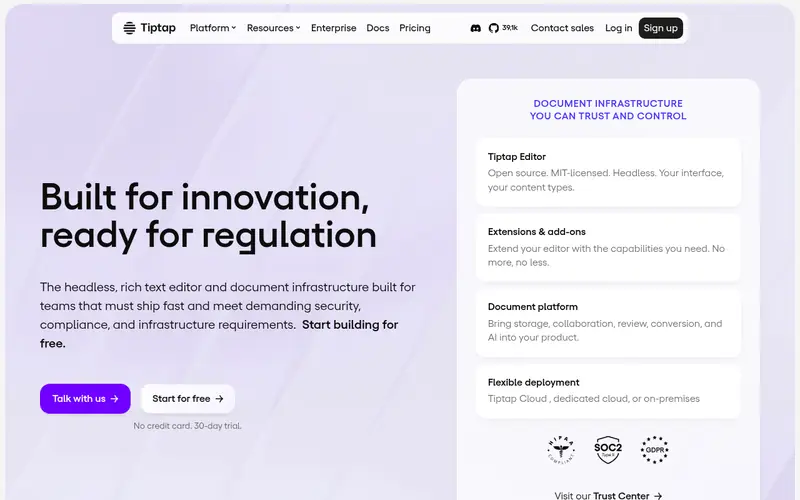
Tiptap is a headless editor framework built on ProseMirror. It ships a core package plus many extensions for marks, nodes, tables, mentions and collaboration. Because it is headless, you supply the UI and styling, which gives full control over the editing experience.
It runs in the browser and integrates with React, Vue, Svelte and plain JavaScript. The open-source core is free under the MIT licence. Collaboration, comments and some cloud features are commercial products with their own pricing, so check the vendor page for current terms.
Choose Tiptap when you want a ProseMirror-based editor without wiring every schema rule by hand. Skip it if you need a fully styled editor out of the box, since you build the interface yourself.
Standout: Large extension ecosystem
Free (open source), as listed by the vendor (Tiptap website). Confirm the current plan price before you buy.
Free plan. Plans change, so confirm on the vendor's pricing page before you buy.
Benefits
- Large extension ecosystem
- works with React, Vue, Svelte and vanilla JavaScript
Drawbacks
- Advanced collaboration and comments sit behind paid plans
- the core requires some ProseMirror knowledge
Skip it if this limit matters to you: advanced collaboration and comments sit behind paid plans.
Verdict. A sensible pick for teams building a custom editor on a ProseMirror base.
Lexical
Best for react apps that want a small, modular editor core
What it is and where it fits
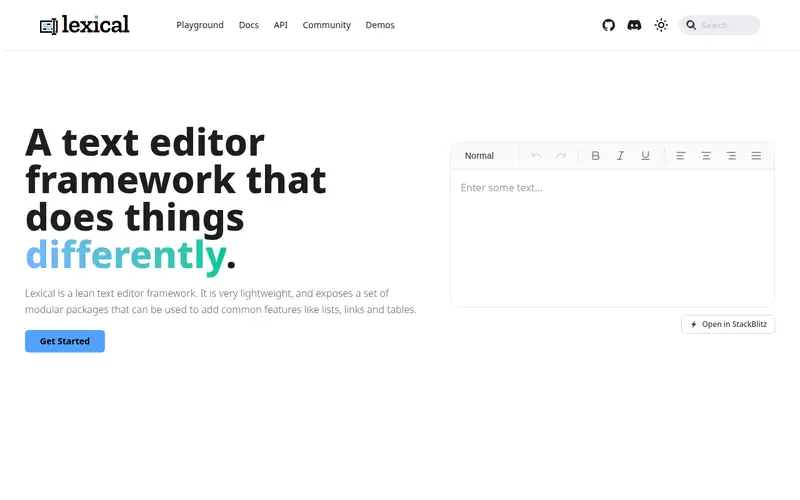
Lexical is an extensible text editor framework from Meta. It focuses on reliability, accessibility and performance, with a small core and plugins for rich text, lists, tables, code blocks and markdown shortcuts. It is written in JavaScript and has first-class React bindings.
It runs in the browser and works with React, though the core is framework-agnostic. The project is open source under the MIT licence. Documentation covers the plugin model and how to build custom nodes.
Pick Lexical for React projects that want tight control and a modern plugin design. Skip it if you need a large catalog of ready-made extensions or a long track record outside Meta's own products.
Standout: Maintained by Meta
Free (open source), as listed by the vendor (Lexical website). Confirm the current plan price before you buy.
Free plan. Plans change, so confirm on the vendor's pricing page before you buy.
Benefits
- Maintained by Meta
- modular architecture with a small core
Drawbacks
- Smaller extension ecosystem than Tiptap
- API still evolving
Skip it if this limit matters to you: smaller extension ecosystem than Tiptap.
Verdict. A sensible pick for react apps that want a small, modular editor core.
Quill
Best for simple rich text editing with a stable, documented API
What it is and where it fits
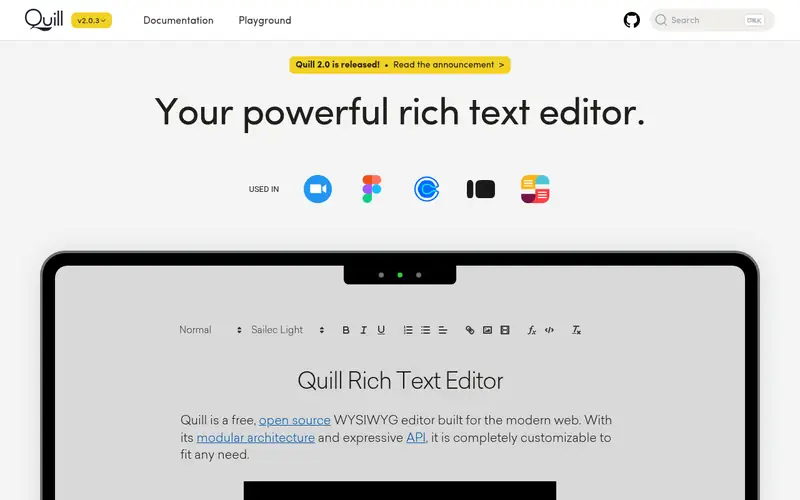
Quill is a free, open-source WYSIWYG editor with a modular architecture. It provides a default toolbar, a Delta format for changes and an API for reading and setting content. It works with plain JavaScript and has community wrappers for React, Vue and Angular.
It runs in the browser and is released under the BSD 3-Clause licence. The core covers common formatting, and modules add features like syntax-highlighted code blocks and keyboard shortcuts.
Choose Quill when you want a dependable editor with a small footprint and a clear API. Skip it if you need deep schema control or a large plugin marketplace, where Tiptap or ProseMirror fit better.
Standout: Easy to set up
Free (open source), as listed by the vendor (Quill website). Confirm the current plan price before you buy.
Free plan. Plans change, so confirm on the vendor's pricing page before you buy.
Benefits
- Easy to set up
- consistent cross-browser output
Drawbacks
- Fewer advanced extensions
- customization can require forking modules
Skip it if this limit matters to you: fewer advanced extensions.
Verdict. A sensible pick for simple rich text editing with a stable, documented API.
Slate
Best for developers who want to design their own document schema
What it is and where it fits
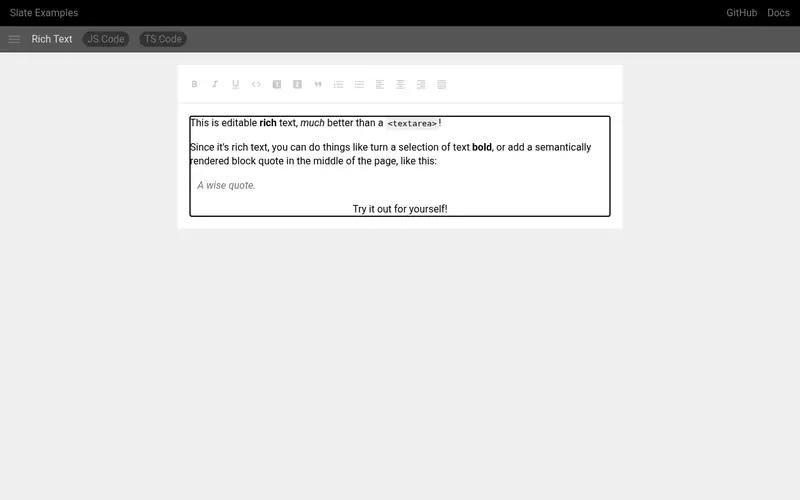
Slate is a framework for building rich text editors in React. It gives you a document model you define yourself, plus helpers for selection, history and normalization. It does not ship a toolbar or ready-made formatting UI, so you assemble the pieces.
It runs in the browser and targets React. The project is open source under the MIT licence. Because the schema is yours, Slate suits editors with unusual content models, such as nested blocks or custom inline elements.
Pick Slate when off-the-shelf editors do not match your content model. Skip it if you want a working editor quickly, since the learning curve and build effort are higher than Quill or Tiptap.
Standout: Schema is fully customizable
Free (open source), as listed by the vendor (Slate website). Confirm the current plan price before you buy.
Free plan. Plans change, so confirm on the vendor's pricing page before you buy.
Benefits
- Schema is fully customizable
- works with React
Drawbacks
- You build most behavior yourself
- fewer built-in features
Skip it if this limit matters to you: you build most behavior yourself.
Verdict. A sensible pick for developers who want to design their own document schema.
ProseMirror
Best for teams that need a schema-driven editor toolkit
What it is and where it fits
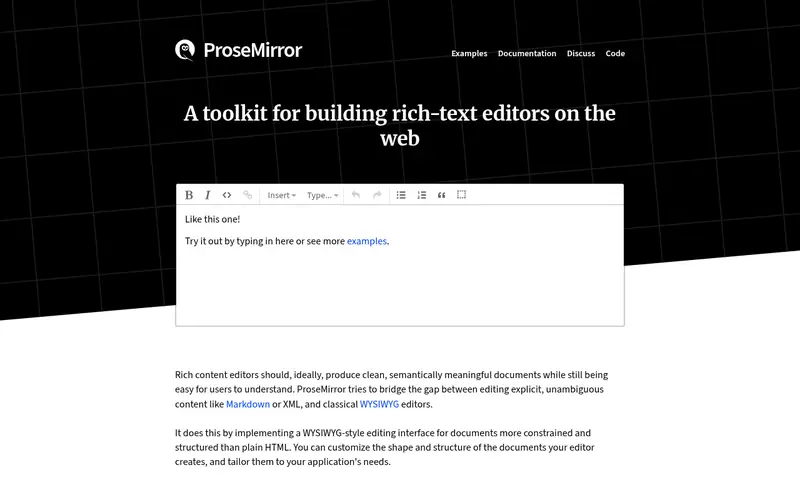
ProseMirror is a toolkit for building rich text editors with a schema-based document model. It provides modules for state, view, commands and transformations, and you compose them into an editor. Many other editors, including Tiptap, build on it.
It runs in the browser and is framework-agnostic, with community bindings for React and other frameworks. The project is open source under the MIT licence. Documentation is thorough but assumes comfort with its architecture.
Choose ProseMirror when you need precise control over the document schema and transactions. Skip it if you want a batteries-included editor, since it deliberately leaves UI and features to you.
Standout: Strong document model and schema
Free (open source), as listed by the vendor (ProseMirror website). Confirm the current plan price before you buy.
Free plan. Plans change, so confirm on the vendor's pricing page before you buy.
Benefits
- Strong document model and schema
- mature and widely used
Drawbacks
- Low-level toolkit with a steep learning curve
- you build the UI
Skip it if this limit matters to you: low-level toolkit with a steep learning curve.
Verdict. A sensible pick for teams that need a schema-driven editor toolkit.
CKEditor 5
Best for teams that want a full-featured editor with commercial support
What it is and where it fits
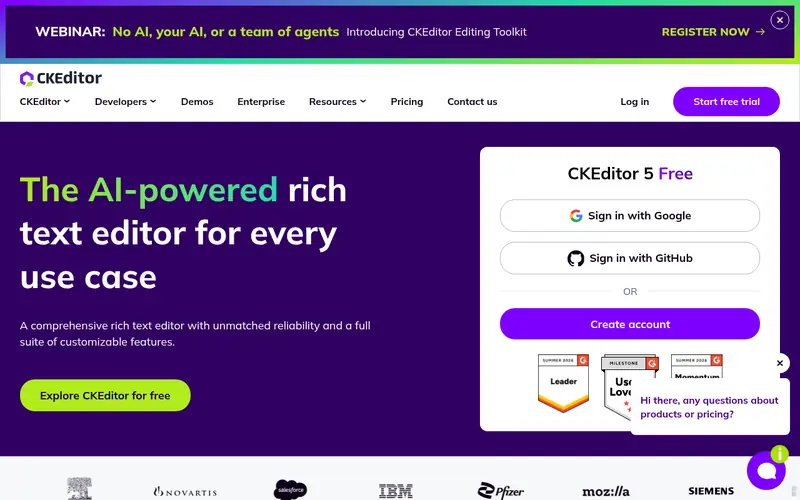
CKEditor 5 is a modern rich text editor with a modular architecture and a large feature set, including tables, media embeds, track changes and real-time collaboration. It offers framework integrations for React, Vue, Angular and others.
It runs in the browser and has an open-source core under the GPL licence, with commercial licences for proprietary use and premium features. Pricing depends on features and deployment, so confirm on the vendor page. A free trial is available.
Pick CKEditor 5 when you need a polished editor with support and collaboration. Skip it if you need a permissive open-source licence for a closed product without paying, since the GPL core has copyleft terms.
Standout: Rich feature set
See vendor pricing page, as listed by the vendor (CKEditor 5 website). Confirm the current plan price before you buy.
Free trial (30 days). Plans change, so confirm on the vendor's pricing page before you buy.
Benefits
- Rich feature set
- official support and collaboration add-ons
Drawbacks
- Premium features require a paid licence
- some features are cloud-only
Skip it if this limit matters to you: premium features require a paid licence.
Verdict. A sensible pick for teams that want a full-featured editor with commercial support.
TinyMCE
Best for established projects that want a familiar, configurable editor
What it is and where it fits
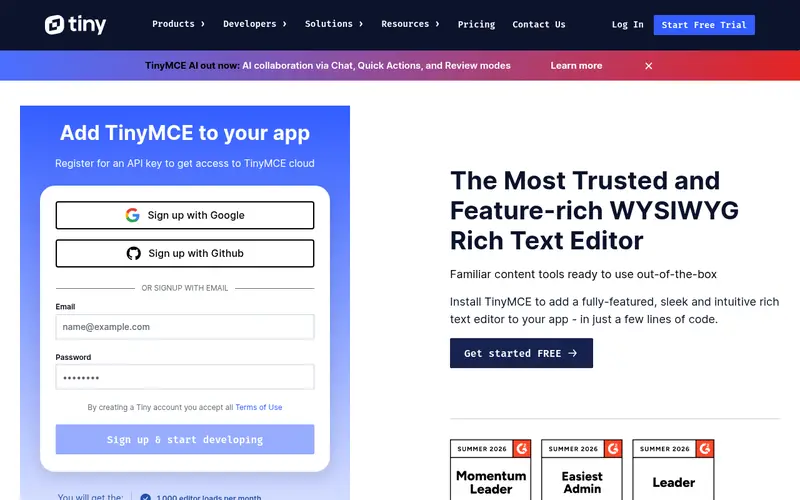
TinyMCE is a widely used WYSIWYG editor with a plugin system, a configurable toolbar and integrations for React, Vue, Angular and others. It covers common formatting, tables, media and links, with premium plugins for advanced features.
It runs in the browser and has an open-source core under the MIT licence, with commercial plans for premium plugins and cloud hosting. Pricing varies by plan, so check the vendor page. A free trial is offered.
Choose TinyMCE when you want a familiar editor with broad plugin coverage. Skip it if you need every feature under a free licence, since several advanced plugins require payment.
Standout: Long track record
See vendor pricing page, as listed by the vendor (TinyMCE website). Confirm the current plan price before you buy.
Free trial (30 days). Plans change, so confirm on the vendor's pricing page before you buy.
Benefits
- Long track record
- many plugins and integrations
Drawbacks
- Premium plugins and cloud features are paid
- self-hosted setup needs configuration
Skip it if this limit matters to you: premium plugins and cloud features are paid.
Verdict. A sensible pick for established projects that want a familiar, configurable editor.
Editor.js
Best for block-style content editing with a JSON output
What it is and where it fits
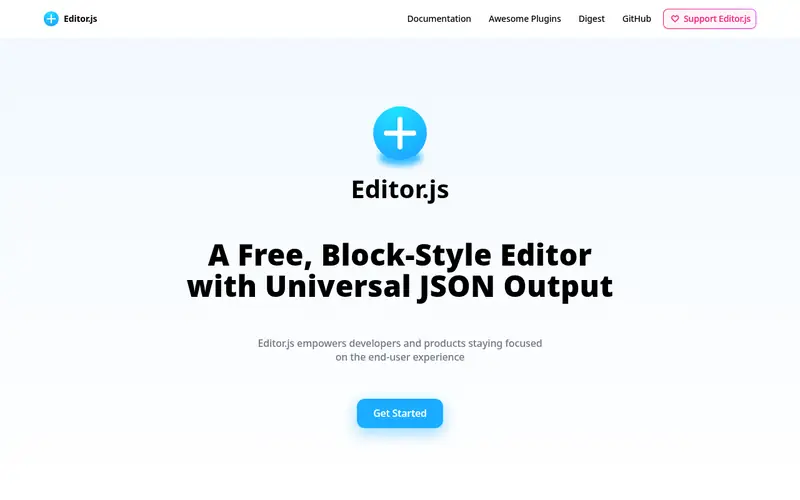
Editor.js is a block-style editor that outputs structured JSON instead of HTML. Each block is a plugin, such as a paragraph, header, list, image or embed, and you can write your own. It has a clean, minimal interface.
It runs in the browser and works with plain JavaScript, with community wrappers for React and Vue. The project is open source under the Apache 2.0 licence. Because output is JSON, you render content yourself on the front end.
Pick Editor.js when you want structured content and a block-based authoring experience. Skip it if you need a classic toolbar with rich inline formatting, where Quill or TinyMCE fit better.
Standout: Clean block-based output
Free (open source), as listed by the vendor (Editor.js website). Confirm the current plan price before you buy.
Free plan. Plans change, so confirm on the vendor's pricing page before you buy.
Benefits
- Clean block-based output
- plugin architecture for custom blocks
Drawbacks
- Not a traditional WYSIWYG toolbar
- fewer inline formatting options by default
Skip it if this limit matters to you: not a traditional WYSIWYG toolbar.
Verdict. A sensible pick for block-style content editing with a JSON output.
Who should use what
If you are building a React app and want a modern, modular core, start with Lexical. If you need a ProseMirror-based editor with a large extension set, choose Tiptap. If you want a simple editor with a stable API, Quill is a good fit. If you need a full-featured editor with commercial support and collaboration, evaluate CKEditor 5 or TinyMCE and check their pricing pages. For block-based structured content, try Editor.js.
Questions to settle before you buy
What to check before you buy
- Confirm the licence fits your product, especially if you ship a closed-source app.
- Check framework support for your stack, such as React, Vue or Svelte.
- Review how content is stored and rendered, whether HTML, JSON or a custom format.
- Test the editor with your own content model, including tables and nested blocks.
- Verify pricing and limits for premium features like collaboration and comments.
FAQ
Are these editors free to use?
Tiptap, Lexical, Quill, Slate, ProseMirror and Editor.js are free and open source. CKEditor 5 and TinyMCE have open-source cores but charge for premium features and support. Always check the licence terms for your use case.
Which editor works best with React?
Lexical and Slate are built with React in mind. Tiptap, Quill, CKEditor 5 and TinyMCE also offer React integrations. The best choice depends on how much control you want over the document schema.
Can I use these editors offline?
Yes, most are client-side libraries that run in the browser and can work offline once loaded. Check that any cloud or collaboration features you enable do not require a network connection.
Do I need to worry about pasting sensitive data?
These are libraries you host yourself, so data stays in your app unless you enable cloud features. If you try a hosted demo or online playground, avoid pasting secrets, tokens or production data.
What is the difference between headless and WYSIWYG editors?
Headless editors like Tiptap and ProseMirror provide the editing model but leave the UI to you. WYSIWYG editors like Quill and TinyMCE ship a toolbar and styling out of the box.
Sources we checked
Method: how we score · editorial policy.
Change log. First published 27 Nov 2026.