Stage 01 · Write · Researched comparison
Best JavaScript PDF Libraries in 2026
pdf-lib is the first pick for most teams that need to create or edit PDFs in JavaScript, because it runs in browsers and Node.js and has no native dependencies. For rendering existing PDFs in a web viewer, PDF.js is the standard choice. For quick client-side generation from HTML or canvas, jsPDF is a common alternative.

By Shihab Mia
Published 27 Nov 2026 · 7 tools compared
We run no ads and no affiliate links at launch. The order of a list follows our published method. See how we score.
Prices are the starting prices vendors list publicly. Plans change, so confirm the current price on the vendor page before you buy.
Key takeaways
- pdf-lib, PDF.js, jsPDF, PDFKit, pdfmake and react-pdf are free and open source.
- PDF.js focuses on rendering and viewing; the others focus on creating or editing documents.
- pdf-lib and jsPDF can run in the browser, so files stay on the user's machine.
- Check each project's licence before shipping; most use MIT or Apache 2.0.
Who each pick is for
- Creating and editing PDFs in browsers and Node.jspdf-lib
- Rendering and viewing PDFs in the browserPDF.js
- Client-side PDF generation from text, images and canvasjsPDF
- Server-side PDF generation in Node.jsPDFKit
- Declarative document layouts defined as JSONpdfmake
- Building PDFs with React componentsreact-pdf
- HTML-to-PDF rendering with a headless browserPuppeteer
Comparison
| Tool | Best for | Standout feature | Listed starting price | Free plan or trial |
|---|---|---|---|---|
| 1pdf-lib | Creating and editing PDFs in browsers and Node.js | Runs in browser and Node.js with no native dependencies | Free (open source) | Free plan |
| 2PDF.js | Rendering and viewing PDFs in the browser | High-fidelity rendering backed by Mozilla | Free (open source) | Free plan |
| 3jsPDF | Client-side PDF generation from text, images and canvas | Simple API for generating PDFs in the browser | Free (open source) | Free plan |
| 4PDFKit | Server-side PDF generation in Node.js | Fluent drawing API with good text and font support | Free (open source) | Free plan |
| 5pdfmake | Declarative document layouts defined as JSON | Document structure defined as data, easy to template | Free (open source) | Free plan |
| 6react-pdf | Building PDFs with React components | Uses React component model and styles | Free (open source) | Free plan |
| 7Puppeteer | HTML-to-PDF rendering with a headless browser | Renders real HTML and CSS, including modern layout | Free (open source) | Free plan |
How we picked
We compared libraries by fit for common PDF jobs (creating, editing, rendering, HTML-to-PDF), where the code runs (browser, Node.js or both), licence, dependency weight and known limits such as missing HTML conversion or large bundles. Sources are vendor documentation, project repositories and public licence files. Prices and licences can change, so confirm details on the official site before you commit.
The tools, one by one
pdf-lib
Best for creating and editing PDFs in browsers and Node.js
What it is and where it fits
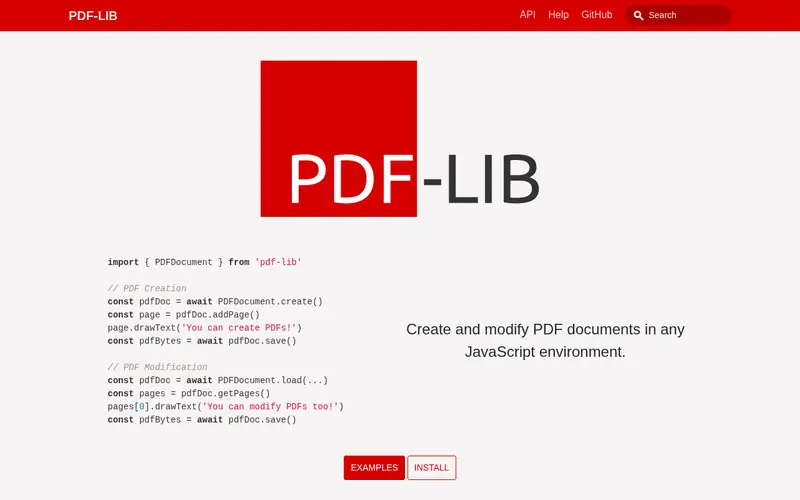
pdf-lib lets you create PDFs from scratch, merge and split files, fill forms, embed images and set metadata. It works in browsers and Node.js and uses pure JavaScript, so there is no native binary to install. That makes it a good fit for serverless functions and client-side tools where files should not leave the browser.
The library is MIT licensed. It does not convert HTML to PDF, so you build layouts with its drawing API or pair it with another tool. Complex AcroForm scripting and some font embedding cases need extra work. Teams that need pixel-perfect HTML rendering should look at a headless browser instead.
Standout: Runs in browser and Node.js with no native dependencies
Free (open source), as listed by the vendor (pdf-lib website). Confirm the current plan price before you buy.
Free plan. Plans change, so confirm on the vendor's pricing page before you buy.
Benefits
- Runs in browser and Node.js with no native dependencies
- can modify existing PDFs
Drawbacks
- No built-in HTML-to-PDF conversion
- limited support for advanced form scripting
Skip it if this limit matters to you: no built-in HTML-to-PDF conversion.
Verdict. A sensible pick for creating and editing PDFs in browsers and Node.js.
PDF.js
Best for rendering and viewing PDFs in the browser
What it is and where it fits
PDF.js is Mozilla's JavaScript PDF renderer. It parses PDF files and draws pages to canvas or SVG, and it powers the PDF viewer in Firefox. You can use the prebuilt viewer or import the library into your own app to render pages, handle text layers and support search.
It is Apache 2.0 licensed. The project is aimed at display, not authoring, so creating or editing files is out of scope. The full build is fairly large, and performance on very complex documents depends on the device. Teams that only need to generate PDFs should skip it.
Standout: High-fidelity rendering backed by Mozilla
Free (open source), as listed by the vendor (PDF.js website). Confirm the current plan price before you buy.
Free plan. Plans change, so confirm on the vendor's pricing page before you buy.
Benefits
- High-fidelity rendering backed by Mozilla
- ships a ready-made viewer
Drawbacks
- Not built for authoring or editing PDFs
- large bundle if you need only basic rendering
Skip it if this limit matters to you: not built for authoring or editing PDFs.
Verdict. A sensible pick for rendering and viewing PDFs in the browser.
jsPDF
Best for client-side PDF generation from text, images and canvas
What it is and where it fits
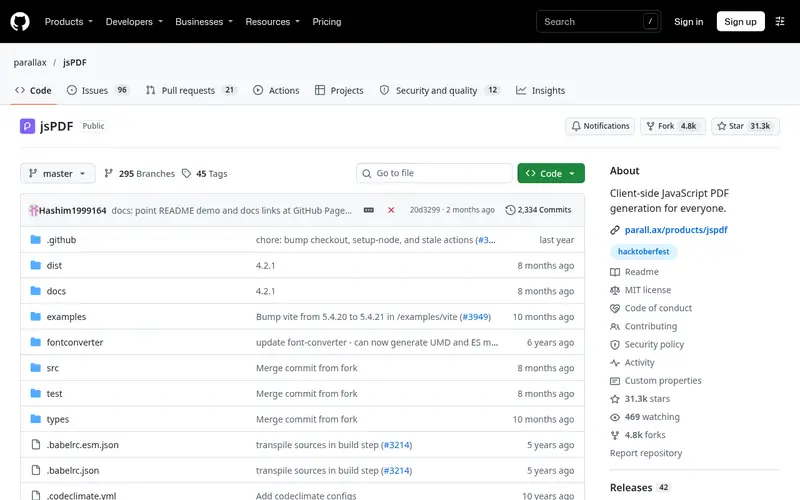
jsPDF is one of the oldest JavaScript PDF generators. It creates documents in the browser or Node.js from text, images, shapes and canvas content. A set of plugins adds table support, autosize and HTML conversion.
It is MIT licensed. The core API is straightforward, but complex layouts mean calculating coordinates yourself. The HTML-to-PDF plugin depends on html2canvas and does not match browser print output exactly. It suits small reports, invoices and labels more than long, styled documents.
Standout: Simple API for generating PDFs in the browser
Free (open source), as listed by the vendor (jsPDF website). Confirm the current plan price before you buy.
Free plan. Plans change, so confirm on the vendor's pricing page before you buy.
Benefits
- Simple API for generating PDFs in the browser
- works with HTML canvas and image data
Drawbacks
- HTML-to-PDF output needs plugins and can be inconsistent
- advanced layout requires manual positioning
Skip it if this limit matters to you: HTML-to-PDF output needs plugins and can be inconsistent.
Verdict. A sensible pick for client-side PDF generation from text, images and canvas.
PDFKit
Best for server-side PDF generation in Node.js
What it is and where it fits
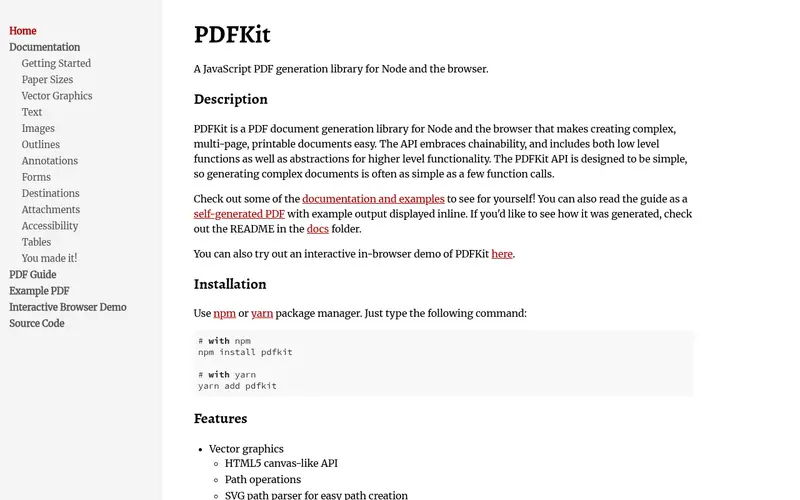
PDFKit is a Node.js library for generating PDFs with a chainable API. It handles vector graphics, images, embedded fonts, text wrapping and page breaks, and it streams output so you can pipe large documents without holding everything in memory.
It is MIT licensed. PDFKit runs on the server, so it does not help if you need to generate files in the browser. It has no HTML-to-PDF mode; you describe the layout in code. It is a solid choice for invoices, reports and tickets generated by a backend service.
Standout: Fluent drawing API with good text and font support
Free (open source), as listed by the vendor (PDFKit website). Confirm the current plan price before you buy.
Free plan. Plans change, so confirm on the vendor's pricing page before you buy.
Benefits
- Fluent drawing API with good text and font support
- streams output for large documents
Drawbacks
- Node.js focused, not a browser library
- no HTML-to-PDF conversion
Skip it if this limit matters to you: node.js focused, not a browser library.
Verdict. A sensible pick for server-side PDF generation in Node.js.
pdfmake
Best for declarative document layouts defined as JSON
What it is and where it fits
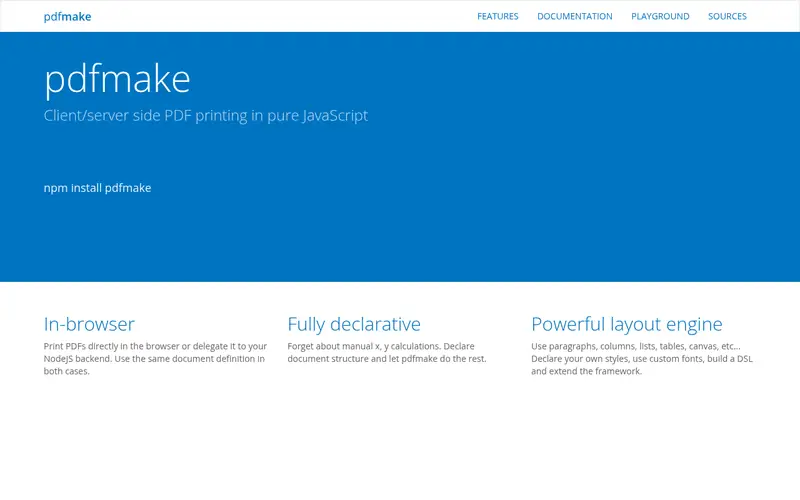
pdfmake builds PDFs from a JavaScript object that describes content, styles, columns, tables and headers. That makes it easy to store templates as data and render them on the client or server. It runs in browsers and Node.js.
It is MIT licensed. The declarative model is productive once you learn it, but fine-grained drawing and unusual layouts can be awkward. Fonts must be embedded explicitly. It fits reports, invoices and structured business documents better than free-form design work.
Standout: Document structure defined as data, easy to template
Free (open source), as listed by the vendor (pdfmake website). Confirm the current plan price before you buy.
Free plan. Plans change, so confirm on the vendor's pricing page before you buy.
Benefits
- Document structure defined as data, easy to template
- runs in browser and Node.js
Drawbacks
- Layout model takes time to learn
- custom drawing is limited compared with lower-level libraries
Skip it if this limit matters to you: layout model takes time to learn.
Verdict. A sensible pick for declarative document layouts defined as JSON.
react-pdf
Best for building PDFs with React components
What it is and where it fits
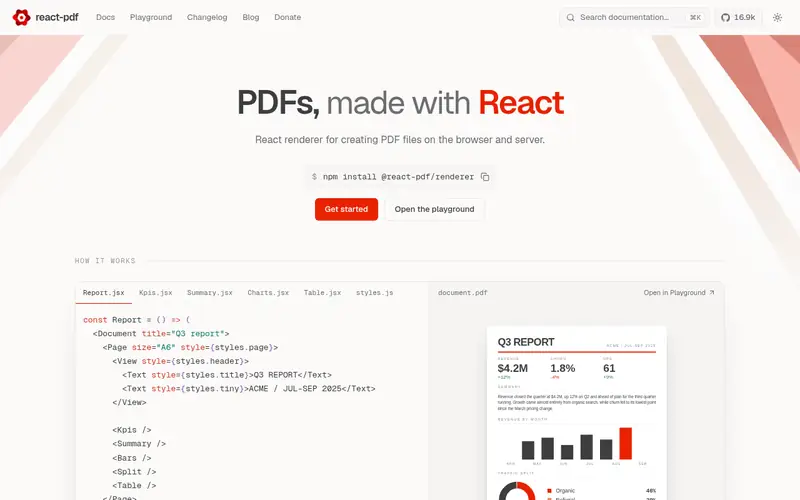
react-pdf lets you describe a PDF with React components such as Document, Page, View and Text. It renders to a PDF file on the server or in the browser. Teams that already write React can reuse their mental model and component patterns.
It is MIT licensed. The library is for creation, not viewing; do not confuse it with the separate react-pdf package that wraps PDF.js for display. It depends on React, so it is a poor fit for non-React projects. Styling uses a subset of CSS via the StyleSheet API, not full browser CSS.
Standout: Uses React component model and styles
Free (open source), as listed by the vendor (react-pdf website). Confirm the current plan price before you buy.
Free plan. Plans change, so confirm on the vendor's pricing page before you buy.
Benefits
- Uses React component model and styles
- good for teams already on React
Drawbacks
- Tied to the React ecosystem
- not a PDF viewer
Skip it if this limit matters to you: tied to the React ecosystem.
Verdict. A sensible pick for building PDFs with React components.
Puppeteer
Best for hTML-to-PDF rendering with a headless browser
What it is and where it fits
Puppeteer controls a headless Chrome or Firefox browser. Its page.pdf() method prints a rendered page to PDF, so you can reuse existing HTML and CSS templates and get output close to what the browser shows. It runs on Node.js servers and in CI.
It is Apache 2.0 licensed. The trade-off is weight: it downloads a browser and uses significant memory per instance. It is not a browser-side library for end users. It suits backend services that already have HTML templates and need accurate print output.
Standout: Renders real HTML and CSS, including modern layout
Free (open source), as listed by the vendor (Puppeteer website). Confirm the current plan price before you buy.
Free plan. Plans change, so confirm on the vendor's pricing page before you buy.
Benefits
- Renders real HTML and CSS, including modern layout
- can print pages to PDF
Drawbacks
- Heavy dependency with a bundled browser
- server-side only in practice
Skip it if this limit matters to you: heavy dependency with a bundled browser.
Verdict. A sensible pick for HTML-to-PDF rendering with a headless browser.
Who should use what
If you need to fill forms, merge files or edit existing PDFs in the browser, start with pdf-lib. If you need an in-app PDF viewer, use PDF.js. If you generate simple documents on the client, jsPDF or pdfmake will do the job. If your backend already produces HTML and CSS, Puppeteer gives the closest print output. React teams that build documents as components should look at react-pdf, and Node.js services that draw pages programmatically can use PDFKit.
Questions to settle before you buy
What to check before you buy
- Confirm the library runs where you need it: browser, Node.js, serverless or edge.
- Check the licence and whether it fits your distribution model.
- Test with your real documents, including large files and embedded fonts.
- Measure bundle size if the code ships to the browser.
- Check how the library handles HTML-to-PDF, since most do not do it natively.
FAQ
Do these libraries work in the browser?
pdf-lib, PDF.js, jsPDF, pdfmake and react-pdf can run in the browser. PDFKit and Puppeteer are aimed at Node.js servers. Check bundle size before shipping a library to the client.
Which library converts HTML to PDF?
Puppeteer renders real HTML and CSS in a headless browser and prints to PDF, which gives the closest result. jsPDF has an HTML plugin, but output can differ from the browser. pdf-lib, PDFKit and pdfmake do not convert HTML.
Are these libraries free?
All seven are open source and free to use. pdf-lib, jsPDF, PDFKit, pdfmake and react-pdf use the MIT licence. PDF.js and Puppeteer use Apache 2.0. Review the licence terms for your distribution.
Can I edit an existing PDF?
pdf-lib can load, modify, merge and split existing PDFs. Most other libraries here focus on creating new documents. For viewing only, PDF.js renders pages without changing the file.
Is my data safe when generating PDFs?
Client-side libraries such as pdf-lib and jsPDF keep files in the browser. Server-side tools send data to your backend. Do not paste secrets or production data into third-party web tools; prefer libraries that run locally.
Sources we checked
Method: how we score · editorial policy.
Change log. First published 27 Nov 2026.