Stage 01 · Write · Researched comparison
Best JavaScript HTML Parsers in 2026
cheerio is the first pick for most developers who need to parse HTML in Node.js and want a familiar jQuery-style API. It suits server-side scraping, templating and data extraction. For a standards-compliant DOM in both browsers and Node.js, use jsdom. For a fast, forgiving parser that handles broken markup, parse5 is a solid alternative.

By Shihab Mia
Published 27 Nov 2026 · 6 tools compared
We run no ads and no affiliate links at launch. The order of a list follows our published method. See how we score.
Prices are the starting prices vendors list publicly. Plans change, so confirm the current price on the vendor page before you buy.
Key takeaways
- cheerio is free and open source, runs on Node.js, and gives you a jQuery-like API without a full browser DOM.
- jsdom is free and open source and implements a real DOM that works in Node.js and browsers.
- parse5 is free and open source and follows the HTML5 parsing spec, including error recovery for malformed markup.
- Most of these libraries run locally in your own process, so parsed HTML does not leave your machine.
Who each pick is for
- jQuery-style HTML parsing and scraping in Node.jscheerio
- A standards-based DOM for Node.js and testsjsdom
- Spec-compliant HTML5 parsing with error recoveryparse5
- Fast, forgiving streaming HTML parsinghtmlparser2
- Lightweight DOM-like parsing with CSS queriesnode-html-parser
- Converting HTML strings to a simple AST and backhtml-parse-stringify
Comparison
| Tool | Best for | Standout feature | Listed starting price | Free plan or trial |
|---|---|---|---|---|
| 1cheerio | jQuery-style HTML parsing and scraping in Node.js | Familiar jQuery-like selectors | Free (open source) | Free plan |
| 2jsdom | A standards-based DOM for Node.js and tests | Implements a real DOM | Free (open source) | Free plan |
| 3parse5 | Spec-compliant HTML5 parsing with error recovery | Follows the HTML5 parsing spec | Free (open source) | Free plan |
| 4htmlparser2 | Fast, forgiving streaming HTML parsing | Fast and streaming | Free (open source) | Free plan |
| 5node-html-parser | Lightweight DOM-like parsing with CSS queries | Simple DOM-like API | Free (open source) | Free plan |
| 6html-parse-stringify | Converting HTML strings to a simple AST and back | Small and simple | Free (open source) | Free plan |
How we picked
We compared libraries on fit for HTML parsing in JavaScript, platform support (Node.js and browsers), licence and price, how they handle malformed markup, and their main limits. Sources are vendor pages, project documentation and public repositories. All listed tools are open source. Prices and features can change, so confirm details on the project site before you commit.
The tools, one by one
cheerio
Best for jQuery-style HTML parsing and scraping in Node.js
What it is and where it fits
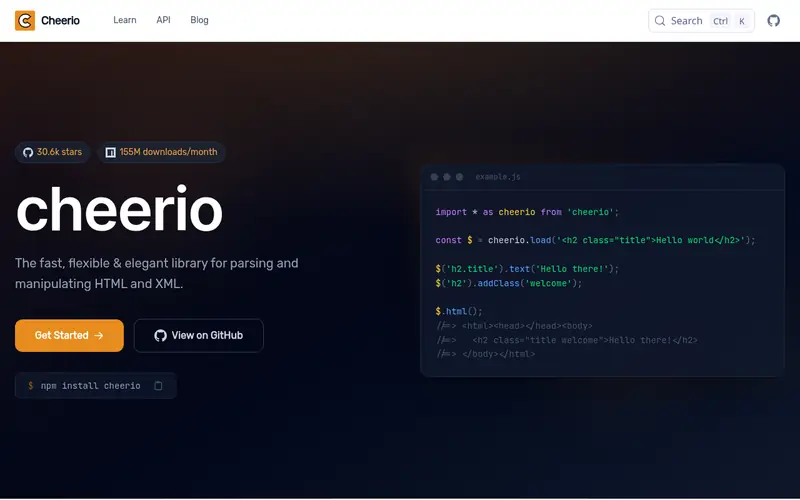
cheerio parses HTML and XML into a lightweight tree and lets you query it with CSS selectors and a jQuery-style API. It runs on Node.js and is commonly used for scraping, templating and transforming server-rendered markup. It does not run a browser, so it is lighter than a full DOM implementation. It is published under the MIT licence.
cheerio is not a browser DOM. It has no layout engine, no rendering and limited support for some DOM APIs. If your code depends on real browser behavior, use jsdom or run a headless browser. For straightforward parsing and selection, cheerio is usually the quickest path. Skip it if you need to execute page scripts or measure layout.
Standout: Familiar jQuery-like selectors
Free (open source), as listed by the vendor (cheerio website). Confirm the current plan price before you buy.
Free plan. Plans change, so confirm on the vendor's pricing page before you buy.
Benefits
- Familiar jQuery-like selectors
- fast for server-side extraction
Drawbacks
- Not a full browser DOM
- no layout or rendering
Skip it if this limit matters to you: not a full browser DOM.
Verdict. A sensible pick for jQuery-style HTML parsing and scraping in Node.js.
Alternatives in this guide: jsdom, parse5, htmlparser2
jsdom
Best for a standards-based DOM for Node.js and tests
What it is and where it fits
jsdom implements the WHATWG DOM and HTML standards in JavaScript. It runs in Node.js and provides a document object, DOM APIs and a window, which makes it useful for testing front-end code without a browser. It can parse HTML strings and load pages, and it supports many browser APIs. It is published under the MIT licence.
jsdom does not render pages or run a full browser engine. It can execute scripts when configured, but it is not a substitute for a real browser in every case. It is heavier than selector-only libraries, so use it when you need DOM behavior rather than simple extraction. Skip it if you only need to pull text out of markup and want the smallest dependency.
Standout: Implements a real DOM
Free (open source), as listed by the vendor (jsdom website). Confirm the current plan price before you buy.
Free plan. Plans change, so confirm on the vendor's pricing page before you buy.
Benefits
- Implements a real DOM
- works well for testing browser code
Drawbacks
- Heavier than selector-only parsers
- not a full browser engine
Skip it if this limit matters to you: heavier than selector-only parsers.
Verdict. A sensible pick for A standards-based DOM for Node.js and tests.
Alternatives in this guide: cheerio, parse5, htmlparser2
parse5
Best for spec-compliant HTML5 parsing with error recovery
What it is and where it fits
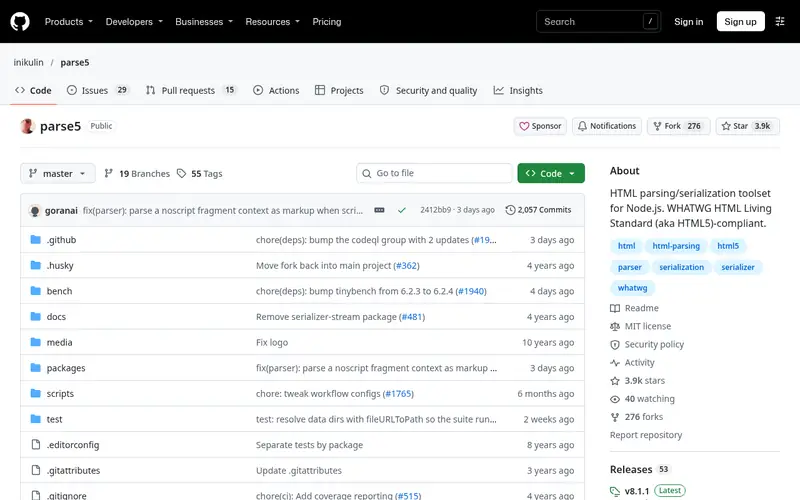
parse5 is an HTML5 parser that follows the WHATWG parsing specification, including the error-recovery rules that browsers use for broken markup. It produces a spec-shaped tree and works in Node.js and browsers. It is often used as the parsing layer inside other tools. It is published under the MIT licence.
parse5 gives you a correct tree, but it does not give you a query API like cheerio. You walk the tree yourself or pair it with a selector library. That makes it a good fit for tools, linters and pipelines that need accurate parsing. Skip it if you want quick CSS-selector queries and do not care about spec-level fidelity.
Standout: Follows the HTML5 parsing spec
Free (open source), as listed by the vendor (parse5 website). Confirm the current plan price before you buy.
Free plan. Plans change, so confirm on the vendor's pricing page before you buy.
Benefits
- Follows the HTML5 parsing spec
- handles malformed markup
Drawbacks
- Lower-level API
- not a jQuery-style selector tool
Skip it if this limit matters to you: lower-level API.
Verdict. A sensible pick for spec-compliant HTML5 parsing with error recovery.
Alternatives in this guide: cheerio, jsdom, htmlparser2
htmlparser2
Best for fast, forgiving streaming HTML parsing
What it is and where it fits
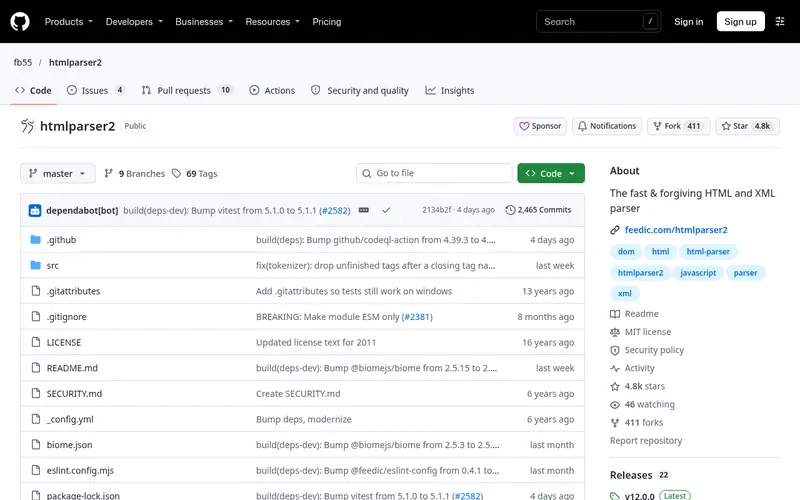
htmlparser2 is a fast, forgiving HTML and XML parser for Node.js and browsers. It works as a streaming parser with callbacks, and it can also build a DOM-like tree. It is tolerant of malformed markup and is used as a dependency in several scraping and DOM tools. It is published under the MIT licence.
Because it is callback-based, htmlparser2 gives you control but requires more code than cheerio. It is a good choice when you need to process large documents incrementally or want minimal overhead. It does not provide CSS selectors on its own. Skip it if you want a ready-made query API and do not need streaming.
Standout: Fast and streaming
Free (open source), as listed by the vendor (htmlparser2 website). Confirm the current plan price before you buy.
Free plan. Plans change, so confirm on the vendor's pricing page before you buy.
Benefits
- Fast and streaming
- tolerant of malformed HTML
Drawbacks
- Lower-level callbacks
- you build the tree handling
Skip it if this limit matters to you: lower-level callbacks.
Verdict. A sensible pick for fast, forgiving streaming HTML parsing.
node-html-parser
Best for lightweight DOM-like parsing with CSS queries
What it is and where it fits
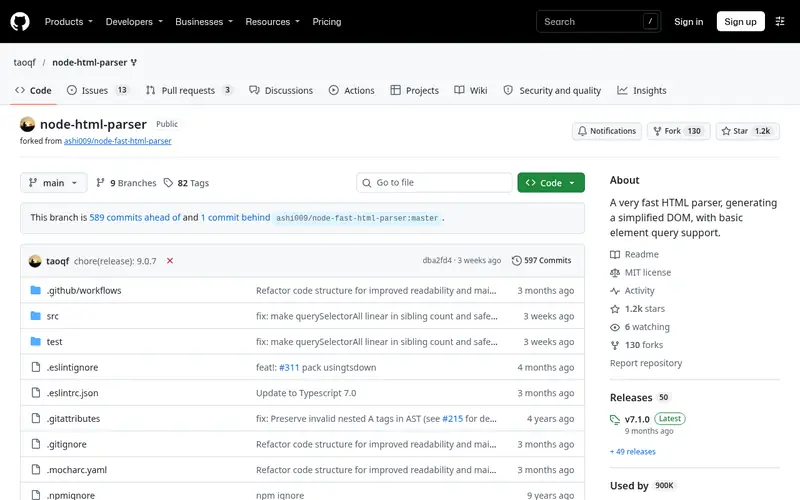
node-html-parser parses HTML into a lightweight DOM-like structure with querySelector and querySelectorAll support. It runs in Node.js and aims to be fast and simple. It is a practical option when you want selector queries without the weight of a full DOM. It is published under the MIT licence.
It is not a complete implementation of the DOM standards, so some APIs and edge cases differ from a browser. For many scraping and extraction tasks that is fine. Check the project documentation for the supported API surface before relying on it for complex pages. Skip it if you need strict standards compliance or broad DOM coverage.
Standout: Simple DOM-like API
Free (open source), as listed by the vendor (node-html-parser website). Confirm the current plan price before you buy.
Free plan. Plans change, so confirm on the vendor's pricing page before you buy.
Benefits
- Simple DOM-like API
- supports CSS selectors
Drawbacks
- Smaller ecosystem
- not a full standards DOM
Skip it if this limit matters to you: smaller ecosystem.
Verdict. A sensible pick for lightweight DOM-like parsing with CSS queries.
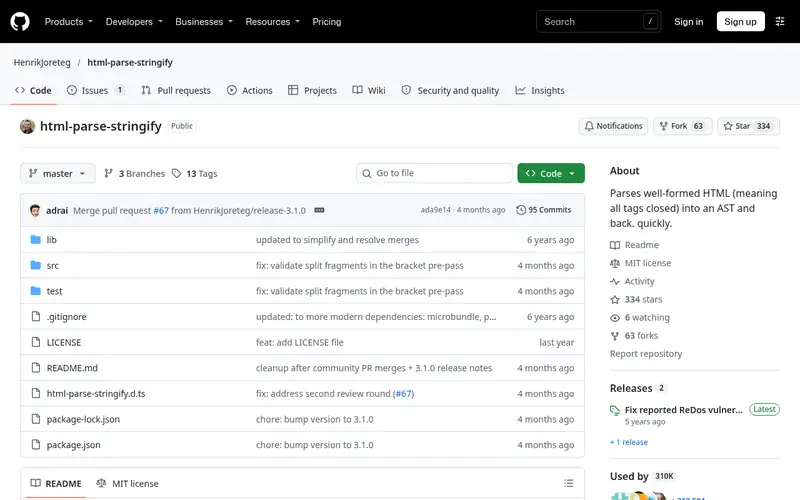
html-parse-stringify
Best for converting HTML strings to a simple AST and back
What it is and where it fits
html-parse-stringify parses an HTML string into a simple abstract syntax tree and can stringify it back. It is small and focused, which makes it useful for tasks like transforming markup or moving HTML between formats. It runs in Node.js and browsers. It is published under the MIT licence.
It does not aim to be a full parser or a query engine. There are no CSS selectors and no DOM APIs. Use it when you need a compact representation of markup and control over the output. Skip it for scraping or any job that needs selector queries or browser-like behavior.
Standout: Small and simple
Free (open source), as listed by the vendor (html-parse-stringify website). Confirm the current plan price before you buy.
Free plan. Plans change, so confirm on the vendor's pricing page before you buy.
Benefits
- Small and simple
- round-trips HTML to an AST
Drawbacks
- Minimal feature set
- no CSS selector queries
Skip it if this limit matters to you: minimal feature set.
Verdict. A sensible pick for converting HTML strings to a simple AST and back.
Who should use what
If you are scraping server-rendered pages in Node.js and want quick selector queries, start with cheerio. If you are testing front-end code and need a real DOM, use jsdom. If you are building a tool that must parse broken HTML the way browsers do, use parse5. If you need to process large documents incrementally, use htmlparser2. Match the library to whether you need a query API, a full DOM, or streaming events.
Questions to settle before you buy
What to check before you buy
- Confirm the library runs on your target platform, whether Node.js, browsers, or both.
- Check how it handles malformed HTML if you parse real-world web pages.
- Verify the licence fits your project and distribution model.
- Confirm the API surface you need, such as CSS selectors or DOM methods.
- Check maintenance activity and open issues on the project repository.
FAQ
Do I need a full DOM to parse HTML in JavaScript?
No. If you only need to extract text or attributes, a selector-based library like cheerio is enough. Use a full DOM like jsdom when your code depends on browser APIs, layout-free DOM behavior, or testing front-end components.
Which parser handles broken HTML best?
parse5 follows the HTML5 parsing specification and applies browser error-recovery rules, so it handles malformed markup predictably. htmlparser2 is also tolerant of broken HTML. Selector-only libraries may behave differently on invalid markup.
Are these HTML parsers free?
Yes. All the libraries listed here are open source and free to use under their respective licences. Check each project's licence before distributing code that depends on it.
Can I parse HTML in the browser?
Yes. parse5, htmlparser2 and node-html-parser run in browsers as well as Node.js. In a browser you can also use the built-in DOMParser, which requires no dependency.
Is it safe to parse untrusted HTML?
Parsing untrusted HTML can expose you to risks if you later render it. Sanitize any HTML before inserting it into a page, and avoid executing scripts from untrusted sources. Keep parsing and rendering as separate steps.
Sources we checked
Method: how we score · editorial policy.
Change log. First published 27 Nov 2026.