Stage 01 · Write · Researched comparison
Best JavaScript CSV Parsers in 2026
Papa Parse is the first pick for most developers. It runs in the browser and in Node.js, handles large files in chunks, and ships under the MIT license at no cost. If you need a strict streaming parser on the server, csv-parse is a strong alternative. For a small, fast parser with a simple API, fast-csv is a third option worth a look.

By Shihab Mia
Published 27 Nov 2026 · 7 tools compared
We run no ads and no affiliate links at launch. The order of a list follows our published method. See how we score.
Prices are the starting prices vendors list publicly. Plans change, so confirm the current price on the vendor page before you buy.
Key takeaways
- Papa Parse is free and open source (MIT), works in browsers and Node.js, and parses files in chunks to limit memory use.
- csv-parse is free and open source (MIT) and focuses on Node.js streaming with detailed options for delimiters, quotes and encoding.
- fast-csv is free and open source (MIT) and offers a compact API for both parsing and formatting.
- All parsers listed here run locally in your own process, so CSV data does not need to be sent to a third-party web page.
Who each pick is for
- Browser and Node.js parsing with chunked readsPapa Parse
- Node.js streaming with detailed parsing optionscsv-parse
- Compact parsing and formatting in Node.jsfast-csv
- Minimal streaming parser for Node.jscsv-parser
- Promise-based parsing of CSV stringsneat-csv
- CSV and TSV parsing in browsers and Node.jsd3-dsv
- Converting CSV to JSON with a configurable pipelinecsvtojson
Comparison
| Tool | Best for | Standout feature | Listed starting price | Free plan or trial |
|---|---|---|---|---|
| 1Papa Parse | Browser and Node.js parsing with chunked reads | Runs in browsers and Node.js | Free (open source) | Free plan |
| 2csv-parse | Node.js streaming with detailed parsing options | Strong Node.js stream support | Free (open source) | Free plan |
| 3fast-csv | Compact parsing and formatting in Node.js | Simple API for parse and format | Free (open source) | Free plan |
| 4csv-parser | Minimal streaming parser for Node.js | Very small API | Free (open source) | Free plan |
| 5neat-csv | Promise-based parsing of CSV strings | Simple promise API | Free (open source) | Free plan |
| 6d3-dsv | CSV and TSV parsing in browsers and Node.js | Small and dependency-light | Free (open source) | Free plan |
| 7csvtojson | Converting CSV to JSON with a configurable pipeline | Rich conversion options | Free (open source) | Free plan |
How we picked
We picked parsers that are actively maintained, have a public repository, and genuinely parse CSV in JavaScript. Criteria were fit for the job, where the code runs (browser, Node.js or both), license and price, and the main limits such as streaming support and memory behavior. Sources are vendor pages, documentation and project repositories. Prices and licenses can change, so confirm on the vendor site before you commit.
The tools, one by one
Papa Parse
Best for browser and Node.js parsing with chunked reads
What it is and where it fits
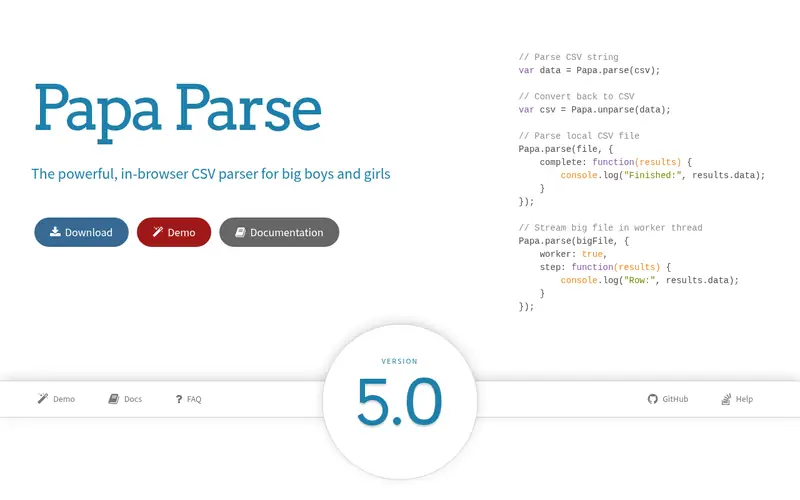
Papa Parse is a CSV parser that works in the browser and in Node.js. It handles quoted fields, custom delimiters and header rows. The `chunk` and `step` options let you process large files in pieces instead of loading everything into memory at once. In browsers it can run in a Web Worker so parsing does not block the UI.
The project is released under the MIT license and is free to use. It also includes a CSV-to-JSON conversion path and an unparse function for writing CSV. The main limits appear when you need very fine control over Node.js streams, where a Node-focused parser may fit better. Skip it if your pipeline is built entirely on Node streams and you want stream primitives as the primary API.
Standout: Runs in browsers and Node.js
Free (open source), as listed by the vendor (Papa Parse website). Confirm the current plan price before you buy.
Free plan. Plans change, so confirm on the vendor's pricing page before you buy.
Benefits
- Runs in browsers and Node.js
- parses large files in chunks
Drawbacks
- Fewer low-level stream options than some Node-only parsers
- browser worker setup adds code
Skip it if this limit matters to you: fewer low-level stream options than some Node-only parsers.
Verdict. A sensible pick for browser and Node.js parsing with chunked reads.
Alternatives in this guide: csv-parse, fast-csv, csv-parser
csv-parse
Best for node.js streaming with detailed parsing options
What it is and where it fits
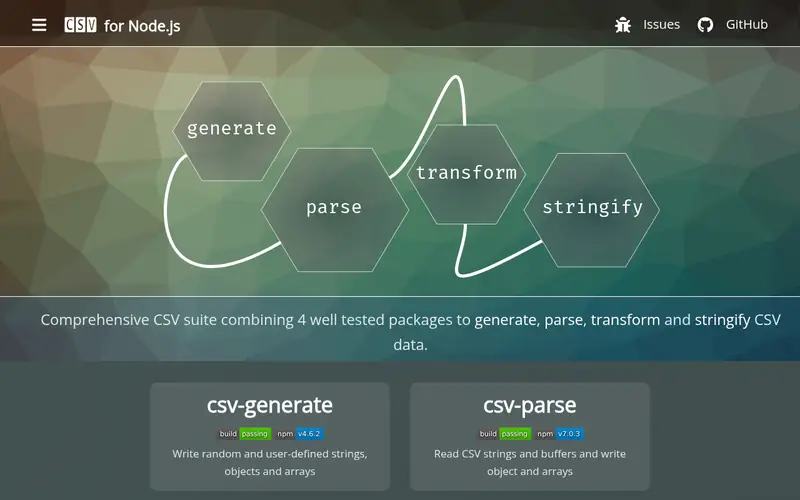
csv-parse is part of the csv project and targets Node.js. It works as a stream transform, so you can pipe a file or network response through it and handle rows as they arrive. Options cover delimiter, quote, escape, comment characters, record delimiters and encoding.
It is released under the MIT license and is free. The package pairs with csv-stringify for writing CSV. The API is more verbose than Papa Parse for simple cases, and browser use requires bundling and care around Node stream polyfills. Skip it if you mainly parse small strings in the browser and want the shortest setup.
Standout: Strong Node.js stream support
Free (open source), as listed by the vendor (csv-parse website). Confirm the current plan price before you buy.
Free plan. Plans change, so confirm on the vendor's pricing page before you buy.
Benefits
- Strong Node.js stream support
- many options for quotes, delimiters and encoding
Drawbacks
- Node-focused API
- browser use needs bundling and extra setup
Skip it if this limit matters to you: node-focused API.
Verdict. A sensible pick for node.js streaming with detailed parsing options.
Alternatives in this guide: Papa Parse, fast-csv, csv-parser
fast-csv
Best for compact parsing and formatting in Node.js
What it is and where it fits
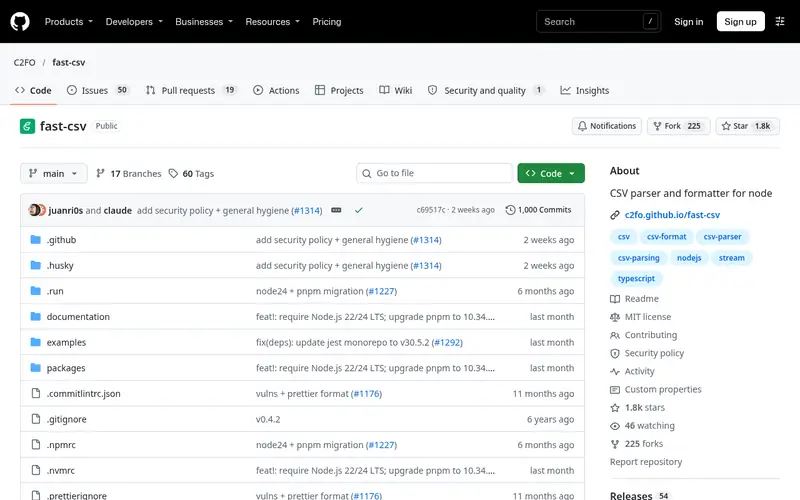
fast-csv provides parsing and formatting in one package. It exposes `parse` and `format` functions and works with Node.js streams. You can read a file, pipe it through the parser and handle rows with events or async iteration.
The project is MIT licensed and free. It covers common needs such as headers, delimiters and quote handling. The option set is smaller than csv-parse, so unusual formats may need custom handling. It is aimed at Node.js; browser use is possible with bundling but is not the primary focus. Skip it if you need extensive format edge cases or a browser-first parser.
Standout: Simple API for parse and format
Free (open source), as listed by the vendor (fast-csv website). Confirm the current plan price before you buy.
Free plan. Plans change, so confirm on the vendor's pricing page before you buy.
Benefits
- Simple API for parse and format
- works with Node streams
Drawbacks
- Smaller option set than csv-parse
- browser use is not the main target
Skip it if this limit matters to you: smaller option set than csv-parse.
Verdict. A sensible pick for compact parsing and formatting in Node.js.
Alternatives in this guide: Papa Parse, csv-parse, csv-parser
csv-parser
Best for minimal streaming parser for Node.js
What it is and where it fits
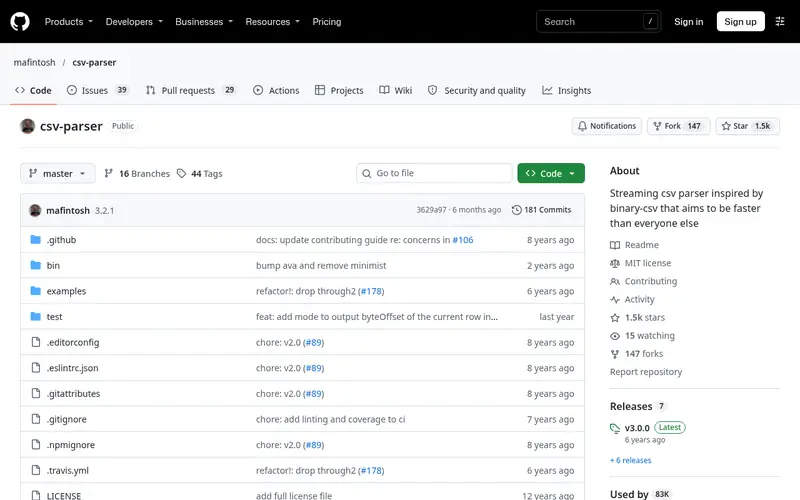
csv-parser is a small Node.js streaming parser. It reads a stream and emits objects keyed by the header row. The API is minimal: create the parser, pipe data in, and listen for `data` events. It handles quoted fields and custom separators.
It is MIT licensed and free. The small surface makes it easy to read and reason about. The trade-off is fewer options than csv-parse and no formatter, so writing CSV needs another tool. It targets Node.js only. Skip it if you need browser support or detailed control over malformed input.
Standout: Very small API
Free (open source), as listed by the vendor (csv-parser website). Confirm the current plan price before you buy.
Free plan. Plans change, so confirm on the vendor's pricing page before you buy.
Benefits
- Very small API
- fast streaming through Node streams
Drawbacks
- Few options
- no built-in writer
Skip it if this limit matters to you: few options.
Verdict. A sensible pick for minimal streaming parser for Node.js.
Alternatives in this guide: Papa Parse, csv-parse, fast-csv
neat-csv
Best for promise-based parsing of CSV strings
What it is and where it fits
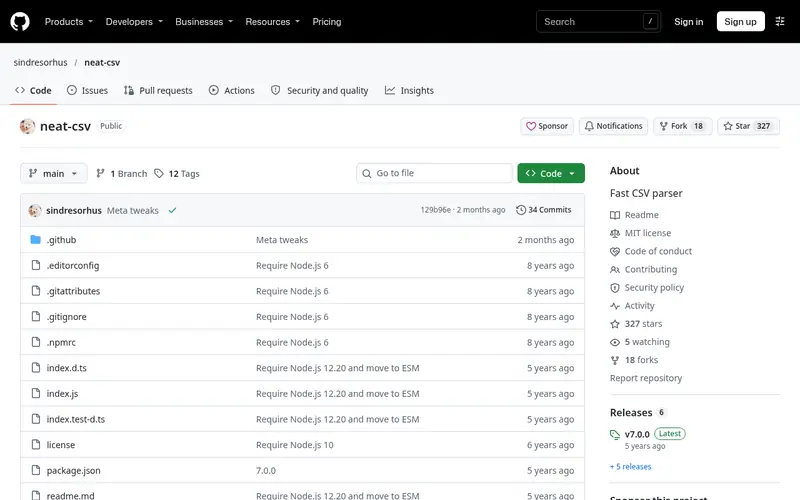
neat-csv wraps csv-parser and returns a promise that resolves to an array of row objects. It is useful when you already have a CSV string or a small stream and want a short async call instead of event wiring.
It is MIT licensed and free. Because it resolves to a full array, it holds all rows in memory, so it is not suited to very large files. For big inputs, use a streaming parser directly. It runs in Node.js. Skip it if memory use matters or you need browser parsing.
Standout: Simple promise API
Free (open source), as listed by the vendor (neat-csv website). Confirm the current plan price before you buy.
Free plan. Plans change, so confirm on the vendor's pricing page before you buy.
Benefits
- Simple promise API
- good for small inputs
Drawbacks
- Loads the whole input
- not built for large files
Skip it if this limit matters to you: loads the whole input.
Verdict. A sensible pick for promise-based parsing of CSV strings.
Alternatives in this guide: Papa Parse, csv-parse, fast-csv
d3-dsv
Best for cSV and TSV parsing in browsers and Node.js
What it is and where it fits
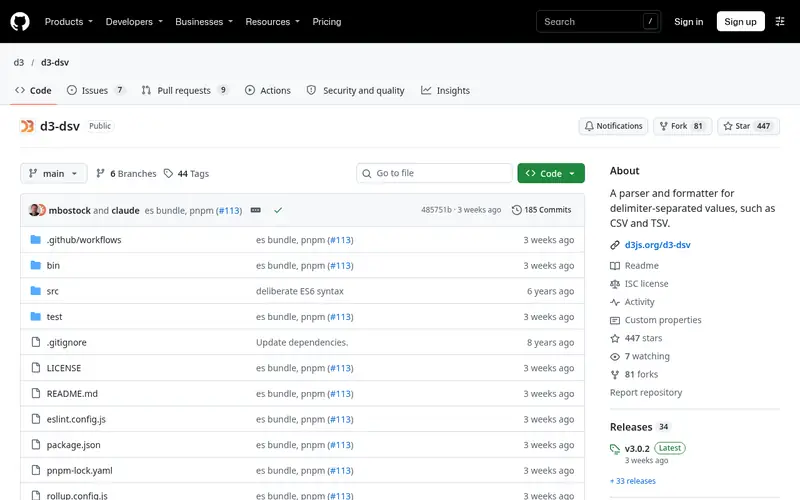
d3-dsv is part of the D3 project and provides `csvParse`, `tsvParse` and related functions. It parses a string into an array of objects and is often used with data visualization work. It handles quoted fields and custom delimiters.
It is ISC licensed and free. The API is synchronous and takes a full string, so it is not a streaming parser. That is fine for moderate files and browser use. Skip it if you need chunked processing of large files or stream integration.
Standout: Small and dependency-light
Free (open source), as listed by the vendor (d3-dsv website). Confirm the current plan price before you buy.
Free plan. Plans change, so confirm on the vendor's pricing page before you buy.
Benefits
- Small and dependency-light
- handles CSV and TSV
Drawbacks
- No streaming
- oriented toward data rows rather than events
Skip it if this limit matters to you: no streaming.
Verdict. A sensible pick for CSV and TSV parsing in browsers and Node.js.
Alternatives in this guide: Papa Parse, csv-parse, fast-csv
csvtojson
Best for converting CSV to JSON with a configurable pipeline
What it is and where it fits
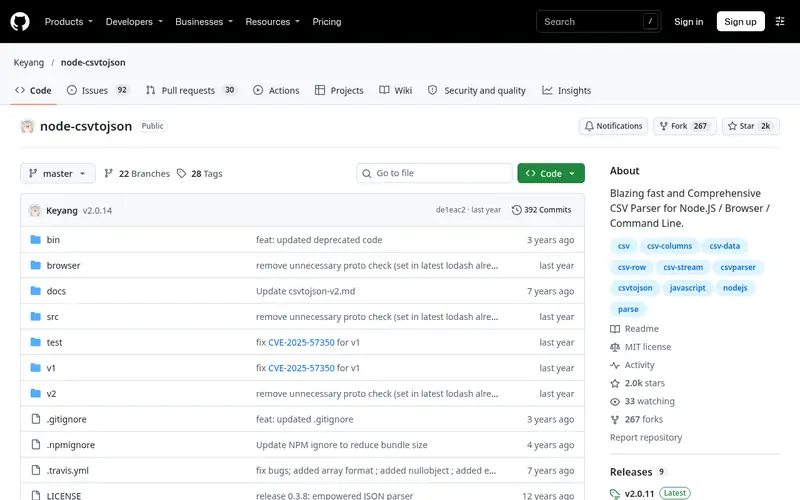
csvtojson converts CSV input to JSON. It accepts strings, files and streams, and offers options for headers, delimiters, type conversion and per-row processors. It is often used in Node.js data pipelines.
It is MIT licensed and free. The feature set is broad, which means more configuration to learn than a minimal parser. It targets Node.js mainly. Skip it if you want the smallest possible dependency or a browser-first parser.
Standout: Rich conversion options
Free (open source), as listed by the vendor (csvtojson website). Confirm the current plan price before you buy.
Free plan. Plans change, so confirm on the vendor's pricing page before you buy.
Benefits
- Rich conversion options
- supports streams and processors
Drawbacks
- Larger API surface to learn
- configuration can get complex
Skip it if this limit matters to you: larger API surface to learn.
Verdict. A sensible pick for converting CSV to JSON with a configurable pipeline.
Alternatives in this guide: Papa Parse, csv-parse, fast-csv
Who should use what
If you parse CSV in the browser and need chunked reads, start with Papa Parse. If your pipeline is Node.js streams and you want detailed format control, use csv-parse. If you want a compact parser and formatter in one package, try fast-csv. If you only need to turn a small CSV string into objects, neat-csv or d3-dsv keeps the code short.
Questions to settle before you buy
What to check before you buy
- Confirm the parser runs where you need it: browser, Node.js, or both.
- Check streaming and chunk options if files can be large.
- Review delimiter, quote and encoding options for your data format.
- Check the license and whether the project is actively maintained.
- Test malformed rows and decide how errors should be handled.
FAQ
Is Papa Parse free to use?
Yes. Papa Parse is released under the MIT license and is free to use in commercial and open-source projects. Check the repository for the current license text.
Can these parsers handle large CSV files?
Papa Parse, csv-parse, fast-csv and csv-parser support streaming or chunked reads, which limits memory use. Parsers that return a full array, such as neat-csv and d3-dsv, hold all rows in memory and are better for smaller inputs.
Do I need to send my CSV data to a server?
No. These are libraries that run in your own process, in the browser or in Node.js. Your data stays local unless your own code sends it elsewhere. Avoid pasting production data into third-party web pages.
Which parser works in the browser?
Papa Parse and d3-dsv are built for browser use. Others target Node.js and may need bundling and polyfills to run in a browser.
What is the difference between csv-parse and fast-csv?
Both are Node.js parsers under the MIT license. csv-parse offers more format options and is part of the csv project with a matching stringify package. fast-csv has a smaller API and includes both parsing and formatting.
Sources we checked
Method: how we score · editorial policy.
Change log. First published 27 Nov 2026.