Stage 04 · Run · Researched comparison
Best Python Benchmarking Tools in 2026
pytest-benchmark is the first pick for most teams because it adds benchmarks to an existing pytest suite and reports timing statistics without extra setup. pyperf suits developers who need low-noise measurements and system tuning for reliable numbers. asv fits projects that track benchmark results over many commits and want a hosted dashboard. All three are free and open source.

By Shihab Mia
Published 28 Nov 2026 · 6 tools compared
We run no ads and no affiliate links at launch. The order of a list follows our published method. See how we score.
Prices are the starting prices vendors list publicly. Plans change, so confirm the current price on the vendor page before you buy.
Key takeaways
- pytest-benchmark, pyperf, asv, timeit and pyperformance are free and open source; CodSpeed is a hosted service with a free tier and paid plans.
- timeit ships with Python and is best for short snippets, not full test suites or historical tracking.
- asv and pyperformance focus on comparing results across commits and Python versions rather than single-run timing.
- Benchmark numbers depend on hardware, load and interpreter version, so record the environment with every result.
Who each pick is for
- Teams already running pytest who want benchmarks in the same suitepytest-benchmark
- Developers who need low-noise measurements and system tuningpyperf
- Projects that track benchmark results across many commitsasv (airspeed velocity)
- Quick timing of small snippets with no installationtimeit
- Comparing CPython versions and builds on the same machinepyperformance
- Teams that want benchmark tracking in CI with a hosted dashboardCodSpeed (with pytest-codspeed)
Comparison
| Tool | Best for | Standout feature | Listed starting price | Free plan or trial |
|---|---|---|---|---|
| 1pytest-benchmark | Teams already running pytest who want benchmarks in the same suite | Plugs into existing pytest tests | Free (open source) | Free plan |
| 2pyperf | Developers who need low-noise measurements and system tuning | Runs benchmarks in isolated subprocesses | Free (open source) | Free plan |
| 3asv (airspeed velocity) | Projects that track benchmark results across many commits | Stores results per commit and publishes an HTML dashboard | Free (open source) | Free plan |
| 4timeit | Quick timing of small snippets with no installation | Included with Python | Free | Free plan |
| 5pyperformance | Comparing CPython versions and builds on the same machine | Ships a broad suite of real-world benchmarks | Free (open source) | Free plan |
| 6CodSpeed (with pytest-codspeed) | Teams that want benchmark tracking in CI with a hosted dashboard | Integrates with pytest and CI providers | See vendor pricing page | Free trial (14 days) |
How we picked
We compared tools on fit for Python benchmarking, supported platforms, licence and price, whether results stay local, and main limits such as setup effort and history tracking. Sources are vendor pages, official documentation and project repositories. Prices and free plan limits change, so confirm them on the vendor site before you commit.
The tools, one by one
pytest-benchmark
Best for teams already running pytest who want benchmarks in the same suite
What it is and where it fits
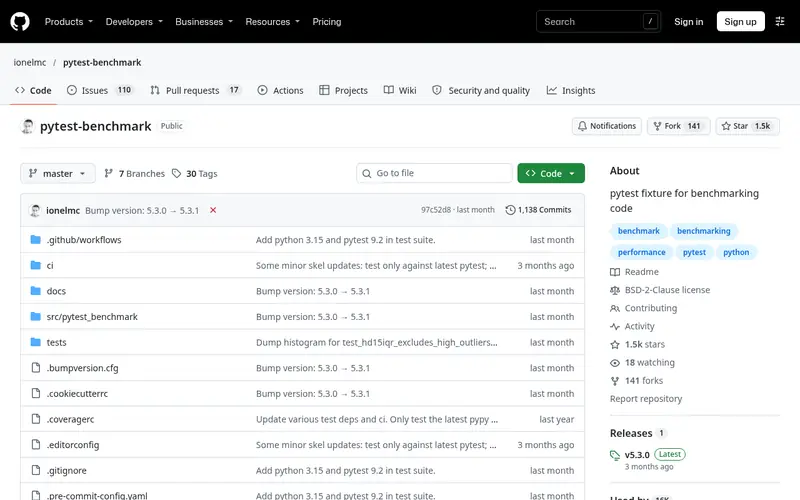
pytest-benchmark is a pytest plugin that turns ordinary test functions into timed benchmarks. You call the `benchmark` fixture and pass a callable, and the plugin runs it many times and reports statistics such as min, max, mean, median and standard deviation. It also supports comparison against a saved baseline file, which helps catch regressions between runs.
It runs anywhere pytest runs, including Linux, macOS and Windows, and works with CPython and other interpreters. Installation is a normal pip install. Because it lives inside pytest, you can mix benchmarks with unit tests, use markers to select them, and reuse fixtures.
The main limit is that it does not host or chart results for you. Long-term tracking needs a storage step, such as committing JSON output or wiring it into CI. Teams that want a dashboard should look at asv or CodSpeed instead.
Standout: Plugs into existing pytest tests
Free (open source), as listed by the vendor (pytest-benchmark website). Confirm the current plan price before you buy.
Free plan. Plans change, so confirm on the vendor's pricing page before you buy.
Benefits
- Plugs into existing pytest tests
- reports min, max, mean and standard deviation
Drawbacks
- Results are per-run unless you store them yourself
- fixture setup can skew timings if misused
Skip it if this limit matters to you: results are per-run unless you store them yourself.
Verdict. A sensible pick for teams already running pytest who want benchmarks in the same suite.
Alternatives in this guide: pyperf, asv (airspeed velocity), timeit
pyperf
Best for developers who need low-noise measurements and system tuning
What it is and where it fits
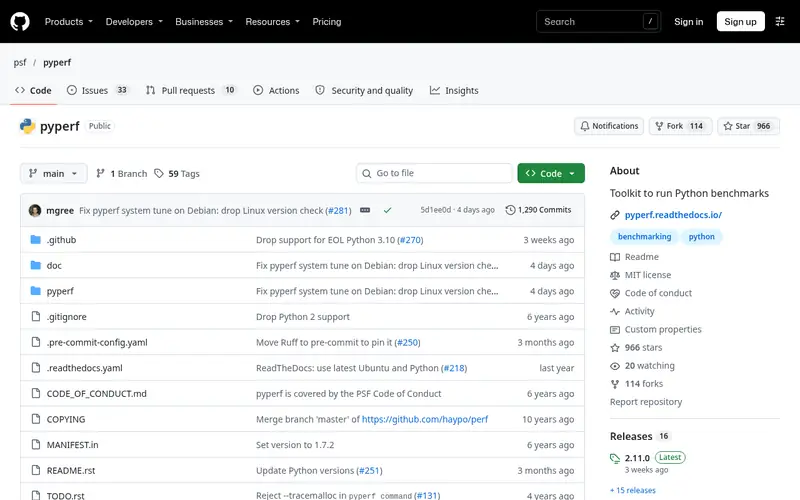
pyperf is a library and command-line toolkit maintained under the Python Software Foundation for writing reliable benchmarks. It runs each benchmark in a fresh subprocess, calibrates the number of loops, and computes statistics with confidence intervals. It also detects and reports outliers and can compare two result files.
The project ships a system tuning command that adjusts CPU frequency scaling and other settings on Linux to reduce variance. This makes pyperf a common choice for measuring interpreter and library performance rather than application code.
It is not a test framework, so you write standalone benchmark scripts. Results are stored as JSON and compared with the bundled commands. The extra rigor costs setup time, so small projects may prefer pytest-benchmark. It runs on Linux, macOS and Windows, with tuning features limited to platforms it supports.
Standout: Runs benchmarks in isolated subprocesses
Free (open source), as listed by the vendor (pyperf website). Confirm the current plan price before you buy.
Free plan. Plans change, so confirm on the vendor's pricing page before you buy.
Benefits
- Runs benchmarks in isolated subprocesses
- includes a system tuning tool for stable results
Drawbacks
- More setup than a pytest plugin
- output needs separate tooling to visualize
Skip it if this limit matters to you: more setup than a pytest plugin.
Verdict. A sensible pick for developers who need low-noise measurements and system tuning.
Alternatives in this guide: pytest-benchmark, asv (airspeed velocity), timeit
asv (airspeed velocity)
Best for projects that track benchmark results across many commits
What it is and where it fits
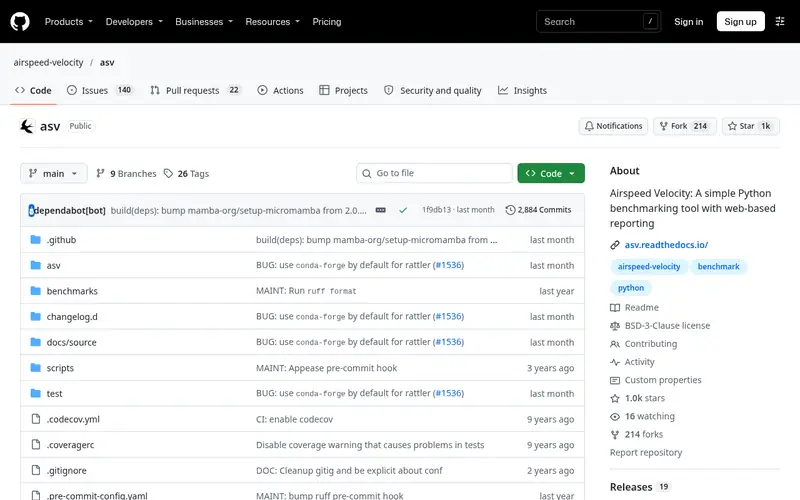
asv, short for airspeed velocity, is a benchmarking system built for tracking performance over a project's history. You define benchmarks in a `benchmarks` directory, and asv checks out each commit, builds an environment, runs the benchmarks and stores the results in a machine-readable repository.
It then generates a static website with graphs per benchmark, so you can see how timings changed across commits, branches and Python versions. This makes regressions visible without manual comparison. The project is used widely by scientific Python libraries.
The tradeoff is setup cost. You need a config file, a results repository and CI steps to run asv on each change. It is aimed at libraries and packages with a long commit history, not short scripts or application code. It runs on Linux, macOS and Windows, and publishing the dashboard requires a static host.
Standout: Stores results per commit and publishes an HTML dashboard
Free (open source), as listed by the vendor (asv (airspeed velocity) website). Confirm the current plan price before you buy.
Free plan. Plans change, so confirm on the vendor's pricing page before you buy.
Benefits
- Stores results per commit and publishes an HTML dashboard
- can build environments per commit
Drawbacks
- Setup and CI configuration take effort
- best suited to libraries, not app code
Skip it if this limit matters to you: setup and CI configuration take effort.
Verdict. A sensible pick for projects that track benchmark results across many commits.
Alternatives in this guide: pytest-benchmark, pyperf, timeit
timeit
Best for quick timing of small snippets with no installation
What it is and where it fits
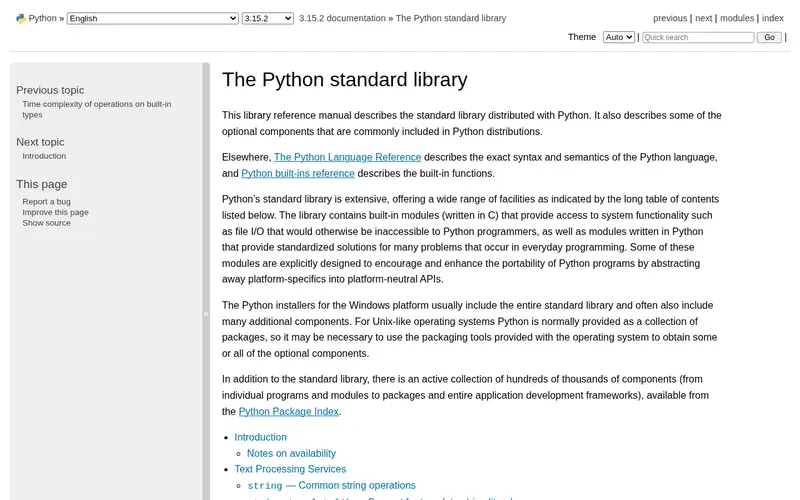
timeit is part of the Python standard library. It runs a statement many times and reports the total or average time, which makes it useful for comparing small expressions such as list comprehensions versus loops. You can use it from code with `timeit.timeit()` or from the command line with `python -m timeit`.
It disables garbage collection during timing by default and repeats runs to give a more stable number. That is enough for quick checks during development, and there is nothing to install.
Its limits are real. It reports only the best or repeated timings, not distributions with standard deviation, and it does not store results for comparison. It also cannot isolate subprocess effects or tune the system. For anything beyond a snippet, use pytest-benchmark or pyperf.
Standout: Included with Python
Free, as listed by the vendor (timeit website). Confirm the current plan price before you buy.
Free plan. Plans change, so confirm on the vendor's pricing page before you buy.
Benefits
- Included with Python
- simple API and command-line mode
Drawbacks
- No statistics beyond repeated runs
- easy to measure the wrong thing
Skip it if this limit matters to you: no statistics beyond repeated runs.
Verdict. A sensible pick for quick timing of small snippets with no installation.
Alternatives in this guide: pytest-benchmark, pyperf, asv (airspeed velocity)
pyperformance
Best for comparing CPython versions and builds on the same machine
What it is and where it fits
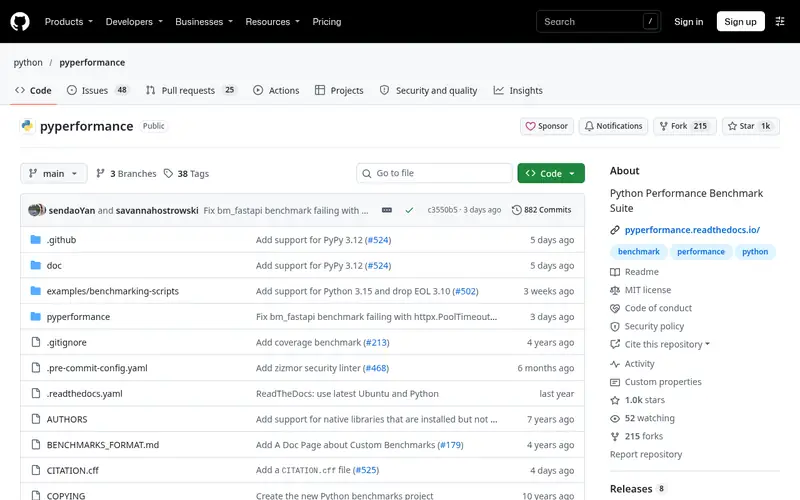
pyperformance is the benchmark suite used by the CPython project to measure interpreter performance. It bundles a set of benchmarks covering startup time, math, string handling, serialization and other workloads, and runs them through pyperf for stable measurement.
You install it with pip and run the `pyperformance run` command, which writes a JSON file. A separate compare command shows the relative difference between two result files, which is useful when testing a new Python build or a compiler change.
It is not designed for benchmarking your own functions. The suite measures the interpreter and standard library, so application developers get limited value unless they are evaluating Python versions or builds. Full runs take several minutes, and results are only meaningful when compared on the same machine under similar load. It runs on Linux, macOS and Windows.
Standout: Ships a broad suite of real-world benchmarks
Free (open source), as listed by the vendor (pyperformance website). Confirm the current plan price before you buy.
Free plan. Plans change, so confirm on the vendor's pricing page before you buy.
Benefits
- Ships a broad suite of real-world benchmarks
- compares two result sets directly
Drawbacks
- Focused on interpreter performance, not your application
- full runs take time
Skip it if this limit matters to you: focused on interpreter performance, not your application.
Verdict. A sensible pick for comparing CPython versions and builds on the same machine.
Alternatives in this guide: pytest-benchmark, pyperf, asv (airspeed velocity)
CodSpeed (with pytest-codspeed)
Best for teams that want benchmark tracking in CI with a hosted dashboard
What it is and where it fits
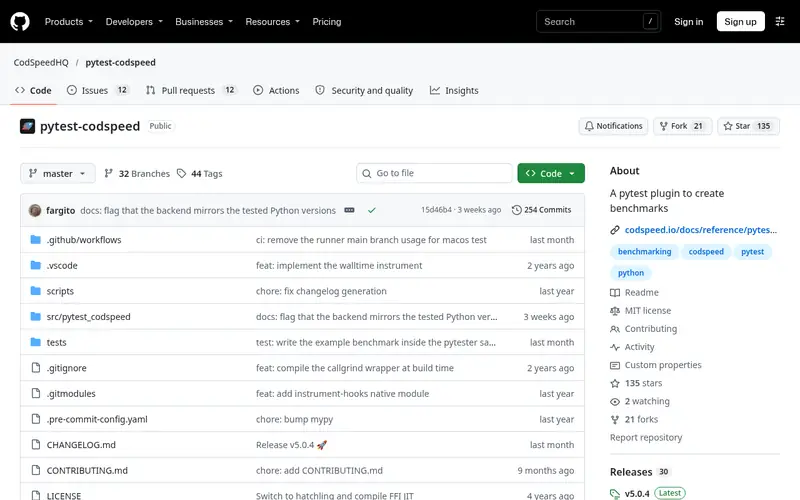
CodSpeed is a hosted performance testing service. The pytest-codspeed plugin lets you mark existing pytest benchmarks so they run in your CI pipeline and send results to CodSpeed. The service then compares runs and flags performance changes on pull requests.
The plugin works alongside pytest-benchmark style tests and requires a CodSpeed account and token in CI. It supports common CI providers and reports results in a web dashboard with history per branch.
Because it is hosted, benchmark data is sent to a third party, which matters for private code. The free tier is a trial, and continued use requires a paid plan; check the vendor pricing page for current limits. Teams that cannot send data off their machines should use asv with a self-hosted dashboard instead.
Standout: Integrates with pytest and CI providers
See vendor pricing page, as listed by the vendor (CodSpeed (with pytest-codspeed) website). Confirm the current plan price before you buy.
Free trial (14 days). Plans change, so confirm on the vendor's pricing page before you buy.
Benefits
- Integrates with pytest and CI providers
- reports regressions on pull requests
Drawbacks
- Hosted service, so results leave your machine
- paid plans needed beyond the trial
Skip it if this limit matters to you: hosted service, so results leave your machine.
Verdict. A sensible pick for teams that want benchmark tracking in CI with a hosted dashboard.
Alternatives in this guide: pytest-benchmark, pyperf, asv (airspeed velocity)
Who should use what
If you already run pytest and want benchmarks next to your tests, start with pytest-benchmark. If you need the most stable numbers and are willing to tune the system, use pyperf. If you maintain a library and want graphs across commits, choose asv. If you want regression checks on pull requests with a hosted dashboard and can send data to a third party, look at CodSpeed. For a one-off comparison of two small expressions, timeit is enough.
Questions to settle before you buy
What to check before you buy
- Confirm the tool runs on your OS and Python version, and check the last release date.
- Decide whether results must stay on your machine; hosted services send data to a third party.
- Check how results are stored and compared, since single-run numbers are easy to misread.
- Record hardware, OS, Python version and load alongside every result.
- Review the licence and any paid tier limits before adding the tool to CI.
FAQ
Do I need a paid tool to benchmark Python code?
No. pytest-benchmark, pyperf, asv, timeit and pyperformance are free and open source. Paid hosted services such as CodSpeed add dashboards and pull request checks, but you can track results yourself with asv or saved JSON files.
What is the difference between timeit and pytest-benchmark?
timeit is in the standard library and times small snippets with repeated runs. pytest-benchmark is a plugin that runs inside pytest, reports statistics such as standard deviation, and can compare against a saved baseline. Use timeit for quick checks and pytest-benchmark for suites.
Can I compare benchmark results across machines?
Only with care. Timings depend on CPU, memory, OS and background load, so numbers from different machines are not directly comparable. Compare results on the same machine, or use relative scores and record the environment with each run.
Does CodSpeed store my code or results?
CodSpeed is a hosted service, so benchmark results are sent to its servers and shown in a dashboard. Review the vendor's documentation and terms before using it on private code. If data cannot leave your network, use a local tool such as asv.
Why do my benchmark numbers change between runs?
CPU frequency scaling, background processes, thermal throttling and garbage collection all affect timing. pyperf includes a system tuning command to reduce variance, and running benchmarks in isolated subprocesses helps. Repeat runs and report a range, not a single number.
Sources we checked
Method: how we score · editorial policy.
Change log. First published 28 Nov 2026.