Stage 04 · Run · Researched comparison
Best JavaScript Dependency Analyzers in 2026
dependency-cruiser is the first pick for most teams. It validates and graphs JavaScript and TypeScript imports, flags circular references and rule violations, and runs in CI. Madge is a lighter choice when you only need a dependency graph or a circular-dependency check. Knip suits projects that want to find unused files, exports and packages in one pass. All three are open source and free.

By Shihab Mia
Published 28 Nov 2026 · 5 tools compared
We run no ads and no affiliate links at launch. The order of a list follows our published method. See how we score.
Prices are the starting prices vendors list publicly. Plans change, so confirm the current price on the vendor page before you buy.
Key takeaways
- dependency-cruiser, Madge and Knip are free and open source; Nx is free with paid add-ons.
- Built-in commands like npm ls and pnpm why ship with the package managers and cost nothing.
- Most of these tools run locally, so your source code stays on your machine.
Who each pick is for
- Rule-based import validation and graph output in CIdependency-cruiser
- Quick dependency graphs and circular-dependency checksMadge
- Finding unused files, exports and dependenciesKnip
- Inspecting installed dependency trees without extra toolsnpm ls and pnpm why
- Visualizing project graphs in Nx monoreposNx graph
Comparison
| Tool | Best for | Standout feature | Listed starting price | Free plan or trial |
|---|---|---|---|---|
| 1dependency-cruiser | Rule-based import validation and graph output in CI | Validates dependency rules and flags cycles | Free (open source) | Free plan |
| 2Madge | Quick dependency graphs and circular-dependency checks | Simple command line and fast graph output | Free (open source) | Free plan |
| 3Knip | Finding unused files, exports and dependencies | Reports unused files, exports and packages in one run | Free (open source) | Free plan |
| 4npm ls and pnpm why | Inspecting installed dependency trees without extra tools | Ships with the package manager | Free | Free plan |
| 5Nx graph | Visualizing project graphs in Nx monorepos | Interactive project graph for monorepos | Free (open source) | Free plan |
How we picked
We picked tools that read JavaScript or TypeScript imports or package manifests and report a dependency graph, cycles or unused entries. Criteria were fit for the job, supported platforms, licence and price, whether analysis runs locally, and known limits such as maintenance activity or workspace requirements. Sources are vendor documentation, project repositories and public pricing pages. Prices and features change, so confirm details on the vendor site before you commit.
The tools, one by one
dependency-cruiser
Best for rule-based import validation and graph output in CI
What it is and where it fits
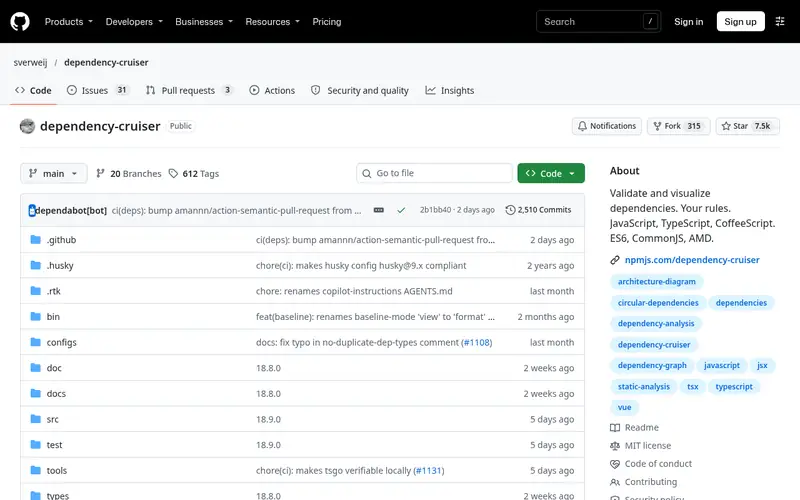
dependency-cruiser parses JavaScript and TypeScript imports and builds a dependency graph. You write rules that forbid certain edges, such as a feature module importing from another feature, and it fails the build when a rule breaks. It also detects circular dependencies and orphan modules.
It runs on Node.js and works from the command line or as a library. Output can be JSON, DOT, SVG or an HTML report. The project is open source under the MIT license. Setup cost is real: you need to write and maintain a rule file. Teams that only want a quick graph may find Madge faster to start.
Standout: Validates dependency rules and flags cycles
Free (open source), as listed by the vendor (dependency-cruiser website). Confirm the current plan price before you buy.
Free plan. Plans change, so confirm on the vendor's pricing page before you buy.
Benefits
- Validates dependency rules and flags cycles
- outputs graphs in several formats
Drawbacks
- Rule configuration takes time to set up
- large codebases need tuning
Skip it if this limit matters to you: rule configuration takes time to set up.
Verdict. A sensible pick for rule-based import validation and graph output in CI.
Alternatives in this guide: Madge, Knip, npm ls and pnpm why
Madge
Best for quick dependency graphs and circular-dependency checks
What it is and where it fits
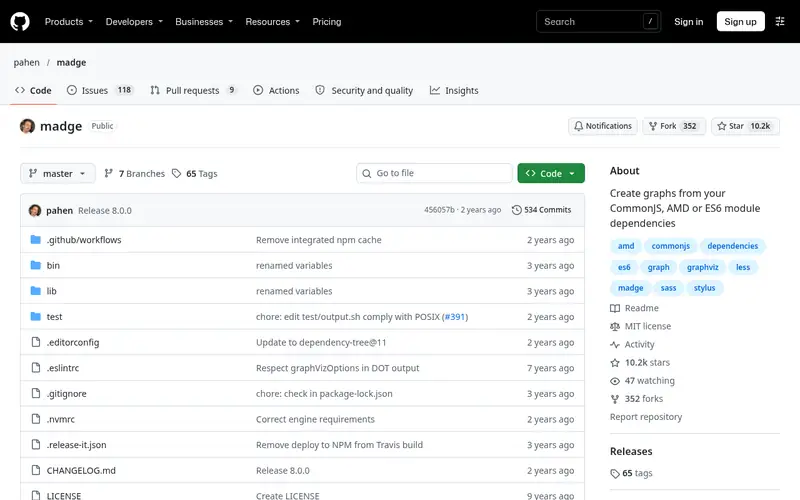
Madge reads your source files and produces a visual dependency graph. It handles JavaScript, TypeScript, CSS preprocessors and AMD modules. One common use is the circular-dependency check, which lists cycles so you can break them.
It installs through npm and runs on Node.js. Output formats include DOT, SVG, PNG and JSON. The project is open source. Madge focuses on graphing and cycle detection rather than policy enforcement, so teams that need custom rules usually pair it with dependency-cruiser or move to it.
Standout: Simple command line and fast graph output
Free (open source), as listed by the vendor (Madge website). Confirm the current plan price before you buy.
Free plan. Plans change, so confirm on the vendor's pricing page before you buy.
Benefits
- Simple command line and fast graph output
- detects circular dependencies
Drawbacks
- Fewer validation rules than dependency-cruiser
- graph detail depends on config
Skip it if this limit matters to you: fewer validation rules than dependency-cruiser.
Verdict. A sensible pick for quick dependency graphs and circular-dependency checks.
Alternatives in this guide: dependency-cruiser, Knip, npm ls and pnpm why
Knip
Best for finding unused files, exports and dependencies
What it is and where it fits
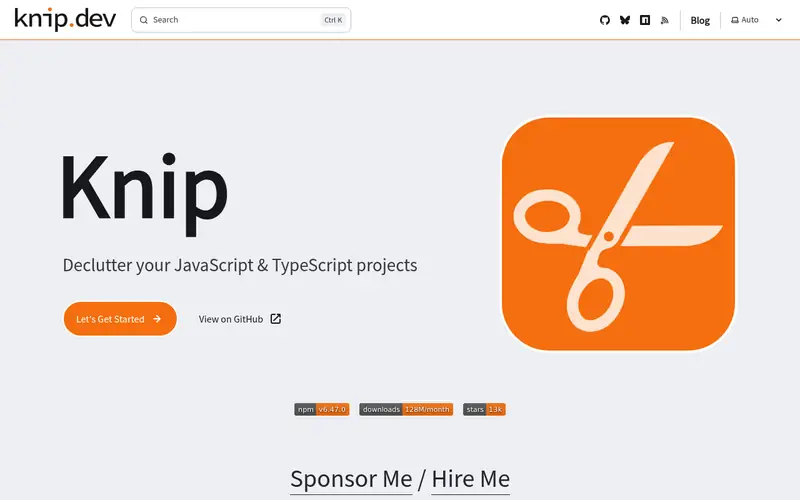
Knip looks for unused files, exports, types and dependencies across a project. It understands common frameworks and tools through plugins, so it can tell which entry points and config files matter. The output lists what appears unused so you can delete it.
It runs on Node.js and installs through npm. The project is open source. Expect some configuration to match your setup, and expect a first run with many findings on older codebases. It complements a graph tool: Knip finds dead entries, while dependency-cruiser and Madge show how live modules connect.
Standout: Reports unused files, exports and packages in one run
Free (open source), as listed by the vendor (Knip website). Confirm the current plan price before you buy.
Free plan. Plans change, so confirm on the vendor's pricing page before you buy.
Benefits
- Reports unused files, exports and packages in one run
- supports many frameworks
Drawbacks
- First run can be noisy on large projects
- config may need per-plugin tuning
Skip it if this limit matters to you: first run can be noisy on large projects.
Verdict. A sensible pick for finding unused files, exports and dependencies.
Alternatives in this guide: dependency-cruiser, Madge, npm ls and pnpm why
npm ls and pnpm why
Best for inspecting installed dependency trees without extra tools
What it is and where it fits
npm ls prints the installed dependency tree and flags problems such as missing or invalid packages. pnpm why explains why a package is present by tracing the chain of dependents. Both ship with their package managers, so there is nothing to install.
These commands work from installed node_modules and lockfiles, not from your import statements. They answer questions like "why is this package here" and "which version resolved" rather than "which files import this module." Use them alongside a source-level analyzer. pnpm why is documented at https://pnpm.io/cli/why.
Standout: Ships with the package manager
Free, as listed by the vendor (npm ls and pnpm why website). Confirm the current plan price before you buy.
Free plan. Plans change, so confirm on the vendor's pricing page before you buy.
Benefits
- Ships with the package manager
- shows why a package is installed
Drawbacks
- Reads installed packages, not source imports
- output can be long
Skip it if this limit matters to you: reads installed packages, not source imports.
Verdict. A sensible pick for inspecting installed dependency trees without extra tools.
Alternatives in this guide: dependency-cruiser, Madge, Knip
Nx graph
Best for visualizing project graphs in Nx monorepos
What it is and where it fits
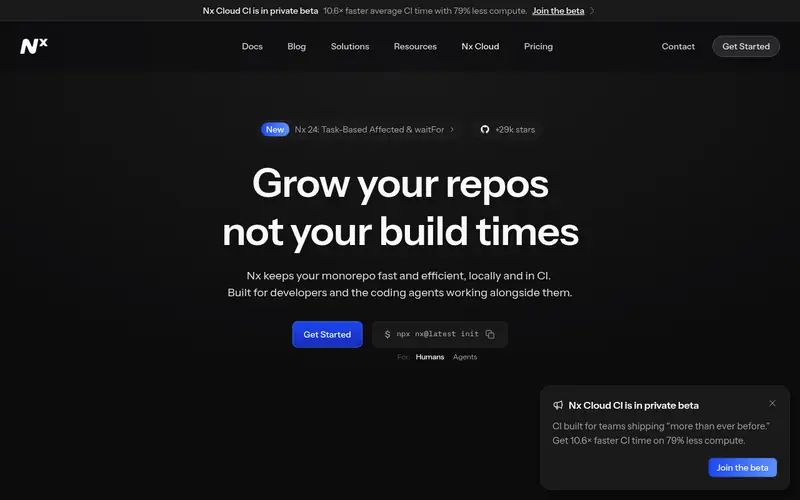
Nx is a build system for monorepos, and its graph command opens an interactive view of projects and their dependencies. It shows which projects depend on which, and which projects a change affects. The core is open source; Nx also sells paid cloud features.
The graph works inside an Nx workspace. It reads project configuration and imports to build the graph. If your repository is not an Nx workspace, this tool does not apply, and dependency-cruiser or Madge is the better fit. Pricing for paid tiers is on the vendor site.
Standout: Interactive project graph for monorepos
Free (open source), as listed by the vendor (Nx graph website). Confirm the current plan price before you buy.
Free plan. Plans change, so confirm on the vendor's pricing page before you buy.
Benefits
- Interactive project graph for monorepos
- shows affected projects
Drawbacks
- Tied to Nx workspaces
- not a general-purpose analyzer for any repo
Skip it if this limit matters to you: tied to Nx workspaces.
Verdict. A sensible pick for visualizing project graphs in Nx monorepos.
Alternatives in this guide: dependency-cruiser, Madge, Knip
Who should use what
Teams that want import rules enforced in CI should start with dependency-cruiser. Developers who need a quick graph or a circular-dependency report should use Madge. Projects cleaning up dead code and unused packages should try Knip. Anyone in an Nx monorepo can use the Nx graph for a project-level view. For a one-off question about why a package is installed, npm ls or pnpm why is enough.
Questions to settle before you buy
What to check before you buy
- Confirm the tool parses your syntax, including TypeScript, JSX and modern module formats.
- Check that it runs locally or in CI so source code is not sent to a third party.
- Review the repository's recent commits and releases before adopting it.
- Decide whether you need graph output, rule enforcement or unused-code reports.
- Test on a branch first, since first runs on large repos can be noisy.
FAQ
What is a JavaScript dependency analyzer?
It is a tool that reads your import statements or package manifest and reports how modules or packages relate. Output can be a graph, a list of circular dependencies, or a list of unused and missing packages. Some tools also enforce rules about which modules may import which.
Are these tools free?
dependency-cruiser, Madge, Knip and Nx core are open source and free. npm ls and pnpm why ship with their package managers at no cost. Nx sells paid cloud features separately; check the vendor pricing page for current terms.
Do these tools send my code to a server?
The command-line tools listed here run locally on your machine or CI runner. That keeps source code on your systems. Check any hosted or cloud feature separately, and do not paste private source or tokens into third-party web pages.
Can they find circular dependencies?
dependency-cruiser and Madge both detect circular dependencies and report the cycle. Knip focuses on unused entries rather than cycles. npm ls and pnpm why show installed package trees, not import cycles in your source.
Which tool finds unused npm packages?
Knip reports dependencies that no source file imports, along with unused files and exports. For a quick check of what is installed and why, npm ls and pnpm why show the installed package tree and the chain of dependents.
Sources we checked
Method: how we score · editorial policy.
Change log. First published 28 Nov 2026.