Stage 04 · Run · Researched comparison
Best JavaScript Bundle Analyzers in 2026
webpack-bundle-analyzer is the first pick for most teams on webpack, because it produces an interactive treemap from the stats file and is widely used. Statoscope suits teams that want deeper analysis, including duplicate modules and build comparison, and size-limit fits teams that want bundle budgets enforced in CI.

By Shihab Mia
Published 28 Nov 2026 · 6 tools compared
We run no ads and no affiliate links at launch. The order of a list follows our published method. See how we score.
Prices are the starting prices vendors list publicly. Plans change, so confirm the current price on the vendor page before you buy.
Key takeaways
- webpack-bundle-analyzer, rollup-plugin-visualizer, Statoscope, Sonda and size-limit are free and open source; Bundlephobia is a free hosted service.
- Most analyzers read a local stats file or source map, so your build data stays on your machine.
- Bundlephobia measures package cost before install, not your own application bundle.
- size-limit is the pick when you need CI checks that fail a build over a size budget.
Who each pick is for
- Webpack users who want an interactive treemap of bundle contentswebpack-bundle-analyzer
- Rollup and Vite users who want a visual bundle reportrollup-plugin-visualizer
- Teams that need deep bundle analysis and build comparisonStatoscope
- Checking the size cost of an npm package before installingBundlephobia
- A single analyzer across multiple bundlersSonda
- Enforcing bundle size budgets in CIsize-limit
Comparison
| Tool | Best for | Standout feature | Listed starting price | Free plan or trial |
|---|---|---|---|---|
| 1webpack-bundle-analyzer | Webpack users who want an interactive treemap of bundle contents | Interactive treemap with gzip and parsed sizes | Free (open source) | Free plan |
| 2rollup-plugin-visualizer | Rollup and Vite users who want a visual bundle report | Works with Rollup and Vite | Free (open source) | Free plan |
| 3Statoscope | Teams that need deep bundle analysis and build comparison | Detects duplicate modules and compares builds | Free (open source) | Free plan |
| 4Bundlephobia | Checking the size cost of an npm package before installing | Quick size and dependency cost for a package | Free | Free plan |
| 5Sonda | A single analyzer across multiple bundlers | Supports several bundlers with one tool | Free (open source) | Free plan |
| 6size-limit | Enforcing bundle size budgets in CI | Fails CI when a size budget is exceeded | Free (open source) | Free plan |
How we picked
We picked tools that directly show or control JavaScript bundle contents: stats-based analyzers, package cost lookups and CI size budgets. Criteria were fit for the job, supported bundlers and platforms, price and license, whether analysis runs locally, and main limits. Sources are vendor pages, documentation and project repositories. Prices and features change, so confirm details on the vendor site before you commit.
The tools, one by one
webpack-bundle-analyzer
Best for webpack users who want an interactive treemap of bundle contents
What it is and where it fits
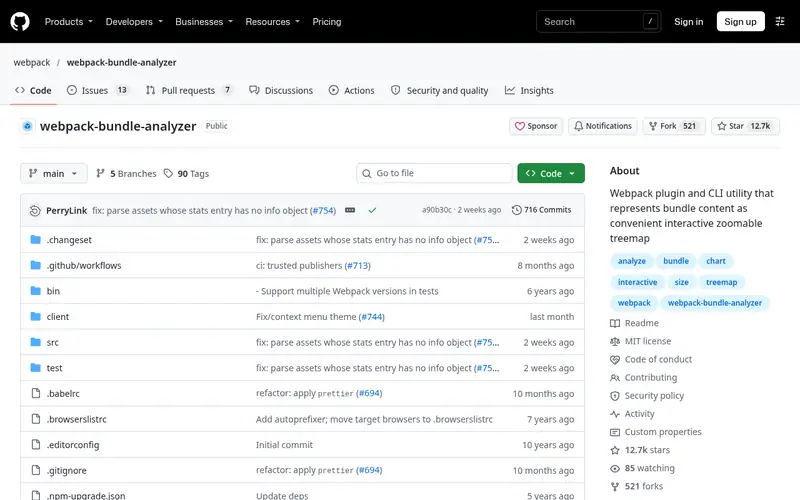
webpack-bundle-analyzer reads the stats JSON that webpack emits and renders an interactive treemap in a local browser page. You can switch between parsed, gzip and brotli sizes, zoom into modules, and see which chunks include which packages. It runs as a CLI or as a plugin in the webpack config, and it works on any OS with Node.js.
The tool is maintained in the webpack organization and is free under the MIT license. It needs a webpack stats file, so projects on other bundlers need a different tool unless they can produce compatible stats. Reports are generated locally, which keeps build data off third-party servers.
Skip it if you are not on webpack or if you need automated size budgets in CI rather than a visual report. For very large applications, generating the report can take time and memory.
Standout: Interactive treemap with gzip and parsed sizes
Free (open source), as listed by the vendor (webpack-bundle-analyzer website). Confirm the current plan price before you buy.
Free plan. Plans change, so confirm on the vendor's pricing page before you buy.
Benefits
- Interactive treemap with gzip and parsed sizes
- reads a stats file, so it works offline
Drawbacks
- Tied to webpack stats output
- large builds can produce heavy reports
Skip it if this limit matters to you: tied to webpack stats output.
Verdict. A sensible pick for webpack users who want an interactive treemap of bundle contents.
Alternatives in this guide: rollup-plugin-visualizer, Statoscope, Bundlephobia
rollup-plugin-visualizer
Best for rollup and Vite users who want a visual bundle report
What it is and where it fits
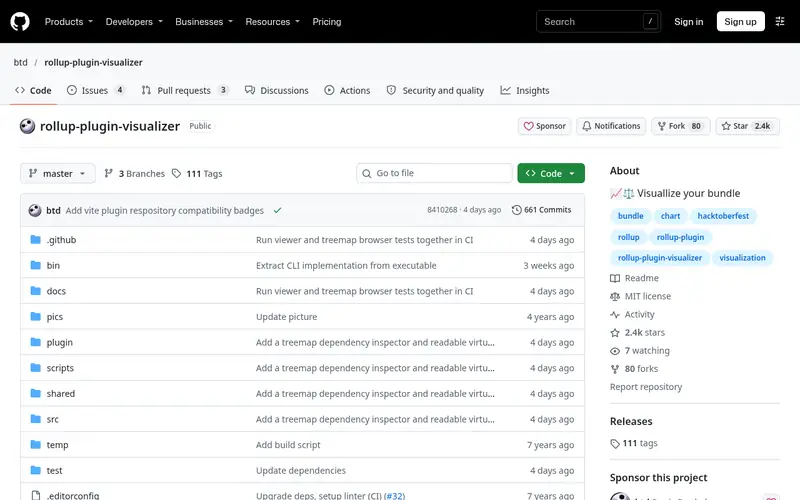
rollup-plugin-visualizer is a plugin for Rollup and Vite that writes a visual report of bundle contents. It supports treemap, sunburst and network-style views, and can output HTML, JSON or SVG. Because Vite uses Rollup for production builds, the same plugin covers both.
The project is free and open source. You add it to the plugins array and run a build; the report is written to a file you open locally. It shows module sizes and how they roll up into chunks, which helps find large dependencies and duplicated code.
Skip it if you are on webpack and want a stats-based report, or if you need CI budget enforcement, which is a separate concern.
Standout: Works with Rollup and Vite
Free (open source), as listed by the vendor (rollup-plugin-visualizer website). Confirm the current plan price before you buy.
Free plan. Plans change, so confirm on the vendor's pricing page before you buy.
Benefits
- Works with Rollup and Vite
- multiple output formats including treemap and sunburst
Drawbacks
- Plugin setup differs per bundler
- report detail depends on the bundler's module graph
Skip it if this limit matters to you: plugin setup differs per bundler.
Verdict. A sensible pick for rollup and Vite users who want a visual bundle report.
Alternatives in this guide: webpack-bundle-analyzer, Statoscope, Bundlephobia
Statoscope
Best for teams that need deep bundle analysis and build comparison
What it is and where it fits
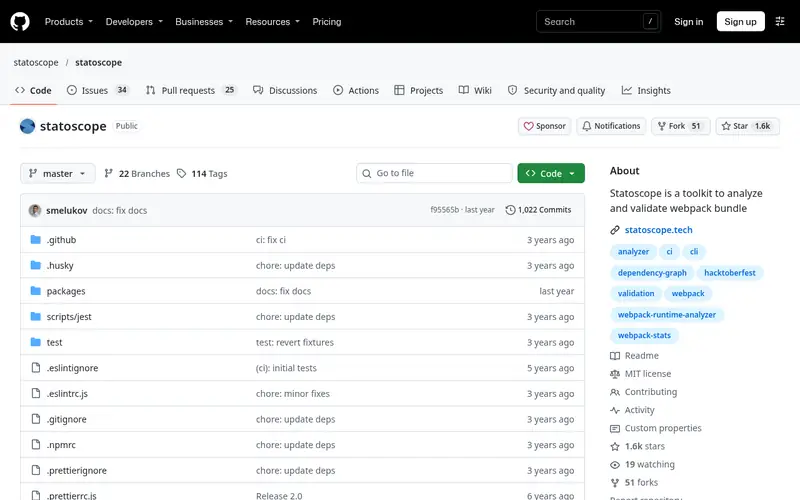
Statoscope is a toolkit for analyzing bundle stats. It reports duplicate packages, modules that changed between builds, and size differences, and it can compare two stats files to show what a change added or removed. It integrates with webpack and has packages for other bundlers.
The project is free and open source. It runs locally and can produce an HTML report or a CLI check. The feature set is broader than a simple treemap, which helps on larger codebases where you need to track regressions over time.
Skip it if you want a single quick visual and no extra configuration. The extra depth comes with more setup and a steeper learning curve.
Standout: Detects duplicate modules and compares builds
Free (open source), as listed by the vendor (Statoscope website). Confirm the current plan price before you buy.
Free plan. Plans change, so confirm on the vendor's pricing page before you buy.
Benefits
- Detects duplicate modules and compares builds
- supports webpack and Vite via integrations
Drawbacks
- More setup and concepts to learn
- interface is aimed at deeper analysis
Skip it if this limit matters to you: more setup and concepts to learn.
Verdict. A sensible pick for teams that need deep bundle analysis and build comparison.
Alternatives in this guide: webpack-bundle-analyzer, rollup-plugin-visualizer, Bundlephobia
Bundlephobia
Best for checking the size cost of an npm package before installing
What it is and where it fits
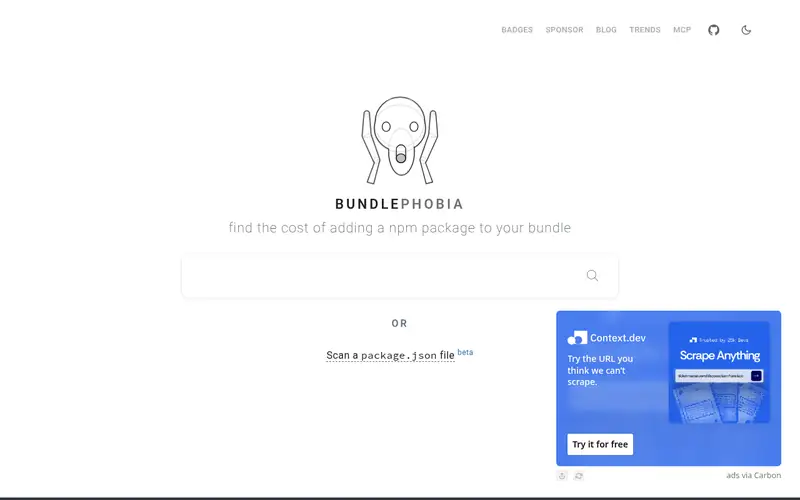
Bundlephobia is a hosted service that reports the minified and gzip size of an npm package, plus its dependency tree and download cost. You search a package name and get an estimate before adding it to a project. It is useful when comparing libraries during selection.
It is free to use and runs on the vendor's servers, so treat it as a public lookup. Do not submit private or internal package names. It does not analyze your own application bundle; use a stats or source-map tool for that.
Skip it if you need to see how a package interacts with the rest of your code, or if your packages are private.
Standout: Quick size and dependency cost for a package
Free, as listed by the vendor (Bundlephobia website). Confirm the current plan price before you buy.
Free plan. Plans change, so confirm on the vendor's pricing page before you buy.
Benefits
- Quick size and dependency cost for a package
- no install needed
Drawbacks
- Measures packages, not your app bundle
- hosted service, so do not submit private package names
Skip it if this limit matters to you: measures packages, not your app bundle.
Verdict. A sensible pick for checking the size cost of an npm package before installing.
Alternatives in this guide: webpack-bundle-analyzer, rollup-plugin-visualizer, Statoscope
Sonda
Best for a single analyzer across multiple bundlers
What it is and where it fits
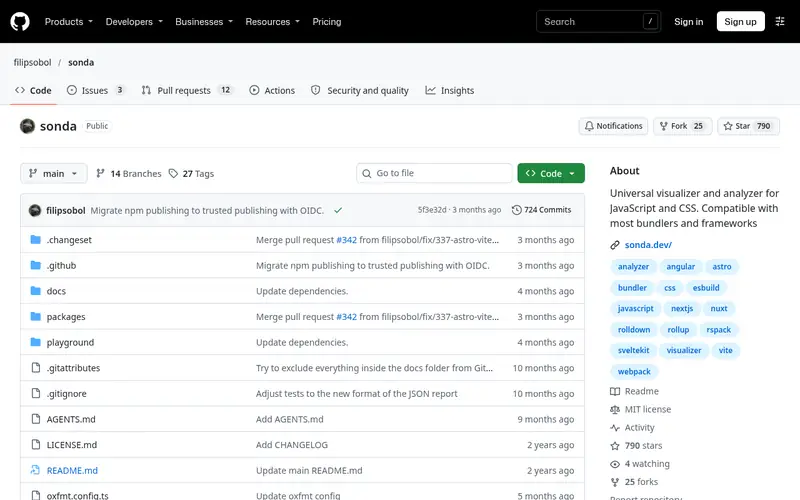
Sonda is a bundle analyzer that aims to work across bundlers, including webpack, Rollup, Vite, esbuild and others, through plugins. It produces a visual report of module and chunk sizes so you can find heavy dependencies.
The project is free and open source and runs locally. Because it targets several bundlers, it can be useful in monorepos or mixed setups where one analyzer per bundler is inconvenient. Check the documentation for the plugin that matches your build tool.
Skip it if you need a long-established tool with a large body of community answers, or if your bundler is not yet supported.
Standout: Supports several bundlers with one tool
Free (open source), as listed by the vendor (Sonda website). Confirm the current plan price before you buy.
Free plan. Plans change, so confirm on the vendor's pricing page before you buy.
Benefits
- Supports several bundlers with one tool
- visual report of module sizes
Drawbacks
- Newer project with a smaller ecosystem
- setup varies by bundler
Skip it if this limit matters to you: newer project with a smaller ecosystem.
Verdict. A sensible pick for A single analyzer across multiple bundlers.
Alternatives in this guide: webpack-bundle-analyzer, rollup-plugin-visualizer, Statoscope
size-limit
Best for enforcing bundle size budgets in CI
What it is and where it fits
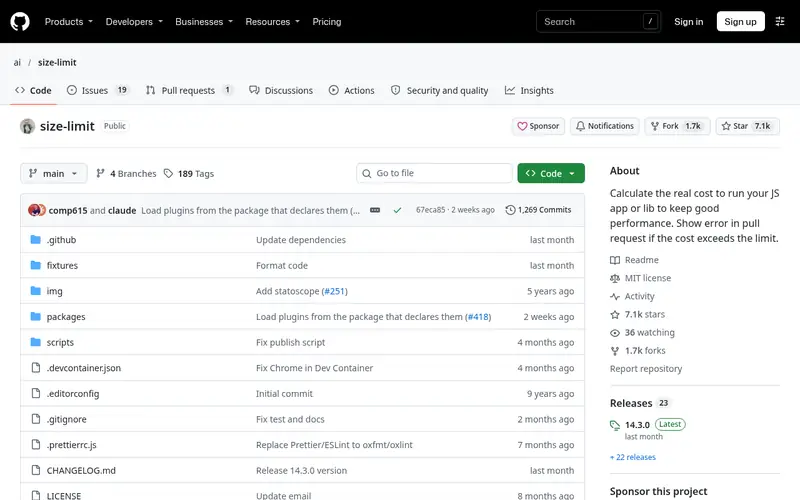
size-limit measures the size of built files or entry points and compares them to limits you set in config. It runs in CI and exits with a failure when a budget is exceeded, which catches size regressions before merge. It can also report gzip and brotli sizes.
The project is free and open source. It is not a treemap tool; pair it with an analyzer when you need to find what caused a regression. Budgets take some tuning, and strict limits can fail on unrelated dependency updates.
Skip it if you only need occasional visual inspection and do not run size checks in CI.
Standout: Fails CI when a size budget is exceeded
Free (open source), as listed by the vendor (size-limit website). Confirm the current plan price before you buy.
Free plan. Plans change, so confirm on the vendor's pricing page before you buy.
Benefits
- Fails CI when a size budget is exceeded
- checks specific files or entry points
Drawbacks
- Not a visual explorer
- budgets need tuning to avoid false failures
Skip it if this limit matters to you: not a visual explorer.
Verdict. A sensible pick for enforcing bundle size budgets in CI.
Alternatives in this guide: webpack-bundle-analyzer, rollup-plugin-visualizer, Statoscope
Who should use what
If you are on webpack and want a quick visual, start with webpack-bundle-analyzer. Rollup and Vite users should try rollup-plugin-visualizer first. Teams that need duplicate detection and build-to-build comparison should look at Statoscope. If the goal is preventing regressions in CI, size-limit enforces budgets, and Bundlephobia helps when you are still choosing a package.
Questions to settle before you buy
What to check before you buy
- Confirm the tool supports your bundler and version.
- Check whether it needs source maps or a stats file, and that your build can produce them.
- Verify the report runs locally if your build data is sensitive.
- Decide whether you need a visual report, CI budgets, or both.
- Review the license and maintenance activity in the repository.
FAQ
What is the difference between a bundle analyzer and a size budget tool?
An analyzer shows what is inside a bundle, usually as a treemap or report. A size budget tool measures output against limits and fails CI when they are exceeded. They solve different problems and are often used together.
Can I analyze a bundle without source maps?
Yes, if you have bundler stats. webpack-bundle-analyzer and Statoscope work from stats files. Some analyzers need source maps, so check the tool's requirements when maps are unavailable.
Is it safe to upload my bundle to an online analyzer?
Avoid uploading private build output to third-party sites. Most tools listed here run locally from a stats file or source map. Bundlephobia is a hosted lookup for public npm packages, so do not submit private package names.
Does Bundlephobia measure my application bundle?
No. Bundlephobia estimates the size of an npm package and its dependencies. To see your own application bundle, use a stats-based or source-map-based analyzer.
Which tool works with Vite?
rollup-plugin-visualizer supports Vite because Vite uses Rollup for production builds. Sonda and Statoscope also document Vite integrations. Check each project's documentation for current setup steps.
Sources we checked
Method: how we score · editorial policy.
Change log. First published 28 Nov 2026.