Stage 04 · Run · Researched comparison
Best Env File Tools for Developers in 2026
dotenv-linter is the first pick for teams that want to catch mistakes in .env files before they reach a shell or CI job. It checks syntax and ordering without loading anything. For automatic per-directory loading, direnv is the common choice. For teams that need encrypted env files committed to a repository, dotenvx covers that job. All three are open source and free.

By Shihab Mia
Published 28 Nov 2026 · 7 tools compared
We run no ads and no affiliate links at launch. The order of a list follows our published method. See how we score.
Prices are the starting prices vendors list publicly. Plans change, so confirm the current price on the vendor page before you buy.
Key takeaways
- dotenv-linter, direnv, dotenvx and env-cmd are free and open source; Infisical, Doppler and 1Password CLI are commercial products with free tiers or trials.
- dotenv-linter validates .env syntax and duplicate keys; it does not load variables into a process.
- direnv loads variables per directory in your shell; it is not a secret store and does not encrypt files.
- Never paste real secrets, tokens or production values into third-party web pages; keep .env handling local.
Who each pick is for
- Catching syntax and duplicate-key errors in .env filesdotenv-linter
- Loading per-directory env vars automatically in a shelldirenv
- Encrypting .env files that are committed to a repositorydotenvx
- Running a single command with variables from an env fileenv-cmd
- Teams that want a secrets platform with a local CLIInfisical CLI
- Teams managing environment config across environmentsDoppler CLI
- Teams already using 1Password for secret storage1Password CLI (op run)
Comparison
| Tool | Best for | Standout feature | Listed starting price | Free plan or trial |
|---|---|---|---|---|
| 1dotenv-linter | Catching syntax and duplicate-key errors in .env files | Fast static checks with no runtime dependency | Free (open source) | Free plan |
| 2direnv | Loading per-directory env vars automatically in a shell | Loads and unloads variables as you move between directories | Free (open source) | Free plan |
| 3dotenvx | Encrypting .env files that are committed to a repository | Encrypts env files so they can be committed safely | Free (open source) | Free plan |
| 4env-cmd | Running a single command with variables from an env file | Simple one-command usage | Free (open source) | Free plan |
| 5Infisical CLI | Teams that want a secrets platform with a local CLI | Central secret storage with a CLI that injects variables into commands | See vendor pricing page | Free plan |
| 6Doppler CLI | Teams managing environment config across environments | CLI injects secrets into local commands | See vendor pricing page | Free plan |
| 71Password CLI (op run) | Teams already using 1Password for secret storage | Reuses an existing 1Password vault | See vendor pricing page | Free trial (14 days) |
How we picked
We picked tools that either check, load or encrypt .env files, and left out general secret scanners. Criteria were fit for the job, supported platforms, licence and price model, whether handling stays local, and the main limits of each tool. Sources are vendor documentation, project repositories and public pricing pages. Prices and free-tier limits change, so confirm them on the vendor site before you commit.
The tools, one by one
dotenv-linter
Best for catching syntax and duplicate-key errors in .env files
What it is and where it fits
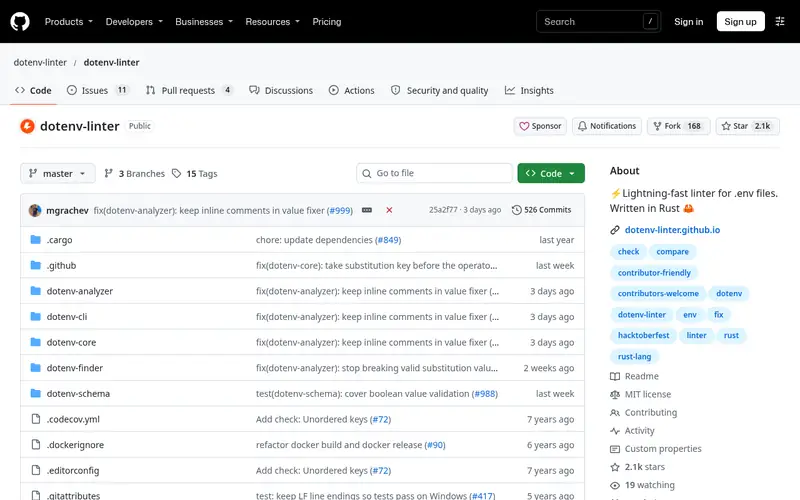
dotenv-linter is a command-line tool that reads .env files and reports problems such as duplicate keys, keys with spaces, lowercase keys, extra blank lines and missing values. It runs as a single binary on Linux, macOS and Windows, and it ships as a GitHub Action and a pre-commit hook, so it fits into CI and local hooks without extra setup. A fix subcommand rewrites files to match its rules.
It does not export variables to your shell or application, and it does not encrypt or store secrets. Treat it as a check that runs before anything else loads the file. Teams that already use a linter in CI get the most value; solo developers who rarely edit .env files may find it optional.
Standout: Fast static checks with no runtime dependency
Free (open source), as listed by the vendor (dotenv-linter website). Confirm the current plan price before you buy.
Free plan. Plans change, so confirm on the vendor's pricing page before you buy.
Benefits
- Fast static checks with no runtime dependency
- fix mode rewrites common problems
Drawbacks
- Does not load variables into a process
- no built-in secret storage
Skip it if this limit matters to you: does not load variables into a process.
Verdict. A sensible pick for catching syntax and duplicate-key errors in .env files.
direnv
Best for loading per-directory env vars automatically in a shell
What it is and where it fits
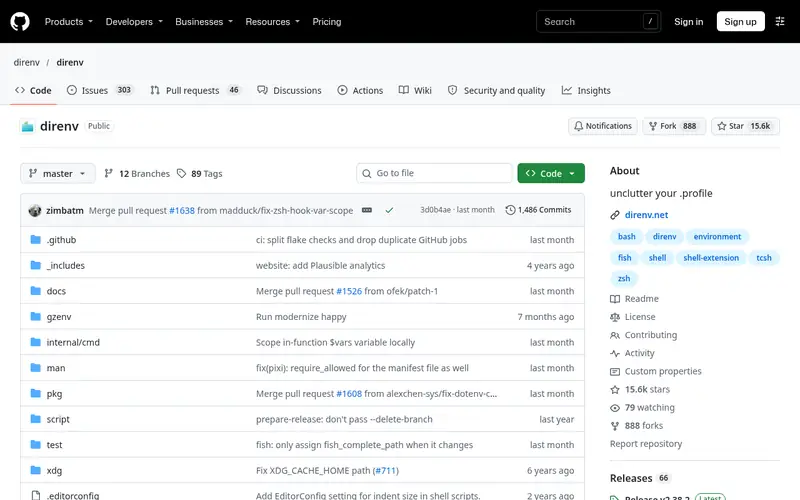
direnv hooks into your shell and loads an .envrc file when you enter a directory, then unloads it when you leave. It supports bash, zsh, fish and other shells, and it can load a standard .env file through its dotenv helper. This removes the need to source files by hand and keeps project-specific variables out of your global shell profile.
The .envrc file is plain text by default, so it is not a secret store. direnv also does not run in CI or inside application runtimes, so it complements loaders rather than replacing them. Developers who work across several projects in one terminal get the clearest benefit.
Standout: Loads and unloads variables as you move between directories
Free (open source), as listed by the vendor (direnv website). Confirm the current plan price before you buy.
Free plan. Plans change, so confirm on the vendor's pricing page before you buy.
Benefits
- Loads and unloads variables as you move between directories
- works with many shells
Drawbacks
- Shell-only, not for CI or app runtimes
- .envrc files are plain text unless you add encryption
Skip it if this limit matters to you: shell-only, not for CI or app runtimes.
Verdict. A sensible pick for loading per-directory env vars automatically in a shell.
Alternatives in this guide: dotenv-linter, dotenvx, env-cmd
dotenvx
Best for encrypting .env files that are committed to a repository
What it is and where it fits
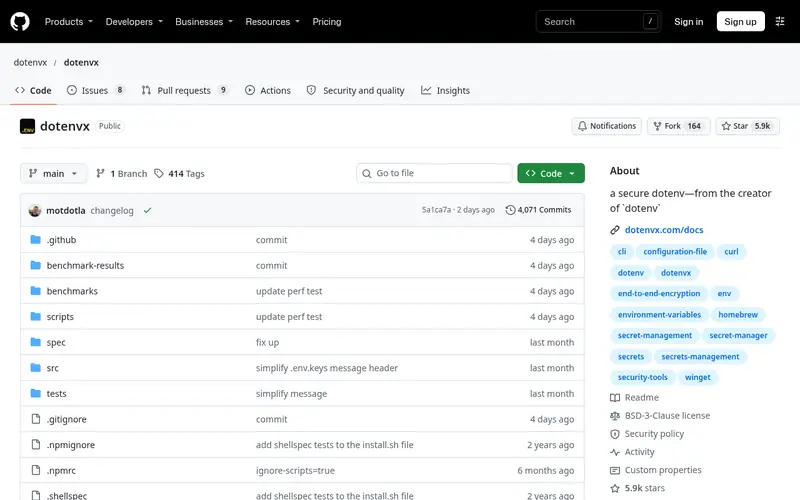
dotenvx is a dotenv-compatible tool that can encrypt .env files so the encrypted version can live in version control. It runs commands with the decrypted values injected, and it supports multiple environments and file names. It works as a CLI on Linux, macOS and Windows, and there are language-specific packages for Node.js and other runtimes.
The encryption key must be stored and shared separately, so the tool does not remove the need for a key management decision. It also changes how you start your app, since commands run through dotenvx rather than directly. Teams that want env files in git without plaintext secrets are the main audience.
Standout: Encrypts env files so they can be committed safely
Free (open source), as listed by the vendor (dotenvx website). Confirm the current plan price before you buy.
Free plan. Plans change, so confirm on the vendor's pricing page before you buy.
Benefits
- Encrypts env files so they can be committed safely
- runs across languages and platforms
Drawbacks
- Key management is still your responsibility
- adds a step to every run command
Skip it if this limit matters to you: key management is still your responsibility.
Verdict. A sensible pick for encrypting .env files that are committed to a repository.
Alternatives in this guide: dotenv-linter, direnv, env-cmd
env-cmd
Best for running a single command with variables from an env file
What it is and where it fits
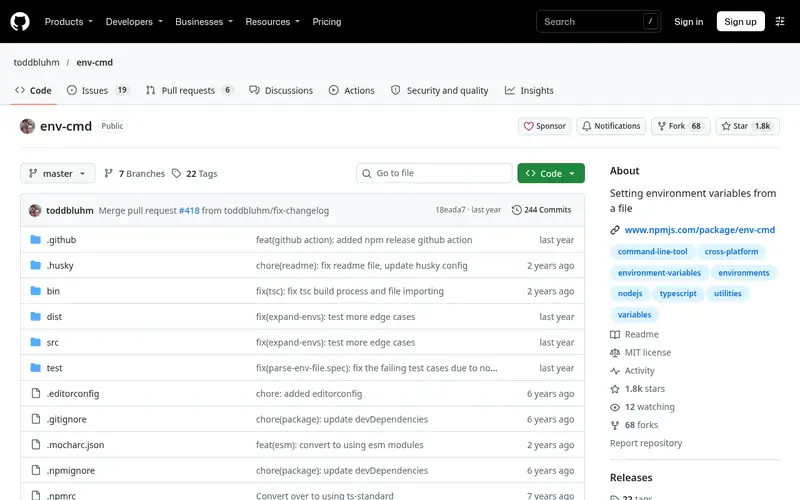
env-cmd is a Node.js package that reads an env file and runs a command with those variables set. It supports .env, JSON and JavaScript file formats and lets you pick an environment by name. It is often used in package.json scripts to switch configuration between local, staging and test runs.
It does not validate file contents, encrypt values or manage secrets. It also only works in Node.js projects. For small projects that need one command to load a file, it is a low-effort option; larger teams usually want a linter and a secret store alongside it.
Standout: Simple one-command usage
Free (open source), as listed by the vendor (env-cmd website). Confirm the current plan price before you buy.
Free plan. Plans change, so confirm on the vendor's pricing page before you buy.
Benefits
- Simple one-command usage
- supports multiple file formats and environment names
Drawbacks
- Node.js only
- no validation or encryption
Skip it if this limit matters to you: node.js only.
Verdict. A sensible pick for running a single command with variables from an env file.
Alternatives in this guide: dotenv-linter, direnv, dotenvx
Infisical CLI
Best for teams that want a secrets platform with a local CLI
What it is and where it fits
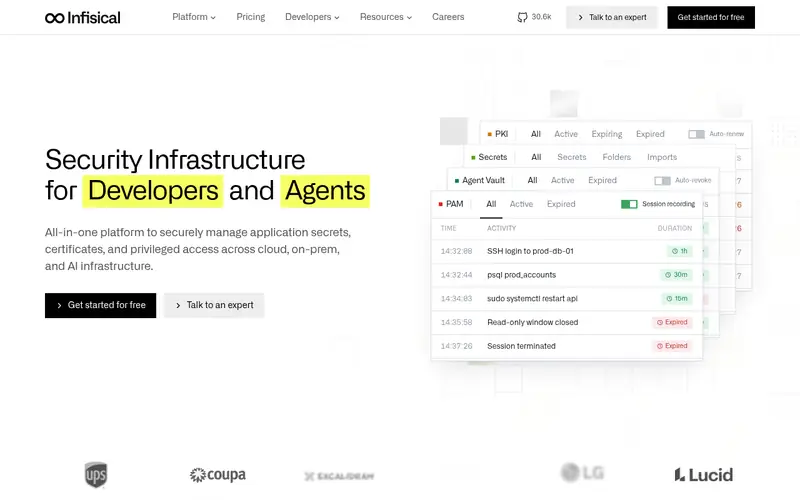
Infisical is a secrets management platform with a command-line client. The CLI can inject secrets into a process, and it works with local development as well as CI. The project is open source and can be self-hosted, and the hosted service has a free tier. The CLI runs on Linux, macOS and Windows.
Using it means secrets live in the platform rather than in a local .env file, which changes the workflow for every developer on the team. Setup takes more effort than copying a file. Teams that already need shared secret storage and audit trails should look here; single developers with one project likely do not need it.
Standout: Central secret storage with a CLI that injects variables into commands
See vendor pricing page, as listed by the vendor (Infisical CLI website). Confirm the current plan price before you buy.
Free plan. Plans change, so confirm on the vendor's pricing page before you buy.
Benefits
- Central secret storage with a CLI that injects variables into commands
- self-hosting option
Drawbacks
- Requires a running service or account
- more setup than a plain .env file
Skip it if this limit matters to you: requires a running service or account.
Verdict. A sensible pick for teams that want a secrets platform with a local CLI.
Alternatives in this guide: dotenv-linter, direnv, dotenvx
Doppler CLI
Best for teams managing environment config across environments
What it is and where it fits
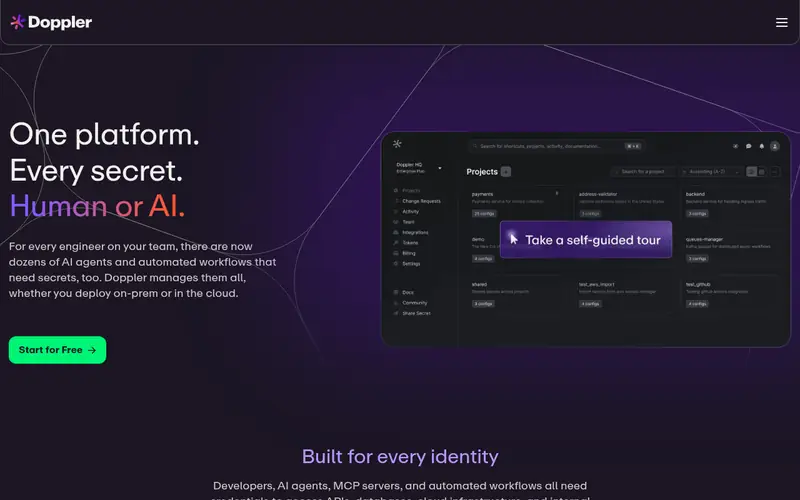
Doppler is a secrets and environment configuration platform with a CLI. The CLI runs commands with secrets injected, and it supports local development, CI and deployment targets. Environments such as dev, staging and production are first-class objects in the product, which suits teams that promote config between stages.
The CLI runs on Linux, macOS and Windows. The service is hosted, so local work depends on network access and an account. The free tier exists but its limits change, so confirm current terms on the vendor pricing page. Teams that want a managed platform rather than files in a repository are the fit.
Standout: CLI injects secrets into local commands
See vendor pricing page, as listed by the vendor (Doppler CLI website). Confirm the current plan price before you buy.
Free plan. Plans change, so confirm on the vendor's pricing page before you buy.
Benefits
- CLI injects secrets into local commands
- environment separation is built in
Drawbacks
- Hosted service dependency
- pricing and plan limits change, so check the vendor page
Skip it if this limit matters to you: hosted service dependency.
Verdict. A sensible pick for teams managing environment config across environments.
Alternatives in this guide: dotenv-linter, direnv, dotenvx
1Password CLI (op run)
Best for teams already using 1Password for secret storage
What it is and where it fits
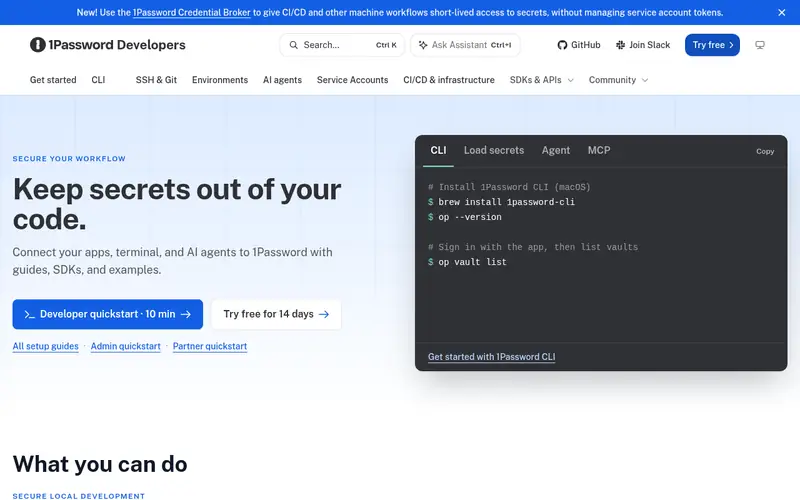
The 1Password CLI includes op run, which reads secret references from an env file and injects the resolved values into a command. Secrets stay in 1Password vaults rather than in plaintext files. The CLI runs on Linux, macOS and Windows and supports service accounts for automation.
It only makes sense if your team already pays for 1Password, since the CLI depends on a subscription. The env file holds references, not values, so the file format differs from a standard .env. Teams outside the 1Password ecosystem should pick a different tool.
Standout: Reuses an existing 1Password vault
See vendor pricing page, as listed by the vendor (1Password CLI (op run) website). Confirm the current plan price before you buy.
Free trial (14 days). Plans change, so confirm on the vendor's pricing page before you buy.
Benefits
- Reuses an existing 1Password vault
- op run injects secrets into a command
Drawbacks
- Requires a 1Password subscription
- not a plain .env file workflow
Skip it if this limit matters to you: requires a 1Password subscription.
Verdict. A sensible pick for teams already using 1Password for secret storage.
Alternatives in this guide: dotenv-linter, direnv, dotenvx
Who should use what
If you keep hitting duplicate keys and malformed lines, start with dotenv-linter and add it to CI. If you switch between projects in one terminal and want variables to load automatically, use direnv. If you need encrypted env files in git, use dotenvx. If your team already runs a secrets platform, use its CLI, such as Infisical, Doppler or 1Password, instead of plaintext files. Small Node.js projects can use env-cmd for a single command.
Questions to settle before you buy
What to check before you buy
- Confirm the tool checks or loads .env files rather than only scanning for secrets.
- Check platform support for your OS and shell, and for CI if you need it.
- Decide whether files stay local or must be encrypted before they enter git.
- Read the licence and the current free-tier limits on the vendor page.
- Keep real secrets out of third-party web pages and prefer local or offline handling.
FAQ
Do I need a linter if I already use a loader?
A loader sets variables but usually does not report duplicate keys or malformed lines. A linter such as dotenv-linter catches those before a loader runs, so the two work well together in a pre-commit hook or CI step.
Is direnv a secret manager?
No. direnv loads plaintext files into your shell. It does not encrypt or store secrets, so keep sensitive values in a secret manager or an encrypted file and load only what the directory needs.
Can I commit encrypted .env files?
Yes, with a tool like dotenvx. The encrypted file can go into git, but the decryption key must be stored separately and shared through a secure channel. Losing the key means losing access to the values.
Are these tools free?
dotenv-linter, direnv, dotenvx and env-cmd are free and open source. Infisical, Doppler and 1Password CLI are commercial products with a free tier or trial, and their limits change, so check the vendor pricing page.
Which tool works in CI?
dotenv-linter ships as a GitHub Action and fits any CI that runs a binary. dotenvx, Infisical, Doppler and 1Password CLI can inject variables into CI commands. direnv is shell-focused and is not the usual choice for CI jobs.
Sources we checked
Method: how we score · editorial policy.
Change log. First published 28 Nov 2026.